 Laptops
  Gaming Laptops
  Desktop
  Laptop & Desktop Accessories
  Workstation & Gaming
  Used PC, Laptop & Accessories
  CCTV & Accessories
  Printers / Scanners / POS and Accessories
  Mobile Phones / Tablets and Accessories
  Softwares
  Home & Kitchen Appliances
  Gift Voucher
  Smart Devices & Gadgets
  Office & Meeting Solutions
  Networking & Power Devices
  Graphic Tablets & Drawing Displays
  Monitors
Best Laptops Under 200K in Sri Lanka for 2026
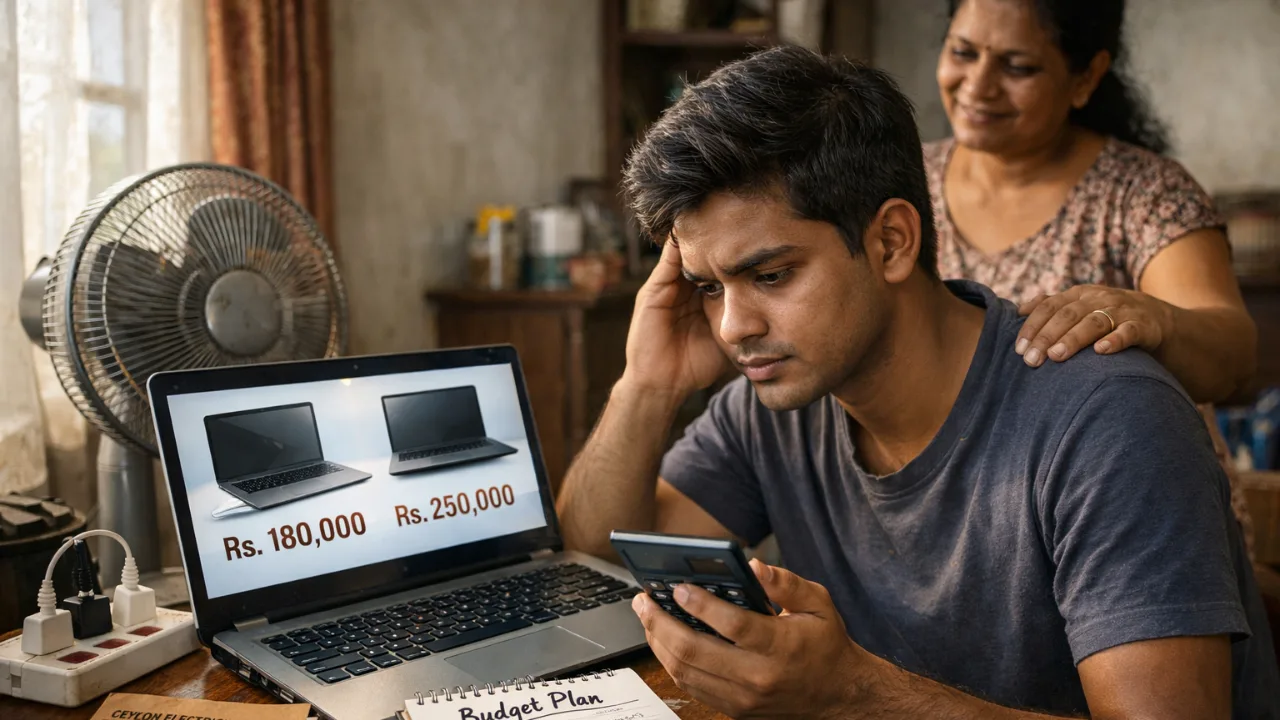
Buying a laptop under LKR 200,000 in Sri Lanka sounds easy at first. But once you start checking models, it quickly becomes confusing.
You will see many laptops with similar specs, but the real experience can be very different. Some feel slow after a few months. Others look affordable but have hidden problems like no upgrade options or weak build quality.
This guide will help you choose a laptop that actually works in Sri Lanka, not just one that looks good on paper.
What You Actually Get Under 200K in Sri Lanka
Let’s keep this simple and honest.
Under 200K, you are buying a laptop for studying, office work, and daily use. These machines are not built for heavy gaming or professional editing.
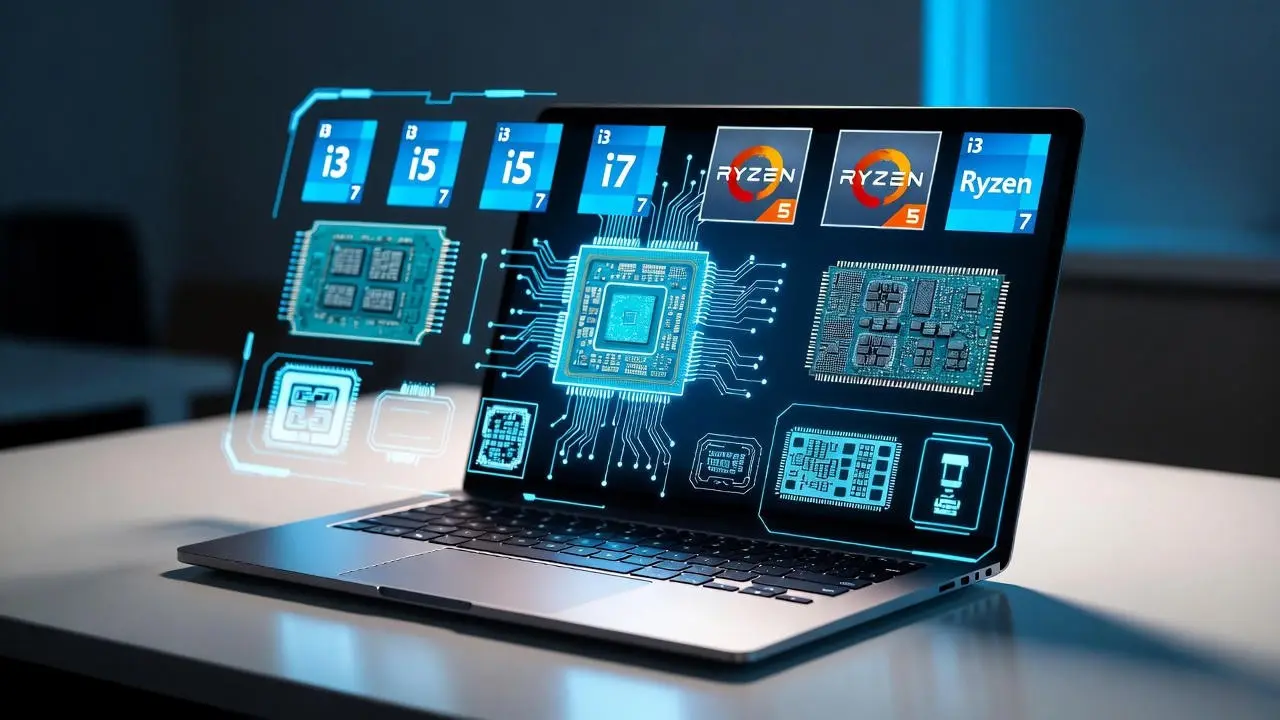
Most models in this range come with Intel i3 or Ryzen 3 processors, while some better options near 180K to 200K offer i5 or Ryzen 5 chips. You will usually get an SSD and a Full HD screen, which is good enough for most users.
Local truth. In Sri Lanka, most laptops under 200K are designed for basic work. What matters is choosing the right balance, not chasing the highest spec.
Best Laptops Under 200K in Sri Lanka for 2026
Here are some real options available in Sri Lanka right now. These are practical choices based on price, performance, and long term usability.
Best Budget Pick Around 150K
HP 250 G10 i3-1315U with 8GB RAM and 512GB SSD priced at Rs. 149,900
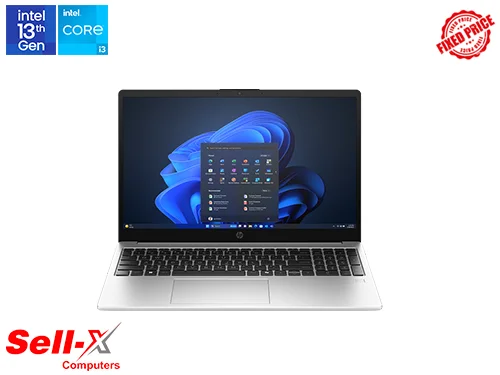
Good for basic use like browsing, Word, and online classes
512GB SSD gives enough storage for most users
Stable performance for everyday tasks
This is a safe choice if your budget is tight. Just remember, it comes without Windows, and the 8GB RAM may feel limited after some time.
Best for Students
ASUS Vivobook 15 X1504VA i3-1315U with 8GB RAM and 512GB SSD priced at Rs. 164,800
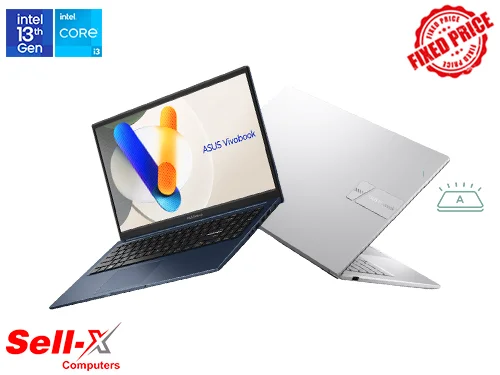
Smooth for Zoom, Chrome, and assignments
Lightweight and modern design
Good balance between price and performance
This works well for most university students. It handles daily tasks easily, but it is not built for heavy software.
Best Performance Under 180K
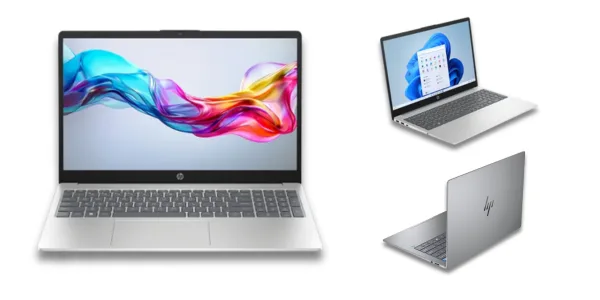
HP 15-fc0146dx Ryzen 5 7520U with 8GB RAM and 512GB SSD priced at Rs. 176,900
Better multitasking compared to i3 models
Handles multiple apps without slowing down
Good for light coding and business work
This is a strong step up if you want a smoother experience. Still, the 8GB RAM can be a limitation for heavier use.
Best Value for Long Term Use
ASUS Vivobook Go 15 Ryzen 5 with 16GB RAM and 512GB SSD priced at Rs. 178,990
16GB RAM makes multitasking much smoother
Better for long term use without upgrades
Ideal for students and office users
In Sri Lanka, most laptops come with 8GB RAM. This gives you extra space to work without slowing down.
Best for Office Work
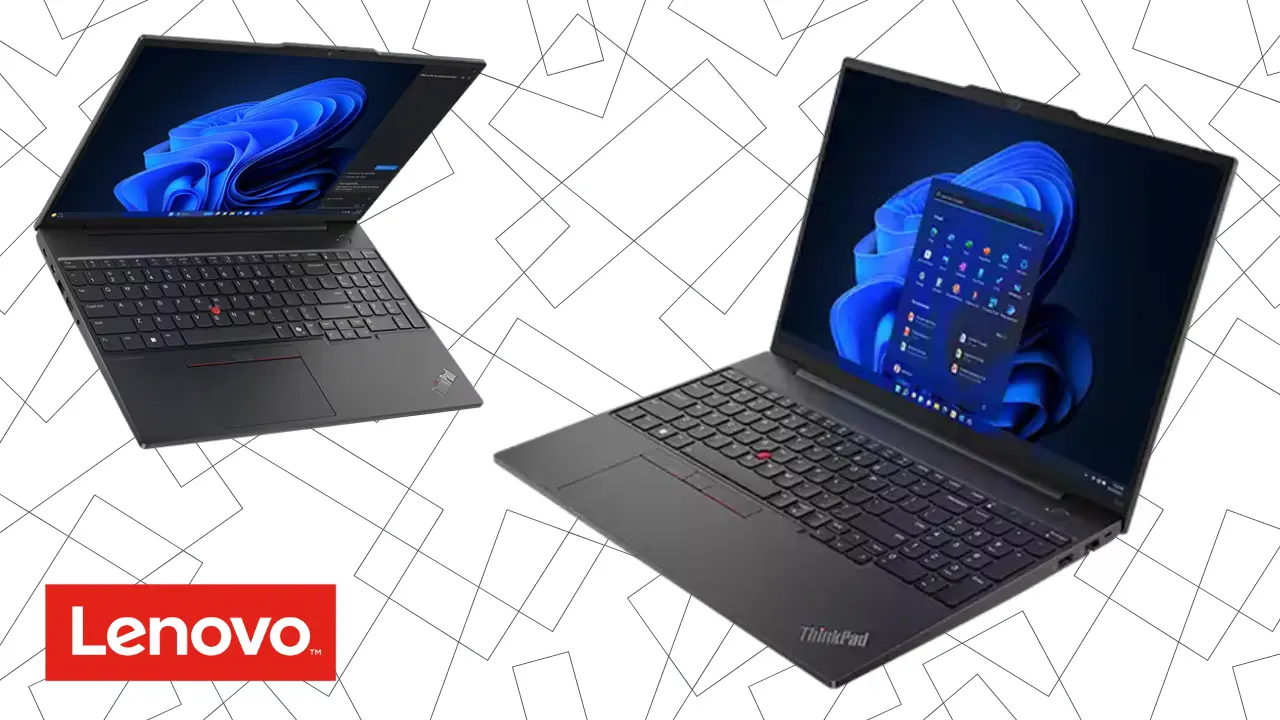
Lenovo V15 G5 i3-1315U with 8GB RAM and 512GB SSD priced at Rs. 168,900
Reliable for Excel, accounting, and office apps
Simple and practical design
Consistent daily performance
This is not flashy, but it gets the job done without issues.
Best High End Option Under 200K
Asus ExpertBook B1 i5-1335U with 8GB RAM and 512GB SSD priced at Rs. 199,900
Stronger performance for multitasking
Better long term investment
Suitable for heavier office work
If your budget allows it, this gives you more power. Just make sure to check if RAM can be upgraded before buying.
Other Good Options to Consider
Lenovo IdeaPad Slim 3 i5-13420H priced at Rs. 199,900
ASUS Vivobook 15 i5-13420H priced at Rs. 185,900
Dell 15 i5-1334U priced at Rs. 185,900
Asus Vivobook Ryzen 7 7730U priced at Rs. 188,900
These options offer better performance, but you should always check cooling and upgrade options before making a decision.
Common Mistakes Sri Lankan Buyers Make
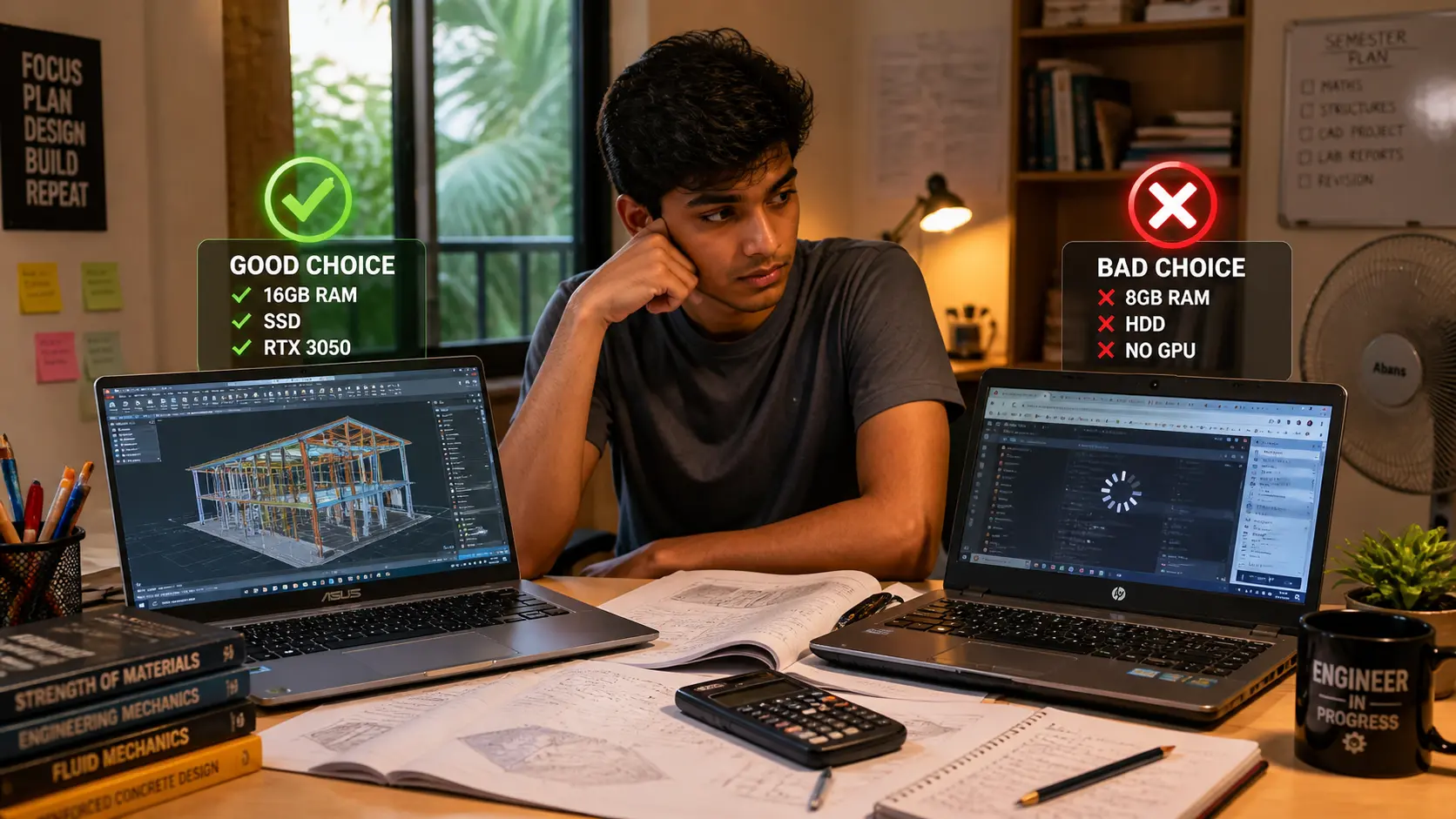
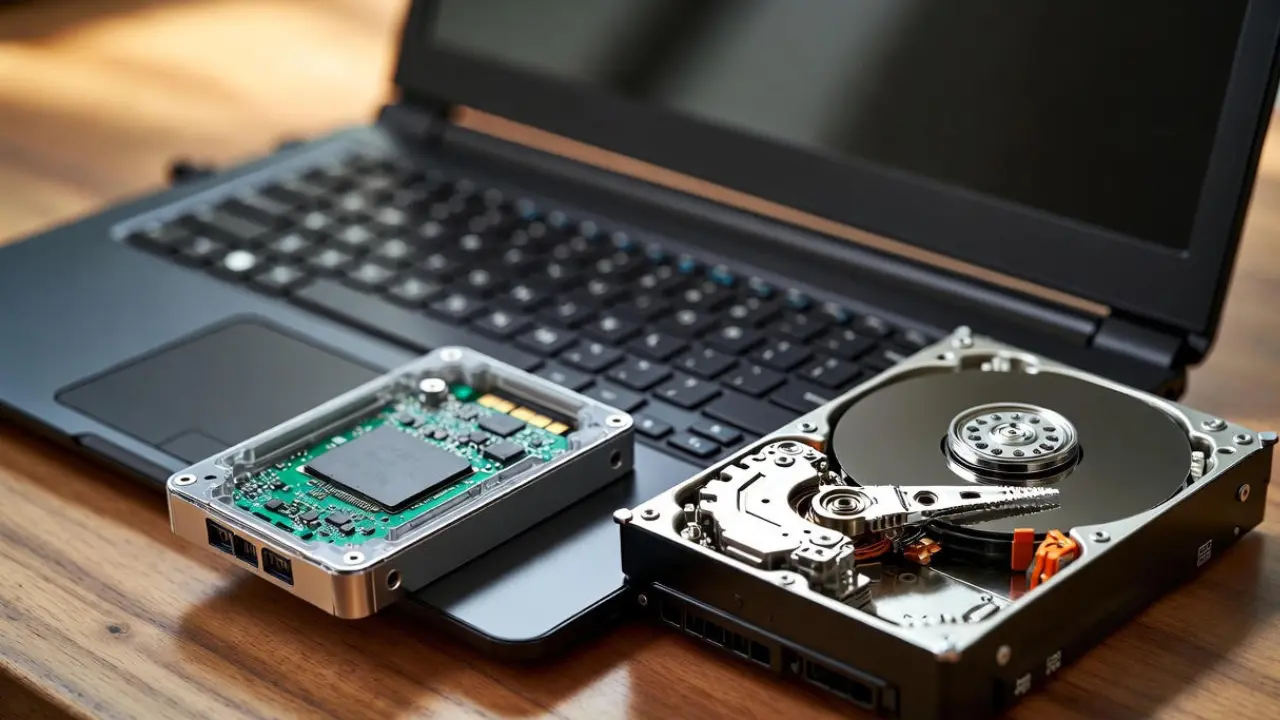
Many buyers focus only on price and ignore important details. One of the biggest mistakes is buying a laptop with a traditional HDD instead of an SSD. These systems feel slow from the first day.
Another common issue is choosing 8GB RAM without checking if it can be upgraded. This becomes a problem after a year or two when your usage increases. Some buyers also pay extra just for a brand name, even when a cheaper model offers the same performance.
Local truth. A cheap laptop with no upgrade path often becomes more expensive in the long run.
If You Are a Student
If you are buying a laptop for university, focus on what you actually use every day. You will likely run Chrome, Zoom, PDFs, and Word at the same time.
For this, you need at least 8GB RAM and an SSD. If possible, go for a model that allows upgrades or already has 16GB RAM. Avoid older processors and very low storage options, because they limit you quickly.
Sri Lanka Specific Buying Tips
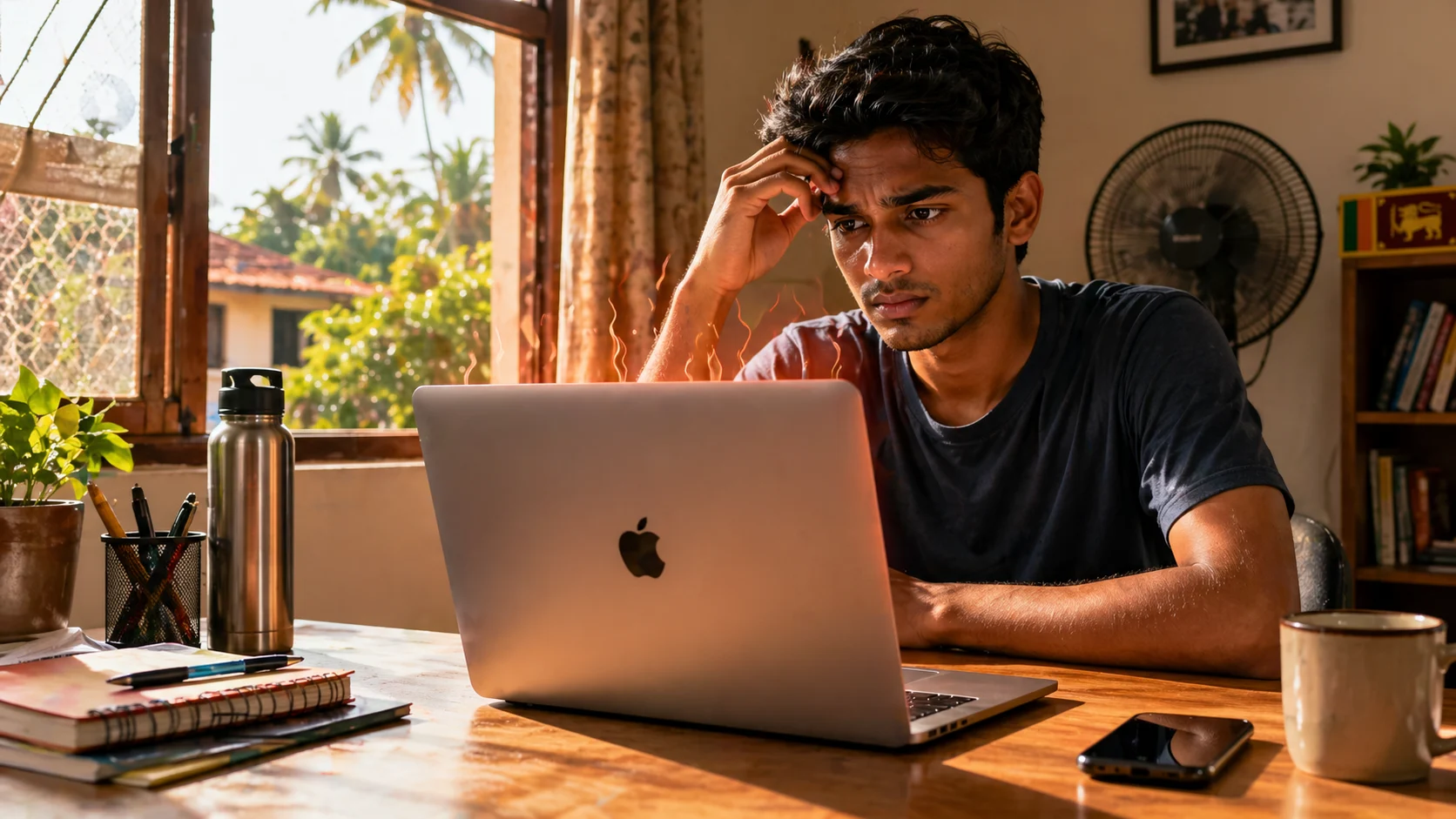
Buying a laptop in Sri Lanka is different from global markets. Heat is a real factor, and budget laptops can get warm under heavy use. Power cuts also matter, so battery life becomes more important than you think.
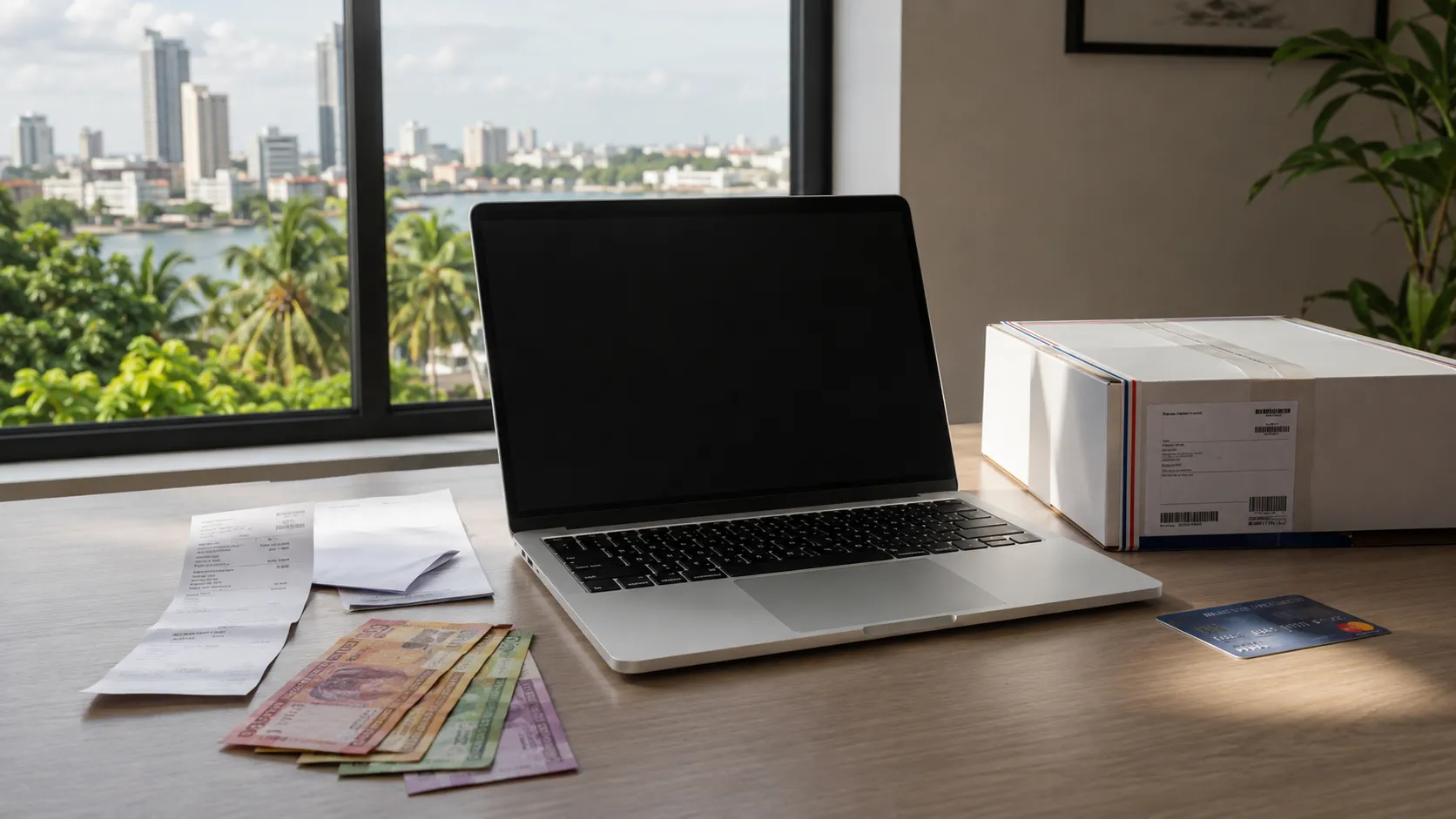
Prices can change depending on the dollar rate, and the same laptop can have a 10,000 to 20,000 rupee difference between shops. Always compare before buying.
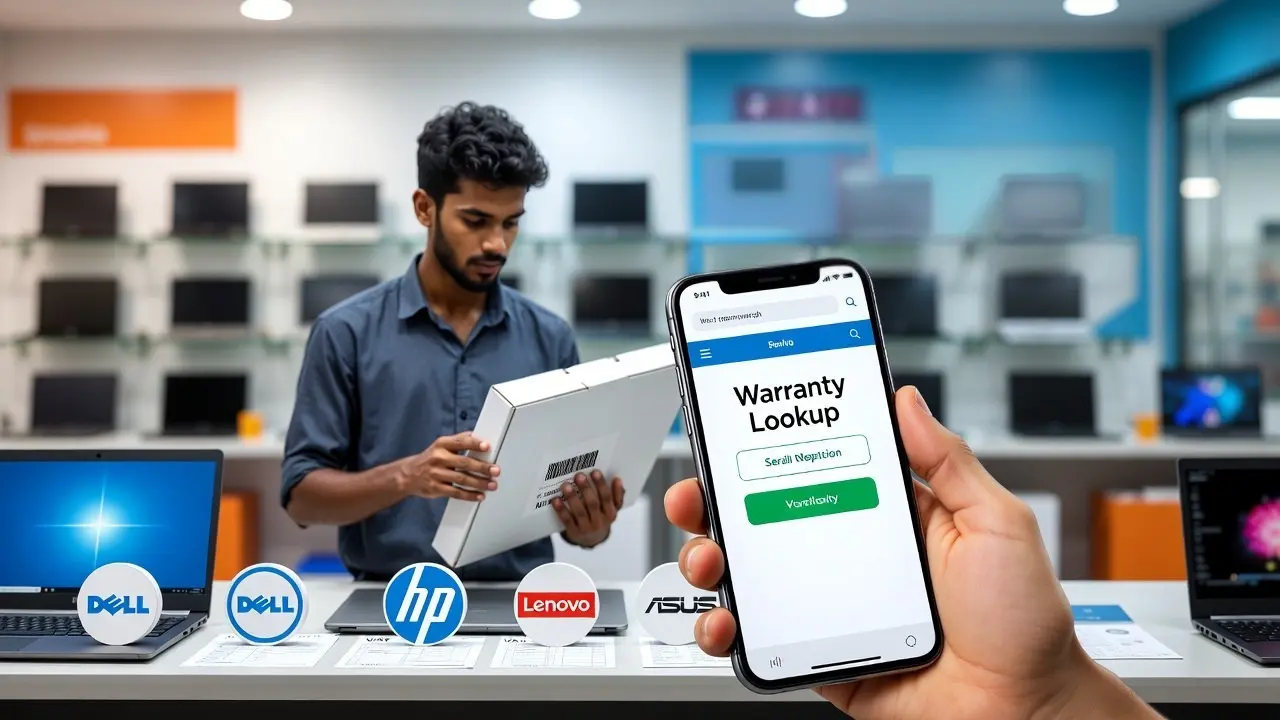
Also be careful with grey market units. Some sellers offer lower prices but provide no proper warranty or sell refurbished units as new.
Simple Buying Guide
If your budget is under 160,000 rupees, choose a laptop only for basic tasks like browsing and documents.
Between 160,000 and 180,000 rupees, you get safe and reliable laptops for everyday use. This is where most students and office users should look.
Between 180,000 and 200,000 rupees is the best value zone. This is where you start getting better processors or higher RAM, which makes a real difference over time.
Check Before You Buy
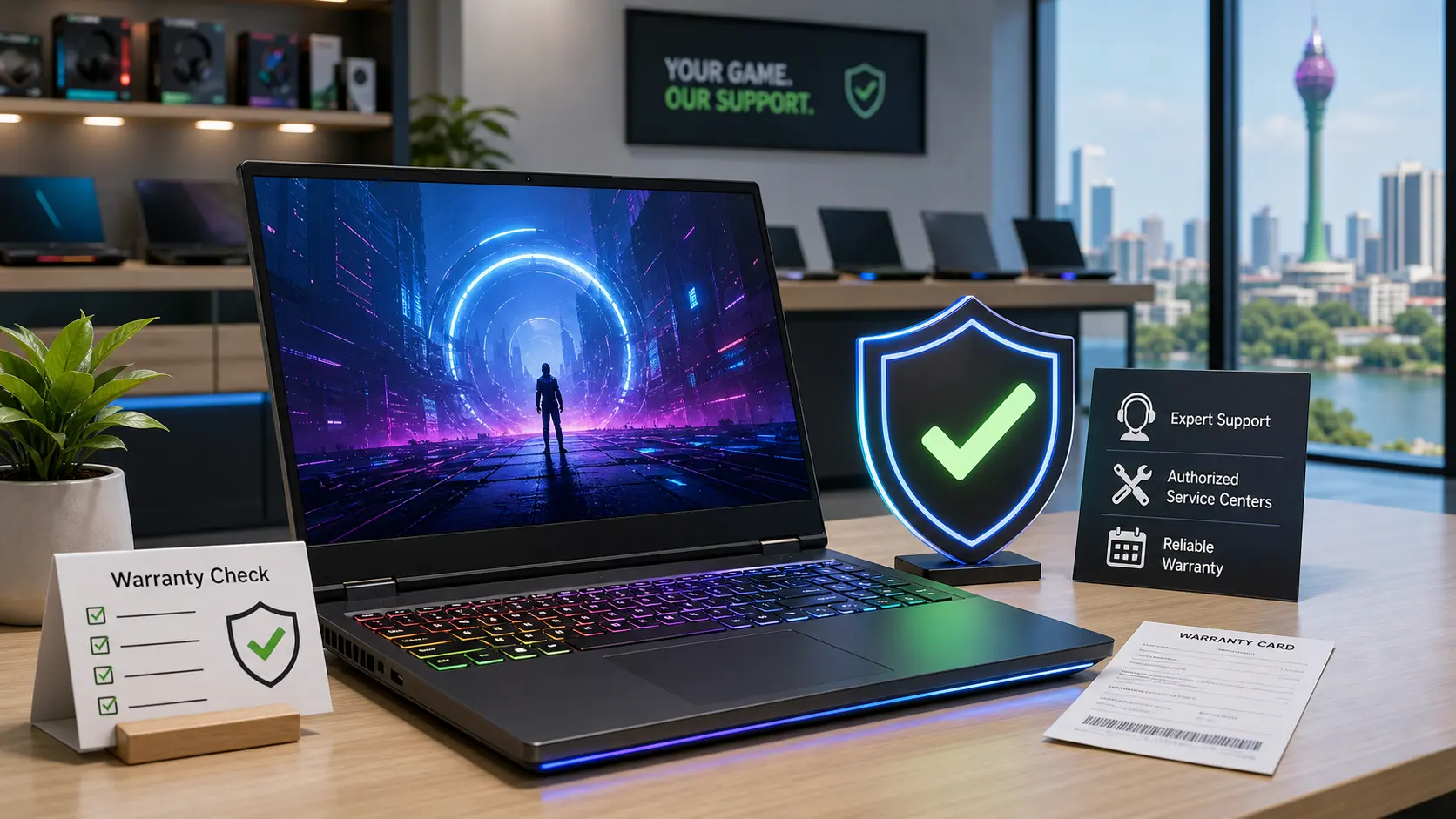
Before you make a final decision, check a few key things. Make sure the laptop has an SSD, confirm whether the RAM can be upgraded, and verify the warranty. Also check the CPU generation and build quality, especially the hinges and keyboard.
The best laptop under 200K in Sri Lanka is not the most powerful one. It is the one that gives you the best balance for your needs and avoids future problems.
You do not need to spend more. You just need to choose carefully based on how you actually use your laptop.
Related Posts