Lenovo Legion Slim 5 vs Legion 7: Choosing the Right Gaming Laptop
Choosing between Lenovo Legion Slim 5 and Legion 7? Focus on the exact configuration, useful upgrades, total price and local warranty.
5 min read

The Legion 7 is worth paying more for only when the exact model gives you a useful advantage over the Slim 5. If both meet your gaming and work needs, the lower complete price is the stronger starting point.
Model scope: SellX’s catalogue check on 16 November 2026 returned no exact Legion Slim 5 or Legion 7 listings. This guide therefore explains how to choose between quotations; it does not claim a verified specification or benchmark winner.
1. Quick verdict: which should you choose?
- Choose the Slim 5 if its confirmed performance meets your needs and it leaves more room in your budget.
- Choose the Legion 7 if documented improvements in gaming, display quality or another feature you use justify its extra cost.
- Hold off if either quotation omits the full model, display specification or written warranty terms.
Neither family name identifies a complete configuration. Match the generation and machine type/model code against Lenovo’s model specifications before comparing. A Legion Pro 7, Slim 7 or standard Legion 5 should not be treated as the same machine.
2. Compare the differences that affect your purchase
What to compare | What to confirm on both quotations | Why it matters |
|---|---|---|
Gaming hardware | Full CPU and laptop GPU names, graphics memory, GPU power limit and relevant test results | Series numbers alone do not establish gaming performance. |
Screen | Panel type, resolution, refresh rate, brightness and colour coverage | The useful upgrade depends on whether you prioritise games, creative work or everyday readability. |
RAM and storage | Installed capacity, occupied slots and supported upgrades | Include any necessary upgrades in the price comparison. |
Daily carrying | Laptop and charger weight, dimensions and workload-specific battery evidence | “Slim” does not establish the total weight you will carry. |
Condition and support | New or used condition, local warranty provider and exclusions | An older premium model needs condition and support checks too. |
Total price | Cash or instalment total, upgrades, delivery and required software | Compare what you will actually pay, not just the advertised price. |
Ask for the missing details before making a deposit. A blank specification should remain an unanswered question, not an assumed advantage.
3. Match the benefits to how you will use it
For gaming, look for tests of the exact configurations in your games at comparable settings. Resolution, power mode, upscaling and frame generation should be stated; otherwise the frame-rate figures may not be comparable.
For creative work, the choice between OLED and IPS belongs alongside the actual panel’s brightness and colour performance. Paying more for a display is useful only if its strengths suit your work.
For university, start with course software requirements and daily carrying. When one laptop must handle programming and gaming, compare the applications you run together, upgrade costs and charger weight rather than buying the higher series number.
If power interruptions affect your work, look for battery evidence for that workload. Do not assume gaming results, advertised maximum runtime or another configuration’s battery test describe your likely experience.
4. Is the Legion 7 worth the extra money?
Calculate the difference after adding required upgrades, payment charges, delivery and any software licence you need. There is no reliable fixed rupee premium to recommend without two complete quotations.
Pay the difference when you can identify a benefit you will use: better measured performance in your games, a display suited to paid creative work, or a feature essential to your setup. If the cheaper machine already meets those needs, keep the saving.
Across laptop prices in Sri Lanka, warranty and payment terms are part of the comparison. A verified laptop warranty should identify who handles local claims and what is covered; model-specific service questions belong with Lenovo support.
5. Check these six things before paying
- The full model code, CPU, GPU and screen match the written quotation.
- RAM and SSD capacity meet your needs, with upgrade costs confirmed.
- Performance claims refer to the exact configuration and comparable conditions.
- Condition, supplied charger and accessories are documented; inspect battery condition and repair history for a used unit.
- Local warranty coverage, exclusions and claim process are in writing.
- The invoice, delivered machine and final cash or instalment total match what you agreed.
Choose the machine whose verified advantages fit your needs. If the seller cannot explain what the extra money buys, you do not yet have enough information to justify paying it.
Other Legion models listed by SellX: the following images link to separate alternatives, not the two models compared above.

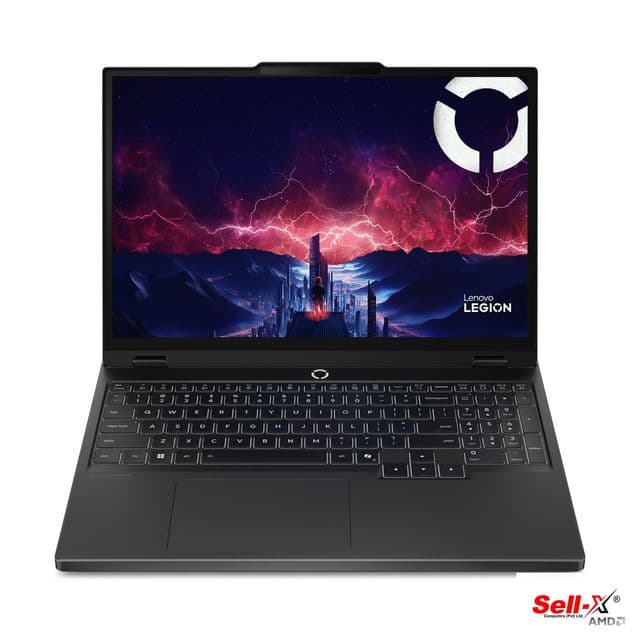
Lenovo Legion 5 15AKP10 — a separate alternative, not the Legion Slim 5.

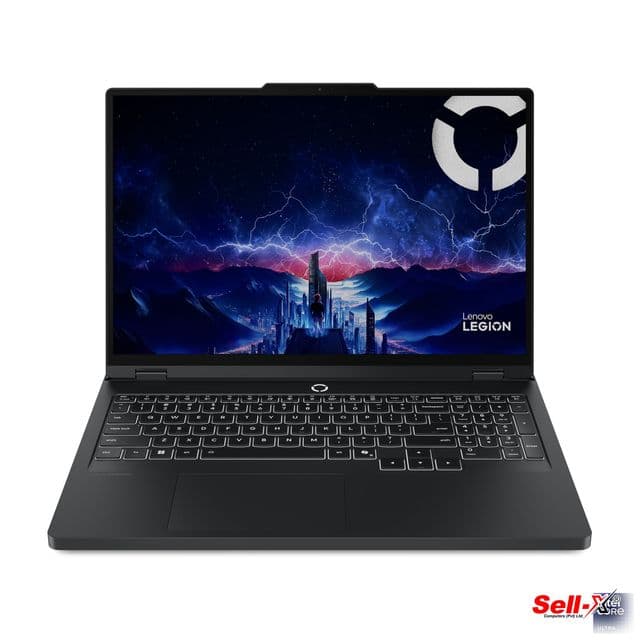
Lenovo Legion Pro 5 16IAX10 — a separate alternative, not the Legion 7.
Research note: based on SellX catalogue records and buying guidance, not hands-on testing or independently verified results for these two models. Lenovo links are verification resources. The featured artwork is illustrative; body images show the named catalogue alternatives.