 Laptops
  Gaming Laptops
  Desktop
  Laptop & Desktop Accessories
  Workstation & Gaming
  Used PC, Laptop & Accessories
  CCTV & Accessories
  Printers / Scanners / POS and Accessories
  Mobile Phones / Tablets and Accessories
  Softwares
  Home & Kitchen Appliances
  Gift Voucher
  Smart Devices & Gadgets
  Office & Meeting Solutions
  Networking & Power Devices
  Graphic Tablets & Drawing Displays
  Monitors
8GB vs 16GB RAM in 2026: What Sri Lankan Students Really Need
If you're a student trying to buy a laptop this year, you already know the biggest headache: Is 8GB RAM enough, or do you really need 16GB?
And with Sri Lankan prices going up every month, it’s normal to be scared of making the wrong choice.
Here’s the truth in simple words, based on real Sri Lankan usage, real 2025 prices, and what students actually do on their laptops.
What RAM Really Does (Explained Simply)
Most students hear “RAM is important,” but no one explains what it actually does. This section breaks it down in the simplest way, so you understand how RAM affects everyday things like assignments, Zoom classes, browser tabs, and your laptop’s overall smoothness.
Think of RAM as your laptop’s working space. Whatever you open, tabs, Zoom, Word, videos, coding software, sits inside RAM.
More RAM =
More space
Fewer slowdowns
Smoother multitasking
Less RAM =
Freezing
Lag
Noisy fan and overheating
Before buying, always check if the RAM is upgradeable. Many budget laptops sold in Sri Lanka have soldered 8GB that you can never increase.
What Sri Lankan Students Actually Do (Based on Real 2024–2025 Usage)
Your RAM needs depend entirely on what you actually do each day. Sri Lankan students often multitask more than they realize, and that’s where slowdowns begin. This section shows real usage patterns gathered from local discussions, so you can compare your own habits and choose wisely.
Sri Lankan students don’t do extreme tasks. But they multitask heavily, and that’s where RAM becomes a problem.
Assignments + Research (70–80% of students)
Chrome or Edge
10–15 tabs
PDF notes
Google Docs/Word
YouTube for lectures
8GB works, but fills up very fast. Most lag happens when students switch between tabs.
Online Classes
Zoom/Teams uses 1–3GB alone
Add notes + browser tabs + YouTube recaps
This is where students complain the most:
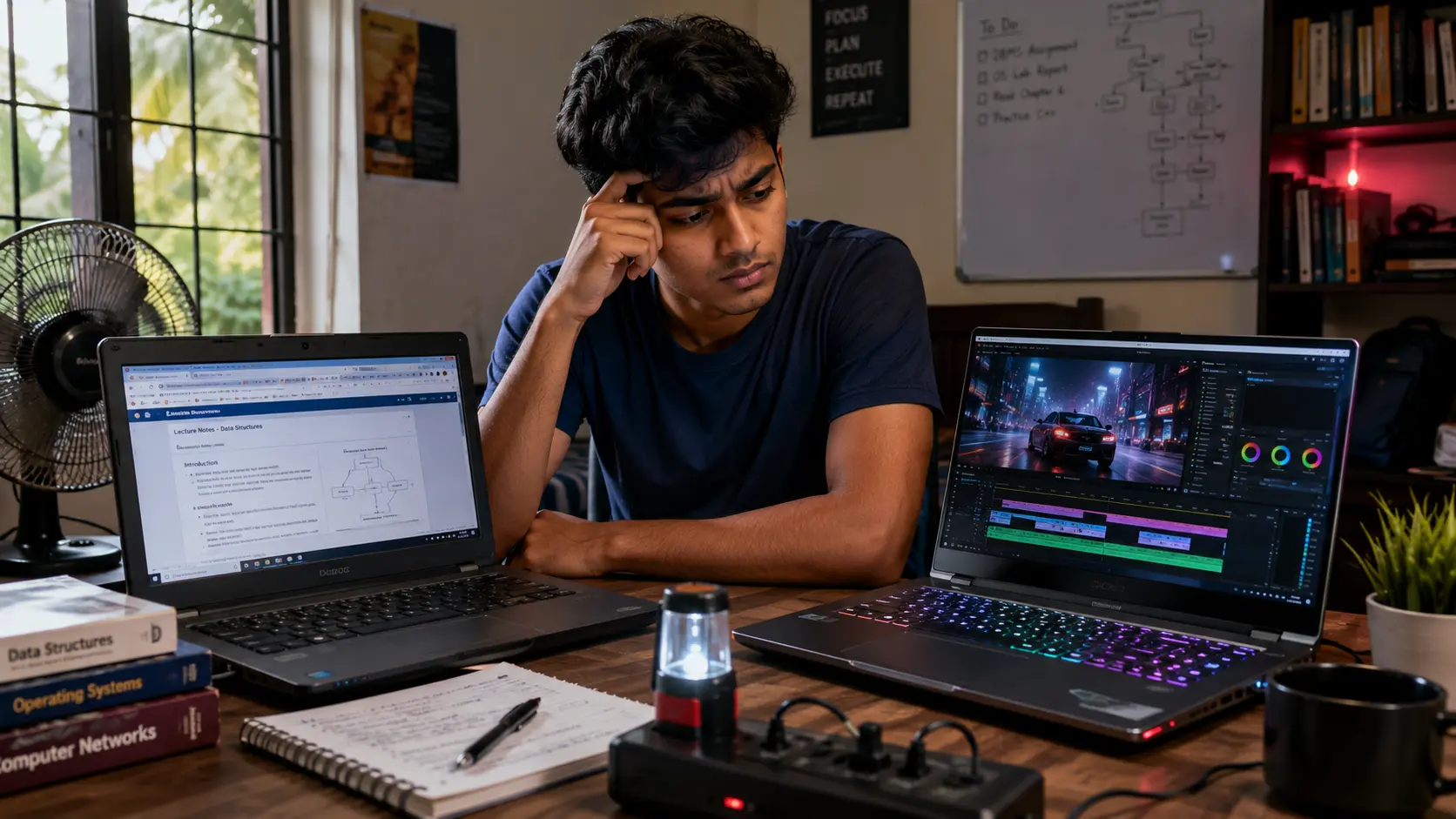
“Zoom call + Word + 10 tabs crashes my 8GB laptop.”, SL student on a public forum
16GB handles this far better.
Coding / IT / Engineering Students (20–30%)
VS Code / PyCharm / IntelliJ
Debuggers
Browser tabs
Coding tools alone use 2–4GB. Coding + Zoom + tabs can kill an 8GB laptop.
If you're doing CS, IT, SE, networking, or bootcamps: Go straight for 16GB.
Design / Architecture Students (5–10%)
Canva
Photoshop Elements
GIMP
AutoCAD basics
8GB is not enough. Simple designs will work, but the moment you add layers or large files, 8GB chokes immediately.
Light Users (Notes + Browsing)
If you only use:
Notes
PDF
Browsing
Light Zoom
Then 8GB is okay as long as the RAM is upgradeable.
Price Reality in Sri Lanka (2025)
Laptop pricing here is different from other countries because of taxes, dollar rates, and retail markups. Before choosing between 8GB and 16GB, you need to know the real price gap in Sri Lanka. This section gives you a clear picture using actual 2025 market data.
Real Sri Lankan prices from Daraz, Singer, Winsoft, Laptop.lk, and ikman.lk:
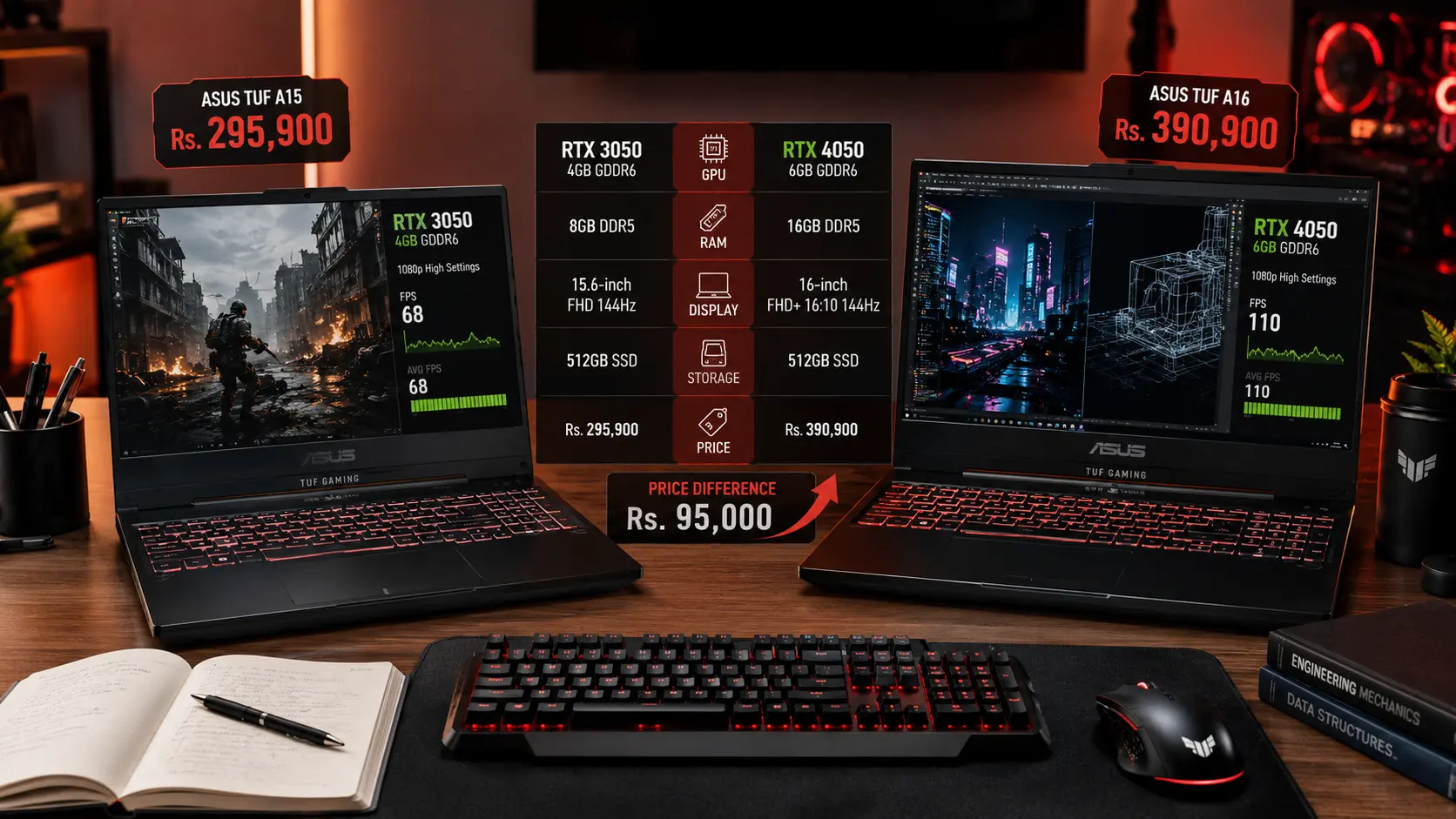
On average, 16GB costs 25,000–35,000 more.
When you spread it across four years, that’s just around Rs. 7,000 a year, about Rs. 600 a month. And the performance difference is huge.
Local Risks: Grey-Market, Fake RAM & Overheating
Many students try to save money and accidentally fall into common traps, fake upgrades, soldered RAM, or grey imports with no warranty. These issues hurt performance more than low RAM itself. This section explains the real risks Sri Lankan buyers face, so you don’t waste your money.
Sri Lankan students face problems buyers in other countries never think about.
Fake "16GB upgraded" laptops
Many grey-import sellers upgrade RAM with:
mixed brands
low-quality sticks
unstable timings
These laptops heat up, slow down, and sometimes even shut down.
Soldered 8GB
Many budget models (HP 15s, Lenovo Slim) come with non-upgradeable 8GB RAM. This locks you in forever.
Humidity & Heat
Sri Lankan heat pushes laptops to 80–90°C. Low RAM forces the laptop to use SSD as temporary memory → adds more heat → slows everything.
Warranty Issues
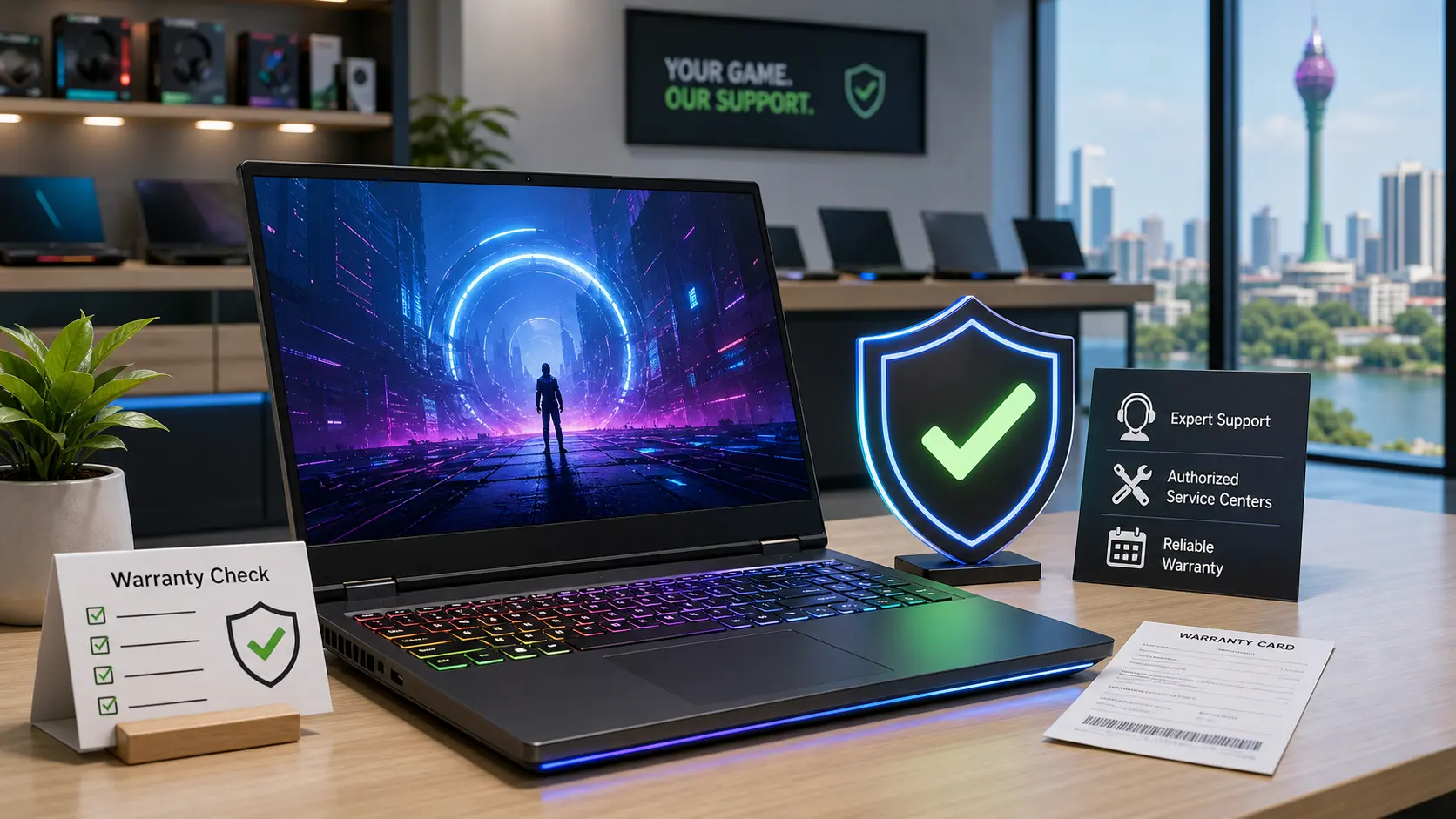
Upgrading RAM at unauthorized shops breaks warranty in many cases.
Always buy 16GB from an authorized dealer (Abans, Singer, Barclays, Nanotek, Winsoft).
So, Which One Should YOU Choose? Simple Yes/No Answers

By now you probably know what type of user you are. This section makes the decision even easier by giving you clear yes/no guidance based on your needs, your degree, your multitasking habits, and how long you plan to keep the laptop.
Choose 16GB if you:
Are a university student
Multitask with tabs + notes + Zoom
Do coding (VS Code, Java, Python)
Use Canva/Photoshop
Want the laptop for 3–4 years
Hate lag
Want better resale value
This fits 20–30% of Sri Lankan students, but gives peace of mind to 100%.
Choose 8GB only if you:
Are on a tight budget
Only do notes + browsing
Rarely multitask
Don’t do coding/design
Laptop has upgradeable RAM
This fits 60–70% of school-level or basic users.
But still: Upgrade to 16GB when you can.
Mistakes Sri Lankan Buyers Should Avoid
Students in Sri Lanka often make the same laptop mistakes without realizing it. These errors lead to slow performance, overheating, and wasted money. This section highlights the most common traps so you can avoid them and make a confident purchase.
Buying an 8GB laptop with soldered RAM
Buying grey imports with suspicious “16GB upgrades”
Using 8GB for university-level IT or design work
Buying just to “save 20–30K now” and suffering later
Ignoring cooling, most budget laptops sold here heat up quickly
Quick Checklist Before You Pay
Before you hand over your money, take one minute and run through this checklist. These simple checks prevent most of the problems students face with new laptops, especially in Sri Lanka’s heat, humidity, and grey-market environment. It’s your safety net.
Before buying your laptop in Sri Lanka, check:
Is the RAM upgradeable?
Is the 16GB genuine (single brand module)?
Does the shop give manufacturer warranty?
Is the SSD NVMe, not SATA?
Does the laptop have decent cooling vents?
These small checks save you thousands in repairs later.
Final SellX Recommendation
Choosing the right RAM doesn’t need to be stressful. This final section gives you a clear, honest summary based on everything we know, student workloads, prices, risks, and long-term value, so you can buy a laptop that feels smooth for years.
Let’s keep it honest.
8GB is still okay for light work. But in real Sri Lankan conditions, multitasking, power cuts, heavy Zoom use, slow internet, Chrome tabs, heat, 8GB reaches its limits quickly.
If you can stretch a bit, 16GB makes your laptop smoother, faster, and usable for years. It also sells for 10–20% more when you upgrade later.
If you’re buying once and want peace of mind, go for 16GB.
For safe comparison, check the updated Laptop Prices in Sri Lanka to see which models fit your budget without risking grey imports.
Related Posts