 Laptops
  Gaming Laptops
  Desktop
  Laptop & Desktop Accessories
  Workstation & Gaming
  Used PC, Laptop & Accessories
  CCTV & Accessories
  Printers / Scanners / POS and Accessories
  Mobile Phones / Tablets and Accessories
  Softwares
  Home & Kitchen Appliances
  Gift Voucher
  Smart Devices & Gadgets
  Office & Meeting Solutions
  Networking & Power Devices
  Graphic Tablets & Drawing Displays
  Monitors
How to Choose the Right Laptop Specs in Sri Lanka (Without Getting Confused)
If you’ve ever walked into Unity Plaza or scrolled through ikman.lk and felt your head spin from words like “12th Gen,” “RTX,” “NVMe,” and “soldered RAM,” you’re not alone.
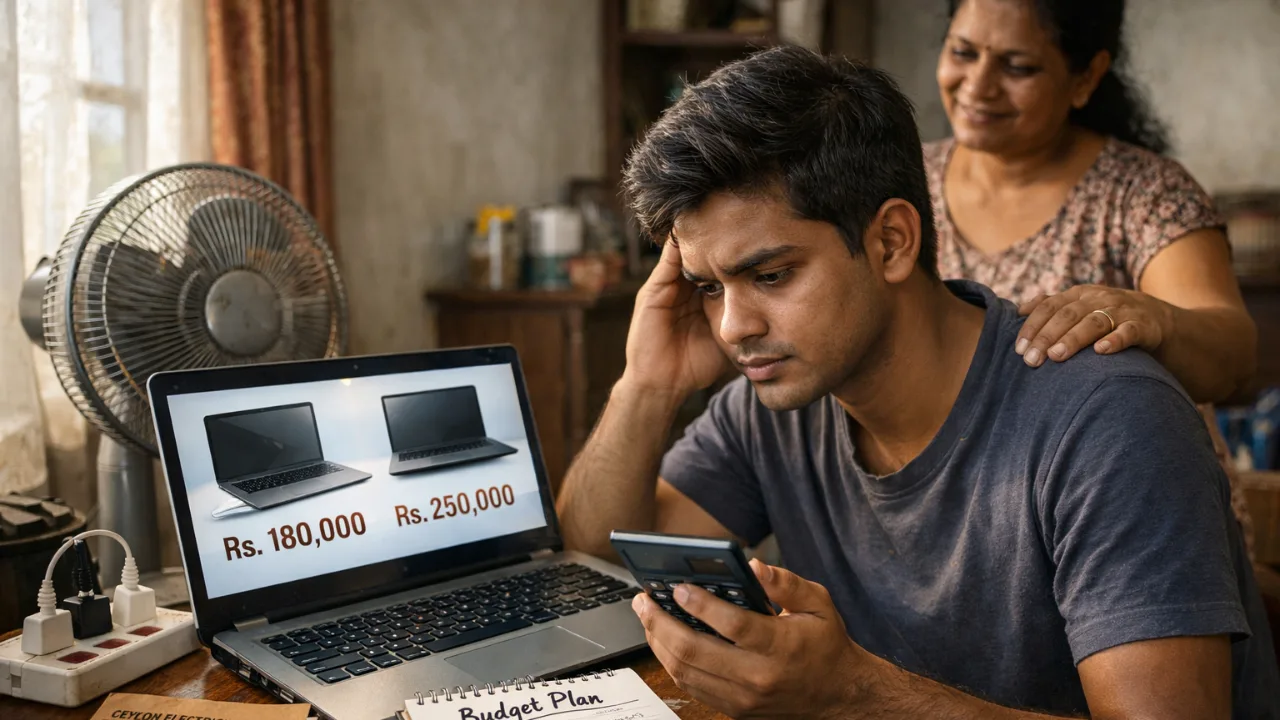
Most Sri Lankans struggle with laptop specs because prices here are high, information is scattered, and sellers often push whatever model they want to clear out.
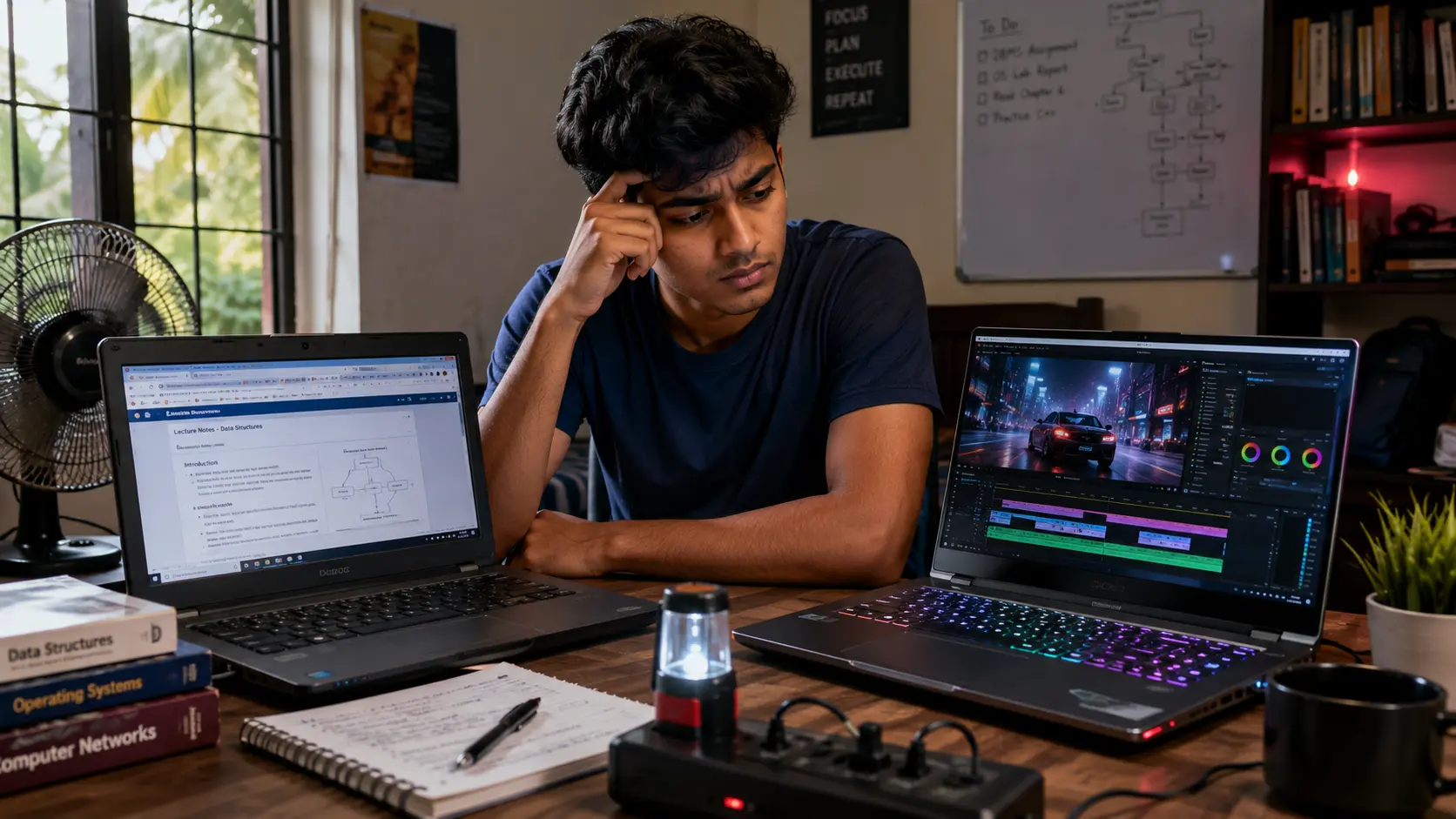
Maybe you’re a university student trying to join Zoom during a power cut. Maybe you’re a freelancer whose laptop freezes when you open Photoshop. Or maybe you’re buying your very first machine and don’t want to waste a single rupee.
This guide keeps things simple, practical, and Sri Lanka–specific, so you can choose a laptop confidently, without paying for features you’ll never use.
What Laptop Specs Actually Mean
Laptop specs may look like jargon, but each one plays a specific role. Here’s a clear, global-standard breakdown adapted for everyday Sri Lankan use.

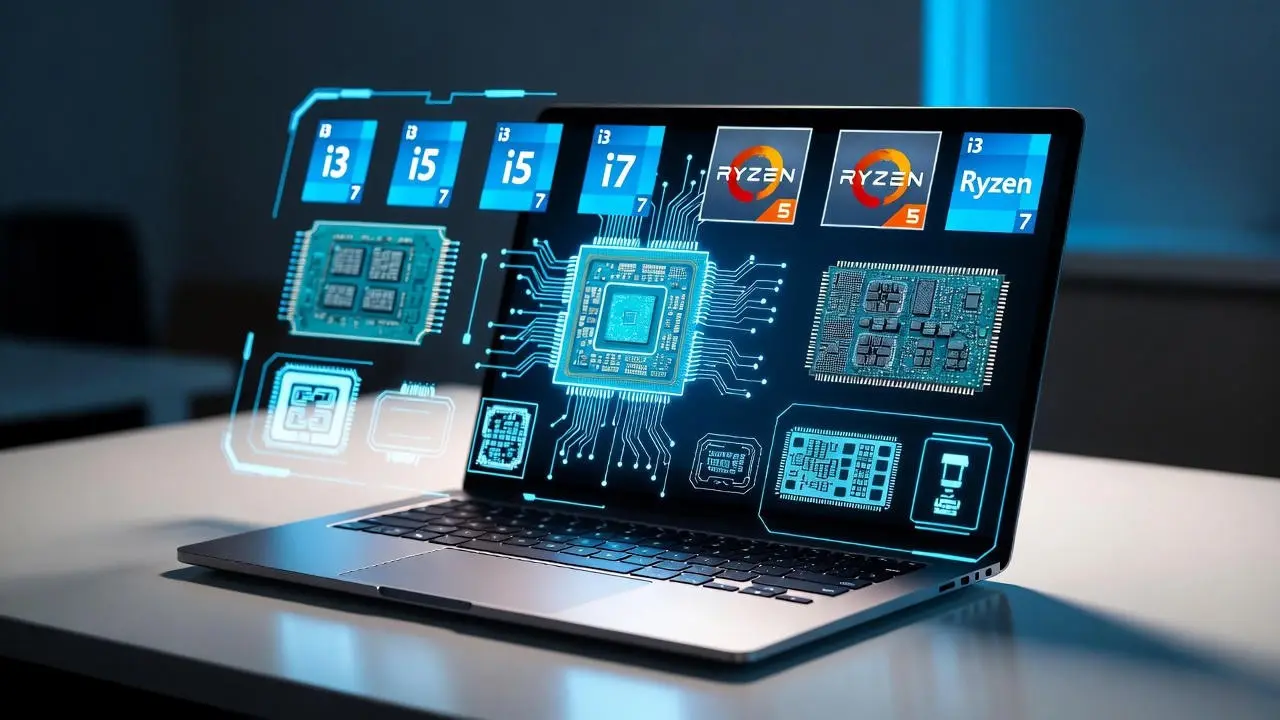
Processor (CPU)
This is the “brain” of your laptop.
Common in Sri Lanka: Intel 12th/13th Gen, AMD Ryzen 5000/7000.
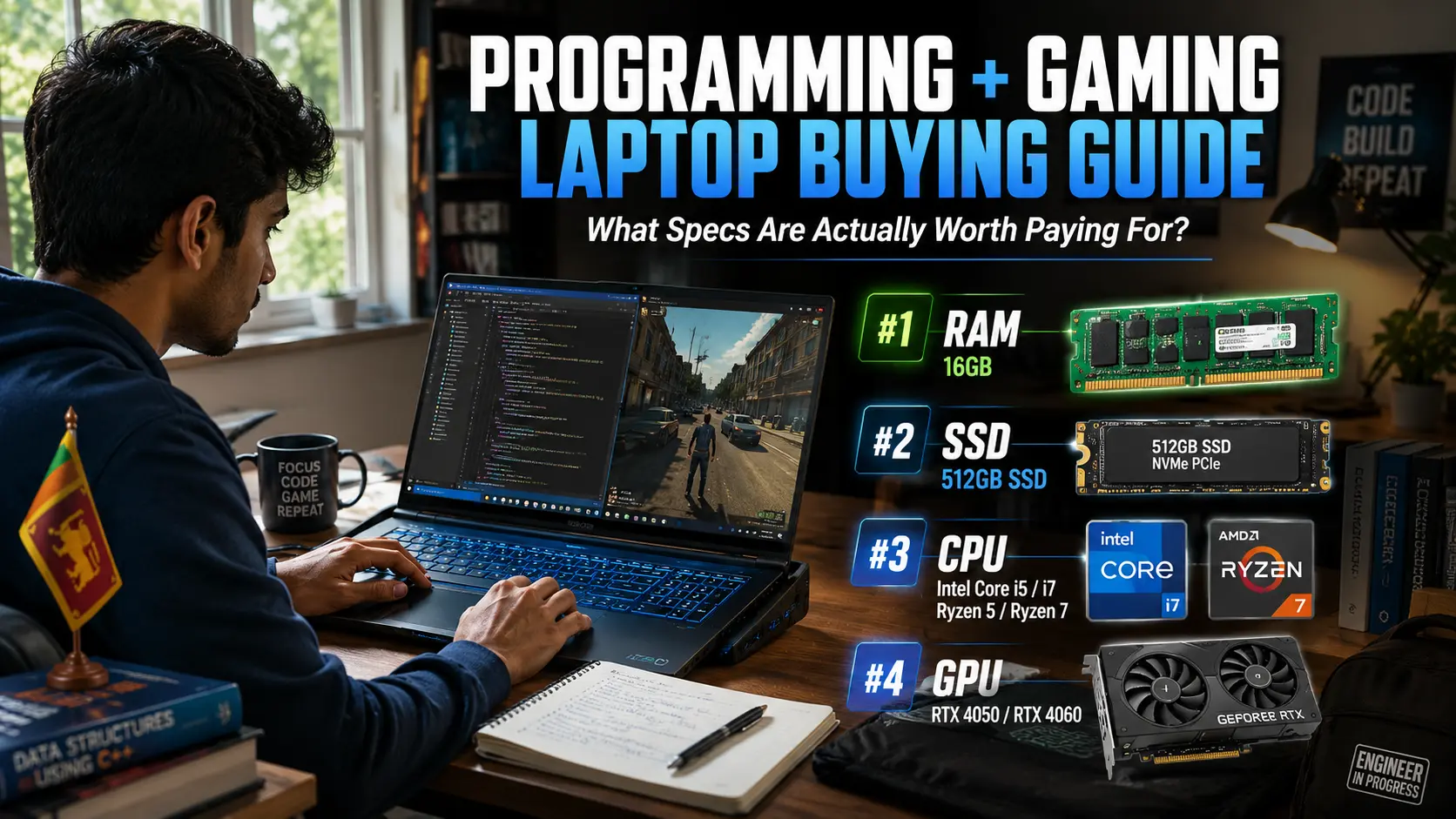
i5 / Ryzen 5: Perfect for 80% of users, uni work, coding, Zoom, browsing.
i7 / Ryzen 7: Only worth it for heavy tasks like video editing, 3D design, or deep coding.
Sri Lankan mistake: Paying LKR 50,000 extra for an i7 when an i5 would have been perfectly fine.
Memory (RAM)
RAM keeps apps running smoothly.
8GB: Minimum for basic use.
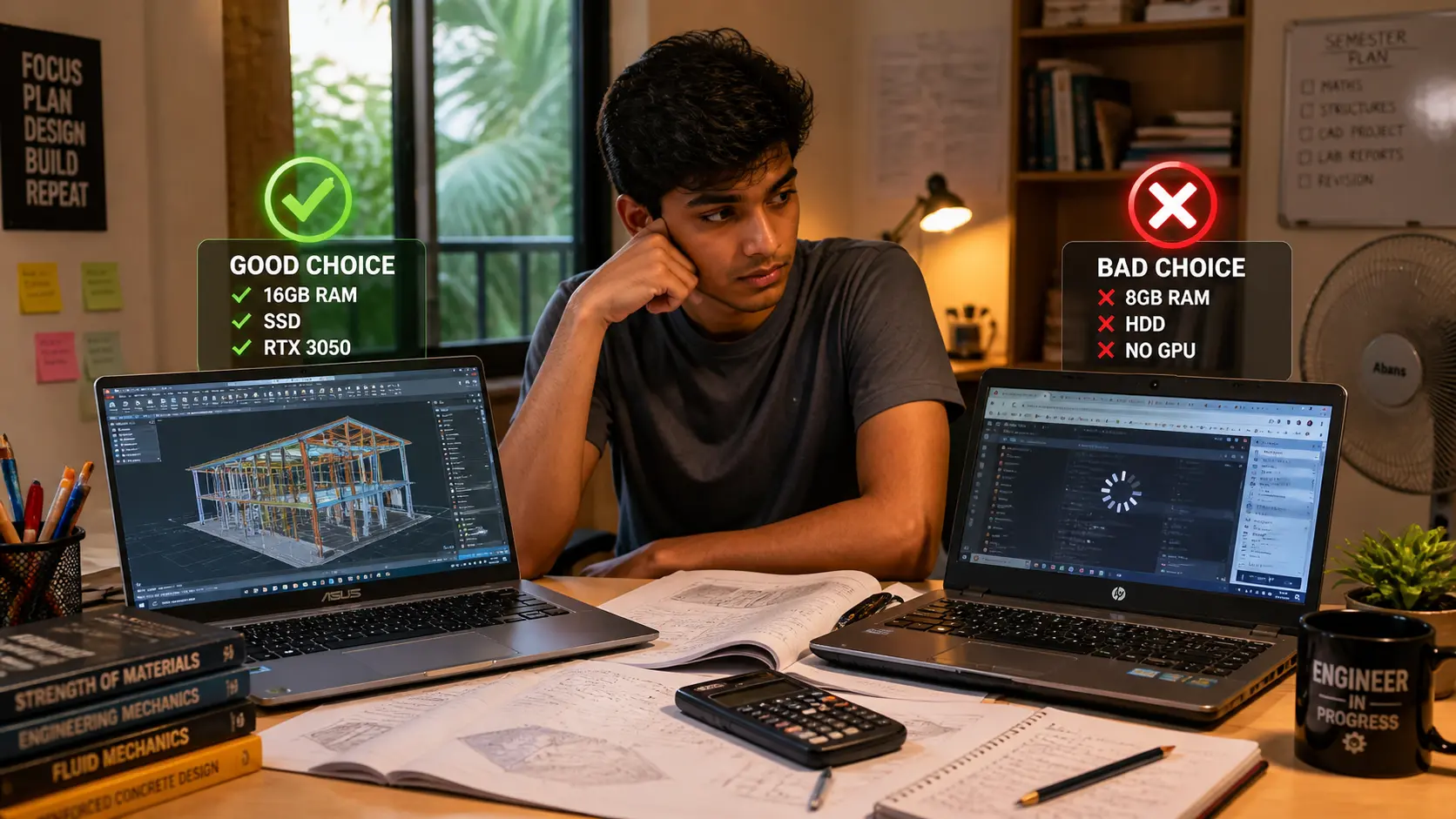
16GB: Best for students, remote workers, and multitaskers.
32GB: Only for creators or engineering work.
Sri Lankan reality: Many local laptops use soldered RAM, meaning you can’t upgrade later. Always check before buying.
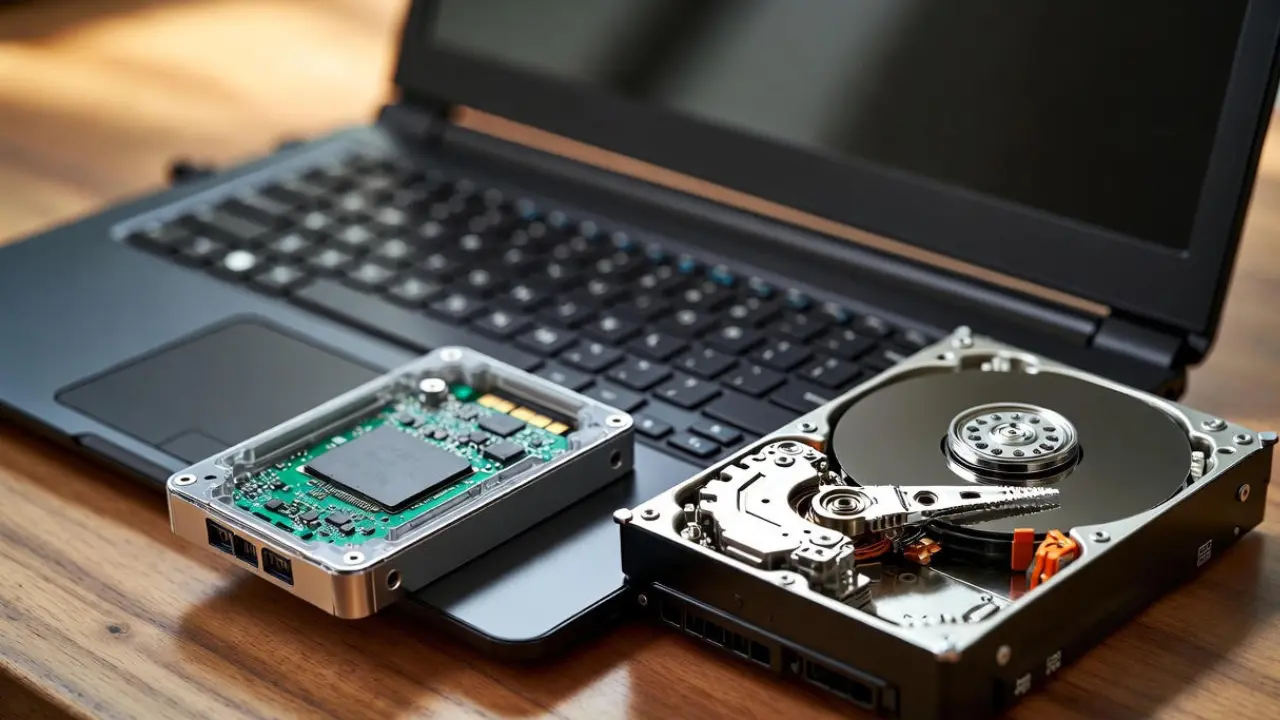
Storage (SSD vs HDD)
This affects how fast your laptop feels.
SSD: Boots in seconds.
HDD: Boots in minutes.
Sri Lankan mix: Most new models use SSDs, but cheap units still hide slow HDDs.
For most Sri Lankan buyers:
512GB SSD is the sweet spot (offline lectures + software).
1TB SSD ideal for editors or gamers.
Graphics (GPU)
Handles visuals and graphics-heavy work.
Integrated graphics: Great for students and office work.
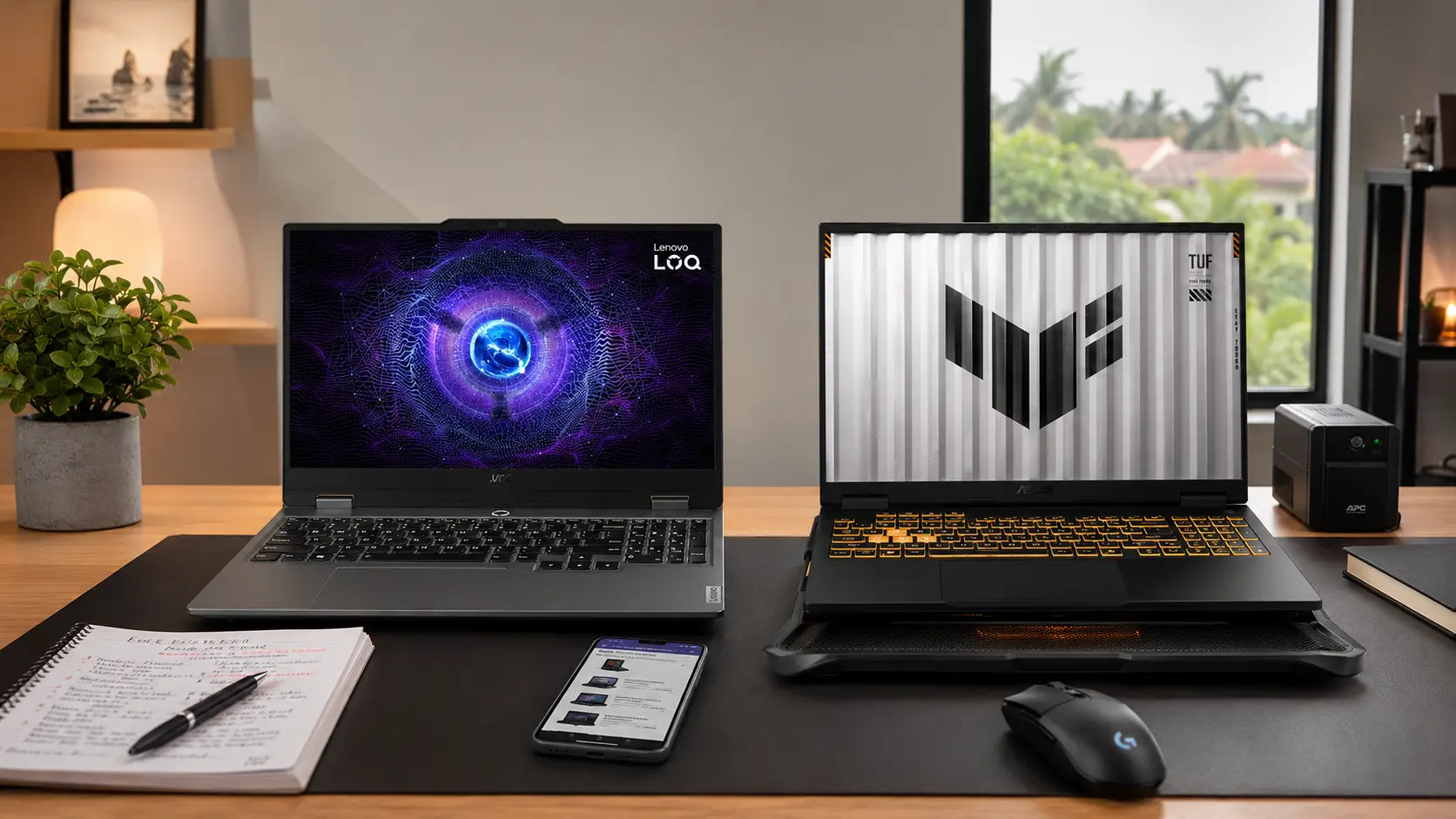
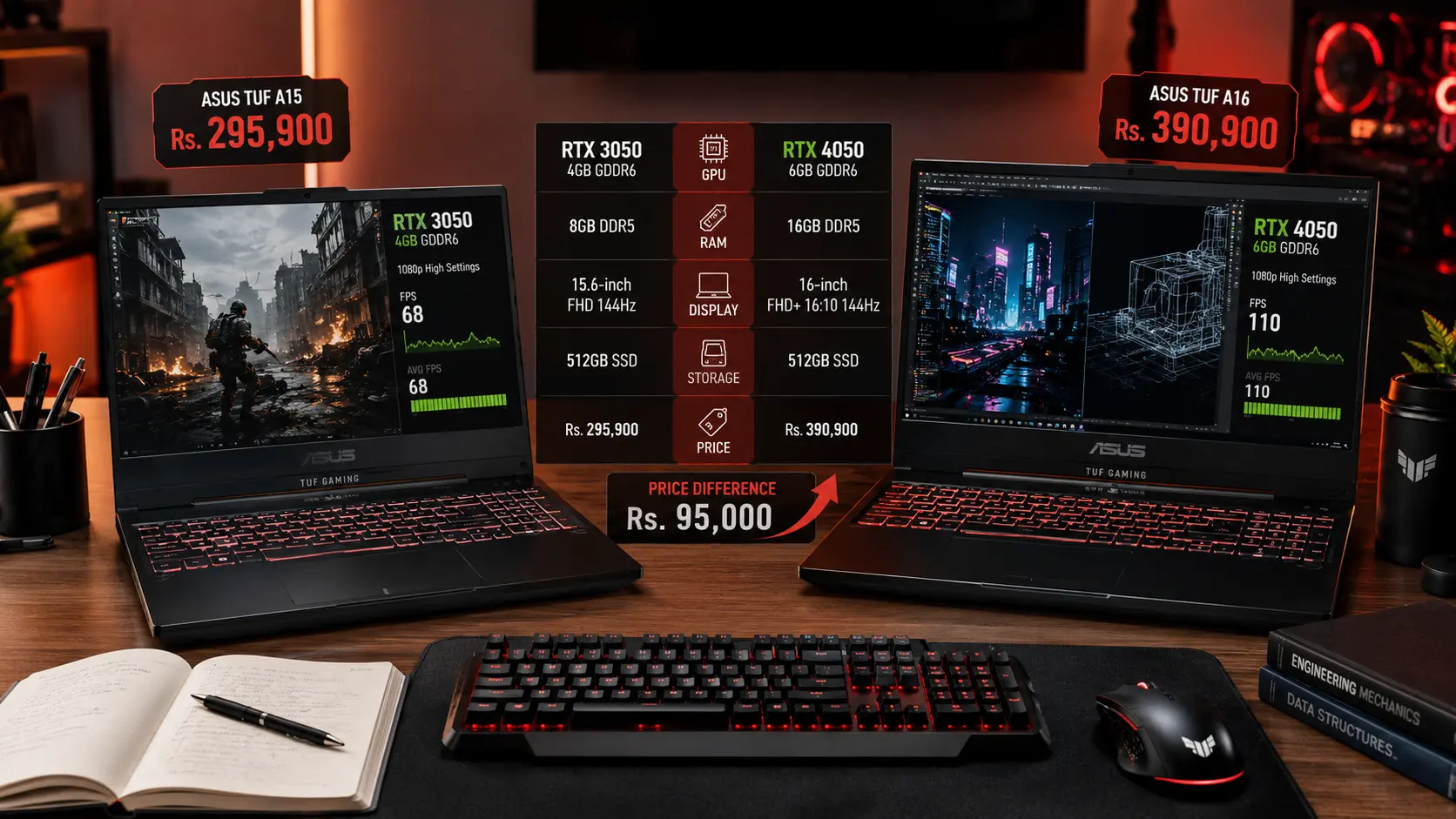
Dedicated GPU (RTX/GTX): Essential only for gaming, AutoCAD, 3D design.
Sri Lankan mistake: Buying a gaming laptop “just in case”, and later suffering from heat and battery drain.
Display, Size & Weight
14-inch: Easy to carry to campus.
15.6-inch: Best balance for most people.
16-inch: For designers and gamers.
In Sri Lanka’s heat and commutes, aim for under 2kg for daily use.
Battery Life & Cooling
Expect 6–8 hours in real Sri Lankan conditions.
Humidity and dust cause overheating fast.
Some older Lenovo and HP models throttle in heat.
If you live in a hot area or face long power cuts, prioritize battery + good cooling design over raw performance.
Ports & Connectivity
At minimum:
USB-A (2 or more)
USB-C (preferably for charging)
HDMI (for projectors and dual screens)
Optional: Ethernet (useful during bad weather or power cuts)
Local Market Reality: Prices, Grey Imports & Common Pitfalls
Sri Lanka’s laptop market works very differently from the rest of the world. Prices fluctuate with the dollar, grey imports hide risky compromises, and authorized units cost more but offer protection. Understanding these factors prevents costly mistakes and helps you choose safely.
Why Laptops Cost More Here
18% VAT
Up to 30% import duties
USD/LKR fluctuations
Stock delays of 3–6 months for new models
A laptop that sells for USD 500 abroad often reaches LKR 200,000 here.
Authorized vs Grey-Market
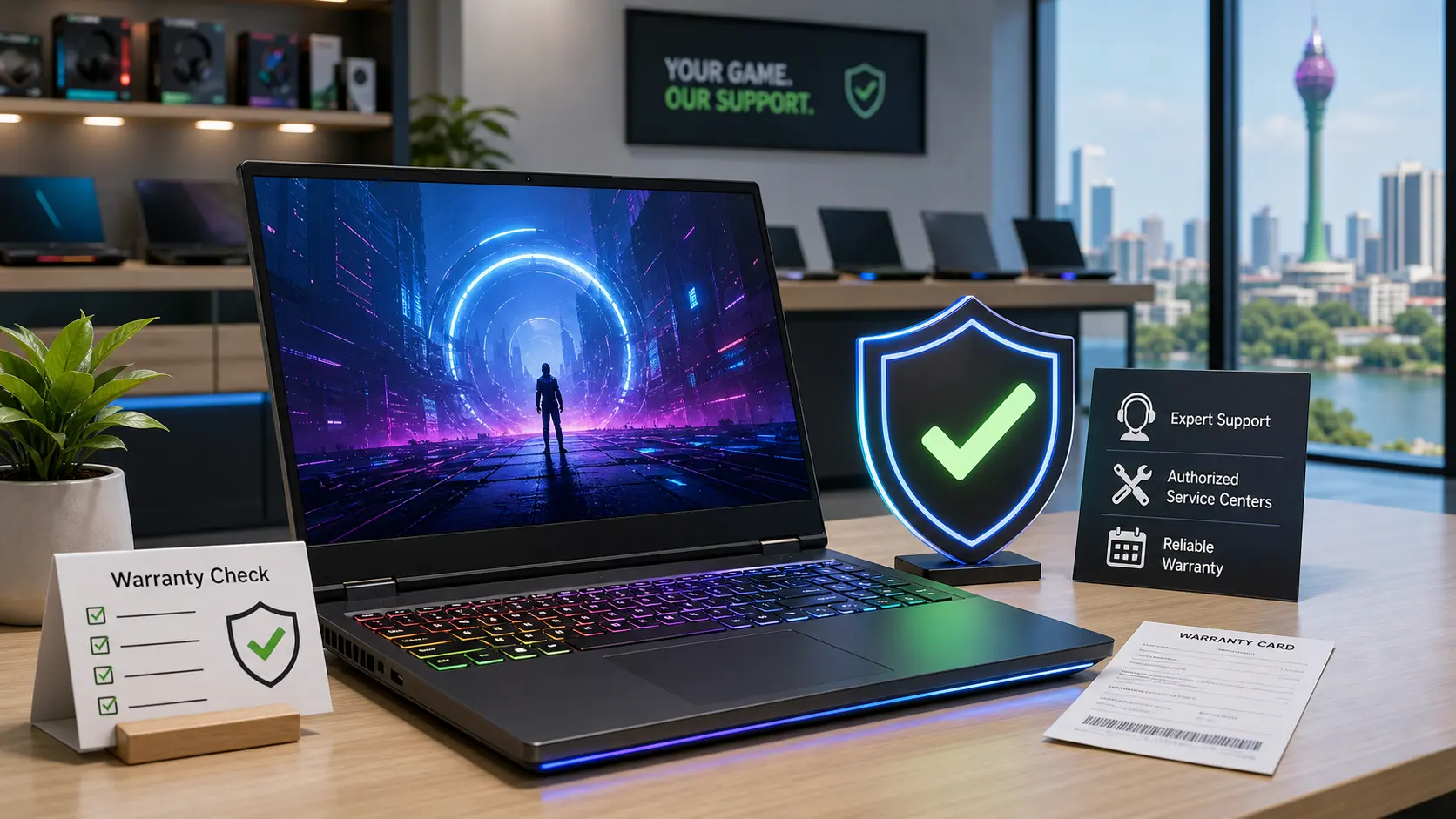
Authorized laptops come through official distributors with genuine warranties, verified specs, and reliable after-sales support. Grey-market laptops are cheaper but carry risks like fake parts, hidden defects, missing warranties, and zero long-term service. Choosing wisely can save you money and future repairs.
Authorized dealers
Genuine warranty
Higher prices
Reliable after-sales support
Grey-market or parallel imports
10–30% cheaper
Risk of fake specs
Voided warranties
No service center support
Many Sri Lankans learn the hard way: a “cheap i7 deal” usually hides a fake SSD or old-generation CPU.
Infrastructure Issues
Power cuts → battery becomes a MUST, not a luxury
Humidity → accelerates overheating
Limited repair centers → especially outside Colombo
These factors make durability and warranty far more important here.
Matching Laptop Specs to Sri Lankan Use Cases
Different users need different specs. Here’s a match made specifically for Sri Lankan tasks, budgets, and common mistakes.
Sri Lankan buying mistake: Students buying gaming laptops “for power” but later complaining the device is too heavy, too hot, and drains battery fast.

Sri Lanka, Specific Checklist Before You Buy
Before buying a laptop in Sri Lanka, a quick checklist can save you from overpriced models, grey-market risks, and hidden technical flaws. Whether you’re visiting a shop, browsing online, or comparing deals on ikman.lk, use these essential checks to confirm authenticity, performance, and long-term reliability.
1. Can you upgrade RAM and SSD later?
Avoid models with soldered RAM if you’re on a tight budget.
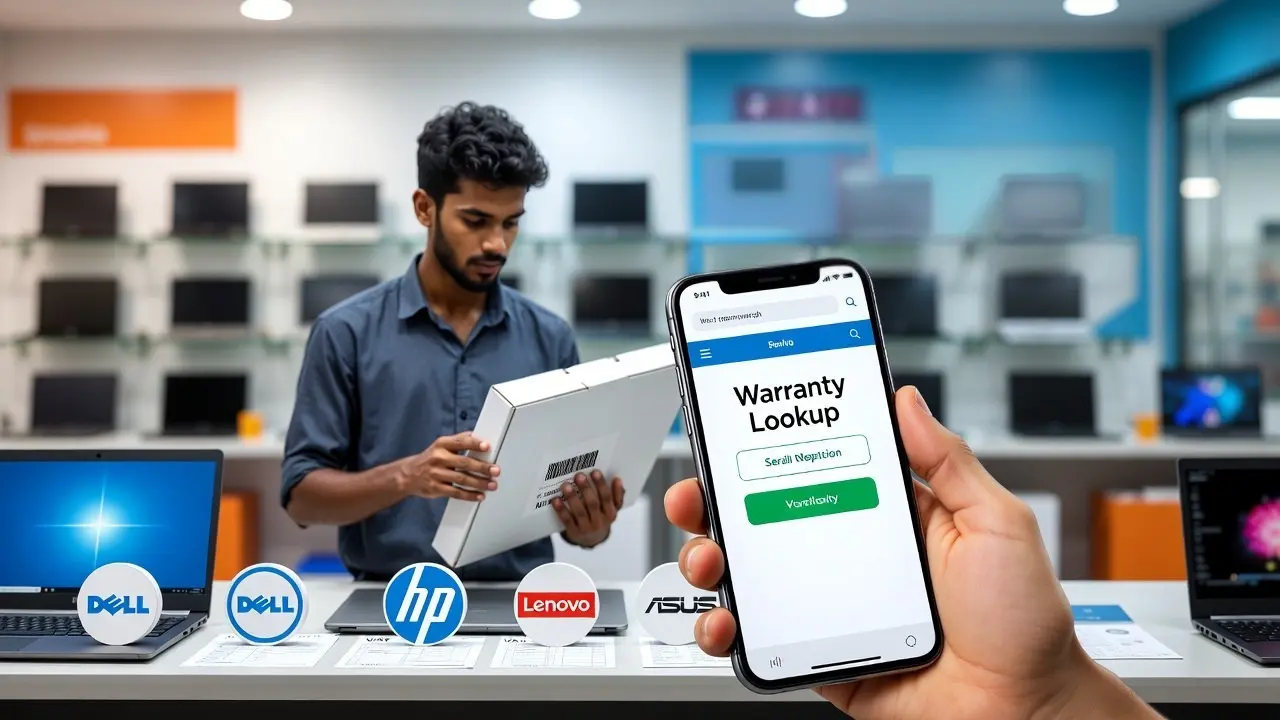
2. Is the warranty genuine?
Check the serial number on the manufacturer’s site.
3. Is the SSD real?
Fake SSDs exist in the grey market. Ask to test boot speed or run a benchmark.
4. Check ports
USB-C + HDMI are essential for Sri Lankan students and professionals.
5. Test heating
Run YouTube + Zoom for a few minutes and touch the bottom panel.
6. Compare with authorized pricing
Sometimes “discounts” hide older stock or repaired units.
7. Check battery wear
Ask to see battery health in settings if buying second-hand.
Real Stories From Sri Lankan Buyers (Mistakes to Avoid)
Here are real experiences shared by Sri Lankan buyers on local forums:
“My i7 laptop from Unity Plaza came with a fake SSD. I spent another LKR 50,000 fixing it.”
“I bought an i7 thinking it was future-proof, but my lecturer said an i5 was more than enough for coding.”
“Humidity kills batteries fast in Sri Lanka, clean your vents annually.”
“My laptop doesn’t have an SSD and it’s painfully slow… I regret not checking the storage type.”
These stories show a clear pattern: Sri Lankan buyers often overpay or buy the wrong specs due to confusion or misleading advice.
6. Final Decision-Making Guide for Sri Lankan Buyers
Choosing the right laptop can still feel overwhelming, even after learning the specs and local market pitfalls. That’s why we’ve broken everything down into simple, Sri Lanka-friendly rules. Use this quick decision guide to match your real needs, avoid overspending, and confidently pick a laptop that will last.
Budget under LKR 200,000
i3/i5
8GB RAM
256–512GB SSD
Integrated graphics
Ideal For: Students, basic office use.
Budget LKR 200,000–300,000
i5 12th/13th Gen
16GB RAM
512GB SSD (upgradeable)
Ideal For: Remote workers, multitaskers.
Budget above LKR 300,000
i7/Ryzen 7
16–32GB RAM
1TB SSD
RTX GPU
Ideal For: Gamers, engineers, editors.
How often to review your specs?
Prices shift every 6 months.
New generations drop older models by 10–20%.
Most Sri Lankans upgrade every 3–4 years.
Conclusion
Buying a laptop in Sri Lanka doesn’t have to feel overwhelming.
Once you understand the specs, match them to your real needs, and avoid common local traps, you’ll get a machine that lasts years without breaking the bank.
To explore the best options by brand and budget, visit the SellX.lk Laptop Prices in Sri Lanka hub page, your simple starting point for finding the right laptop at the right price.
Related Posts