
 Laptops
  Gaming Laptops
  Desktop
  Laptop & Desktop Accessories
  Workstation & Gaming
  Used PC, Laptop & Accessories
  CCTV & Accessories
  Printers / Scanners / POS and Accessories
  Mobile Phones / Tablets and Accessories
  Softwares
  Home & Kitchen Appliances
  Gift Voucher
  Smart Devices & Gadgets
  Office & Meeting Solutions
  Networking & Power Devices
  Graphic Tablets & Drawing Displays
  Monitors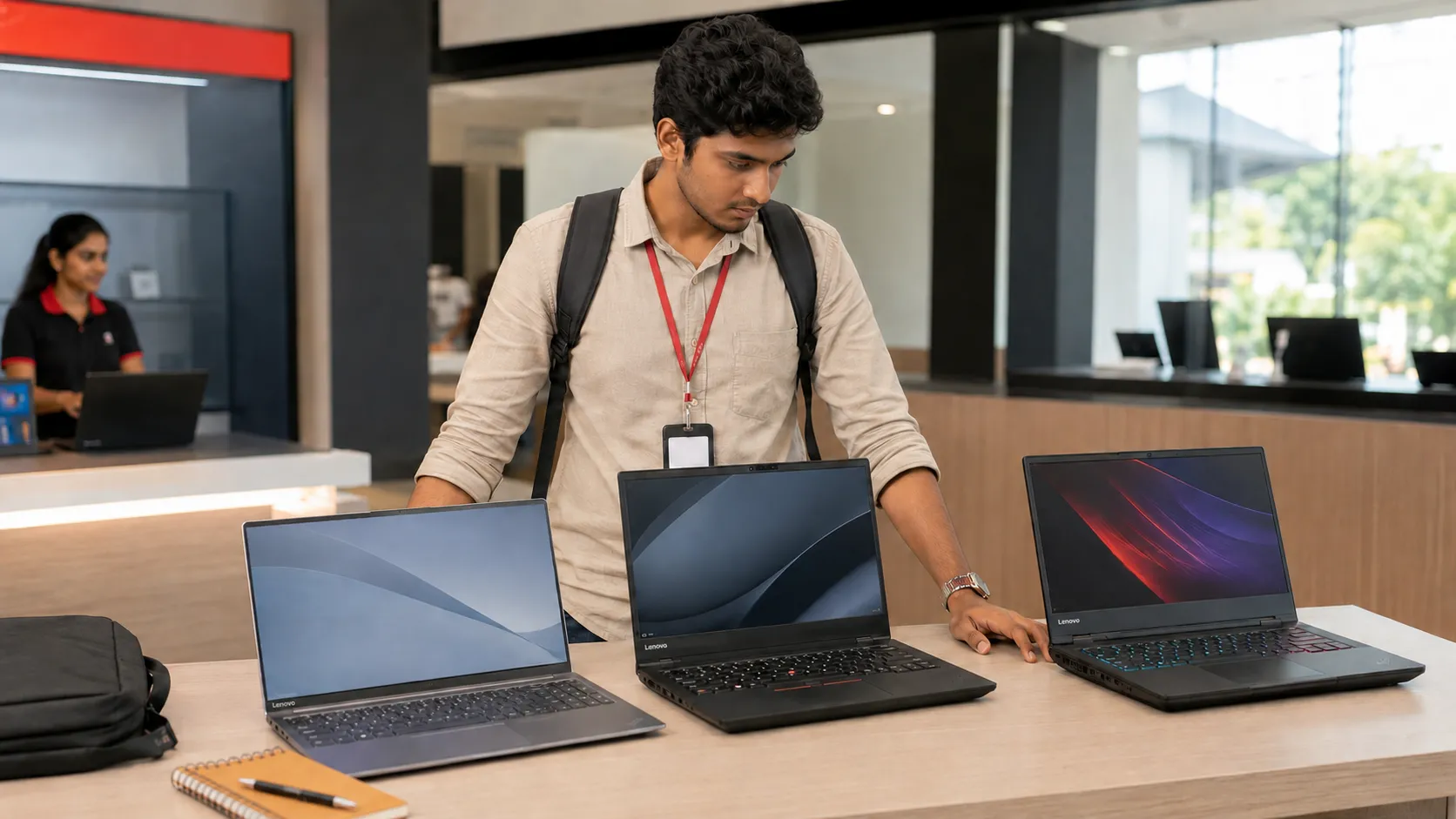
Which Lenovo Laptop Is Best for Students in Sri Lanka?
The Lenovo IdeaPad Slim 3 15IRH10 is the best choice for most Sri Lankan students. It has enough power for assignments, programming, online classes and everyday university work without the weight of a gaming laptop.
However, it is not the right choice for everyone. A business student does not need the same laptop as an architecture student. Spending more on a Core i7 also does not guarantee that demanding software will run well.
The best decision depends on your course, travel needs and budget. Current SellX.lk Lenovo prices range from Rs. 279,900 to nearly Rs. 700,000.
Lenovo IdeaPad Slim 3 Is Best for Most Students

The Lenovo IdeaPad Slim 3 15IRH10 costs Rs. 298,900. It comes with an Intel Core i7-13620H processor, 16GB DDR5 RAM, a 512GB SSD and a 15.3-inch WUXGA IPS display.
This combination suits business, management, IT and general university degrees. It can handle Office, Zoom, Chrome, programming and light Photoshop work.
The 16GB RAM is important. An 8GB laptop may handle basic assignments today, but it can slow down when you open many browser tabs, Teams and other applications together.
The Slim 3 does not have a dedicated graphics card. Its Core i7 processor cannot turn it into a gaming or 3D workstation. It is not the right option for serious Revit, Lumion, Blender or 3D AutoCAD work.
Local truth: A powerful processor cannot replace a dedicated graphics card.
V15 or ThinkPad: Which Is Better for Study?
The Lenovo V15 G5 IRL is the lowest-priced Lenovo in the current SellX.lk range at Rs. 279,900. It is a practical option for accounting, presentations, online classes and general office work.
The V15 gives you the essentials, but its body and display are more basic. Choose it when your workload is simple and saving Rs. 19,000 matters more than getting the stronger Slim 3 processor.
The ThinkPad E16 Gen 3 costs Rs. 449,900. Its keyboard, business-focused body, ports and upgrade options suit heavy typing, coding and long-term use.
However, most students do not need to spend this much. The ThinkPad makes sense if you want one laptop for university and your first years of work, or if durability and repairability matter more than price.
Check the latest laptop prices in Sri Lanka. Prices can change when the rupee moves or new stock arrives.
Match the Lenovo Laptop to Your Course
Do not choose a laptop only because a friend bought the same model. Start with the software used in your course.
If you are an IT student, 16GB RAM and a 512GB SSD should be your practical starting point. You normally do not need an RTX graphics card for coding. Students using several virtual machines may benefit from 32GB RAM later.
AutoCAD 2D can run on modern integrated graphics. Revit, SolidWorks, 3D AutoCAD and rendering are different. Autodesk recommends more graphics memory for demanding 3D work, so these students should choose a dedicated GPU.
If you’re a student: Ask your department or senior students which software you will use during the full degree. Do this before paying for the laptop.
Which Lenovo LOQ Is Best for Engineering and Gaming?
SellX.lk currently has several Lenovo LOQ options. The RTX 3050 models start at Rs. 323,900, while RTX 4050 configurations range from Rs. 365,700 to Rs. 388,900.
The LOQ 15ARP10E RTX 3050 costs Rs. 349,400. It handles entry-level CAD and casual gaming. The Rs. 388,900 RTX 4050 model is better for Revit, Blender, editing and modern games.
For a student who genuinely needs graphics power, the AMD-based LOQ 15ARP10E RTX 4050 is the most balanced Lenovo choice. It has a Ryzen 7 7735HS processor, 16GB RAM and dedicated 6GB graphics.
The Intel-based LOQ Essential 15IAX9 RTX 4050 costs Rs. 365,700. Owners have reported motherboard failures on some Intel HX-based LOQ generations. Not every laptop is affected, but an authorised warranty is essential.
A LOQ is also heavy. You must carry the laptop and a large charger. Battery life will be shorter, and the fans can become loud during demanding work. This matters if you travel by bus or train every day.
Do Students Need an IdeaPad Pro, Legion or Yoga?
The IdeaPad Pro 5 16AHP9 costs Rs. 435,000. Its Ryzen 7 processor, 16GB RAM, 1TB SSD and RTX 3050 make it useful for design, video editing and light 3D work.
Legion 5 models cost Rs. 554,900 to Rs. 634,900, while the Legion Pro 5 costs Rs. 698,900. They suit advanced rendering and serious gaming, not normal assignments.
The Yoga Book 9 also costs Rs. 689,900. Its dual-screen design is interesting, but an average student will receive better value from a conventional laptop. Do not pay for a second screen unless it solves a real study need.
Warning: Buying the most expensive laptop does not make it the best student laptop. Every extra rupee should solve a real workload problem.
Check These Details Before Buying Your Lenovo

Ask for the complete Lenovo product code before paying. Check it through the official Lenovo PSREF database because two laptops with the same series name can have different screens, RAM limits and batteries.
Confirm whether the RAM is replaceable and whether there is a second SSD slot. Check the screen type, brightness and colour coverage. Design students should avoid 45% NTSC displays.
Grey imports can look cheaper, but some include only a seller warranty. Ask who will repair the laptop, where parts come from and how long the comprehensive warranty lasts. Enter the serial number in Lenovo’s official warranty lookup and get the warranty terms in writing.
For most students, choose the IdeaPad Slim 3 15IRH10. Choose the V15 for basic work on the lowest available budget. Pick the ThinkPad E16 for stronger long-term durability. If your course genuinely needs 3D graphics, choose the LOQ 15ARP10E RTX 4050 instead.

Lenovo IdeaPad Slim 3 vs Slim 5: Which Should You Buy in Sri Lanka?
The Lenovo IdeaPad Slim 3 is the better-value choice for most Sri Lankan students and office workers. The Slim 5 is worth paying more for when you need a better screen, stronger body and easier upgrades.
However, the series name alone does not tell you whether a laptop is good. Sri Lankan shops sell several Slim 3 and Slim 5 generations with different processors, displays, batteries and warranties.
A well-configured Slim 3 can be better than a basic or older Slim 5. You must compare the exact model code before deciding.
Slim 3 and Slim 5 Names Do Not Tell the Whole Story
Common Slim 3 models in Sri Lanka include the 15IRH8, 15IRH10 and 15ARP10. Slim 5 models include the 16IMH9, 14IMH10 and newer 14AKP10.
These codes matter because two laptops with the same series name can be very different. One Slim 5 may have a colourful OLED display, while another may have a basic IPS screen.
The generation number can also confuse buyers. For example, the Slim 3 15IRH10 is a newer chassis, but it may still use an Intel Core i5-13420H from the 13th generation.
Do not assume a “Gen 10” laptop has Intel’s latest processor. Also, do not pay more simply because one laptop says Core i7, Core Ultra or Ryzen AI.
Local truth: In Sri Lanka, shops often sell older and newer Lenovo stock side by side.
Before buying, ask for the full model code beginning with numbers such as 83K1. Check that code through Lenovo’s official PSREF specification database.
Sri Lankan Prices and Specifications Compared
During 2026, Slim 3 prices generally ranged from around Rs. 155,000 to Rs. 295,000. Slim 5 models commonly appeared between Rs. 284,000 and Rs. 340,000 or more.
Prices change depending on stock, the USD/LKR rate, Windows licence and warranty. Cash prices may also be lower than card or instalment prices.
You may find a Slim 3 i5 with 16GB RAM for around Rs. 210,000 to Rs. 260,000. That is strong value for university, office work and coding.
You can also compare current models through SellX.lk’s Laptop Prices in Sri Lanka page. Do this before trusting a discount shown by one shop.
What Do You Get by Paying More for the Slim 5?
Build quality is one noticeable difference. Many Slim 3 versions use plastic, although some have an aluminium top cover.
Checked Slim 5 models use more aluminium and feel firmer when carried. A 14-inch Slim 5 may weigh around 1.4 kg, while a 15-inch Slim 3 starts around 1.6 kg.
That difference matters if you travel to university by bus or train every day. The smaller Slim 5 is also easier to use in lecture halls.
The screen can be an even bigger upgrade. A typical Slim 3 has a 300-nit IPS display with 45% NTSC colour coverage. This is fine for assignments, coding, Excel and YouTube. However, colours may look dull, and the screen is not ideal for professional design work.
Some Slim 5 models offer a 400-nit OLED screen with 100% DCI-P3 colour coverage. This produces richer colours, deeper blacks and better contrast.
Warning: Not every Slim 5 has OLED or accurate colours. Ask for the brightness and colour coverage before paying more.
OLED screens also have a glossy surface. Reflections may become distracting near windows, and bright pages can use more battery.
Performance, Graphics and Future Upgrades
The Core i5-13420H inside many Slim 3 models is already fast enough for most buyers. It can comfortably handle Word, Excel, Zoom, Chrome, programming and light Photoshop work.
An i7 Slim 3 gives you more processor power. However, it may still have the same basic display, Intel UHD graphics and plastic body.
For many buyers, a Slim 5 with a better screen and stronger integrated graphics is a more balanced purchase than an expensive i7 Slim 3.
Selected Slim 5 models use Intel Arc or newer Radeon graphics. These are better for light video editing, Photoshop acceleration and casual games.
Neither laptop is designed for heavy gaming. They are also poor choices for Lumion, advanced 3D AutoCAD or serious video production without dedicated graphics.
RAM is another important difference. Many Slim 3 models have some memory permanently attached to the motherboard and one upgrade slot.
Newer Slim 5 models such as the 14AKP10 may have two replaceable RAM modules. This makes future upgrades easier.
If you’re a student: Choose at least 16GB RAM for coding, Photoshop or IT studies. An 8GB model may feel slow once you open several browser tabs and applications.

Which Model Is Better for Your Needs?
Choose the IdeaPad Slim 3 if you need a laptop for:
School or university assignments
Office applications and online meetings
Business, accounting or management studies
Coding and general IT work
Browsing, streaming and everyday use
Look for 16GB RAM, a recent Core i5 or Ryzen 5 processor and a WUXGA IPS screen.
Choose the IdeaPad Slim 5 if you need:
A lighter laptop for daily travel
Better colours for Photoshop or design
Stronger integrated graphics
A more solid aluminium body
Better RAM and SSD upgrade options
A laptop you plan to keep for four or five years
For 2D AutoCAD, either model can work with a strong processor and 16GB RAM. For demanding 3D work, choose a laptop with dedicated NVIDIA graphics instead.
Several buyers have reported hinge problems across older IdeaPad generations. This does not prove every new Slim 3 or Slim 5 will fail, but careful handling matters.
Open the screen from the centre instead of one corner. Also confirm whether the warranty covers hinge or casing damage.

Final Verdict and Check-Before-Buying List
The Slim 3 is the smarter choice when a 16GB model costs around Rs. 210,000 to Rs. 250,000. It provides enough performance for most students and office users.
Consider the Slim 5 when the price difference is below about Rs. 50,000 to Rs. 70,000. The extra cost should give you a better display, metal body, stronger graphics or easier upgrades.
Avoid paying more only for an i7 or “AI laptop” label. Those names will not improve a poor display or weak warranty.
Before paying, check:
The complete Lenovo model code
Processor name and generation
At least 16GB RAM
Whether the RAM is upgradeable
IPS or OLED display
Screen brightness and colour coverage
Battery capacity
Windows or FreeDOS
Official or seller warranty
Serial number and manufacturing date
Grey-imported laptops may be cheaper, but warranty claims can become difficult. A seller warranty means the shop, not Lenovo’s local partner, may be responsible for repairs.
The Slim 5 is not automatically the better laptop. It is worth the extra money only when the exact model provides improvements you will use.
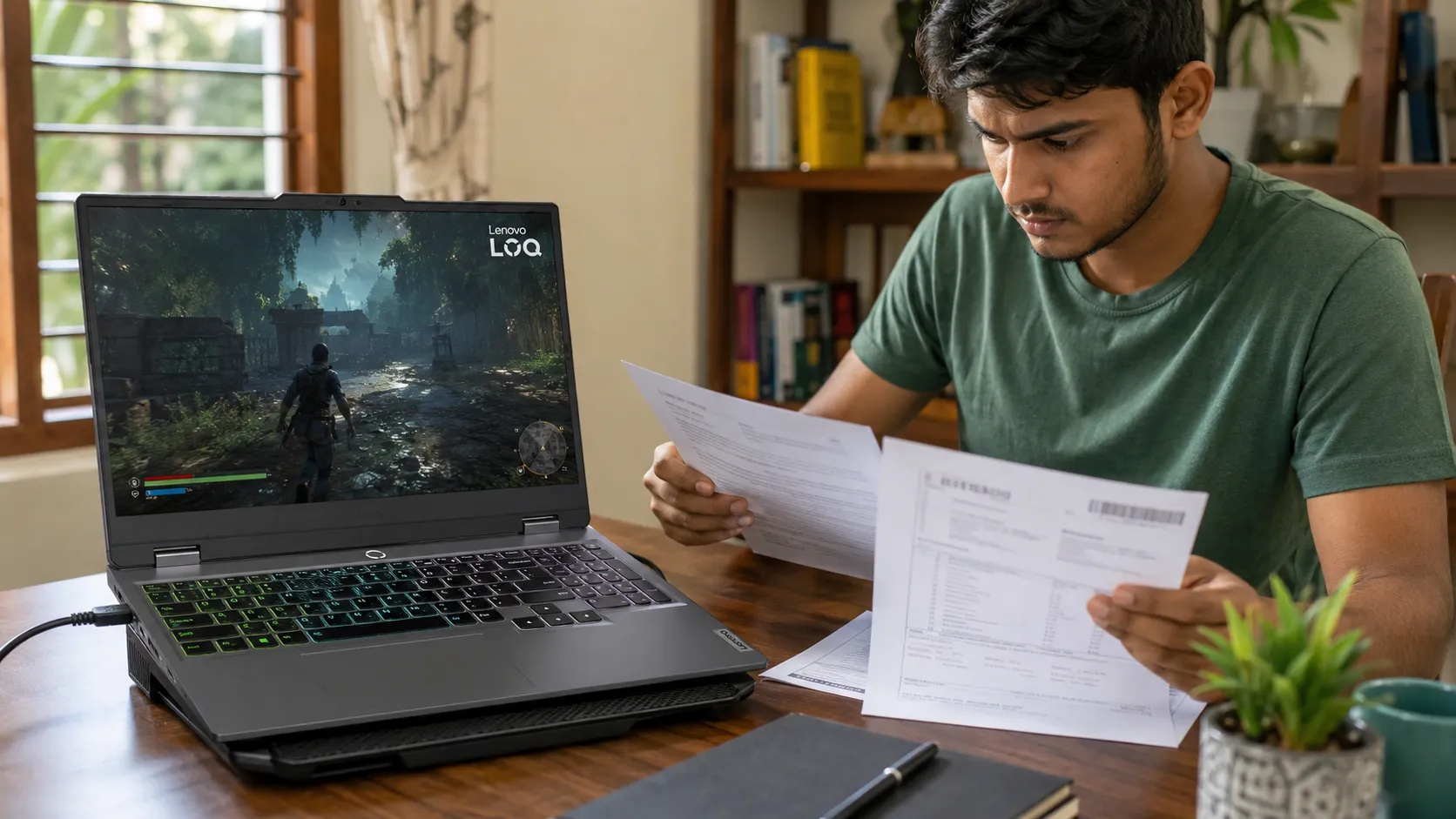
Are Lenovo LOQ Laptops Reliable in Sri Lanka? Real User Insights
Lenovo LOQ laptops look attractive to Sri Lankan gamers and students. You can get an Intel or AMD processor, dedicated NVIDIA graphics, a 144Hz display and upgradeable memory without paying Legion-level prices.
However, many buyers are worried about reports of LOQ motherboards suddenly dying. The problem deserves attention, but it does not affect every LOQ model or owner.
The honest answer is simple. A Lenovo LOQ can be a good-value gaming laptop, but the exact model and warranty matter more than the LOQ name.

Are Lenovo LOQ Laptops Reliable? The Short Answer
Most healthy Lenovo LOQ laptops provide strong gaming performance, capable cooling and a comfortable keyboard. Owners also like being able to upgrade the RAM and SSD later.
The concern is reliability reports involving certain 2024 models. Most complaints focus on the LOQ 15IRX9 and 15IAX9 with Intel HX processors.
These reports are serious, but they do not prove that every LOQ will fail. Lenovo has not published a failure rate or announced a motherboard recall.
Local Truth: In Sri Lanka, saving Rs. 15,000 on a grey import is not worth much if a replacement motherboard costs far more.
Current local LOQ prices generally range from around Rs. 270,000 to Rs. 470,000. The final price depends on the processor, graphics card and warranty.
At this price, you should not buy based on specifications alone. Reliability and after-sales support matter just as much.
Why Are Buyers Worried About LOQ Motherboards?
The most concerning reports describe a similar failure:
The laptop suddenly shuts down.
The charging light disappears.
The power button stops responding.
Basic troubleshooting does not help.
The complete motherboard needs replacement.
Many complaints involve the LOQ 15IRX9 with the Core i5-13450HX, Core i7-13650HX or Core i7-14700HX. RTX 3050, RTX 4050 and RTX 4060 versions have appeared in these reports.
Some LOQ 15IAX9 laptops with the older i5-12450HX have also failed. This suggests the concern is not limited to one processor or graphics card.
The exact cause has not been confirmed. Online theories mention weak power components, BIOS behaviour, heat and production differences. These are theories, not confirmed facts from Lenovo.
You may also hear that all LOQ laptops manufactured after August 2024 are safe. Some Lenovo support staff reportedly gave buyers this information, but Lenovo has not published a clear global notice confirming it.
Later manufacturing dates may reduce the risk, but they cannot guarantee that a laptop will never fail.
This issue should not be confused with Intel’s 13th and 14th Gen desktop processor problem. Intel says mobile processors, including HX models, were not affected by that specific desktop issue.
What Do Real Lenovo LOQ Owners Report?
Owner experiences are mixed.
Some users report motherboard failure within weeks or months. A few say replacement motherboards also failed, while others had to wait for parts.
One LOQ 15IRX9 owner reported a motherboard failure after about 11 months. Lenovo replaced the board, and the laptop started working again.
However, positive reports also exist. Some owners have used their LOQ laptops for more than a year for gaming, video editing, coding and machine-learning work without major hardware problems.
One owner reported ten months of demanding daily use without failure. The laptop handled gaming, editing and small machine-learning projects, although the owner used a cooling pad and kept the room cool.
Sri Lankan evidence is still limited. Local discussions show that buyers know about the Indian motherboard reports, but there is no large collection of confirmed Sri Lankan failures.
Complaint forums also attract people who already have problems. They cannot tell us how many working LOQ laptops were sold.
The correct conclusion is that the failure pattern is credible, but its actual size remains unknown.
Heat, Battery and Build Quality in Sri Lanka
Lenovo LOQ cooling is generally reasonable for a budget gaming laptop. Independent testing of earlier models found stable gaming performance without serious processor or graphics throttling.
That does not mean the laptop stays cool. The keyboard and underside can become warm during gaming, rendering or heavy AutoCAD work.
Sri Lankan conditions can make this worse. A laptop reviewed inside a cool room may run hotter in a bedroom without air conditioning.
Dust and humidity also matter. Never use a gaming laptop on a bed, cushion or other surface that blocks the vents.
Battery life is another weakness. Many LOQ models use a 57Wh or 60Wh battery and provide only around three to five hours of light use.
The official LOQ 15IRX9 specification lists approximately 4.1 hours in one battery test. An independent test recorded just over three hours of web browsing.
Some owners also report that the battery drops while gaming, even with the charger connected. Lenovo provides a Battery Drop Protection setting for affected Legion and LOQ systems. Lenovo’s official guidance recommends updating the BIOS and enabling this feature.
The standard LOQ has a solid plastic body for its price. The cheaper LOQ Essential uses simpler cooling and lower graphics power, so do not assume both versions offer identical performance.

Is an AMD LOQ Safer Than an Intel LOQ?
Based on current reports, AMD models appear to be the lower-risk choice. However, AMD LOQ motherboard failures have also been reported.
A Ryzen LOQ is not automatically better for every buyer. Some Ryzen 5 7235HS and Ryzen 7 7435HS models lack integrated graphics, which can reduce battery life.
If you need maximum processor performance, an Intel HX model may still be attractive. If reliability and battery efficiency matter more, a newer AMD configuration may be easier to recommend.
Should You Buy a Lenovo LOQ in Sri Lanka?
A Lenovo LOQ is worth considering if you need gaming, AutoCAD, video-editing or 3D performance at a competitive price. It makes more sense when the unit has an authorised Sri Lankan warranty.
Be more cautious if you are buying a 2024 Intel 15IRX9. The performance may be excellent, but the motherboard reports make unclear or short warranty coverage a poor risk.
If you’re a student: Think about repair downtime. A laptop waiting several weeks for a motherboard can interrupt assignments, exams and projects.
Avoid grey-imported LOQ laptops unless you verify International Warranty Service using the exact serial number. A seller saying “international warranty” is not enough.
A five-year service warranty is also different from a five-year parts warranty. Free labour will not cover the price of a motherboard after the comprehensive warranty ends.
Check before buying:
Confirm the full model and machine type.
Check the manufacturing date.
Verify the serial number through Lenovo Warranty Lookup.
Confirm motherboard, battery and charger coverage in writing.
Check whether the unit is authorised or privately imported.
Confirm the charger wattage.
Test the display for lines, flickering and dead pixels.
Test the keyboard, Wi-Fi and every port.
Run Lenovo hardware diagnostics.
Keep the invoice and a screenshot of the warranty details.
Lenovo LOQ laptops are not unreliable across the entire range. Many owners use them successfully for years. Still, the 2024 Intel HX models have enough motherboard reports to justify real caution.
Buy based on the exact model, manufacturing date and genuine warranty. Do not buy based only on the processor and graphics card.
Before deciding, compare current models and warranty options through SellX.lk’s Laptop Prices in Sri Lanka guide.
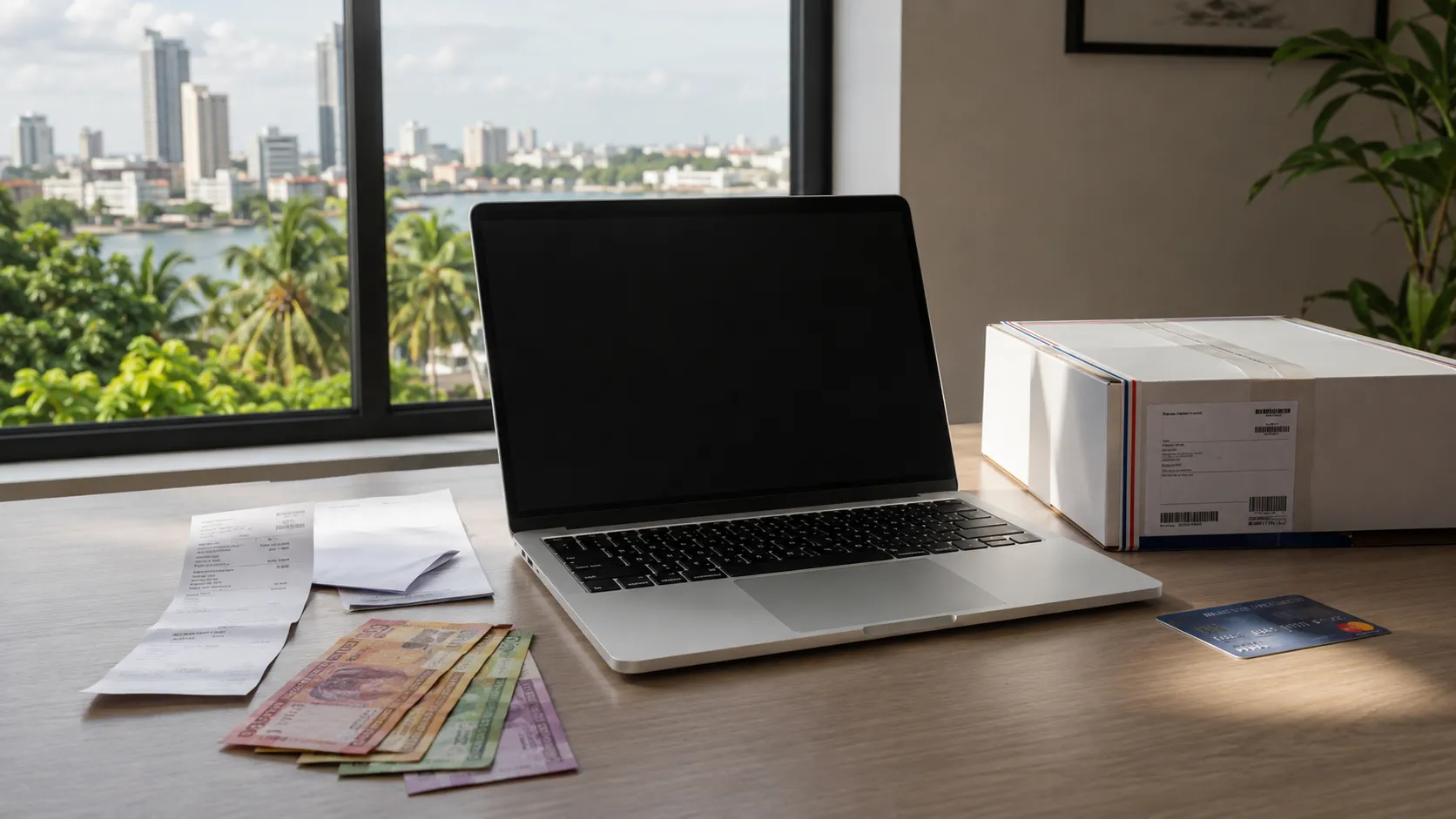
Should You Buy a MacBook in Sri Lanka or Import From USA?
A MacBook can look much cheaper on Apple’s US website. You convert the dollar price into rupees, compare it with a Sri Lankan shop and assume importing will save money.
But that simple conversion leaves out several costs. US sales tax, card charges, shipping, Sri Lankan import taxes and warranty problems can turn an apparent bargain into an expensive mistake.
For most Sri Lankan buyers, purchasing locally is the better choice when the model is already available at a competitive price. Importing makes sense mainly when you find a major discount or need a configuration that local sellers do not stock.
Why the US Price Can Be Misleading
Prices displayed on Apple’s US website normally exclude state sales tax. The amount added depends on the state where the order is delivered.
Oregon does not have a general sales tax, for example. However, Apple does not normally ship US-store orders directly to Sri Lanka. You need a US address belonging to a relative, friend or forwarding company.
Your bank also affects the final price. Sri Lankan cards may add around 3.5% to 4.5% for foreign currency transactions. The bank’s USD/LKR conversion rate can be less favourable than the rate you see on Google.
Apple’s US education discount may reduce the price, but it is not available automatically to every Sri Lankan student. Eligibility is intended for qualifying students, parents and education staff connected to eligible US institutions.
Local Truth: The dollar price on Apple’s website is only the starting price. It is not the amount that finally leaves your bank account.
MacBook Prices in Sri Lanka vs USA
The following comparison uses the Apple USA retail price, an approximate Sri Lankan card conversion and the lowest local prices observed during the research.
The approximate conversion assumes an exchange rate near Rs. 341 per US dollar and a 3.5% card charge. It does not include US sales tax, shipping or Sri Lankan customs charges.
The comparison produces an important result: common MacBook configurations are not always cheaper in the USA. In this snapshot, the lowest observed Sri Lankan price was below the approximate converted US price for every model.
Prices alone do not tell the complete story, however. A low local price may come with an importer warranty instead of direct Apple-backed support. The laptop may also be grey-imported or already activated.
Always compare the exact chip, RAM and storage. A 16GB/512GB MacBook cannot be fairly compared with a cheaper 16GB/256GB version carrying the same model name.
Sri Lankan prices also change with the USD/LKR rate, stock availability and new shipments. Check several established sellers and compare their warranty terms through SellX.lk’s Laptop Prices in Sri Lanka guide before deciding.
The Real Cost of Importing by Courier
A courier import has more costs than the laptop and delivery fee. Sri Lankan Customs can calculate taxes using the CIF value, which means the cost of the product plus insurance and freight.
Under the tariff figures reviewed for new laptops, applicable VAT, PAL, CESS and SSCL could produce combined levies of approximately 31% of the CIF value. Customs rules and valuation decisions can change, so calculate this again before ordering.
Consider the 13-inch MacBook Air priced at $1,299. After an assumed 8% US sales tax, $100 for shipping and insurance, a 3.5% card charge, Sri Lankan taxes and handling costs, its estimated landed price could reach roughly Rs. 698,000.
That is around Rs. 285,000 more than the lowest local price in the table. Even if you avoid US sales tax, a properly declared courier shipment can still become much more expensive after local taxes.
Do not ask a seller or forwarding company to mark an expensive MacBook as a low-value gift. Gift status does not automatically remove taxes, and Customs can reassess a declaration that appears unrealistic. The shipment may also be held until documents and payments are provided.
Courier importing is therefore rarely sensible for an ordinary MacBook Air that is already available in Sri Lanka. It becomes worth investigating only when the configuration is unavailable locally or the US discount is unusually large.
Is Hand-Carrying a MacBook Better?
Having a friend or relative bring the MacBook can remove international courier costs. It also allows the buyer to choose a US state without sales tax if the traveller has a suitable delivery address.
But hand-carrying does not create an automatic customs exemption. Passenger baggage allowances and the traveller’s circumstances still matter. Opening the box or carrying the MacBook without its packaging is not an official guarantee that no tax will apply.
There are practical risks too. Apple’s standard US return window is generally 14 days. If the laptop reaches Sri Lanka after that period and develops a fault, arranging a return can become difficult.
The traveller should inspect and activate the MacBook early enough to identify screen, charging or keyboard problems. The original invoice must also be kept because Apple or a service provider may request proof of purchase.
US Apple chargers support Sri Lanka’s voltage and frequency. You may still need a reliable plug adapter, and the keyboard layout could differ slightly from models intended for other markets.
Warranty and Repairs in Sri Lanka
Apple’s limited warranty may allow an imported MacBook to receive service outside the country of purchase. However, international service does not guarantee that every model, part or repair option will be immediately available in Sri Lanka.
Apple-authorised service providers operate locally, but they may need to verify coverage, order parts or follow regional procedures. In some cases, overseas shipping or additional costs may become the owner’s responsibility.
Local sellers also use different meanings for “warranty.” One shop may help manage an Apple warranty claim, while another may provide only its own repair or replacement promise.
Before paying, ask who is responsible if the laptop fails. Confirm whether the warranty is from Apple, the local seller or the importer, and get the answer in writing.
Many Sri Lankan buyers have reported confusion over international coverage, delayed parts and uncertainty about where an imported device should be taken. These experiences do not mean every imported MacBook will have problems, but they show why warranty details matter.
If you’re a student: Saving Rs. 20,000 is not a good deal if a repair leaves you without your assignment laptop for several weeks.
Final Verdict: Local Purchase or US Import?
For most buyers, purchasing from a reputable Sri Lankan seller is the better option. Common MacBook Air and 14-inch MacBook Pro configurations may already cost less locally than the US retail price after currency conversion.
Consider importing only when the exact model is unavailable here or the final saving remains significant after every expense. A useful target is at least Rs. 75,000 to Rs. 100,000, or approximately 10% to 15%, after including tax, payment and transport costs.
Before buying:
Match the exact chip, RAM and storage.
Calculate US sales tax and card charges.
Include shipping, insurance and Sri Lankan taxes.
Confirm the warranty terms in writing.
Keep the original Apple invoice.
Check the serial number and activation status.
Import only when the final saving justifies the extra risk.
The safest rule is simple: never decide using the converted US price alone. Compare the complete cost, warranty support and repair risk before spending your money.
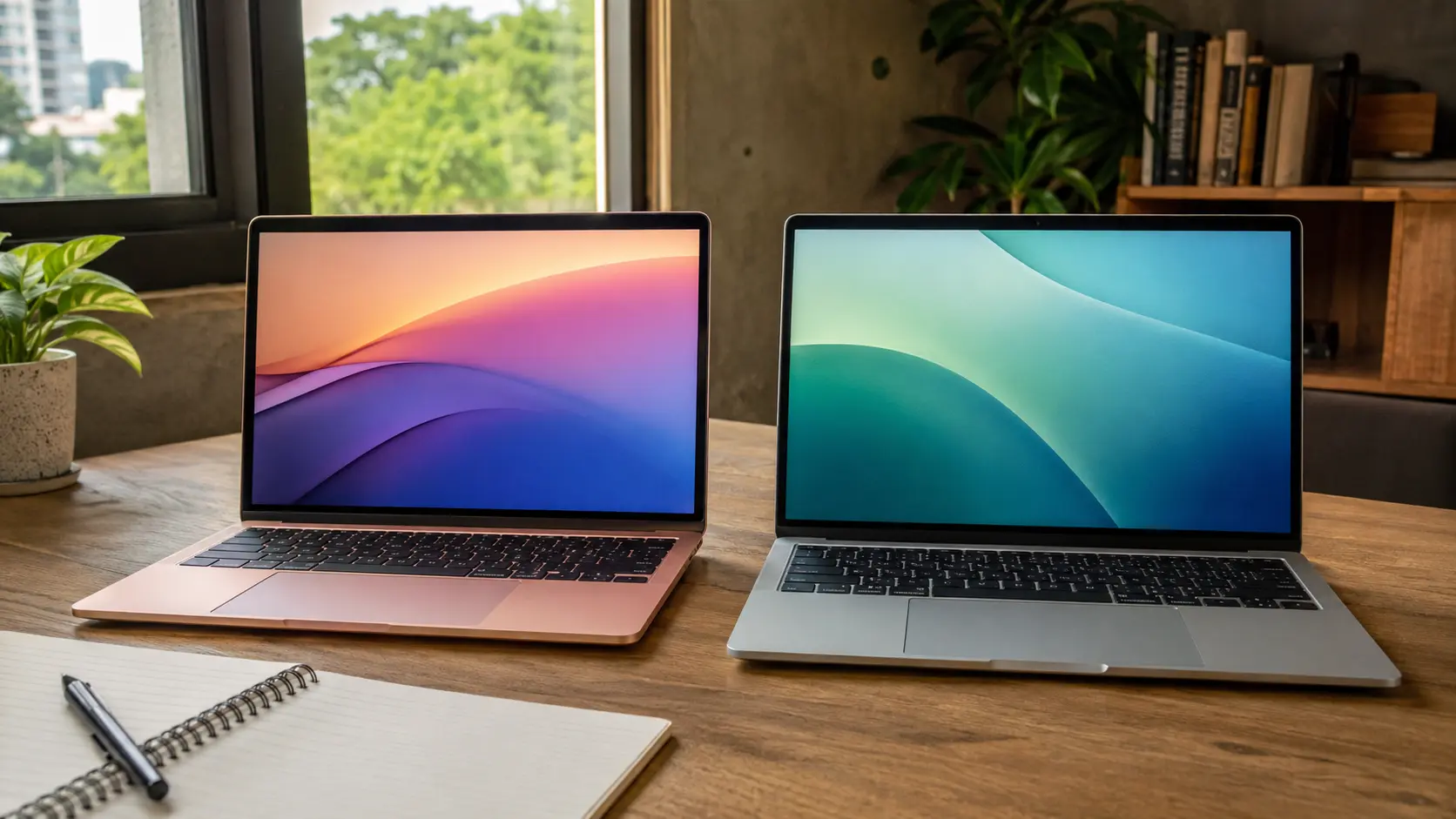
MacBook Neo vs. MacBook Air M2: Which Offers the Best Value for Sri Lankan Buyers?
Buying a MacBook in Sri Lanka is rarely a simple decision. The official international price does not tell you what you will actually pay here after VAT, import costs and seller margins.
The new MacBook Neo costs around Rs.250,000 locally. A MacBook Air M2 with 16GB RAM can cost between Rs.280,000 and Rs.310,000, depending on the seller and warranty.
That creates an important question: should you save money with the new MacBook Neo or pay more for the older but better-equipped MacBook Air M2?
The short answer is simple. The Neo is suitable for studying, browsing and office work. However, the 16GB MacBook Air M2 offers better long-term value for coding, designing and heavier multitasking.
MacBook Neo vs. MacBook Air M2: Key Differences
Both laptops are light, silent and easy to carry. They also run macOS and support everyday applications such as Microsoft Office, Zoom, Google Chrome and Canva.
However, the similarities end there.
The Neo is the newer laptop, but that does not automatically make it better. Apple reduced several features to keep its price low.
The M2 Air gives you a better screen, faster ports, a backlit keyboard and stronger performance. These are features you will notice throughout the laptop’s life.
Which One Is Faster for Your Work?
The MacBook Neo uses Apple’s A18 Pro chip. It delivers excellent speed when opening applications, loading websites and completing short tasks.
You should not think of it as a slow budget laptop. It can comfortably handle lectures, online classes, documents, spreadsheets, emails and everyday browsing.
The M2 performs better when work becomes more demanding. It has more CPU and graphics cores, along with higher memory bandwidth.
That makes the M2 Air better for Photoshop, Lightroom, video editing and large Canva projects. It is also the safer choice for coding, Xcode and applications such as Android Studio.
If you are studying arts, management or another course centred on documents and presentations, the Neo should be enough. An IT or software-engineering student will benefit more from a 16GB M2 Air.
Engineering and architecture students need to be especially careful. AutoCAD has a Mac version, but Autodesk recommends 16GB RAM for smoother work.
Applications such as SolidWorks and Revit do not run natively on macOS. Buying either MacBook without checking your course software could become an expensive mistake.
Local truth: A powerful MacBook cannot solve a Windows-only software problem.
Is 8GB RAM Enough in 2026?
Yes, 8GB RAM is enough for basic work. No, it is not the best choice for every student or professional. The Neo can manage Chrome tabs, Word, Spotify and Zoom together. macOS manages memory well and uses part of the SSD when the physical RAM fills.
This feature helps the laptop remain usable, but SSD storage is slower than real RAM. Performance can drop when you run several demanding applications together.
More importantly, every MacBook Neo is limited to 8GB RAM. You cannot order a 16GB version or upgrade it later. The M2 Air was sold with 8GB, 16GB and 24GB configurations. Its RAM is also fixed, so you must confirm the exact amount before buying.
Some Sri Lankan sellers do not place the RAM clearly in the product title. Ask the shop to open the system information page and show you the installed memory.
For documents, browsing and online classes, the Neo’s 8GB should be fine. For programming, virtual machines, video editing or five years of use, the 16GB M2 is the safer investment.
Avoid paying more for an 8GB M2 Air when a 16GB version is available for a similar price.
The Everyday Features the Neo Leaves Out
Performance is only one part of the buying decision. Small features can affect you every day. The M2 Air has a 13.6-inch display with P3 colour and True Tone. The Neo has a slightly smaller 13-inch display with standard sRGB colour.
Both screens are sharp and reach 500 nits of brightness. However, the M2 is better for photographers, designers and anyone who needs more accurate colours. The M2 Air also has a backlit keyboard. The Neo does not.
That may not sound important inside a bright showroom. It becomes noticeable when you work at night or during a Sri Lankan power cut.
The base 256GB Neo also lacks Touch ID. You must choose the 512GB version to receive fingerprint access. Port selection is another major limitation. The Neo has two USB-C ports, but only one supports USB 3 speed. The other is limited to the much older USB 2 speed.
The M2 Air includes two faster Thunderbolt ports and a separate MagSafe charging connection. You can charge it without occupying a USB-C port.
Apple rates the M2 Air for up to 18 hours of video playback. The Neo is rated for up to 16 hours. Both should survive a normal class or office day, but the M2 provides better protection during long power cuts.
Sri Lankan Prices, Warranties and Grey-Import Risks
At the time of research, the MacBook Neo 8GB/256GB was advertised locally at approximately Rs.249,990 to Rs.259,000. The MacBook Air M2 16GB/256GB appeared at around Rs.280,000 to Rs.310,000. Prices will change with stock availability and the USD/LKR exchange rate.
A Rs.30,000 difference is significant for a Sri Lankan student. However, the M2 gives you twice the RAM, better performance and more useful everyday features.
The condition of the M2 matters. Because it was released in 2022, low-priced units may be old stock, previously activated, used or refurbished. Do not assume that a sealed-looking box proves the laptop is brand new. Ask the seller to confirm the activation status and warranty in writing.
Grey-imported MacBooks are not automatically fake. The real problem is that some sellers provide only their own warranty, which may not cover expensive repairs properly.
Before paying, confirm the serial number, activation date and warranty provider. Your invoice should show the laptop’s serial number and exact configuration.
If you are considering a used M2, check its battery health, cycle count and repair history. Make sure Find My is disabled and the previous Apple Account has been removed.
You should also erase and activate the Mac before completing the payment. This helps reveal Activation Lock or company-management restrictions.
Final Verdict: Which MacBook Should You Buy?
Choose the MacBook Neo if your budget is close to Rs.250,000 and you need a new Mac for light work. It is a practical choice for browsing, assignments, meetings, streaming and Microsoft Office.
The Neo is also safer than an unknown used M2. You receive a fresh battery, a newer release and a clearer ownership history.
Choose a 16GB MacBook Air M2 if you code, design, edit videos or regularly use several applications together. It provides more performance, a better display, faster ports and longer battery life.
If a genuine new 16GB M2 costs only Rs.30,000 to Rs.50,000 more than the Neo, the M2 offers better overall value. Just verify its activation status and warranty before buying.
You should avoid both when your university or workplace depends on Windows-only software. A good Windows laptop will save you from compatibility problems and expensive workarounds.
The MacBook Neo is the safer budget Mac. The 16GB MacBook Air M2 is the smarter long-term purchase for buyers who need more than basic work.
Before deciding, compare other models and current Laptop Prices in Sri Lanka. A newer MacBook Air or a suitable Windows laptop may offer better value at the price available on the day you buy.
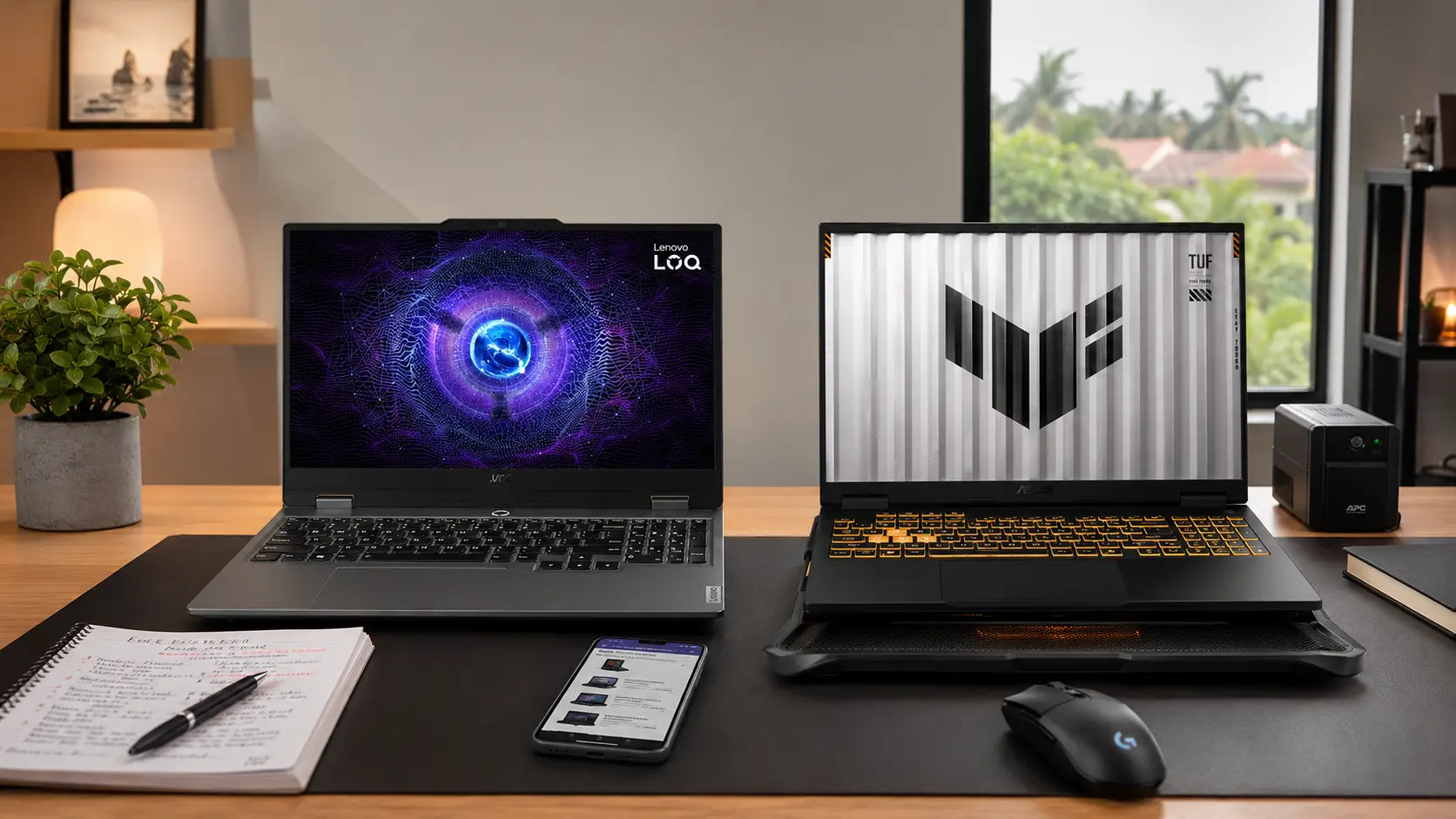
Asus TUF Gaming F16 2025 vs Lenovo LOQ 15IRX9: Which Gaming Laptop Should You Buy in Sri Lanka?
Buying a gaming laptop in Sri Lanka is not just about picking the higher specs.
You also have to think about price, heat, warranty, grey imports, upgrade options, and whether the laptop can survive 4–5 years of real use.
That is why the Asus TUF Gaming F16 2025 FX608 and Lenovo LOQ 15IRX9 comparison matters. Both are popular choices for students, gamers, design learners, and parents who want one powerful laptop for study and entertainment.
The simple answer is this: choose the Asus TUF Gaming F16 2025 if your budget allows it. It is the better long-term laptop.
But if your budget is below Rs. 400,000, the Lenovo LOQ 15IRX9 can still be a smart choice, especially if you get an RTX 4050 or RTX 4060 version with proper local warranty.
Before deciding, check the latest Laptop Prices in Sri Lanka and compare the exact CPU, GPU, RAM, SSD, display, and warranty. In Sri Lanka, two laptops with the same name can have very different value.
Quick Verdict: Which One Makes More Sense?
The Asus TUF Gaming F16 2025 FX608 is the better overall choice for most Sri Lankan buyers who want long-term value.
It usually comes with a larger 16-inch 16:10 display, newer RTX 5050, RTX 5060, or RTX 5070 graphics, better battery capacity, stronger upgrade options, and a more durable body.
This matters if you are buying for gaming, AutoCAD, Revit, Blender, Photoshop, Premiere Pro, or university work.
The Lenovo LOQ 15IRX9 wins on price. It is often much cheaper in Sri Lanka, sometimes by Rs. 100,000 to Rs. 200,000 or more, depending on the configuration.
That makes it attractive for students and parents who need a capable gaming laptop but cannot stretch the budget too far.
Local truth: the cheapest laptop is not always the best deal in Sri Lanka. A low price can mean shop warranty, grey import stock, opened-box units, or weaker specs hidden behind a familiar model name.
If the Asus TUF F16 is only slightly more expensive than a Lenovo LOQ RTX 4060 model, the Asus is usually the safer long-term buy. If the Lenovo LOQ is much cheaper and has clear local warranty, it can be the better value choice.
Specs Comparison: Don’t Buy Only by Model Name
Many Sri Lankan buyers make one common mistake. They compare “Asus TUF” vs “Lenovo LOQ” without checking the exact configuration.
That is risky because both laptops come in different CPU, GPU, RAM, SSD, screen, and battery versions.
A Lenovo LOQ with RTX 4060 can be much better than a lower Asus TUF with weaker graphics. But an Asus TUF F16 with RTX 5060 or RTX 5070 will usually be stronger and more future-proof than most LOQ 15IRX9 models.
Here is the simple comparison.
The Asus TUF F16 has a clear advantage in display, battery, RAM ceiling, and newer GPU options.
The Lenovo LOQ fights back with price. For many Sri Lankan students, that price difference is not small. It can cover a laptop bag, cooling pad, extra SSD, software setup, and even part of university expenses.
Before buying, ask the seller for the full model number, exact GPU, GPU wattage, RAM type, number of RAM slots, SSD slots, battery size, and warranty terms.
Do not accept only “i7 gaming laptop” or “RTX laptop” as an answer.
Gaming and Study Performance: Which One Feels Faster?
For most popular games in Sri Lanka, both laptops can perform well if you buy the right version. Games like Valorant, GTA V, Fortnite, PUBG, Apex Legends, EA FC, and Call of Duty Warzone should run smoothly on RTX 4050, RTX 4060, RTX 5050, or RTX 5060 models.
The Lenovo LOQ 15IRX9 with RTX 4060 is still a strong 1080p gaming laptop. It gives good value if the price is right.
But the Asus TUF Gaming F16 2025 has the stronger future advantage because of newer RTX 50-series graphics. The RTX 5060 and RTX 5070 versions are better suited for newer games, DLSS support, and long-term gaming.
Simple explanation: the Lenovo LOQ is enough for today’s 1080p gaming. The Asus TUF F16 is safer for tomorrow’s heavier games.
For study work, both laptops are more than enough for Microsoft Office, Chrome, Zoom, Teams, coding, and daily university tasks.
For AutoCAD, Revit, Blender, Photoshop, Premiere Pro, and Android Studio, the Asus TUF F16 becomes more attractive. The larger screen, better upgrade ceiling, and newer GPU options help when your projects get heavier.
If you are a student, do not buy an 8GB RAM gaming laptop in 2026. It may look cheaper, but it can feel slow when you open Chrome, Word, Teams, and design software together.
Go with 16GB minimum. Choose 24GB or 32GB if you do CAD, editing, 3D work, coding, or heavy multitasking.
Cooling, Heat, and Sri Lankan Weather
Cooling is one of the biggest reasons this comparison matters in Sri Lanka. A laptop reviewed in a cold foreign room may behave differently in Colombo, Kandy, Galle, Kurunegala, Jaffna, or Matara without air conditioning.
The Asus TUF Gaming F16 2025 has the advantage here. It is built for stronger sustained performance and generally has better cooling for long gaming sessions. It can still get warm. It can also become noisy when the fans speed up. That is normal for gaming laptops.
The Lenovo LOQ 15IRX9 also has decent cooling for its price. But some users report that certain LOQ HX variants can run hot or become noisy during long gaming or heavy work.
This does not mean every Lenovo LOQ has a problem. It means Sri Lankan buyers should be more careful with the exact variant, warranty, and seller support.
Local truth: dust is a silent laptop killer in Sri Lanka. Even a good gaming laptop can overheat after months of use if the vents and fans collect dust.
Use a cooling pad if your room is hot. Do not game on a bed, pillow, or cloth surface. Keep the back vents open. If you use the laptop heavily, clean the fans and check thermal paste every 1–2 years through a trusted technician.
Build Quality, Warranty, and Buyer Risks
The Asus TUF F16 is the stronger choice for durability. It has a more rugged design, military-grade durability claims, stronger long-term positioning, and better suitability for campus and backpack use.
That matters if you are a student carrying the laptop between home, lectures, hostel, and tuition classes.
The Lenovo LOQ 15IRX9 is not badly built. It is a good budget gaming laptop. But it is more plastic-heavy and does not feel as premium or rugged as the Asus TUF. The biggest concern with the Lenovo LOQ series is not performance. It is reliability reports.
Some users have reported motherboard, power, or sudden shutdown issues on certain Lenovo LOQ Intel HX models. This does not mean every LOQ will fail. But if you are buying in Sri Lanka, where warranty handling can be stressful, you should not ignore these reports.
For the Asus TUF F16, the main concerns are heat under load, fan noise, and making sure the seller gives the correct warranty. Some older gaming laptops also had hinge or display complaints, so always check the unit carefully before paying.
Warranty is where many Sri Lankan buyers get trapped.
Some shops say “international warranty” but do not clearly explain where the laptop will be repaired. Some offer only shop warranty. Some upgrade RAM or SSD before selling, but do not explain whether it affects brand warranty.
Before buying either laptop, ask for written warranty terms. Check the serial number. Ask whether the warranty is official local warranty, distributor warranty, or shop warranty.
Also check whether the box was opened. If RAM or SSD was upgraded, ask for the original specs and upgrade details on the invoice. A suspiciously cheap “brand new” gaming laptop should make you pause.
Display, Battery, and Upgradeability
This is where the Asus TUF Gaming F16 becomes easier to recommend.
The 16-inch 16:10 display gives you more vertical space than a normal 15.6-inch screen. That helps when reading PDFs, writing assignments, editing timelines, coding, or working on AutoCAD drawings.
For design students, screen quality matters. A better display helps with Photoshop, Premiere Pro, Blender, and even long study sessions.
The Lenovo LOQ 15IRX9 display is still fine for gaming and university use. A 15.6-inch FHD 144Hz screen is sharp enough and responsive enough for most buyers. But it feels more basic compared to the larger Asus screen.
Battery is also better on the Asus TUF F16 if you get the 90Wh version. That helps during lectures, travel, and short power cuts. Still, be realistic. These are gaming laptops. They are not built for all-day battery life like thin office laptops.
When gaming or rendering, both should be plugged in. If you face regular power cuts, a UPS can protect your work and reduce sudden shutdown problems.
Upgradeability is good on both models. Both can usually take extra SSD storage and RAM upgrades. But the Asus TUF F16 has the better ceiling because it can support up to 64GB RAM. That is useful if you want to keep the laptop for 4–6 years.
For most buyers, 16GB RAM is the starting point. For AutoCAD, Revit, Blender, Premiere Pro, and heavy coding, 32GB is the better long-term target. For storage, avoid thinking 512GB is enough. A few games, Windows updates, project files, and software installations can fill it quickly.
If your budget allows, buy 1TB from the start. Otherwise, make sure there is a second SSD slot before buying.
Final Decision: Which One Should Sri Lankan Buyers Choose?
 Choose the Asus TUF Gaming F16 2025 FX608 if you want the safer long-term laptop.
It is better for students who do gaming plus studies, design learners, engineering students, AutoCAD users, content creators, and parents who want a stronger laptop for 4–6 years.
The better screen, stronger battery, newer RTX graphics, higher RAM support, and more durable build make it worth the extra cost if your budget allows.
Choose the Lenovo LOQ 15IRX9 if your budget is tighter and the price difference is big.
It is a good choice if you get an RTX 4050 or RTX 4060 version, at least 16GB RAM, proper local warranty, and a trustworthy seller. It can handle gaming, study work, and many creative tasks well for the price.
But do not buy the Lenovo LOQ only because it is cheaper. Check the warranty carefully, especially with Intel HX variants.
Here is the clean decision:
- If the Asus TUF F16 is only Rs. 50,000–100,000 more than a similar Lenovo LOQ, the Asus is usually the better long-term buy.
- If the Lenovo LOQ is Rs. 150,000–200,000 cheaper and has proper warranty, it becomes the better value choice.
Before paying, compare current Laptop Prices in Sri Lanka, test the laptop, check the serial number, confirm the warranty, and make sure the RAM and SSD options fit your future needs.
The right laptop is not always the cheapest one. It is the one that gives you fewer headaches after spending several lakhs.
Check Before You Buy
Before buying the Asus TUF F16 or Lenovo LOQ 15IRX9, check these things in-store or with the seller. Make sure the laptop has at least 16GB RAM, an RTX 4050 or better GPU, and clear written warranty terms.
Check the exact model number, GPU wattage, battery size, display type, SSD slots, and RAM upgrade support. Ask whether the laptop is official stock, grey import, opened-box, refurbished, or shop-warranty only.
Test the keyboard, trackpad, display, speakers, webcam, ports, charger, and Wi-Fi before paying. Also ask the seller to include any RAM or SSD upgrade details on the invoice. A few minutes of checking can save you months of repair stress later.
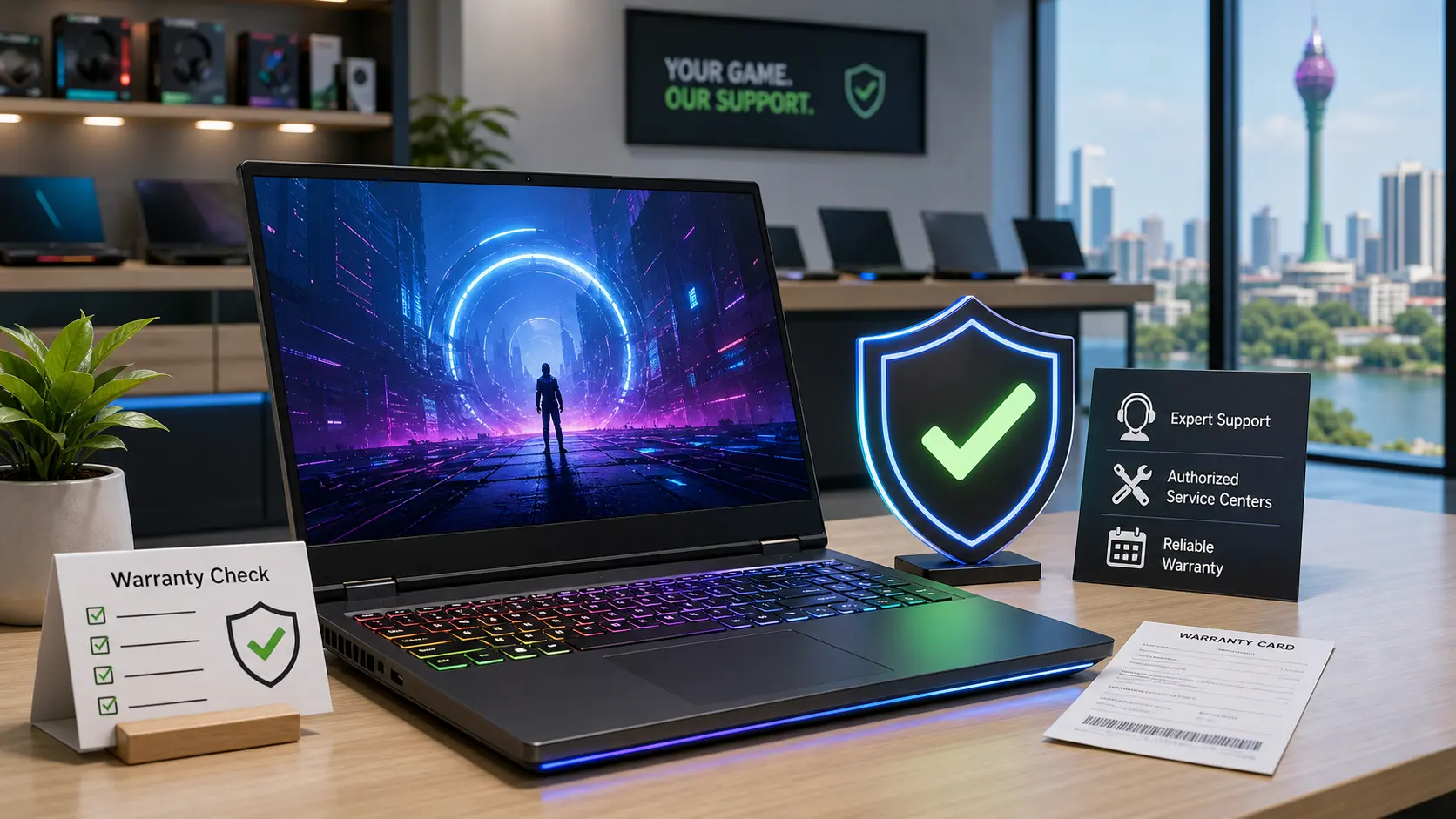
Best Gaming Laptop Brands With Good Warranty in Sri Lanka
A gaming laptop with unclear warranty can cost you more than a higher-priced model from a trusted seller.
Many Sri Lankan buyers compare gaming laptops by processor, graphics card, RAM, SSD size, RGB keyboard, and price. These things matter, especially if you want smooth gaming performance.
But warranty support is just as important. When you are spending Rs. 250,000 to Rs. 800,000 or more, one major hardware failure can become a serious financial problem.
Gaming laptops are more expensive to repair than normal laptops. A damaged motherboard, GPU-related fault, high-refresh display issue, cooling fan problem, battery failure, or charger replacement can cost a lot.
In Sri Lanka, this risk is even higher because of import costs, VAT, USD/LKR changes, limited stock, parts delays, heat, humidity, and unclear seller warranties. That is why the best gaming laptop brand is not always the one with the highest specs.
Before choosing a model, it is also useful to compare current Laptop Prices in Sri Lanka because gaming laptop prices can change with stock, taxes, and exchange rates.
This guide explains the gaming laptop brands that are safer to consider in Sri Lanka when warranty, after-sales support, and long-term ownership matter.
Why Warranty Matters More for Gaming Laptops in Sri Lanka
A gaming laptop works harder than a regular office or study laptop. It has a powerful CPU, a dedicated GPU, stronger cooling fans, a high-wattage charger, and often a high-refresh-rate display.
These parts help the laptop run games, editing software, design tools, and heavy multitasking. But they also make the laptop more expensive to repair if something goes wrong.
Sri Lankan conditions can also increase long-term stress on a gaming laptop. Heat and humidity can affect cooling performance. Dust can block air vents and fans. Power cuts and charging habits can affect battery health over time.
This does not mean gaming laptops are unsafe to buy in Sri Lanka. It simply means buyers should take warranty seriously before paying.
For example, a basic laptop repair may be affordable if the issue is small. But in a gaming laptop, a motherboard or GPU-related failure can cost a large part of the laptop’s value.
That is why warranty is not just an extra benefit. It is part of the real value of the laptop.
Authorized Warranty vs Shop Warranty: What Buyers Must Know
When shopping for gaming laptops in Sri Lanka, you may hear terms like company warranty, authorized warranty, seller warranty, shop warranty, and international warranty. These words can sound similar, but they do not always mean the same thing.
An authorized warranty usually means the warranty is supported by the brand, official distributor, or approved service partner. This is usually safer because the repair process is clearer.
A shop warranty means the seller handles the warranty. This can still be useful if the shop is trusted, honest, and has a proper repair process. But it depends heavily on the seller.
The risk with shop warranty is that some sellers may delay repairs, reject claims, use low-quality parts, or send the laptop to unknown repair places.
International warranty is another area buyers must check carefully. Some imported laptops may have international warranty, but that does not always mean the claim can be handled easily in Sri Lanka.
A gaming laptop may be Rs. 30,000 cheaper from one seller. But if it only comes with unclear shop warranty, that saving may disappear quickly if an expensive part fails.
So do not ask only, “What is the last price?” Also ask, “Who will repair this if something goes wrong?”
Best Gaming Laptop Brands for Warranty Support in Sri Lanka
There is no perfect gaming laptop brand for every buyer. The safest choice depends on the exact model, seller, warranty type, invoice, and repair route.
Still, some brands are easier to recommend when warranty and after-sales support matter.
ASUS TUF and ROG
ASUS is one of the stronger gaming laptop choices to consider in Sri Lanka when the warranty is properly verified. ASUS TUF is popular among students and budget gaming buyers, while ROG is better suited for serious gamers and creators.
TUF models are often chosen by buyers who want gaming performance without going into the highest price range. ROG models are usually more premium, with better displays, cooling, build quality, and performance options.
The key advice is not simply “buy ASUS.” The better advice is to buy from a trusted seller, check the serial number, confirm the warranty period, and register the product if required.
If an ASUS gaming laptop is priced much lower than similar models, ask whether it is local stock, imported stock, open-box, or seller-warranty-only stock.
Lenovo LOQ and Legion
Lenovo is a strong balanced option for buyers who want gaming performance, study use, and long-term reliability. LOQ is usually more budget-friendly, while Legion is better for higher-performance gaming and creative work.
Lenovo LOQ can be a good fit for students, freelancers, and casual gamers who want one laptop for both work and entertainment. Legion is more suitable for users who need stronger cooling, better graphics options, and smoother heavy workloads.
Buyers should still confirm the local warranty route before purchase. This is especially important if the laptop is imported or priced much lower than other sellers.
HP Victus and Omen
HP Victus can be a practical choice for students, office users, and casual gamers who also want gaming performance. It usually feels more like a balanced everyday laptop than an aggressive gaming machine.
HP Omen is more premium and better suited for serious gaming or heavier creative work. But with higher-end models, buyers should check local stock, parts availability, and warranty terms carefully.
HP is safest when bought through an authorised seller with a proper invoice and clear written warranty details. Do not rely only on verbal promises.
Dell G Series and Alienware
Dell G Series can be a safer option for buyers who want a known brand and easier warranty checking. Dell laptops are often easier to identify through service tag details, which can help buyers confirm support information.
Alienware is Dell’s premium gaming line. It can offer strong performance, but it is usually expensive. Parts availability and repair cost should be checked carefully before buying an Alienware laptop in Sri Lanka.
Dell buyers should compare price, GPU power, display quality, cooling, and warranty together. A Dell gaming laptop is not automatically the best deal unless the full package makes sense.
MSI
MSI is well known among gamers and often offers strong performance for the price. Many MSI gaming laptops come with powerful graphics options and gamer-focused designs.
However, Sri Lankan buyers should be careful about after-sales support. MSI can be a good choice, but it is better for buyers who know how to check model details, warranty route, and seller reliability before purchase.
Before buying an MSI laptop, ask who handles the repair, where the laptop will be sent, how long warranty claims usually take, and whether parts are locally available.
Acer Nitro and Predator
Acer Nitro is common among budget gaming buyers in Sri Lanka. It can offer good value for buyers who want gaming performance without paying for the most premium models.
Acer Predator is more premium and is aimed at serious gamers. Since Predator models can be expensive, buyers should confirm warranty coverage and service support before purchase.
With Acer gaming laptops, warranty clarity matters. Ask whether the warranty is authorized, distributor-backed, international, or shop warranty.
Gigabyte and AORUS
Gigabyte and AORUS laptops may appeal to performance-focused buyers. Some models offer strong gaming specifications, good displays, and attractive performance for the price.
However, these brands are more niche in Sri Lanka compared with ASUS, Lenovo, HP, Dell, Acer, or MSI. That does not mean they are bad, but buyers should be more careful.
Gigabyte and AORUS are better for buyers who already understand gaming laptop specs and can verify warranty, repair process, parts support, and seller trust before buying.
Gaming Laptop Brand Comparison Table
The table below gives a simple comparison for Sri Lankan buyers. This should not be used as a fixed ranking because the seller and warranty type can change the real safety of the purchase.
A properly warranted Acer or MSI laptop from a trusted seller can be safer than an ASUS or Lenovo laptop with unclear warranty. The exact model, invoice, seller reputation, and repair route matter more than the logo alone.
What Sri Lankan Buyers Say About Warranty and After-Sales Service
Sri Lankan laptop buyers often ask the same questions before buying: Which shop can I trust? Is this company warranty or shop warranty? Will they help me after I pay? Can I claim warranty locally if the laptop was imported?
These questions are important because after-sales experience can be very different from the buying experience. A seller may sound friendly before purchase, but the real test comes when the laptop has a fault.
Many buyers worry about grey imports, open-box units, fake upgrades, unclear SSD or RAM changes, repair delays, and sellers who avoid responsibility after the sale.
This is why warranty checking should happen before payment, not after a problem appears.

Final Recommendation: Which Brand Should You Choose?
For most Sri Lankan buyers, ASUS TUF, ASUS ROG, Lenovo LOQ, and Lenovo Legion are among the safer choices when warranty is properly verified. They offer strong gaming options and are easier to recommend when bought from a trusted seller.
For students and casual gamers, HP Victus, Lenovo LOQ, ASUS TUF, and Acer Nitro can be practical choices. These models usually offer a better balance between price, performance, and everyday use.
For serious gamers and creators, ASUS ROG, Lenovo Legion, MSI higher-end models, Dell Alienware, and Acer Predator can be considered. But at this price level, warranty and parts support should be checked very carefully.
For budget buyers, the cheapest gaming laptop is not always the best deal. A slightly more expensive model with proper warranty can be safer than a cheaper unit with unclear after-sales support.
For niche performance buyers, Gigabyte and AORUS may work well only if the seller has a clear repair process, proper warranty documentation, and reliable parts support.
Conclusion
The best gaming laptop brand in Sri Lanka is not always the one with the biggest GPU, brightest RGB lights, or lowest price. The safer choice is the laptop that gives you the right performance, genuine warranty, trusted seller support, and a clear repair path.
Before buying, compare the specs, price, warranty, and seller reputation together. A good warranty may not feel exciting on the first day, but it can save you a lot of money if something goes wrong later.
FAQs About Gaming Laptop Warranty in Sri Lanka
Simple answers to help Sri Lankan buyers choose a safer gaming laptop brand.
Q1. Which gaming laptop brand has the best warranty in Sri Lanka?
ASUS TUF/ROG and Lenovo LOQ/Legion are generally safer choices when the warranty is properly verified. HP Victus, Dell G Series, Acer Nitro, and MSI can also be good options, but the seller, invoice, warranty type, and repair route matter as much as the brand name.
Q2. Is shop warranty safe for a gaming laptop in Sri Lanka?
Shop warranty can be safe only if the seller is trusted and gives clear written warranty terms. For expensive gaming laptops, authorized warranty is usually safer because motherboard, GPU, display, cooling fan, battery, and charger repairs can be costly if the claim is rejected or delayed.
Q3. What should I check before buying a gaming laptop in Sri Lanka?
Check whether the laptop has authorized, international, or shop warranty. Ask for the warranty period on the invoice, verify the serial number, confirm the repair location, check battery and charger coverage, and make sure the CPU, GPU, RAM, SSD, display refresh rate, and GPU wattage match the advertised model.
Asus TUF A15 vs A16: Is the A16 Worth Paying Nearly Rs. 100,000 More in Sri Lanka?
Buying a gaming laptop in Sri Lanka is rarely a simple decision. Prices change frequently, specifications can be confusing, and two laptops that look almost identical on paper can have a surprisingly large price gap.
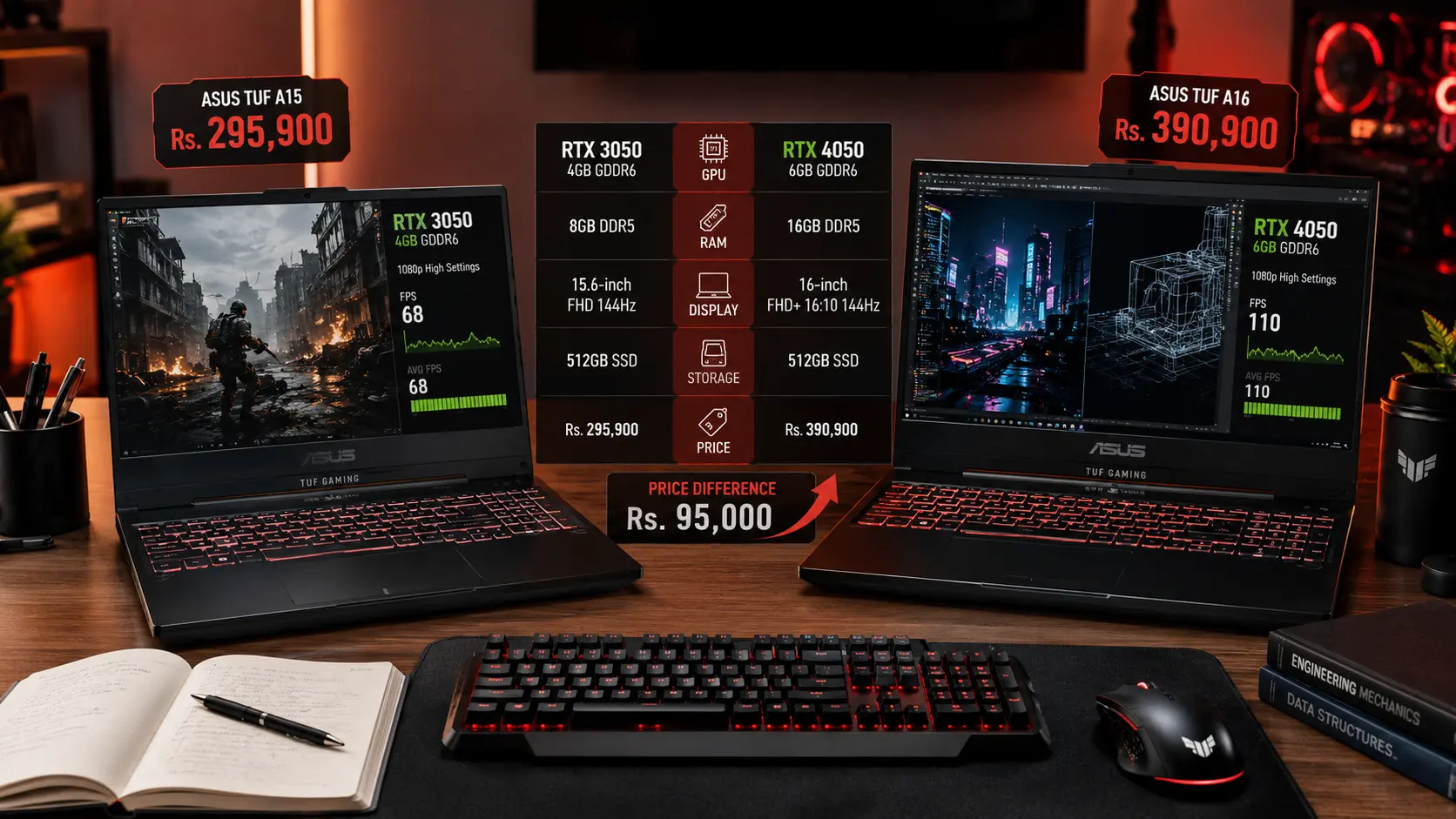
That is exactly what many buyers discover when comparing the Asus TUF Gaming A15 and Asus TUF Gaming A16 currently available in Sri Lanka. At the time of writing, the TUF A15 sells for around Rs. 295,900, while the TUF A16 costs around Rs. 390,900. That creates a price difference of nearly Rs. 95,000.
Naturally, most buyers ask the same question: is the A16 genuinely better, or are you simply paying extra for a newer model name and a slightly larger screen?
After comparing the specifications, real-world usage, and long-term value of both laptops, the answer becomes clear. The A16 offers meaningful upgrades that many buyers will notice every day. However, whether those upgrades justify the extra cost depends entirely on how you plan to use the laptop.
What Do You Actually Get for the Extra Rs. 95,000?
Before deciding whether the A16 is worth the additional money, it helps to understand exactly what changes between these two models.
At first glance, the processors appear to be one of the major differences. In reality, most users will not notice a dramatic performance gap between the Ryzen 7 7435HS and Ryzen 7 7445HS during everyday work. Both processors are more than capable of handling Microsoft Office, online classes, programming, web browsing, and multitasking.
The real upgrades come from three areas: graphics performance, memory capacity, and display quality. These are the components that directly affect gaming, content creation, multitasking, and the overall experience of using the laptop every day.
Local Truth: Many Sri Lankan buyers focus heavily on processor names because they are easy to compare. However, when choosing a gaming laptop, the graphics card and RAM often have a much bigger impact on performance than a small CPU upgrade.
The RTX 4050 Is the Biggest Upgrade Most Buyers Will Notice
If there is one feature that explains most of the A16's higher price, it is the graphics card.
The Asus TUF A15 comes with an RTX 3050 4GB, while the A16 includes an RTX 4050 6GB. On paper, this may look like a simple model number change. In practice, the difference is much larger.
The RTX 4050 offers more graphics memory, better ray tracing performance, support for DLSS 3 and Frame Generation, and significantly stronger performance in newer games. It is also better suited for workloads such as Adobe Premiere Pro, Blender, AutoCAD, and AI-powered applications that are becoming increasingly common among university students and professionals.
For gaming, the RTX 4050 provides a much more comfortable experience in modern titles. New games continue to demand more graphics memory and processing power, and the additional VRAM on the RTX 4050 helps the laptop remain relevant for longer.
This matters because most Sri Lankan buyers do not replace their laptops every two years. Many students buy one laptop at the beginning of their degree and expect it to last until graduation. Choosing a stronger graphics card today can extend the useful life of the laptop by several years.

Local Truth: A large number of gaming laptops sold below Rs. 300,000 still use the RTX 3050. While it remains capable for esports titles and casual gaming, buyers planning to play future AAA games should think carefully before investing in a 4GB graphics card in 2026.
Why the A16 Feels Better for University, Coding, and Everyday Work
Gaming performance is not the only reason people choose the A16. In fact, many buyers who never play demanding games may still benefit from the upgrades it offers.
The first major advantage is memory. The A15 comes with 8GB DDR5 RAM, while the A16 includes 16GB DDR5 RAM from the factory. This difference becomes noticeable immediately.
Open Chrome with several tabs, a PDF textbook, Microsoft Word, Teams, WhatsApp, and a few background applications, and 8GB RAM can fill up surprisingly quickly. Once that happens, the system starts relying on the SSD as temporary memory, which can make the laptop feel slower than expected.
The A16 avoids this issue by providing 16GB RAM from day one. For students, professionals, and multitaskers, this creates a smoother and more comfortable experience.
The second advantage is the display. The A15 uses a traditional 15.6-inch Full HD screen, while the A16 features a larger 16-inch display with a 16:10 aspect ratio.
Although the difference sounds small, the taller screen provides more vertical workspace. You can see more lines of code, more rows in Excel, more text in research papers, and more content on websites without constantly scrolling.
For someone who spends hours studying, writing assignments, or working with spreadsheets, this improvement often has a bigger impact than a few extra gaming frames per second.
If You're a Student: The 16:10 display is one of the most underrated features of the A16. You may not appreciate it immediately in a showroom, but after several months of coding, writing reports, and reading lecture notes, the additional screen space becomes surprisingly valuable.
Is the A16 Really Worth an Extra Rs. 95,000?
This is the most important question in the entire comparison.
Rs. 95,000 is a significant amount of money in Sri Lanka. For many families, it can represent several months of savings. Because of that, buyers should carefully evaluate what they receive in return.
The additional investment gives you:
RTX 4050 instead of RTX 3050
16GB RAM instead of 8GB RAM
Larger 16-inch display
Better 16:10 screen ratio
Stronger long-term gaming performance
Better future-proofing
Looking at the price difference alone can make the A16 seem expensive. However, it is important to consider the cost of upgrading the A15.
Many buyers who choose the A15 eventually add another RAM module because 8GB is no longer ideal for modern multitasking. Once you factor in the cost of that upgrade, the effective gap between the two laptops becomes smaller.
The graphics card difference cannot be upgraded later. If you buy the RTX 3050 today, you are committing to that level of performance for the life of the laptop.
For buyers who intend to keep their laptop for four to five years, the stronger GPU and additional RAM make the A16 easier to justify.
Which Laptop Will Age Better Over the Next 3-4 Years?
When spending hundreds of thousands of rupees on a laptop, it is worth thinking beyond today's requirements.
Software becomes more demanding every year. Browsers use more memory, games require more graphics power, and professional applications continue to increase their hardware requirements.
The A15 remains a capable gaming laptop today. However, its 8GB RAM and RTX 3050 are more likely to become limitations over the next few years.
The A16 starts from a stronger position. Its 16GB RAM already meets the recommended specifications for many professional applications, while the RTX 4050 has significantly more room to handle future workloads.
This does not mean the A15 will suddenly become unusable. It simply means the A16 is likely to stay comfortable for longer without requiring compromises in game settings or multitasking performance.
Local Truth: Laptop prices in Sri Lanka often rise faster than people expect. Spending slightly more on better hardware today can sometimes be cheaper than replacing an underpowered laptop earlier than planned.
Who Should Buy the A15 and Who Should Buy the A16?
The best choice depends on your needs and budget.
The A15 makes the most sense for buyers who have a strict budget and want the most affordable entry into gaming laptops. It is still capable of handling everyday work, university tasks, and casual gaming.
The A16 is a better choice for buyers who want stronger gaming performance, smoother multitasking, and a laptop that will remain relevant for longer. Students studying IT, engineering, architecture, or media-related subjects are particularly likely to benefit from the additional power.
Avoid These Mistakes
Choosing based only on processor names
Ignoring RAM capacity
Assuming all RTX graphics cards perform similarly
Focusing only on today's needs
Buying without checking upgrade options and warranty coverage
Final Verdict: Is the Asus TUF A16 Worth the Extra Money?
For most Sri Lankan buyers, the Asus TUF A16 is the better laptop.
The combination of an RTX 4050 graphics card, 16GB RAM, and a larger 16-inch display creates a noticeably better experience for gaming, studying, multitasking, and long-term ownership. These are upgrades that many users will benefit from every day rather than features that only matter in benchmark tests.
However, that does not make the Asus TUF A15 a bad purchase. If your budget is limited to around Rs. 300,000, it remains one of the more affordable ways to get a gaming laptop with a Ryzen 7 processor and dedicated NVIDIA graphics.
The simple answer is this: buy the A15 if affordability is your top priority. Buy the A16 if you want stronger performance, more memory, better productivity, and a laptop that is more likely to feel modern several years from now.
For most students, gamers, and professionals planning to keep their laptop for four years or more, the Asus TUF A16 is usually worth the additional investment.
Frequently Asked Questions
Is the Asus TUF A16 worth the extra Rs. 95,000 over the A15 in Sri Lanka?
Yes, for most students, gamers, and long-term buyers, the Asus TUF A16 is worth the extra cost because it gives you an RTX 4050 6GB GPU, 16GB RAM, and a larger 16-inch display. The A15 is still a good choice if your budget is limited, but the A16 will age better over the next few years.
Is the RTX 4050 better than the RTX 3050 for gaming laptops?
Yes, the RTX 4050 is a stronger graphics card than the RTX 3050. It has more VRAM, better support for newer games, and features like DLSS 3 and Frame Generation. This matters in Sri Lanka because most buyers keep their laptops for four years or more.
Should university students buy the Asus TUF A15 or A16?
University students should choose the Asus TUF A16 if they can afford it. The 16GB RAM helps with multitasking, the taller 16:10 screen is better for coding and assignments, and the RTX 4050 is more suitable for engineering, IT, design, and media-related work. The A15 is better only when the budget must stay close to Rs. 300,000.

How To Avoid Fake Laptop Sellers In Sri Lanka
Buying a laptop in Sri Lanka can be stressful. Prices change frequently, specifications can be confusing, and not every seller is as trustworthy as they appear.
Most buyers worry about choosing the wrong laptop. In reality, many people lose money because they buy from the wrong seller.
A laptop may look brand new on the outside, but it could be a refurbished unit, an open-box device, or a grey import with limited warranty support. The good news is that you do not need to be a technology expert to avoid these problems. A few simple checks can help you buy with confidence.
Why Fake Laptop Sellers Are A Real Risk In Sri Lanka
Laptop demand has increased significantly in Sri Lanka. Students need devices for university work, professionals work remotely, and gamers continue to invest in more powerful machines.
Unfortunately, dishonest sellers know this.
Many buyers focus mainly on price and assume all laptops with the same model name are identical. That is not always true. Two laptops may look exactly the same online while offering completely different warranty coverage, support options, and product histories.
The rise of social media marketplaces and online classifieds has made it easier for unknown sellers to reach buyers. While many are genuine businesses, some operate without proper after-sales support or transparent warranty policies.
Local truth: In Sri Lanka, the cheapest laptop is not always the best value. The real cost often appears later when repairs or warranty claims become necessary.
The Most Common Laptop Scams To Watch For
One of the most common problems is refurbished laptops being sold as brand-new units. A seller may clean and repackage a used laptop, making it look new. The buyer only discovers the truth when the warranty status shows that the device was activated months earlier.
Another common issue involves shop warranties being presented as manufacturer warranties. A seller may advertise a two-year warranty, but the coverage is provided only by the shop. If the business closes or refuses repairs, the buyer has limited options.
Some sellers also advertise older processors without clearly mentioning the generation. For example, a laptop with an older Core i7 processor may be priced similarly to a much newer model simply because buyers focus on the "Core i7" branding.
Grey imports create another area of confusion. These laptops are often genuine products, but they may have been imported outside the official distribution network. As a result, local warranty support can be limited or unavailable.
There are also cases where laptops are advertised with upgraded RAM or SSD storage, but buyers are never told which components were installed. Cheap or used upgrades can affect performance and reliability.
Avoid these mistakes. Do not trust screenshots alone, do not ignore serial numbers, and never buy a laptop simply because it is significantly cheaper than every other seller.
How To Check If A Laptop Is Genuine Before Paying

The safest approach is to verify everything before handing over your money.
Start by asking for the exact model number. Generic descriptions such as "Core i7 Laptop" or "Gaming Laptop" do not provide enough information.
Next, request the serial number. Every major laptop manufacturer provides online tools that allow buyers to check warranty status and product information.
Use the serial number to verify the laptop through the manufacturer's official support website. This can help reveal whether the warranty has already started or if the device belongs to a different region.
When inspecting the laptop, check that the serial number matches across the box, the laptop body, the BIOS, and the invoice. Any mismatch should raise immediate concern.
If you are considering an open-box or display unit, inspect the physical condition carefully. Look for signs of wear, excessive battery usage, scratches, or replaced parts.
If you're a student, spend five extra minutes verifying these details. It can save you from years of frustration later.
Brand Warranty Vs Shop Warranty: What Buyers Must Know
Many Sri Lankan buyers assume all warranties provide the same protection. They do not.
A manufacturer warranty is usually supported through an authorized service network. This often means easier access to genuine replacement parts, trained technicians, and recognized repair procedures.
A shop warranty depends entirely on the seller. Some stores provide excellent support, while others may delay repairs or refuse certain claims.
This does not mean every shop warranty is bad. It simply means you need to understand who will actually repair the laptop if something goes wrong.
Local truth: A two-year shop warranty is not automatically better than a one-year manufacturer warranty.
Before buying, ask where repairs are performed, how long repairs usually take, and who supplies replacement parts.
Why Some Laptop Prices Look Too Good To Be True

Many buyers compare prices online and immediately choose the lowest option.
Sometimes that works. Sometimes it becomes an expensive mistake.
A significantly cheaper laptop may be a grey import, older stock, an open-box unit, or a product with limited warranty support. It may also come from a seller that does not provide reliable after-sales service.
Sri Lankan laptop prices are affected by exchange rate movements, import costs, taxes, shipping expenses, and warranty support structures. Legitimate sellers often carry additional costs that help protect buyers after the sale.
This is why two stores can offer the same model at different prices.
A lower price does not automatically mean a scam. However, if a deal looks dramatically cheaper than every major retailer, ask why.
A trustworthy seller should be able to explain the difference clearly.
What To Do If You Think You Were Scammed
If you suspect a problem, act quickly.
Keep your invoice, payment receipt, serial number records, warranty information, and screenshots of the original listing. Save any conversations with the seller as well.
Contact the seller immediately and explain the issue. If the problem involves warranty coverage, verify the status directly with the manufacturer.
If you believe the laptop was misrepresented or sold with false claims, keep all supporting documents and explore available consumer protection channels.
The longer you wait, the harder it becomes to prove what happened.
Final Check-Before-Buy Checklist
Before purchasing any laptop in Sri Lanka, make sure you verify the exact model number, check the serial number, confirm warranty status on the manufacturer's website, and ensure that all serial numbers match across the laptop, box, and invoice.
Take time to understand who provides the warranty, where repairs are handled, and why the price differs from other sellers.
Most laptop scams succeed because buyers rush the process.
You do not need advanced technical knowledge to avoid fake laptop sellers. A little research, a few verification steps, and healthy skepticism can help you avoid costly mistakes and buy with confidence.
Before making your final decision, compare multiple options and check the latest updates in our Laptop Prices in Sri Lanka guide to understand current market pricing and warranty trends.
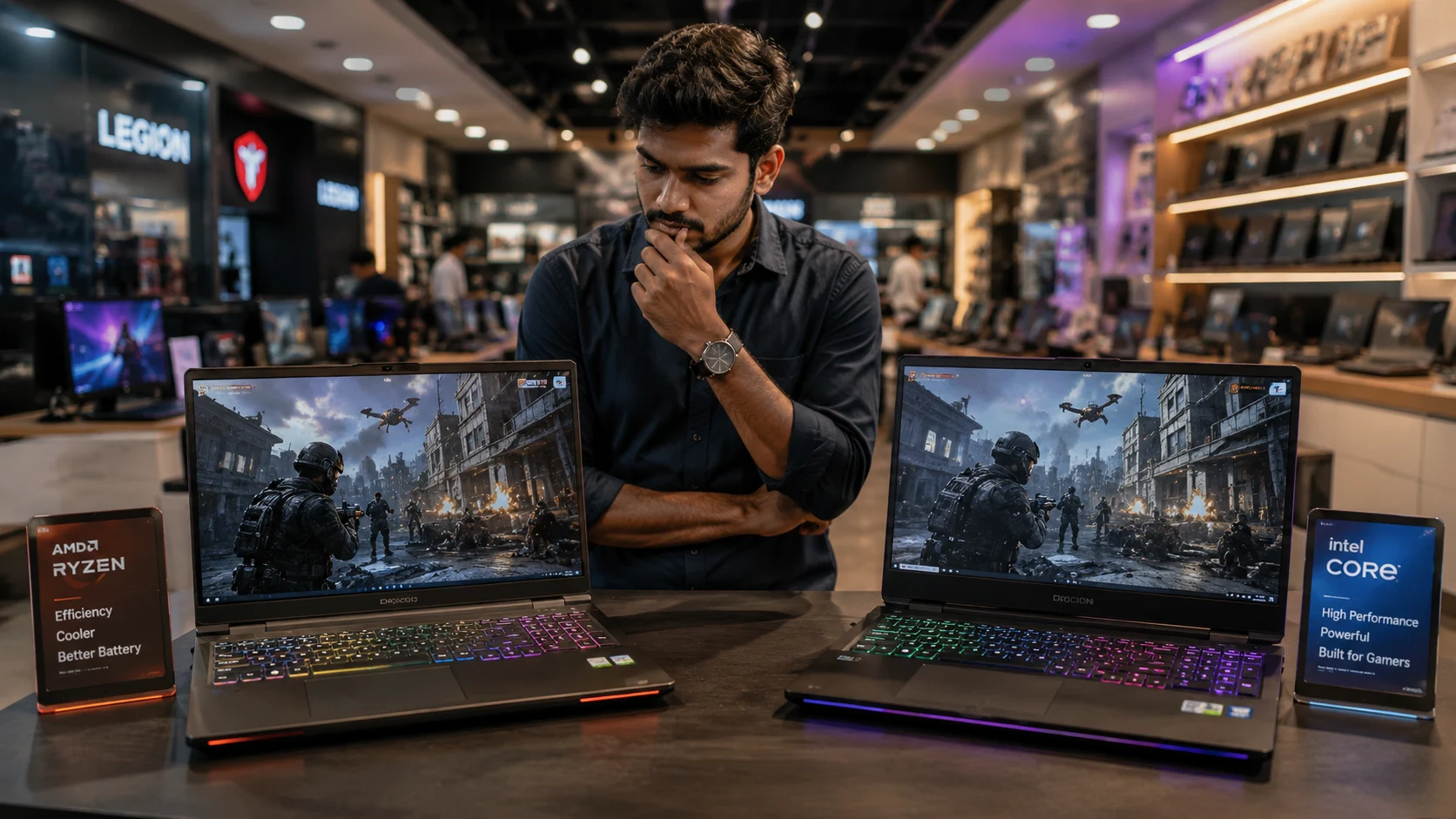
AMD vs Intel Gaming Laptops: Which Is Better for Sri Lanka?
If you're choosing between an AMD and Intel gaming laptop in Sri Lanka, the answer is simpler than most YouTube videos make it sound.
For most buyers, the better choice is not determined by the CPU brand. It is determined by the complete laptop. The graphics card, cooling system, RAM, warranty, and price usually matter more than whether the sticker says AMD or Intel.
That may sound surprising. After all, many buyers spend days comparing Ryzen 7 and Core i7 processors. However, after reviewing gaming laptop pricing, performance data, battery tests, and local buying trends, one conclusion becomes clear: the CPU brand matters less than you think.
The Simple Answer for Sri Lankan Buyers
If two gaming laptops have the same graphics card, similar cooling, and the same amount of RAM, AMD often delivers better value for money.
Modern Ryzen 7 processors such as the 7840HS and 8845HS offer excellent gaming performance, strong battery life, and lower power consumption. Intel still produces powerful gaming CPUs, especially its Core i7 HX series, but those chips usually consume more power and generate more heat.
This does not mean Intel is a bad choice. It simply means that many Sri Lankan buyers are paying extra for Intel branding while giving up something more important.
Local Truth: In Sri Lanka, the better gaming laptop is usually the one with the better GPU and cooling system, not necessarily the one with the Intel logo.
Why the GPU Matters More Than AMD or Intel
One of the biggest mistakes local buyers make is focusing entirely on the processor while ignoring the graphics card.
Let's say you have two laptops:
Laptop A: Core i7 + RTX 4050
Laptop B: Ryzen 7 + RTX 4060
Many buyers automatically choose Laptop A because of the Core i7 badge.
In reality, Laptop B will usually deliver a much better gaming experience. Research consistently shows that gaming performance depends more on the GPU than the CPU once you reach modern Ryzen 7 and Core i7 levels.
This becomes even more important in Sri Lanka because gaming laptops are expensive. A price difference of Rs. 30,000 to Rs. 50,000 can often be the difference between an RTX 4050 and an RTX 4060 laptop. That upgrade provides a much larger gaming benefit than switching from Ryzen 7 to Core i7.
Before buying, prioritize your budget in this order:
GPU > Cooling > RAM > Warranty > CPU Brand
That approach will give you the best long-term value.
Heat and Battery Life in Sri Lanka
Most international gaming laptop reviews are conducted in air-conditioned rooms. Sri Lankan buyers face very different conditions.
A gaming laptop used in Colombo, Kandy, Galle, or Kurunegala often operates in rooms where temperatures reach 30°C or more. Under these conditions, heat becomes a serious factor.
AMD's Ryzen HS processors are generally known for their efficiency. They deliver strong gaming performance while consuming less power than many Intel HX chips. This often results in lower temperatures, reduced fan noise, and less thermal throttling during long gaming sessions.
Battery life is another area where AMD often performs well.
Many gaming laptops sold locally spend more time running Zoom, Chrome, Word, Visual Studio, and university software than they do running games. When you're attending lectures, working remotely, or dealing with a power cut, battery life suddenly becomes very important.
Research findings show that Ryzen-based gaming laptops often provide noticeably longer battery life during everyday use compared to similar Intel gaming laptops.
Local Truth: Many gaming laptops sold in Sri Lanka spend more time doing assignments than playing games.
When AMD Is the Better Choice
For most buyers, AMD is currently the better value option.
Ryzen gaming laptops often offer:
Better battery life
Lower power consumption
Cooler operation
Competitive gaming performance
Lower prices for similar specifications
This makes AMD especially attractive for students, casual gamers, software developers, and buyers trying to maximize performance within a fixed budget.
If You're a Student...
If you need a gaming laptop for university, focus on getting a Ryzen 7 laptop with 16GB RAM and an RTX 4050 or RTX 4060. The extra battery life and efficiency will help far more than a small CPU performance advantage that you may never notice.
Also, check whether the RAM and SSD can be upgraded later. That flexibility can save money during your degree.
When Intel Is the Better Choice
Intel still makes sense for specific users.
If your workload includes competitive esports titles, professional video editing, or CPU-heavy productivity tasks, Intel's higher-end processors can be beneficial. Intel's Quick Sync technology can also help accelerate certain Adobe Premiere Pro workflows.
Intel also continues to enjoy stronger brand recognition in Sri Lanka. If resale value is your main concern, a Core i7 laptop may be easier to sell because many buyers are more familiar with Intel naming.
However, none of these advantages matter if the laptop has poor cooling.
A hot Core i7 gaming laptop with an RTX 4050 is rarely a better purchase than a well-cooled Ryzen 7 gaming laptop with an RTX 4060.
What to Check Before Buying Any Gaming Laptop
Before comparing AMD and Intel, check these items first:
Graphics Card: RTX 4060 is a major upgrade over RTX 4050 for many games.
GPU Wattage: Not all RTX 4060 laptops perform the same. Higher-watt versions are usually faster.
RAM: Aim for at least 16GB.
Cooling System: Read reviews and avoid thin gaming laptops with weak cooling.
Upgradeability: Check whether RAM and storage can be upgraded.
Warranty: Confirm who handles warranty claims locally.
Spare Parts Availability: This matters more than most buyers realize.

Final Verdict
AMD and Intel both make excellent gaming laptop processors in 2026.
The real question is not AMD versus Intel. The real question is whether the laptop gives you the best overall package for your budget.
For most Sri Lankan buyers, AMD Ryzen gaming laptops provide better value, stronger battery life, and better efficiency. They are especially appealing for students, casual gamers, and buyers under Rs. 500,000.
Intel remains a strong option for competitive gamers, professional content creators, and buyers who prioritize peak CPU performance.
If everything else is equal, AMD is usually the smarter buy today.
But remember this: a Ryzen 7 laptop with an RTX 4060 will almost always be a better gaming purchase than a Core i7 laptop with an RTX 4050.
Before making your final decision, compare the latest models and pricing in our Laptop Prices in Sri Lanka guide to ensure you're getting the best value for your budget.
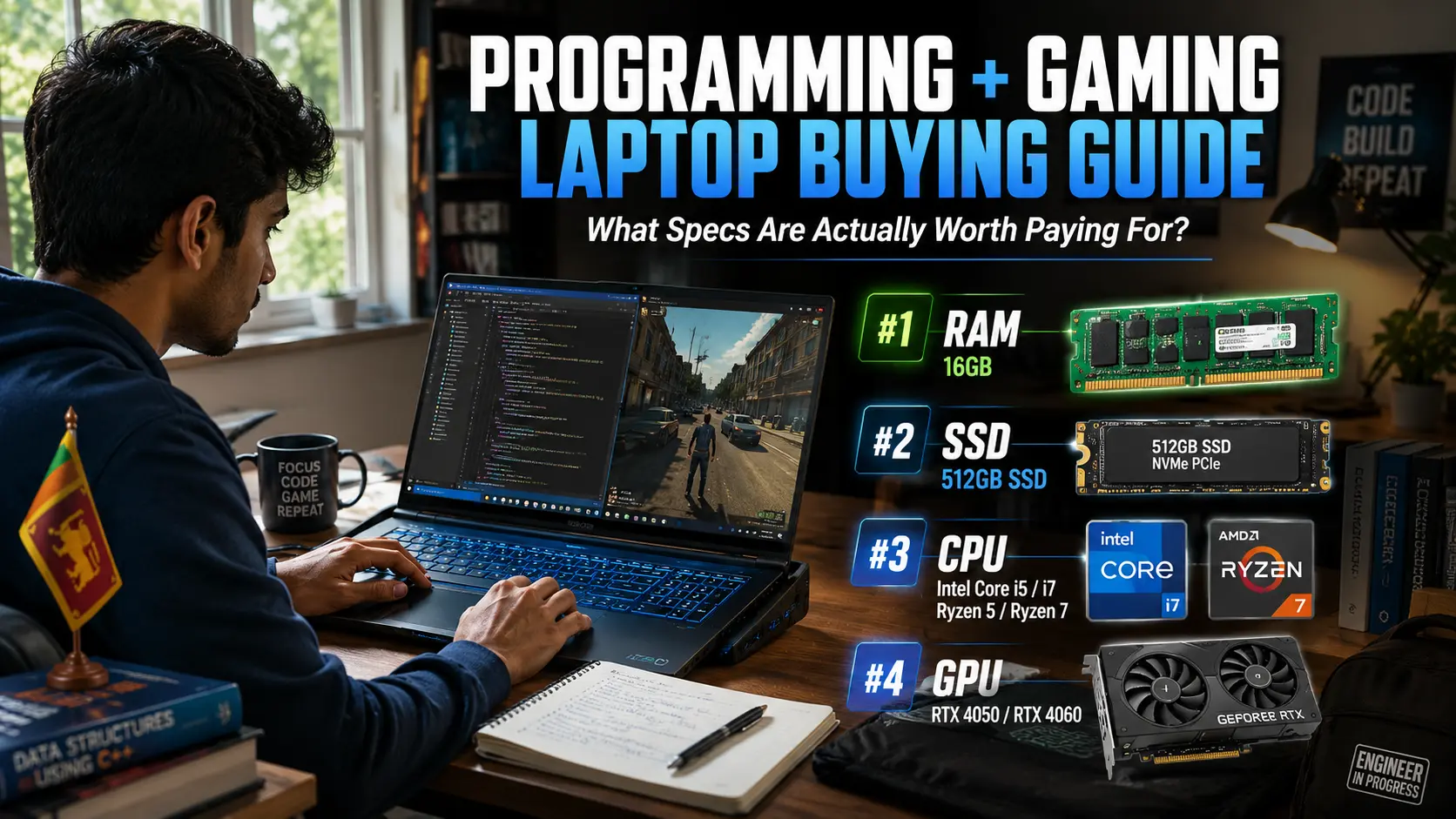
Programming + Gaming Laptop Buying Guide Sri Lanka: What Specs Are Actually Worth Paying For?
Buying a laptop for both programming and gaming sounds simple until you start looking at specifications.
One seller tells you to buy an RTX gaming laptop. Another says you need an Intel Core i7. Then you find a cheaper model with similar specifications and wonder if you're about to make a mistake.
Many Sri Lankan students face the same problem. They need one laptop that can handle coding assignments during the day and gaming at night. The good news is that you do not need the most expensive laptop in the shop.
The trick is knowing which specifications deserve your money and which ones are mostly marketing.
Why Most Sri Lankan Buyers Focus On The Wrong Specification
Walk into almost any laptop store and the first thing you will hear is the graphics card.
RTX 4050. RTX 4060. RTX 5060. While the GPU matters for gaming, it is often not the most important part of a programming laptop.
Think about what happens during a normal day. You might have Visual Studio Code open, a web browser with ten tabs, a Docker container running, Spotify playing in the background, and a university assignment waiting to be finished.
None of those tasks depend heavily on the graphics card. They depend on RAM, storage speed, and processor performance.
Local Truth: A laptop with 16GB RAM and an RTX 3050 often feels faster for coding than a laptop with only 8GB RAM and a more powerful RTX 4050.
Before looking at graphics cards, focus on the parts that affect your daily work.
The Three Specifications That Deserve Your Money First
If your budget is limited, spend your money in this order: RAM, SSD, processor, then GPU. RAM is the biggest priority.
A few years ago, 8GB RAM was acceptable. In 2026, it feels restrictive for programming and multitasking.
Android Studio, Docker, virtual machines, and modern browsers consume memory quickly. Many students discover this only after buying their laptop.
For most buyers, 16GB RAM should be the starting point. Storage is equally important.
A 512GB SSD gives you enough room for programming tools, university projects, games, and personal files. If your budget allows, 1TB is even better.
The processor comes next.
Look for recent Intel Core i5, Core i7, Ryzen 5, or Ryzen 7 processors. Pay attention to the generation, not just the name. A modern Core i5 can easily outperform an older Core i7.
If you're a student, always check whether the RAM can be upgraded later. Spending a little more today can save you thousands of rupees in future upgrades.

How Much GPU Do You Really Need?
This is where most buyers overspend. If you mainly play Valorant, Counter-Strike 2, Dota 2, EA FC, or Fortnite, you do not need the most expensive graphics card available.
An RTX 4050 is already capable of excellent 1080p gaming while handling programming work comfortably.
An RTX 4060 offers better long-term value and extra performance for demanding games such as Cyberpunk 2077, Black Myth: Wukong, and future titles.
The mistake many buyers make is choosing a stronger GPU while sacrificing RAM. A laptop with an RTX 4060 and only 8GB RAM is not balanced. You will eventually spend more money upgrading the memory.
Local Truth: Most university students will notice the benefit of 16GB RAM every day. They may only notice the difference between an RTX 4050 and RTX 4060 during gaming.
The Hidden Costs Nobody Talks About
The laptop price tag is only part of the story. Sri Lanka's climate creates challenges that many online reviews never mention.
High temperatures, humidity, and dust can affect cooling performance. A laptop that runs cool in an air-conditioned review studio may behave differently in a boarding room or hostel.
Battery life is another concern. Gaming laptops deliver excellent performance, but many struggle to last a full day away from a charger. This becomes important during lectures, group projects, and power cuts.
Warranty quality also matters. Some laptops include distributor-backed warranties, while others rely on seller warranties. Understanding the difference can save you major repair costs later.
Local Truth: The cheapest gaming laptop is not always the cheapest laptop to own for three or four years.
What Should You Buy Based On Your Budget?
If your budget is between Rs. 200,000 and Rs. 250,000, focus on getting a modern processor, 16GB RAM, and an SSD. You may need to accept a lower-end GPU.
Between Rs. 250,000 and Rs. 350,000 is where most buyers find the best balance. This range often includes laptops with Ryzen 7 or Core i7 processors, 16GB RAM, and RTX 4050 graphics.
Above Rs. 350,000, you start entering premium territory. RTX 4060 models become more common, along with better cooling systems, stronger build quality, and larger batteries.
For most software engineering, IT, and computer science students, the middle category offers the best value.
Build A Balanced Laptop, Not A Marketing Laptop
The best programming and gaming laptop is not the one with the biggest RTX sticker.
It is the one that stays fast when you are coding, multitasking, attending online classes, and gaming after work.
Start with 16GB RAM. Choose a fast SSD. Pick a modern Intel Core or Ryzen processor. Then select the best GPU your budget allows.
That approach will give you a laptop that feels good on day one and still performs well several years later.
Before making a final decision, compare current models and pricing through our Laptop Prices in Sri Lanka guide to see which options offer the best value for your budget.


OLED vs IPS Laptop Displays: Is It Worth Paying Extra for Coding?
If you walk into a laptop shop in Sri Lanka today, the OLED models instantly grab your attention. The colors look richer, the blacks appear deeper, and even expensive IPS screens suddenly feel outdated beside them.
That visual difference is exactly why many software engineering students and developers now ask the same question.
“Should I pay extra for OLED if I mainly use my laptop for coding?”
We looked at real developer experiences, local laptop pricing, battery concerns, eye strain complaints, and long-term ownership risks to find the practical answer for Sri Lankan buyers.
For most coders, the answer is not as straightforward as YouTube reviews make it sound.
OLED vs IPS: What Is the Real Difference?
 The biggest reason OLED laptops look so impressive inside showrooms is because every pixel creates its own light. When a part of the screen turns black, those pixels switch off completely, creating extremely deep contrast and vibrant colors.
IPS screens work differently. They use one backlight behind the display, which means blacks never look perfectly dark.
For movies, gaming, and media, OLED clearly looks better.
But coding is very different from entertainment.
Most programmers spend hours reading text inside VS Code, browser tabs, terminal windows, GitHub pages, and documentation websites. In those situations, a good IPS panel already performs very well.
That is why many business laptops like ThinkPads, EliteBooks, and Dell Latitude systems still use IPS displays. These laptops prioritize long-term comfort and reliability over flashy visuals.
In Sri Lanka, many buyers make the mistake of paying extra for OLED while staying stuck with only 8GB RAM. For coding, more RAM usually improves your real experience far more than a premium display.
The Hidden Problems Many OLED Laptop Buyers Discover Later
OLED screens are beautiful, but many developers only discover the drawbacks after months of real coding work.
One of the biggest concerns is burn-in. Programming creates a worst-case scenario for OLED panels because coders keep static elements on screen for long hours every day. VS Code sidebars, taskbars, browser tabs, and terminal windows often stay in the same position continuously.
Modern OLED laptops now include protections like pixel shifting and refresh cycles, so burn-in is less severe than before. Still, the risk has not disappeared completely.
If you plan to keep your laptop for five to seven years throughout university and work, IPS still feels safer.
Eye strain is another major issue buyers ignore.
Many OLED laptops use PWM dimming, where the screen rapidly flickers at high speed to reduce brightness. Some users never notice it, but others experience headaches, dry eyes, or fatigue during long coding sessions.
This becomes worse when coding late at night in dim hostel rooms or boarding places.
Glossy screens are another practical problem. Most OLED laptops use glossy coatings because they make colors look richer. Unfortunately, reflections become frustrating under classroom lights, office tube lights, and sunlight near windows.
A matte IPS display usually handles Sri Lankan lighting conditions far better.
Battery life also depends heavily on your workflow. OLED can save power during dark mode usage because black pixels turn off completely. However, developers constantly switch between white documentation pages, GitHub, YouTube tutorials, and browser dashboards.
When large white areas appear, OLED power usage increases quickly.
Where OLED Actually Makes Sense for Coding
OLED is not useless for developers. In some situations, it is absolutely worth the extra money.
If your work includes UI/UX design, front-end development, Figma, Adobe apps, video editing, or content creation, OLED becomes much more valuable because the stronger contrast and color accuracy genuinely improve creative work.
Dark mode also looks incredible on OLED screens because black pixels turn off completely, creating a cleaner and more immersive coding environment.
OLED also makes sense for buyers who use one laptop for both work and entertainment. Movies, anime, HDR videos, and games look significantly better compared to standard IPS panels.
However, OLED should be treated as a premium visual feature rather than a direct productivity upgrade. It does not make Android Studio run faster or reduce compile times.
Why IPS Is Still the Smarter Choice for Most Sri Lankan Developers
For most Sri Lankan students and office developers, IPS still offers the best balance between comfort, reliability, battery consistency, and long-term value.
Many developers report that IPS feels easier on the eyes during long coding sessions, especially when reading white documentation pages or using browser-heavy workflows.
IPS also removes the stress of burn-in worries. You can leave VS Code open daily for years without worrying about permanent screen damage.
This matters because laptops in Sri Lanka are expensive investments. Many students expect one laptop to survive their entire degree program, internships, freelance work, and first job.
The biggest advantage of IPS is value.
The money saved from skipping OLED can upgrade the parts that actually improve coding performance. Instead of paying extra for display technology, buyers can move from:
8GB RAM to 16GB RAM
512GB SSD to 1TB SSD
Core i5 to Core i7
Ryzen 5 to Ryzen 7
Those upgrades improve coding far more than OLED.
OLED vs IPS in Real Sri Lankan Buying Situations
If your budget is under LKR 200,000, OLED should not be your priority. A reliable IPS laptop with 16GB RAM and a modern processor will usually perform better for coding than a cheaper OLED laptop with weaker hardware.
This matters heavily if you use Docker, Android Studio, virtual machines, or AI tools.
Around LKR 250,000 to 350,000 is where OLED starts becoming more reasonable because many laptops at this level already include strong processors, better cooling, and good build quality.
Above LKR 400,000, OLED makes much more sense because buyers at this level usually want a premium experience that combines strong hardware with better visuals.
Still, Sri Lankan buyers should ask one important question before purchasing.
“Am I sacrificing more important hardware just to get OLED?”
That single question prevents many expensive mistakes.
For most software engineering students in Sri Lanka, IPS remains the smarter option because coding workloads today depend heavily on RAM, processor power, cooling, and battery life.
Conclusion: Should You Really Pay Extra for OLED for Coding?
OLED displays are genuinely beautiful, and there is no denying that they create a far more premium visual experience than most IPS panels.
However, coding depends far more on comfort, reliability, battery consistency, RAM capacity, and processor performance than cinematic visuals.
For most Sri Lankan software engineering students, backend developers, and office programmers, a high-quality IPS display still remains the smarter long-term choice because it offers lower risk, better practicality, and stronger overall value.
OLED becomes worth the extra investment mainly for buyers who also work with design, editing, creative workflows, or high-end entertainment.
The biggest mistake many buyers make is sacrificing important hardware upgrades simply to get the OLED label.
In real coding workloads, stronger hardware almost always improves the experience more than a premium display.

For more Sri Lankan laptop buying guides and honest recommendations, visit the Laptop Prices in Sri Lanka hub on SellX.lk.
Sell-X Office Automation And TecCoop Partner To Drive Digital Transformation In Sri Lanka’s Cooperative Sector
Sell-X Office Automation and TecCoop officially signed a strategic partnership agreement on April 23 at Monarch Imperial, marking a major step toward digital transformation within Sri Lanka’s cooperative sector.
The collaboration aims to modernize cooperative societies through advanced technology, automation, and customer-focused digital solutions.
TecCoop, a nationally registered cooperative operating under Sri Lanka’s Cooperative Act, has been working to strengthen cooperative societies through technology-driven services and innovation.
The organization focuses on automation, business consultancy, consumer durables, and digital services while promoting its vision of bringing Sri Lanka’s cooperative movement to the next level.
A Strategic Partnership For Digital Growth
Through the newly signed agreement, Sell-X Office Automation will become a key technology and service partner for TecCoop.
The partnership will help expand modern retail systems, IT infrastructure, office automation, and smart digital solutions across cooperative networks throughout Sri Lanka.
Sell-X will also provide computers, consumer electronics, home appliances, after-sales support, and technical service systems for cooperative societies.
The initiative is expected to improve operational efficiency, strengthen customer experience, and introduce scalable digital platforms within the cooperative sector.
Modernizing Sri Lanka’s Cooperative Sector
Cooperative societies continue to play an important role in Sri Lanka’s economic and social development by providing accessible goods and services to local communities.
However, many cooperatives still face challenges related to outdated systems, limited technology access, and operational inefficiencies.
This partnership reflects a growing shift toward digitalization within the sector, helping cooperatives adopt modern technology solutions that can improve long-term sustainability and service delivery.
Sell-X Office Automation will lead several digital infrastructure and office automation initiatives specifically designed for the cooperative ecosystem.
Industry Leaders Attend The Signing Ceremony
The agreement signing ceremony brought together senior representatives from both organizations.
Representing TecCoop were Chairman Dr. D.S.K. Pathirana, CEO Rohitha Annasiwatta, Vice Chairman Thusitha De Silva, and Director Dr. Thilaka Kathriarachchi.
Representing SellX Holdings were Chairman Sameera Bopage, Director Hasintha Kularathne, and Director of Sell-X Office Automation Pradeep Jagoda.
The partnership highlights SellX Holdings’ continued expansion into technology-driven business solutions while supporting digital innovation across Sri Lanka.

Sell-X Officially Transitions Into Sell-X Holdings
Sell-X Holdings has officially launched as the new umbrella brand that now brings together all Sell-X businesses under one identity.
The inauguration ceremony took place at Unity Plaza, Bambalapitiya, on April 22, 2026. The event marked the opening of the new Sell-X Office Automation division and the Chairman’s Office in Colombo.
The ceremony was led by Chairman Sameera Bopage and Holding Director Hasintha Kularathne. Several directors, staff members, and business guests also attended the launch event.
Among the attendees were Director Pradeep Jagoda of Sell-X Office Automation and Director Rasika Gunathilaka of X Store. Businessman Abdul Wajeeth also joined the celebration.

A New Chapter For Sell-X
The transition into Sell-X Holdings marks a major milestone for the company. It now officially brings together multiple businesses, including:
Sell-X Computers
Sell-X Office Automation
X Store
Sell-X villa properties
The new structure aims to strengthen collaboration between the company’s different business sectors while supporting future growth plans.
Sell-X Holdings stated that the reorganization creates a stronger foundation for expanding into new industries and services in the coming years.
From Galle To A Growing National Brand
Sell-X first began operations in Galle in 2003. Over the years, the company expanded its presence across Sri Lanka through technology products, office solutions, retail operations, and property ventures.
The launch of Sell-X Holdings reflects the company’s long-term vision to continue growing beyond its original business model.
The opening of the Chairman’s Office in Colombo also represents a strategic step toward strengthening the company’s operations and leadership presence in the capital.
Focus On Future Expansion
According to company representatives, Sell-X Holdings plans to explore new sectors and business opportunities in the future.
The company aims to continue building trusted brands while delivering technology, business, and lifestyle solutions to customers across Sri Lanka.
Sell-X Holdings has also started expanding its partnerships across Sri Lanka. Recently, the company partnered with TecCoop to support digital transformation initiatives within the cooperative sector.
The launch event at Unity Plaza highlighted the company’s next stage of growth as it moves forward under the Sell-X Holdings identity.
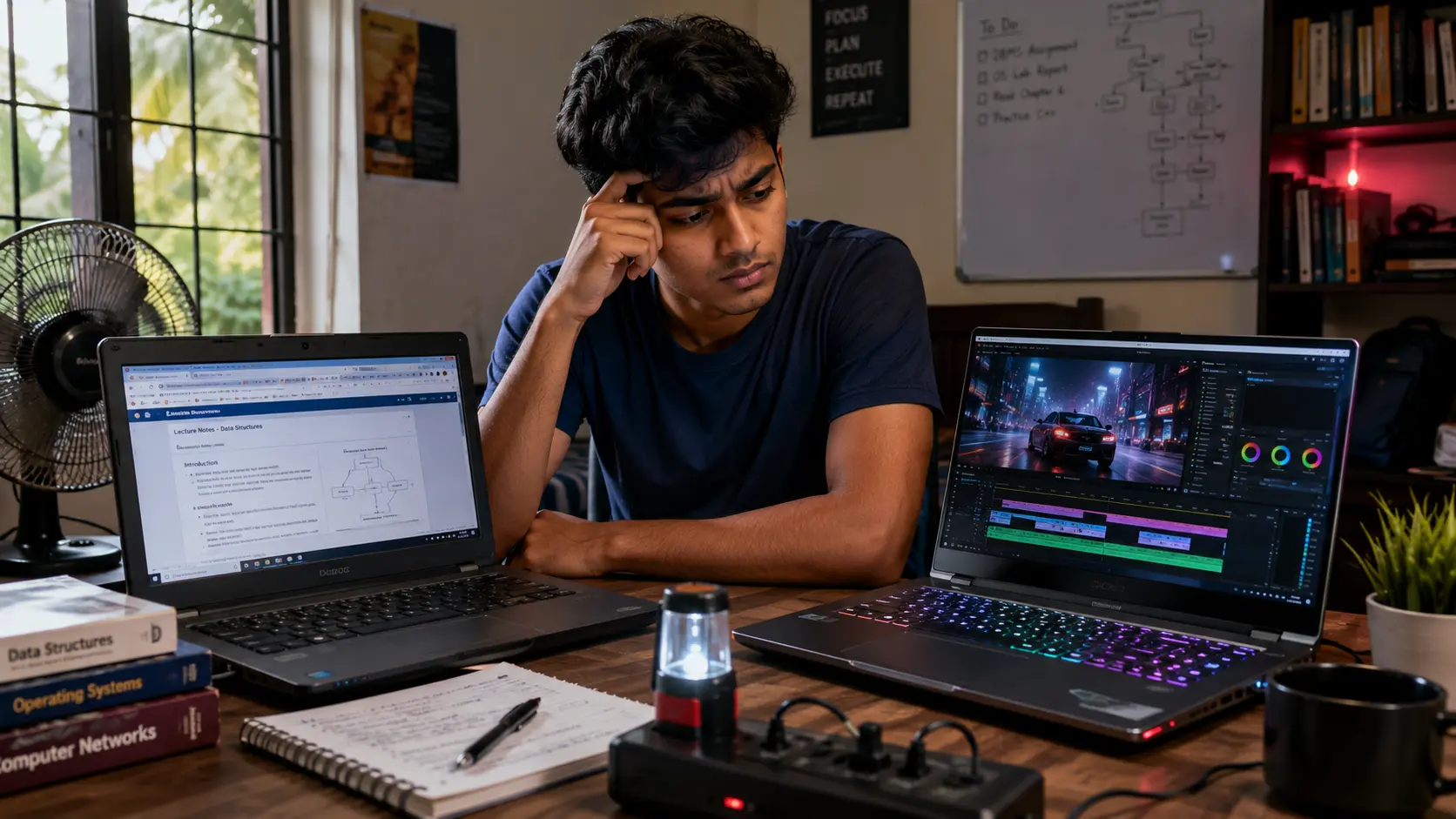
DDR4 Vs DDR5: Should Sri Lankan Buyers Upgrade Now?
Buying a laptop in Sri Lanka has become confusing again. This time, the big buzzword is “DDR5 RAM.”
Many shops now advertise DDR5 like it is the single feature that makes a laptop fast. Some buyers even stretch their budgets just to get a DDR5 sticker on the box.
But here’s the problem. Most people never get a clear explanation of what DDR5 actually changes in real-world use. They only hear words like “future-proof” and “next generation.”
For Sri Lankan buyers dealing with high laptop prices, power cuts, heat, and tight budgets, that matters.
So should you actually pay extra for DDR5 in 2026? Or is DDR4 still enough? This guide breaks it down using real benchmarks, Sri Lankan pricing realities, and practical advice.
What Is DDR4 And DDR5 In Simple Terms?
RAM is your laptop’s short-term working memory. It stores the apps, browser tabs, files, and tasks your laptop is actively using.
DDR4 and DDR5 are simply different generations of RAM. DDR5 is newer and faster on paper. It can move more data at once and works more efficiently in some workloads.
A simple way to think about it:
DDR4 is like a normal highway
DDR5 is like a wider expressway
That wider road helps when traffic becomes heavy. For example:
video editing
AI tools
heavy multitasking
large game files
engineering software
But if your workload is light, you may barely notice the difference. That is the part many Sri Lankan buyers never hear.
The Local Reality Most Shops Ignore
In Sri Lanka, many buyers will feel a much bigger speed jump from:
upgrading from 8GB to 16GB RAM
replacing HDD with SSD
buying a laptop with better cooling
than simply moving from DDR4 to DDR5. That matters because DDR5 laptops often cost much more locally.
Can You Actually Feel The Performance Difference?
This depends completely on how you use your laptop.
For Students And Office Users
If your daily work includes:
Chrome tabs
Zoom classes
YouTube
MS Office
online learning portals
basic coding
then the difference between DDR4 and DDR5 is usually small. Most students in Sri Lanka will not suddenly feel their laptop becoming dramatically faster just because it has DDR5.
In fact, a laptop with:
16GB DDR4 RAM
fast SSD
good cooling
will often feel better than:
8GB DDR5 RAM
poor cooling
weak battery
That is why blindly chasing DDR5 can become expensive.
Gaming Performance: Is DDR5 Worth It?
Gaming is where DDR5 starts making more sense.
5% to 20% FPS improvement
bigger gains in CPU-heavy games
better performance with integrated graphics
But there is another important truth. Your GPU matters far more.
For example:
RTX 4050 + DDR4 can easily outperform
weaker GPU + DDR5
Many Sri Lankan buyers make this mistake: They buy the “DDR5 gaming laptop” but ignore the graphics card and cooling system. That usually leads to disappointment later.
Local Truth
Many budget gaming laptops sold in Sri Lanka still struggle with heat management. A hot DDR5 laptop can perform worse than a properly cooled DDR4 machine.
Before buying, always check:
thermal reviews
fan noise
real gaming temperatures
whether the laptop throttles under load
Where DDR5 Actually Helps More
DDR5 makes more sense for heavier workloads.
This includes:
Adobe Premiere Pro
After Effects
AutoCAD
Blender
AI tools
large Excel datasets
virtual machines
heavy multitasking
These tasks move large amounts of data constantly. DDR5’s higher bandwidth helps here.
If You’re An Engineering Or IT Student
DDR5 becomes more valuable if:
you plan to keep the laptop for 4 to 5 years
you run simulations
you use CAD software
you compile large projects
you multitask heavily
But even here, RAM capacity still matters more first. 16GB DDR4 is usually better than 8GB DDR5.
The Sri Lankan Pricing Problem
This is where the real investigation begins.
DDR5 laptops in Sri Lanka usually cost noticeably more because of:
import taxes
USD/LKR fluctuations
newer CPU platforms
limited stock
aggressive marketing
Research from local sellers shows DDR5 models can cost:
Rs.20,000
Rs.40,000
sometimes even Rs.50,000+ more than similar DDR4 laptops
That price gap matters in Sri Lanka.
Especially for:
students
parents
office workers
buyers using installment plans
The Important Question
Are you paying for:
real performance
marketing hype
For many average users, the honest answer is mostly marketing.
The Biggest Upgrade Trap Buyers Miss
Many Sri Lankan buyers believe: “I’ll buy DDR4 now and upgrade to DDR5 later.” Unfortunately, that usually does not work.
Laptop motherboards decide whether the system supports DDR4 or DDR5. You generally cannot convert a DDR4 laptop into DDR5 later.
That is why checking upgrade options matters before buying.
Another Big Problem: Soldered RAM
Many modern thin laptops now use soldered RAM.
That means:
you cannot replace it later
you cannot upgrade easily
what you buy now is what you keep
This is especially important for students planning long-term use.
Before buying, always ask:
Is the RAM upgradeable?
Is one slot free?
Is the RAM soldered?
Is DDR4 Still Safe To Buy In 2026?
Yes. Absolutely.
DDR4 is still more than enough for:
university work
office tasks
browsing
Zoom
Netflix
light Photoshop
basic programming
The important thing is avoiding bad configurations.

So Who Should Actually Buy DDR5?
DDR5 makes sense if:
your budget is above Rs.250,000
you do video editing
you use AI tools
you game heavily
you want long-term future-proofing
you buy high-end CPUs and GPUs
But if your budget is tight, DDR4 still offers excellent value.
Especially if you can get:
16GB RAM
fast SSD
better battery
stronger cooling for less money
Final Verdict For Sri Lankan Buyers
DDR5 is better technology. But better technology does not always mean better value.
For most Sri Lankan buyers in 2025 and 2026:
RAM capacity matters more
cooling matters more
SSD speed matters more
warranty matters more
If choosing between:
8GB DDR5
16GB DDR4
most buyers should choose 16GB DDR4. That decision will usually feel faster in real-world use. DDR5 is the future. But right now, many Sri Lankan buyers are paying extra for performance they may never notice.
Before buying, compare real prices carefully and avoid chasing specs just because shops market them heavily.
And if you want updated local laptop pricing before making a decision, check our latest guide on Laptop Prices in Sri Lanka.
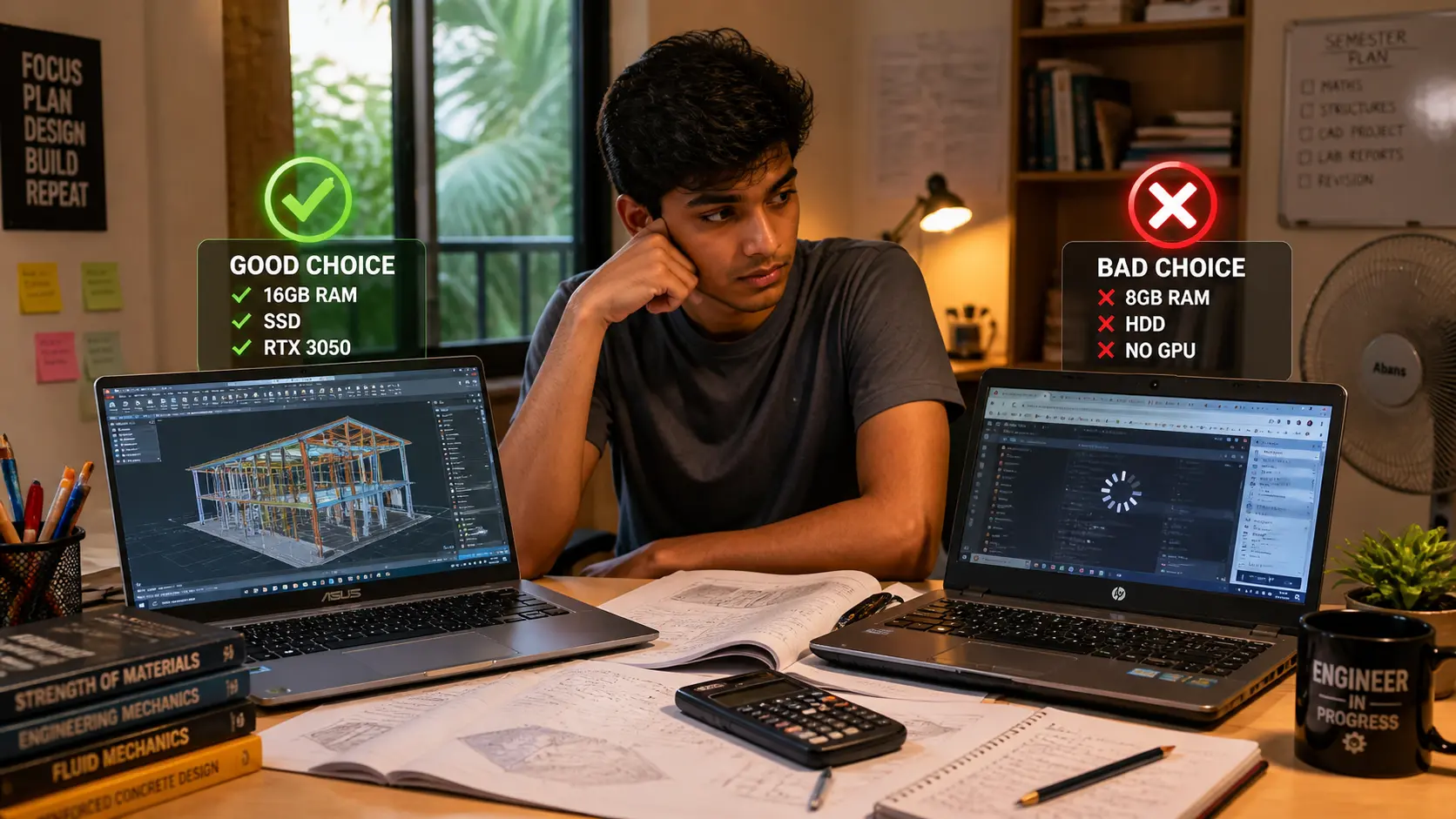
Best Laptop for Engineering Students in Sri Lanka Under 300K: What To Buy And What To Avoid
Buying a laptop for engineering in Sri Lanka is stressful. Prices change fast. Shops push confusing specs. And one wrong choice can slow you down for years.
This guide keeps it simple. You’ll learn what actually matters, what to avoid, and what you can safely buy under LKR 300,000.
Why Most Engineering Students Choose The Wrong Laptop
Most students don’t fail because they chose a bad brand. They struggle because they picked the wrong specs for their actual work. In Sri Lanka, it’s easy to get pushed into outdated or overpriced laptops. That’s why understanding what really matters is more important than just picking a popular model.
Most students focus on the wrong things. They chase i7 or brand names instead of real performance.
In Sri Lanka, shops sometimes sell older CPUs as new models. Some laptops also come with 8GB RAM, which feels fine at first but slows down fast.
Local Truth: Many students regret buying 8GB RAM within the first semester.
You don’t need the most expensive laptop. You need the right specs for your work.
What Engineering Students Actually Need (Not What Shops Tell You)
Shops often recommend laptops based on what they want to sell, not what you need. Engineering students have very different workloads depending on their field. If you don’t match your laptop to your actual use, you’ll either overspend or end up with a slow system within months.

Your laptop depends on your field. Not all engineering students need the same power.
Civil and Mechanical students use AutoCAD and SolidWorks
Electrical students use MATLAB and simulations
Software students focus on coding and multitasking
Let’s simplify specs.
CPU means how fast your laptop runs
RAM means how many apps you can run at once
GPU is needed for 3D and CAD work
According to official SOLIDWORKS system requirements, 16GB RAM is the minimum for smooth performance. Also, AutoCAD system requirements show that higher RAM and strong CPUs improve performaSystem Requirements | SOLIDWORKSnce.
Clear answer: Yes, 8GB is enough for basic use. No, it is not enough for engineering work long term.
You should aim for 16GB RAM, SSD storage, and a modern i5 or Ryzen 5 processor.
Before buying, check if RAM can be upgraded. This saves money later.
Best Laptop Specs Under LKR 300K (Simple Buying Guide)
Specs look confusing at first. CPU names, RAM numbers, and GPU models can overwhelm you. But once you understand what each part does, choosing a laptop becomes much easier.
Here’s what you should look for.
CPU: Intel i5 or Ryzen 5 or better
RAM: 16GB or upgradeable
Storage: 512GB SSD minimum
GPU: RTX 3050 for CAD work
According to recommended specs for engineering laptops, 16GB RAM is ideal for multitasking.
If you are doing heavy 3D work, GPU matters more. If you are coding, RAM matters more.
If You’re A Student
Civil and Mechanical students should get a GPU
Software students should focus on RAM and CPU
Local Truth: Most budget laptops in Sri Lanka do not have strong cooling.
Always choose a laptop that allows upgrades.
Best Laptop Types You Should Actually Buy
Not all laptops are built the same. Some are made for office work, while others handle heavy engineering tasks. Instead of focusing only on brands, it’s better to understand which type suits your workload.
Gaming Laptops
These give the best performance for engineering students.
Victus Gaming 15 RTX3050 16GB — Rs. 269,900
Victus Gaming 15 RTX4050 16GB — Rs. 298,900
MSI Cyborg 15 RTX3050 16GB — Rs. 295,900
ASUS TUF Gaming A15 RTX3050 — Rs. 295,900
These laptops handle CAD and 3D work much better.
Performance Office Laptops
MSI Modern 15 i5 16GB — Rs. 248,500
ASUS Vivobook 16 i5 16GB — Rs. 234,900
Lenovo IdeaPad Slim 3 i7 16GB — Rs. 288,900
HONOR MagicBook X16 i5 16GB — Rs. 218,900
These are better for coding and general work.
Budget Options
ASUS Vivobook 15 12GB — Rs. 215,900
Lenovo IdeaPad Slim 3 Ryzen 5 16GB — Rs. 205,900
These work only if specs are enough.
Local Truth: Thin laptops often struggle with heat. If unsure, choose a gaming laptop.
Also read: Best laptops under 200K in Sri Lanka
What To Avoid Costly Mistakes Sri Lankan Students Make
Many students realize their mistake only after using the laptop for a few months. Avoiding these mistakes can save money and stress.
Buying 8GB RAM laptops without upgrade options
Buying HDD laptops
Paying more for i7 but ignoring RAM
Ignoring GPU for CAD work
Choosing based on brand only
Warning:
Fake or slow SSDs exist
Refurbished laptops may be sold as new
Some shops only give shop warranty
According to best laptops for CAD work, higher RAM and GPU improve performance in complex tasks.
Always verify before buying.

Check Before You Buy Sri Lanka Checklist
Before spending your money, double check everything. Small details matter more in Sri Lanka due to market conditions.
Check if RAM is 16GB or upgradeable
Confirm SSD is NVMe
Verify warranty
Check heating performance
Compare prices across stores
According to engineering laptop requirements, students benefit from higher RAM and SSD storage.
Always ask if the laptop is brand new and sealed.
What You Should Actually Buy
Let’s make it simple.
Best overall: RTX 3050 laptop with 16GB RAM
Best for coding: i5 or i7 with 16GB RAM
Best budget: Ryzen 5 or i5 with 16GB RAM
You don’t need the most expensive laptop. You need the right one.
Final Advice
In Sri Lanka, every rupee matters. Spend wisely.
Choose enough RAM
Match specs to your workload
Buy from trusted sellers
Before buying, always check the latest Laptop Prices in Sri Lanka to avoid overpaying.
If you follow this guide, you will choose a laptop that lasts through your entire engineering degree.
No. A gaming laptop is better if you use AutoCAD, SolidWorks, 3D modelling, or rendering tools. But if you mainly do coding, reports, MATLAB basics, and online lectures, a lighter laptop with 16GB RAM and a good i5 or Ryzen 5 processor can be enough. Buy for your course, not for the gaming label. Yes, official warranty is safer, especially for laptops used daily for heavy work. Engineering software can heat the laptop more than normal office use. If a motherboard, screen, keyboard, or battery fails, shop warranty may not give the same support. Always check the serial number and warranty terms before paying. Yes, 512GB SSD is enough to start, but 1TB is better if your course uses large CAD files, simulation files, or many design projects. If your budget is tight, buy a 512GB SSD laptop with an extra storage slot. That lets you upgrade later without replacing the whole laptop.FAQs About Buying Engineering Laptops In Sri Lanka
Is A Gaming Laptop Always Better For Engineering Students?
Should Engineering Students In Sri Lanka Buy A Laptop With Official Warranty?
Is 512GB SSD Enough For An Engineering Student?

MacBook Overheating in Sri Lanka Weather: Real Problem or Myth?
Buying a MacBook in Sri Lanka comes with one big fear.
Will it overheat in our heat and humidity?
You’re not wrong to worry. With hot afternoons, power cuts, and limited air conditioning, laptops here face tougher conditions than in most countries. But the truth is more nuanced than what you see in forums or YouTube comments.
Let’s break it down properly so you can make the right decision before spending your money.
Fast Facts
- MacBooks do not overheat just because they are used in Sri Lanka’s weather.
- Newer Apple Silicon models like M1, M2, and M3 handle heat better than older Intel MacBooks.
- Heat problems usually happen when heavy work, charging, poor airflow, and hot rooms combine.
- Sri Lankan buyers should avoid old Intel MacBooks unless battery health, warranty, and cooling condition are checked.
Myth vs Reality
Most people think a MacBook “overheats” because it feels hot. That’s not accurate.
MacBooks use an aluminum body. Heat spreads to the surface quickly, so you feel warmth faster than on plastic laptops. This actually helps cooling. It’s not a flaw.
Real overheating is different.
That’s when your laptop slows down heavily, lags during simple tasks, or shuts down.
Local truth
In Sri Lanka, heat doesn’t break MacBooks.
Bad usage and wrong buying decisions do.
How MacBook Cooling Actually Works
MacBooks are designed to protect themselves before damage happens. When temperature rises, the system doesn’t fail suddenly. It adjusts.
First, it reduces performance. This is called thermal throttling. Then, if needed, fans increase speed on models that have them. Shutdown happens only in extreme cases.
The key difference is between the MacBook Air and the MacBook Pro.
The MacBook Air has no fan. It stays silent, which is great for students and office users. But during heavy tasks like video editing, it cannot actively push heat out. So it slows down to stay safe.
The MacBook Pro includes fans. It can handle long heavy workloads better because it actively removes heat.

What this means for you
If your work is light, you won’t notice any issue.
If your work is heavy and long, cooling design matters.
What Sri Lanka Weather Really Does
Sri Lanka’s weather does not directly damage a MacBook. But it changes how efficiently it can cool itself.
Laptops release heat into the surrounding air. When the air is already hot, heat escapes more slowly.
Imagine using your laptop in a room at 24°C with AC. It runs comfortably. Now imagine the same laptop in a closed room at 31°C in the afternoon. The heat has nowhere to go quickly.
That’s when you start noticing performance drops.
Humidity also plays a role over time. Dust and moisture can reduce cooling efficiency if the device is not maintained properly.
Local truth
In Sri Lanka, your environment affects your laptop almost as much as the laptop itself.
Real User Experiences
When you look at real-world usage, the pattern is clear.
Most Sri Lankan users with newer MacBooks report that:
The laptop feels warm
Performance is stable for normal work
No serious overheating happens
The complaints mostly come from older Intel-based MacBooks. Those models run hotter and rely more on fans.
Apple Silicon models like M1, M2, and M3 are far more efficient. They generate less heat and manage power better, which makes them more suitable for tropical climates.
Verified Sri Lankan experience
Many users say an M1 MacBook Air works smoothly for daily tasks even without air conditioning.
When Overheating Actually Happens
This is where the real problem begins.
Overheating is rarely caused by weather alone. It happens when multiple factors combine.
A common scenario in Sri Lanka looks like this:
You’re working in a non-AC room during the afternoon. The temperature is around 30°C. You’re charging your laptop while running multiple Chrome tabs, maybe editing a video or attending Zoom meetings. The laptop is placed on a soft surface like a bed.
In this situation, heat builds up quickly. Not because the MacBook is weak, but because the conditions are stacked against it.
Another common issue is buying older Intel MacBooks or poorly refurbished units. These often come with worn-out cooling systems, degraded thermal paste, or dust buildup.
That’s when users start saying, “MacBooks overheat in Sri Lanka.”

Practical Advice for Sri Lankan Buyers
Choosing the right MacBook matters more than worrying about the weather.
If you are a student, office worker, or someone who mainly uses a browser, documents, and Zoom, a MacBook Air with M1 or newer is more than enough. It will run cool and stable for your needs.
But if you are planning to do video editing, software development, 3D work, or long heavy workloads, a MacBook Pro is the safer choice. It handles heat better under pressure.
Avoid older Intel MacBooks even if they look cheaper. They are not built for efficiency like newer models, and they struggle more in Sri Lankan conditions.
How you use the laptop also matters.
If you use it on a flat surface, allow proper airflow, and avoid heavy workloads while charging, you will rarely face overheating issues. But if you block airflow or push the system constantly in a hot room, you will feel the difference.
Local truth
In Sri Lanka, a well-used MacBook performs better than a poorly used high-end one.
If You’re a Student
You don’t need to overthink this.
If your work includes assignments, browsing, presentations, and online classes, a MacBook Air is perfectly fine. You won’t face overheating issues in normal use.
But if your course involves software like AutoCAD, video editing, or development tools, consider stepping up to a MacBook Pro. It gives you better long-term stability.
Avoid These Common Mistakes
Most overheating complaints come from avoidable mistakes.
Buying based only on price is one of them. Many people choose older models to save money, but end up with poor performance and more heat.
Another mistake is ignoring where and how you use the laptop. A powerful device will still struggle if airflow is blocked.
And finally, trusting random sellers without checking whether the device is refurbished or genuine can lead to hidden issues.
Check Before You Buy
Before you buy a MacBook in Sri Lanka, take a moment to verify a few things.
Make sure the device uses Apple Silicon (M1 or newer). Check if it comes with a proper warranty. Confirm whether it is brand new or refurbished. Look at the seller’s reputation. And most importantly, make sure the price matches current Sri Lankan market conditions.
These steps protect you more than worrying about overheating.
Final Verdict
So, is MacBook overheating in Sri Lanka real or just a myth? It’s a partial truth. For normal users, it’s mostly a myth.
For heavy users in hot environments, it can become noticeable.
For buyers choosing old Intel models or poorly maintained units, it becomes a real problem.
MacBooks are safe to use in Sri Lanka. But your usage habits, environment, and buying choice matter far more than the weather itself.
If you’re comparing options, always check the latest Laptop Prices in Sri Lanka before making your final decision.
Frequently Asked Questions
Can Sri Lanka’s humidity damage a MacBook over time?
Humidity alone will not usually damage a MacBook if you use and store it properly. The bigger risk is long-term moisture, dust, and poor airflow. Keep the laptop in a dry place, avoid using it near open windows during rain, and clean dust buildup regularly.
Should Sri Lankan students buy a MacBook Air or MacBook Pro?
Most Sri Lankan students can safely choose a MacBook Air with M1 or newer for assignments, browsing, online classes, and office work. A MacBook Pro is better if your course needs video editing, coding, design software, or long heavy workloads.
How can I check if a used MacBook has overheating issues before buying?
Run a few normal tasks before paying. Open several browser tabs, play a video, check battery health, listen for unusual fan noise, and feel whether the heat becomes extreme during simple work. If it gets very hot or slows down quickly, avoid it.

Best Laptops Under 200K in Sri Lanka for 2026
Buying a laptop under LKR 200,000 in Sri Lanka sounds easy at first. But once you start checking models, it quickly becomes confusing.
You will see many laptops with similar specs, but the real experience can be very different. Some feel slow after a few months. Others look affordable but have hidden problems like no upgrade options or weak build quality.
This guide will help you choose a laptop that actually works in Sri Lanka, not just one that looks good on paper.
What You Actually Get Under 200K in Sri Lanka
Let’s keep this simple and honest.
Under 200K, you are buying a laptop for studying, office work, and daily use. These machines are not built for heavy gaming or professional editing.
Most models in this range come with Intel i3 or Ryzen 3 processors, while some better options near 180K to 200K offer i5 or Ryzen 5 chips. You will usually get an SSD and a Full HD screen, which is good enough for most users.
Local truth. In Sri Lanka, most laptops under 200K are designed for basic work. What matters is choosing the right balance, not chasing the highest spec.
Best Laptops Under 200K in Sri Lanka for 2026
Here are some real options available in Sri Lanka right now. These are practical choices based on price, performance, and long term usability.
Best Budget Pick Around 150K
HP 250 G10 i3-1315U with 8GB RAM and 512GB SSD priced at Rs. 149,900
Good for basic use like browsing, Word, and online classes
512GB SSD gives enough storage for most users
Stable performance for everyday tasks
This is a safe choice if your budget is tight. Just remember, it comes without Windows, and the 8GB RAM may feel limited after some time.
Best for Students
ASUS Vivobook 15 X1504VA i3-1315U with 8GB RAM and 512GB SSD priced at Rs. 164,800
Smooth for Zoom, Chrome, and assignments
Lightweight and modern design
Good balance between price and performance
This works well for most university students. It handles daily tasks easily, but it is not built for heavy software.
Best Performance Under 180K
HP 15-fc0146dx Ryzen 5 7520U with 8GB RAM and 512GB SSD priced at Rs. 176,900
Better multitasking compared to i3 models
Handles multiple apps without slowing down
Good for light coding and business work
This is a strong step up if you want a smoother experience. Still, the 8GB RAM can be a limitation for heavier use.
Best Value for Long Term Use
ASUS Vivobook Go 15 Ryzen 5 with 16GB RAM and 512GB SSD priced at Rs. 178,990
16GB RAM makes multitasking much smoother
Better for long term use without upgrades
Ideal for students and office users
In Sri Lanka, most laptops come with 8GB RAM. This gives you extra space to work without slowing down.
Best for Office Work
Lenovo V15 G5 i3-1315U with 8GB RAM and 512GB SSD priced at Rs. 168,900
Reliable for Excel, accounting, and office apps
Simple and practical design
Consistent daily performance
This is not flashy, but it gets the job done without issues.
Best High End Option Under 200K
Asus ExpertBook B1 i5-1335U with 8GB RAM and 512GB SSD priced at Rs. 199,900
Stronger performance for multitasking
Better long term investment
Suitable for heavier office work
If your budget allows it, this gives you more power. Just make sure to check if RAM can be upgraded before buying.
Other Good Options to Consider
Lenovo IdeaPad Slim 3 i5-13420H priced at Rs. 199,900
ASUS Vivobook 15 i5-13420H priced at Rs. 185,900
Dell 15 i5-1334U priced at Rs. 185,900
Asus Vivobook Ryzen 7 7730U priced at Rs. 188,900
These options offer better performance, but you should always check cooling and upgrade options before making a decision.
Common Mistakes Sri Lankan Buyers Make
Many buyers focus only on price and ignore important details. One of the biggest mistakes is buying a laptop with a traditional HDD instead of an SSD. These systems feel slow from the first day.
Another common issue is choosing 8GB RAM without checking if it can be upgraded. This becomes a problem after a year or two when your usage increases. Some buyers also pay extra just for a brand name, even when a cheaper model offers the same performance.
Local truth. A cheap laptop with no upgrade path often becomes more expensive in the long run.
If You Are a Student
If you are buying a laptop for university, focus on what you actually use every day. You will likely run Chrome, Zoom, PDFs, and Word at the same time.
For this, you need at least 8GB RAM and an SSD. If possible, go for a model that allows upgrades or already has 16GB RAM. Avoid older processors and very low storage options, because they limit you quickly.
Sri Lanka Specific Buying Tips
Buying a laptop in Sri Lanka is different from global markets. Heat is a real factor, and budget laptops can get warm under heavy use. Power cuts also matter, so battery life becomes more important than you think.
Prices can change depending on the dollar rate, and the same laptop can have a 10,000 to 20,000 rupee difference between shops. Always compare before buying.
Also be careful with grey market units. Some sellers offer lower prices but provide no proper warranty or sell refurbished units as new.
Simple Buying Guide
If your budget is under 160,000 rupees, choose a laptop only for basic tasks like browsing and documents.
Between 160,000 and 180,000 rupees, you get safe and reliable laptops for everyday use. This is where most students and office users should look.
Between 180,000 and 200,000 rupees is the best value zone. This is where you start getting better processors or higher RAM, which makes a real difference over time.
Check Before You Buy
Before you make a final decision, check a few key things. Make sure the laptop has an SSD, confirm whether the RAM can be upgraded, and verify the warranty. Also check the CPU generation and build quality, especially the hinges and keyboard.
The best laptop under 200K in Sri Lanka is not the most powerful one. It is the one that gives you the best balance for your needs and avoids future problems.
You do not need to spend more. You just need to choose carefully based on how you actually use your laptop.

Should You Buy a 14-Inch or 15.6-Inch Laptop? Honest Comparison for Sri Lankan Students
Choosing the right laptop size is a bigger decision than most Sri Lankan students expect. The screen size affects your backpack weight, your battery life during power cuts, and even how many windows you can open while studying. Many students later regret their choice because they didn’t consider how a laptop actually fits into daily life here. This guide keeps things simple, local, and honest so you can decide with confidence.
Portability: What It Actually Feels Like in Sri Lanka
If you travel to campus by bus, train, or tuk, portability becomes the most important factor. A typical 14-inch laptop weighs around 1.2–1.5kg, which feels light in a backpack. It fits easily into most school bags and doesn’t cause shoulder pain during long commutes.
A 15.6-inch laptop usually weighs 1.8–2.2kg, and you feel that difference quickly. Students often say these laptops feel “too bulky” when walking across large campuses or standing in crowded buses. The bigger body also takes up more desk space in libraries and exam halls.
Local Truth: “In Sri Lanka, if you travel daily, you will feel the extra weight of a 15.6-inch laptop within the first week.”
Verdict: Choose 14-inch if you move around often. Choose 15.6-inch if you study mostly at home or hostel.
Screen Space and Study Comfort: Does Bigger Really Help?
This is where 15.6-inch laptops shine.
For IT, engineering, and programming students, the extra space makes it easier to keep multiple windows open like an IDE, terminal, and documentation without constant zooming.
For design and media students, a larger display helps with Photoshop, Illustrator, and video editing. It reduces eye strain and gives more room to work.
For management, business, arts, and general studies, both sizes work, but 15.6-inch offers easier multitasking. Word documents, PDFs, and research tabs all feel more comfortable on a bigger screen.
Here is a useful guide on screen space and study comfort that explains the impact of display size.
Local Truth: “Many cheaper 15.6-inch laptops sold in Sri Lanka still use basic display panels, so always check screen quality.”
Verdict: Choose 15.6-inch if your work needs screen space. Choose 14-inch if your tasks are lighter.
Battery Life and Power Cuts: The Hidden Difference
Battery life is crucial in Sri Lanka because plug points are limited in lecture halls and power cuts still happen.
Most 14-inch laptops offer 8–10 hours on a full charge.
Most 15.6-inch laptops offer 6–8 hours.
Smaller screens use less power, and 14-inch laptops tend to run cooler, which helps batteries last longer in our heat and humidity.
Sri Lankan climate accelerates battery wear by 10–20 percent. Since 14-inch laptops are usually more efficient, they deliver more usable time during long study sessions or power outages.
A helpful external explanation shows why smaller screens use less power and how size affects battery demand.
You can also learn more about expected endurance in guides like Dell’s breakdown of battery life and power cuts.
Local Truth: “You cannot always find a plug point in Sri Lankan lecture halls, so battery life matters more than you think.”
Verdict: Choose 14-inch if you rely on long battery life.
Prices in Sri Lanka: Is One Size More Expensive?
Many students assume bigger laptops cost more. In Sri Lanka, that’s not always true.
14-inch laptop pricing (2026 averages)
Range: LKR 150,000–250,000
Examples:
Acer Aspire 5 (i5): ~168,000
Dell Inspiron (i5): ~174,000
15.6-inch laptop pricing
Range: LKR 137,000–300,000
Examples:
HP 15 (i3): ~137,900
Lenovo IdeaPad (Ryzen 5): ~195,000
Since 15.6-inch models are more common, they sometimes cost 5–10 percent less for the same specs.
Warning: Grey-market sellers often push cheap 15.6-inch laptops with fake SSDs. Always check authenticity and warranty.
Verdict: Choose 14-inch if you want portability but expect to pay slightly more. Choose 15.6-inch if your budget is tight and you want more options.
Common Mistakes Sri Lankan Students Should Avoid
Many Sri Lankan students regret their laptop size choice because they only look at the screen or the model name, not how it fits real daily use. These mistakes often lead to battery issues, poor portability, overheating, or wasted money on repairs. Here are the most common traps to avoid.
Buying a 15.6-inch laptop thinking “bigger must be better”
Buying a 14-inch laptop without checking screen quality
Ignoring weight when commuting daily
Choosing 8GB RAM that cannot be upgraded
Falling for grey-market “i7” laptops with fake parts
Forgetting to test keyboard comfort in-store
Ignoring battery capacity during power-cut seasons
Local Warning: A 15.6-inch screen costs more to replace in Sri Lanka often LKR 20,000–30,000, compared to 14-inch screens at LKR 15,000–25,000.
Final Decision Guide: Which One Should YOU Choose?
Choosing between 14-inch and 15.6-inch becomes easier when you match the size to your lifestyle, study needs, and daily travel. This section gives you a simple, Sri Lanka-specific breakdown so you can pick the size that fits your routine, your workload, and your long-term comfort without guessing.
If you want more background, you can also explore independent comparisons that explain how people choose 14-inch or 15.6-inch based on similar factors.
Choose a 14-inch laptop if:
You travel daily by bus or train
You want better battery life
You prefer lightweight models under 1.5kg
You mostly use Word, Excel, PDFs, and Zoom
You want something easier to carry in Sri Lankan heat
Choose a 15.6-inch laptop if:
You study IT, engineering, design, or media
You use Photoshop, IDEs, coding tools, or VMs
You work with multiple windows open
You study mostly from home or hostel
You want a bigger keyboard and numpad
Local Truth: Most Sri Lankan students do well with 14-inch for portability and battery life. Students who need screen space or run heavier workloads will prefer 15.6-inch.
Sri Lankan Student Checklist Before You Buy

Before buying a laptop in Sri Lanka, it’s important to check a few practical details that most students overlook. These quick checks save you from common problems like weak batteries, poor warranties, slow performance, or fake components. Use this checklist to make sure your laptop is ready for real student life here.
Weight under 1.5kg for daily travel?
Full HD display with good brightness?
RAM upgradeable to 16GB?
SSD genuine and verified in-store?
Official warranty from Abans, Singer, or authorized partners?
Battery life above 8 hours?
Good cooling vents on both sides?
For updated models and prices, check the latest Laptop Prices in Sri Lanka page on SellX.lk.
Here are 3 Google EEAT and AEO-friendly FAQs that add new, practical value beyond what the main article already covers.
They are written in simple SellX.lk tone, directly answer the query, and match Sri Lankan buyer intent.
FAQs
1. Is a 14-inch laptop powerful enough for university work in Sri Lanka?
Yes. A 14-inch laptop is powerful enough for most Sri Lankan students as long as it has the right specs. What matters is the processor and RAM, not the screen size. For IT or engineering students, choose at least an Intel i5 or Ryzen 5 with 16GB RAM. Arts, business, and management students can manage with 8GB RAM, but upgrading later is better. If your laptop allows RAM and SSD upgrades, a 14-inch model can perform just as well as a 15.6-inch.
2. Will a 15.6-inch laptop overheat more in Sri Lanka’s climate?
A 15.6-inch laptop usually has better airflow because the chassis is larger, but overheating can still happen with budget models that use weak cooling systems. Sri Lanka’s heat and humidity make cooling very important. Models with H-series processors or gaming GPUs run hotter. Before buying, check if the laptop has dual cooling vents and avoid extremely thin 15.6-inch laptops in the low-budget range. Using a cooling pad helps during hot months.
3. Should Sri Lankan students buy a second monitor instead of choosing a 15.6-inch laptop?
Yes, if you study mostly from home or hostel, a second monitor is a smart upgrade. A 14-inch laptop plus a 22-inch external monitor gives a better study setup than a 15.6-inch alone. This helps with coding, research, diagrams, and long reading sessions. External monitors in Sri Lanka start around LKR 22,000 to 35,000, and you can unplug them when commuting. This is one of the most cost-effective ways to boost productivity without carrying extra weight.

Mac vs Windows in Sri Lanka: The Real Pros and Cons for Students
Choosing between a Mac and a Windows laptop is one of the hardest decisions Sri Lankan students face today. Prices keep rising with every USD change, software needs are different at every university, and grey-import models make the buying process even more stressful. If you’re about to spend your savings, your parents’ savings, or a bank loan, you want to be sure you’re buying the right machine the first time.
This guide breaks down the real pros and cons for students in Sri Lanka, using local prices, local climate issues, and real student experiences.
The Price Problem: What You Actually Get for Your Money in Sri Lanka
Apple laptops are premium everywhere, but in Sri Lanka the gap feels even bigger. Import taxes, VAT, and USD/LKR volatility push MacBook prices much higher than comparable Windows models. As of early 2026, the exchange rate is around Rs. 295–300 per dollar, and every small jump affects Apple pricing immediately.
A brand-new MacBook Air M4 sits around Rs. 306,000–328,000 for the 13-inch model, while the 15-inch version moves closer to Rs. 360,000–380,000. The newer MacBook Pro M5 easily crosses Rs. 530,000 and can reach past Rs. 600,000 depending on configuration.
In comparison, Windows laptops cover a much wider range. Models like the HP 15 i5, Asus Vivobook i7, or Lenovo Slim 3 i7 range between Rs. 195,000–279,000. For the same Rs. 300,000 you spend on a basic MacBook Air, you often get a Windows laptop with 16GB RAM + 512GB SSD, and sometimes even a dedicated GPU.
Local Truth: You get better specs per rupee with Windows. Macs deliver smoother performance but at a noticeably higher cost for Sri Lankan buyers.
Grey imports widen this gap further. Older Mac models, such as the M1 and M2 Air, often appear 20–30% cheaper on ikman.lk, but most offer shop-only warranties. That means no Apple support, no part guarantees, and longer repair times.
Before you choose, always check:
Whether the laptop has official warranty
RAM type (many Macs can’t be upgraded)
Cooling performance
Genuine product verification for Macs (serial number check on Apple website)
Software Compatibility: What Your Degree Actually Needs
This is where many Sri Lankan students regret buying a Mac. Your laptop must match your university requirements, and many course-specific tools still work best, or only on Windows.
Works Well on Both:
Office 365
Zoom / Teams
VS Code
Python, Java, C
Adobe Photoshop, Illustrator, Premiere (slightly smoother on Mac)
Better on Windows (and usually required by Sri Lankan universities):
SolidWorks
MATLAB
Inventor
Many engineering simulation tools
Some IT degree modules that depend on Windows-only installers
This is the main reason SLIIT, NSBM, Mora, and other engineering/IT faculties quietly recommend Windows, even if they don’t say it openly.
Students who bought Macs for coding often discover the reality later:
→ Parallels or Windows emulation is possible, but it slows things down.
→ Some engineering tools don’t run smoothly on Macs, even with workarounds.
Local Truth: If your degree involves CAD, 3D modelling, or engineering software, choose Windows. Macs are great for design and general studies, but they struggle with specialized tools.
Real-Life Performance in Sri Lankan Conditions
Sri Lanka’s climate creates a unique challenge for laptops. With temperatures around 30–35°C and humidity hitting 80–90%, many models, especially cheaper Windows units, run hot quickly.
MacBooks perform well for everyday student tasks:
Multi-tab browsing
Zoom + note taking
Adobe creative work
Long coding sessions (with some heat during very heavy workloads)
M-series chips are efficient. They offer 14–17 hours of battery life, which is a big advantage during power cuts.
Windows laptops offer more power flexibility:
More RAM options
Dedicated GPUs
Upgradeable SSD/RAM on many models
More variety across brands
But they often run warmer. Budget and mid-range models from HP, Dell, and Lenovo frequently hit 60–70°C during multitasking in humid conditions. Every Sri Lankan student has heard fan noise during Zoom calls, it’s almost expected.
Repair Reality:
Mac repairs cost more and often take 2–4 weeks because parts come from overseas.
Windows repairs are cheaper and faster. Parts arrive in 1–3 days and many technicians island-wide can fix them.
If your budget is tight and you can’t afford expensive repairs, a Windows laptop is usually safer.
Battery Life, Longevity, and Resale Value
When it comes to battery life, Macs are the clear winner. A MacBook Air can last an entire day on a single charge. Windows laptops vary widely, some offer 10 hours, many hover around 6–8 hours.
Longevity is similar if you buy from a trusted brand, but resale value is where Macs shine.
Resale Value (3 Years Later):
MacBook Air/Pro: retains 50–70% of value
Windows laptops: typically retain 30–50%, depending on brand and build quality
If you plan to resell after university, a MacBook helps protect long-term value.
The Real Decision Guide for Sri Lankan Students
Choosing between a Mac and a Windows laptop becomes much easier when you match the device to your course, budget, and daily workload. Sri Lankan students have unique needs shaped by our climate, software requirements, and rising prices. Use this simple guide to pick the laptop that actually fits your studies, not just the trend.
Choose a Mac if you:
Want excellent battery life for long lecture days
Study creative fields (design, media, communications)
Prefer a smooth, simple user experience
Use an iPhone and want tight ecosystem integration
Can afford higher repair costs when needed
Prefer a laptop that lasts 5+ years with minimal slowdown
Choose Windows if you:
Study IT, engineering, architecture, or anything requiring CAD
Need 16GB RAM or a dedicated GPU on a budget
Want upgradeable RAM/SSD
Don’t want to rely on emulators for software
Want easier, cheaper repairs in Sri Lanka
Buy under a tight budget (below Rs. 250,000)
Check-Before-You-Buy Checklist
Before you spend a large amount on a new laptop, take a moment to check a few essentials that matter specifically in Sri Lanka. These points help you avoid grey imports, fake parts, and models that won’t last in our heat and humidity. A quick checklist today can save you expensive repairs and major regrets later.
Sri Lanka–Specific Checklist
Warranty: Confirm whether it’s official Apple, Dell, HP, or a shop-only guarantee.
RAM: Check if it’s 8GB or 16GB, and whether it can be upgraded later.
Storage: Make sure it’s a genuine SSD, not a downgraded grey-import part.
Software: Match your degree requirements before paying.
Cooling: Read real thermal reviews, our climate exposes weak cooling quickly.
Local Truth: If you’re ever unsure, choose the laptop that supports your course software and has a proper warranty. Those two things matter more than brand names.

Why Laptop Batteries Die Fast in Sri Lanka – And How to Extend Life Safely
If your new laptop’s battery started dying faster within a year, you’re not alone. Sri Lanka’s heat, humidity, power cuts, and daily usage patterns make batteries wear out quicker than what you see in foreign reviews. The good news is that you can slow this down with a few simple habits. This guide explains why batteries degrade faster here and how you can protect yours without spending extra money.
1. Sri Lanka’s Heat and Humidity Damage Laptop Batteries Faster
Heat is the number one reason laptop batteries fail early in Sri Lanka.
Lithium-ion batteries work best around 20–25°C. But in Colombo, Galle, and most coastal towns, the average daytime temperature stays around 30–32°C. Humidity often crosses 80–90%, especially during monsoon months. This means your laptop is constantly sitting above the ideal temperature range, even if you’re only browsing YouTube.
Why this matters:
Heat speeds up battery chemical breakdown
Degradation rate almost doubles for every 10°C above room temperature
Budget laptops sold in Sri Lanka often have weak cooling systems
Using laptops on beds or sofas blocks the airflow and traps heat
Local truth: A laptop used in a hot bedroom in Sri Lanka ages faster than the same laptop used in an air-conditioned office in another country.
If you’ve noticed your battery health drop from 100% to 85% within the first year, heat is usually the reason.
What you can do: Use your laptop on a table, not on the bed. Keep a fan pointed towards the laptop during long sessions. If your room gets very warm, take short breaks to let the device cool.
2. Power Cuts, Brownouts, and Cheap UPS Units Add Hidden Stress
Even though power cuts are less frequent now, Sri Lankan homes still experience short outages, brownouts, and voltage drops, especially during storms or in rural areas.
Every time the power goes off, your laptop instantly switches to battery mode. When power returns, it switches back. These repeated charge cycles wear down the battery faster.
Many people also use cheap UPS units to protect their routers and laptops. But cheaper UPS models often:
Don’t regulate voltage smoothly
Pass through unstable power
Damage the laptop’s charging circuitry
Make the battery heat up while charging
The same problem happens with non-original chargers bought from local markets. They may look identical but usually can’t deliver stable voltage.
Local truth: Most battery swelling cases in Sri Lanka involve cheap chargers or unstable power sources.
Battery replacement costs in Sri Lanka usually range from Rs. 8,000–18,000, depending on your model.
What you can do: Use original chargers only. If you need a UPS, choose a model with AVR (Automatic Voltage Regulation) such as APC, Prolink, or Unitec.

3. Heavy Daily Usage Wears Batteries Faster Than You Think
Most Sri Lankans use laptops for long stretches:
Zoom and Teams meetings
University lectures
Multiple Chrome tabs
YouTube, Netflix, and streaming
Coding and design work
These workloads keep the CPU active, raise internal temperature, and drain the battery faster. Even background apps you don’t notice like cloud sync or antivirus scans use small amounts of power all day.
Local truth: Chrome with 10–15 tabs open can drain the battery faster on a warm laptop.
If your laptop feels hot near the keyboard or touchpad, the battery is aging at a faster rate.
What you can do: Close unused tabs, lower brightness, and enable Battery Saver mode during long sessions or during power cuts.
4. Common Sri Lankan Habits That Accidentally Damage Batteries
Many of us follow habits that sound harmless but shorten battery life, especially in a tropical country.
Leaving the laptop plugged in at 100% in a hot room: Modern laptops can handle being plugged in, but heat + full charge accelerates wear.
Letting the laptop drain to 0% regularly: Deep discharges strain lithium-ion cells.
Using knockoff chargers from local shops: They often overload the battery or deliver uneven current.
Using laptops on beds or sofas: Blocked vents = trapped heat = faster battery aging.
Charging during unstable grid hours: Even short surges or voltage drops stress the charging controller.
Local truth: Your habits matter more in Sri Lanka than in cooler countries.
What you can do: Try keeping your laptop between 20–80 percent during daily use. Avoid letting it drop below 10 percent unless necessary. And never charge with a market charger just because it’s cheaper.
5. How to Safely Extend Laptop Battery Life in Sri Lanka Simple Steps that Work
This is the part most Sri Lankan buyers need. These steps are tested, safe, and recommended by manufacturers.
1. Keep your charge between 20–80% when possible: Many modern laptops have a Battery Conservation Mode that stops charging at 80 percent.
2. Keep the laptop cool: Use a fan, raise the back of the laptop slightly, or use a cooling pad.
3. Use original chargers only: A Rs. 2,000 knockoff can damage a Rs. 18,000 battery.
4. During power cuts, avoid full drain: Use Battery Saver and close heavy apps.
5. Use a good UPS with AVR if you rely on one: Unstable voltage causes long-term damage.
6. Avoid storing your laptop fully charged: If you won’t use the device for a few weeks, keep it at 50–60 percent charge.
7. Check battery life every few months: Windows battery report or Lenovo and Dell utilities show battery wear clearly. Here is a guide from HP on maximizing battery life.
These steps can extend your battery’s usable life from 1–2 years to 3–5 years, even in Sri Lanka’s climate.
6. When You Should Replace Your Laptop Battery Sri Lankan Signs
You should consider replacing your battery if:
The laptop dies under 20–30 percent
Your runtime has dropped to under 2 hours
The touchpad or keyboard is rising swollen battery
The laptop gets hot even during light use
The battery percentage jumps up and down
If the battery is swollen, stop using the laptop and get it replaced immediately. Swelling is dangerous and can damage the motherboard.
Average Sri Lankan replacement prices:
Basic laptops: Rs. 8,000–12,000
Mid-range: Rs. 12,000–16,000
High-end: Rs. 15,000–18,000
Always ask for warranty-backed parts and avoid unbranded replacements.
Conclusion
Laptop batteries die faster in Sri Lanka not because the device is bad, but because our climate and power conditions are hard on electronics. The good news is that with the right habits cooling, proper charging, good UPS use, and original chargers you can protect your laptop and save money on repairs.
If you’re comparing models or want to understand which laptops offer better battery performance for Sri Lankan use, check out our full guide on Laptop Prices in Sri Lanka for trusted, up-to-date recommendations.
FAQs
1: How long should a laptop battery last in Sri Lanka’s climate?
In Sri Lanka, most laptop batteries last around 2 to 3 years with normal use. The high heat and humidity here make batteries age faster than in cooler countries. If you use your laptop in a warm room every day, keep it plugged in constantly, or face frequent power cuts, the lifespan may reduce to 1 to 2 years. With good habits like keeping the laptop cool, avoiding full drains, and using original chargers, many users can extend battery life to 3 to 5 years even in Sri Lanka.
2: Can AC rooms or fans actually improve laptop battery life?
Yes. Lower temperatures slow down the chemical wear of lithium-ion batteries. Using your laptop in an AC room or even with a simple table fan can reduce internal heat buildup and help the battery age more slowly. You do not need AC all the time. Even short cooling periods during heavy work or charging can noticeably reduce long-term battery damage. In Sri Lanka’s climate, temperature control is one of the easiest and most effective ways to protect your battery.
3: Is it safe to leave my laptop plugged in all day during work or study sessions?
Yes, modern laptops are designed to stay plugged in without harming the battery. The charger powers the laptop directly once the battery reaches full capacity. However, heat is still a major risk. If your laptop stays plugged in while sitting in a hot room or under heavy workloads, the extra temperature can damage the battery over time. The safest approach in Sri Lanka is to keep the laptop plugged in during heavy work but avoid charging in very hot conditions and enable battery protection modes when available.
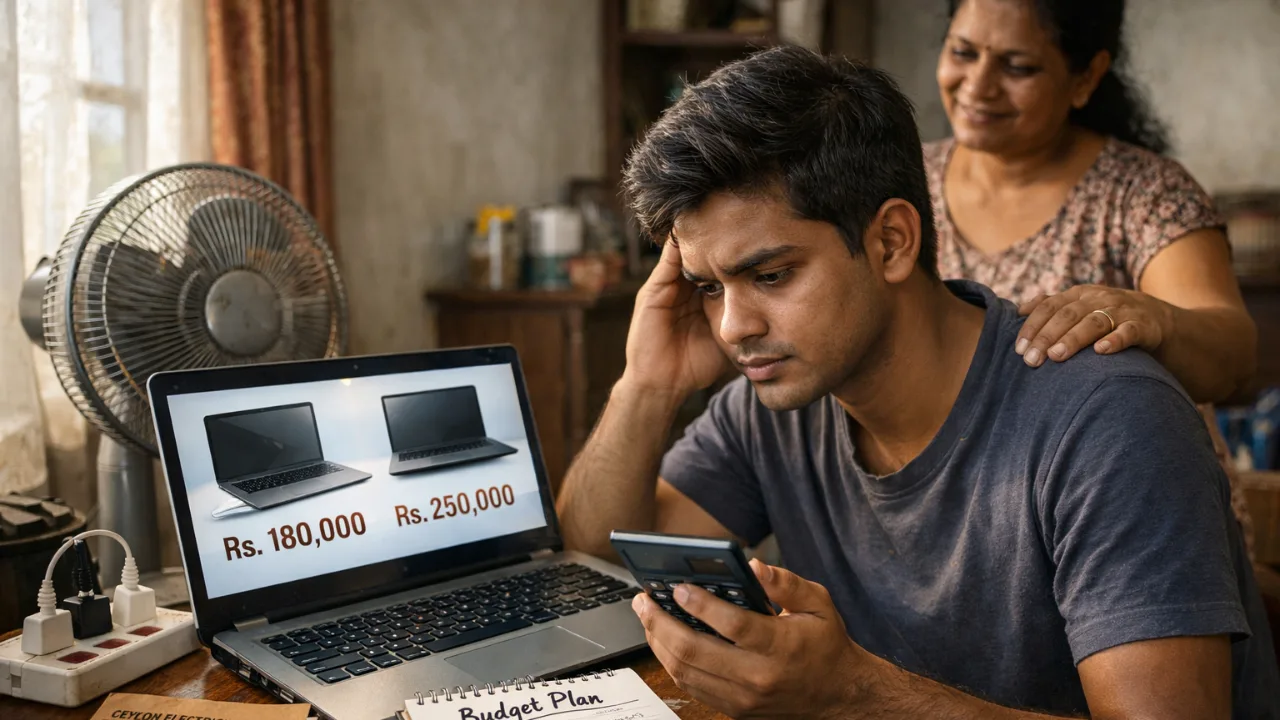
How to Buy a Laptop in Sri Lanka Without Taking a Loan: Smarter Budget Alternatives
Buying a laptop in Sri Lanka feels harder than ever. Prices are high, budgets are tight, and many students and young professionals feel forced to take a loan just to get a basic machine. But you don’t actually need to go into debt. There are smarter, safer ways to buy a laptop in Sri Lanka, even with a small monthly income.
This guide breaks everything down in simple language, using real 2026 prices, local buying habits, and the problems Sri Lankan buyers face every day.
Why Many Sri Lankans Feel Forced Into Loans
A basic new laptop for online classes or office work now costs 135,000–220,000 LKR. Mid-range models often hit 250,000–400,000 LKR. These prices reflect the current USD/LKR rate (around 309:1) plus VAT, PAL, and other import duties that add 30–50% to the landed cost.
So when money is tight, loans feel like the only option.
But here’s the truth most salespeople don’t say: Laptop loans are expensive in the long run.
Most non-zero loan plans add 20–30% extra over 2–3 years. That’s another 40,000–80,000 LKR wasted for the same machine.
Many Sri Lankans have shared regret after taking loans:
“Interest pushed the total cost almost 80k higher.”
“Job market was unstable. Monthly payments became stress.”
“Had to downgrade to a basic model because EMI was too high.”
But you have better options.
Understand the Real Price Landscape Before You Choose
Knowing what laptops actually cost in Sri Lanka helps you decide smarter.
Typical Price Ranges (2026)
Basic use (web, Office, Zoom): 135,000–180,000 LKR
Good mid-range (coding, light design): 200,000–300,000 LKR
Gaming & heavy software: 350,000–500,000+ LKR
Because laptops are imported, prices rise when USD goes up. Some sellers also inflate prices during stock shortages.
Local Truth:
Grey imports are tempting because they’re 20–30% cheaper. But if something fails, you lose the full amount because there’s no warranty. Power cuts and heat make this an even bigger risk in Sri Lanka.
If you’re comparing prices, always check Battery life, SSD quality, and warranty terms. These matter more than brand names.

The Smartest Way to Avoid Loans: Buy Used or Refurbished
This is the number one method Sri Lankan buyers use to stay debt-free. A used or refurbished laptop can save you 40–70% compared to buying new.
Real examples from local sellers:
Used ThinkPad / EliteBook (i5, 8GB, SSD): 50,000–90,000 LKR
Higher-end mid-range refurbished: 80,000–150,000 LKR
Budget business laptops on ikman: 40,000–80,000 LKR
These models often outlast cheap brand-new laptops because they were built for corporate use. They handle heat, humidity, and long hours better.
What to check before you buy used
Battery health (aim for 70% or more)
SSD brand and health, avoid unknown “512GB” refurbs
Keyboard, ports, speakers
Screen brightness and dead pixels
Ask for store warranty (1–3 months)
Avoid laptops with dents around the hinge
Local Truth: “Most cheap laptops sold new in Sri Lanka overheat quickly. A used ThinkPad can feel faster and last longer.”
If you’re a student, this is usually the best option. You get good performance at a price your parents won’t need a loan for.
Zero-Interest Installments: Spread the Cost Without Paying Extra
If you really want a new laptop but don’t want a loan, 0% installment plans are the safest alternative.
Popular retailers like Singer, Abans, Softlogic, and Nanotek frequently offer 0% deals through banks such as ComBank, HSBC, Sampath, and HNB.
Example:
A 200,000 LKR laptop paid over 36 months = ~5,555 LKR per month, no interest.
This is very different from hire-purchase loans, which add extra charges.
Just make sure the plan clearly says 0% interest.
If you don’t have a credit card
Singer and other large retailers sometimes offer installment plans with guarantors, meaning you still avoid a bank loan.
This is ideal for office workers or students with a steady allowance.
The Cheapest Option: Upgrade the Laptop You Already Own
If your current laptop is slow, it doesn’t mean you need a new one.
In Sri Lanka, most old laptops only need two upgrades:
SSD upgrade (15,000–25,000 LKR)
RAM upgrade (10,000–20,000 LKR)
That’s it.
These two changes can make a 5–10-year-old machine run like new for basic tasks.
Why this works well in Sri Lanka
HDDs fail fast during power cuts and get slow in heat. An SSD handles both better and boots in seconds.
If you’re tight on cash, upgrading is the most practical path. No loans, no pressure.
Use Seasonal Discounts, Student Deals, or Trade-In Offers
In Sri Lanka, timing matters. Prices drop during:
Back-to-school (Aug–Sep)
Year-end sales (Nov–Dec)
Avurudu promotions (March–April)
Shops like HP Store, Abans, and Laptop.lk sometimes offer bundles, bags, mouse, antivirus, and even trade-ins where your old laptop can knock 20,000–50,000 LKR off the price.
If you’re not in a hurry, waiting can save you more than any “low-interest loan.”
Pool Family Savings Instead of Paying Loan Interest
A simple family savings plan works better than taking on debt.
If you save 10,000 LKR per month, you build:
120,000 LKR in 12 months
180,000 LKR in 18 months
This turns a “loan problem” into a manageable goal. Many Sri Lankan families already follow this approach when buying phones, bikes, and now laptops.
Some universities and employers also offer subsidies or bulk deals, worth asking before spending a cent.
Quick Decision Guide: What Should You Do?
Here’s the simplest way to choose your debt-free path:
If your budget is under 75,000 LKR
→ Buy a used/refurbished business laptop. Look for ThinkPad, EliteBook, Latitude.
If your budget is 100,000–200,000 LKR
→ Choose a refurbished mid-range model or a new entry laptop via 0% installments.
If you already own a laptop
→ Upgrade RAM and SSD. You’ll save more than 100,000 LKR.
If you can wait 6–12 months
→ Build a simple savings plan. Avoid grey imports unless you fully understand the risks.
If you’re a student
→ Avoid anything with only 4GB RAM or HDD storage. Your laptop will feel slow from day one.
Avoid These Common Sri Lankan Buying Mistakes
Buying a cheap new laptop just because “it’s new”
Choosing models with HDDs, too slow and not worth the savings
Buying grey imports during power-cut seasons
Taking a loan for a laptop with low specs
Ignoring battery health when buying used
If you avoid these traps, you’ll save money and avoid debt.
A Simple Checklist Before You Buy
Decide your real budget first
Compare at least 2–3 models
Check if RAM/SSD upgrades are possible
For used units, test the device for at least 1 hour
Check battery cycles and SSD health
Ask for warranty, even a short one helps
Buy only from a seller who allows returns or testing
Keep a UPS in mind if your area has frequent power cuts
You don’t need a loan to get a good laptop in Sri Lanka. With the right plan, used buying, upgrades, zero-interest installments, or timed purchases, you can stay within your budget and still get a machine that lasts.
Real buyers have done it. You can too, without debt and without stress.
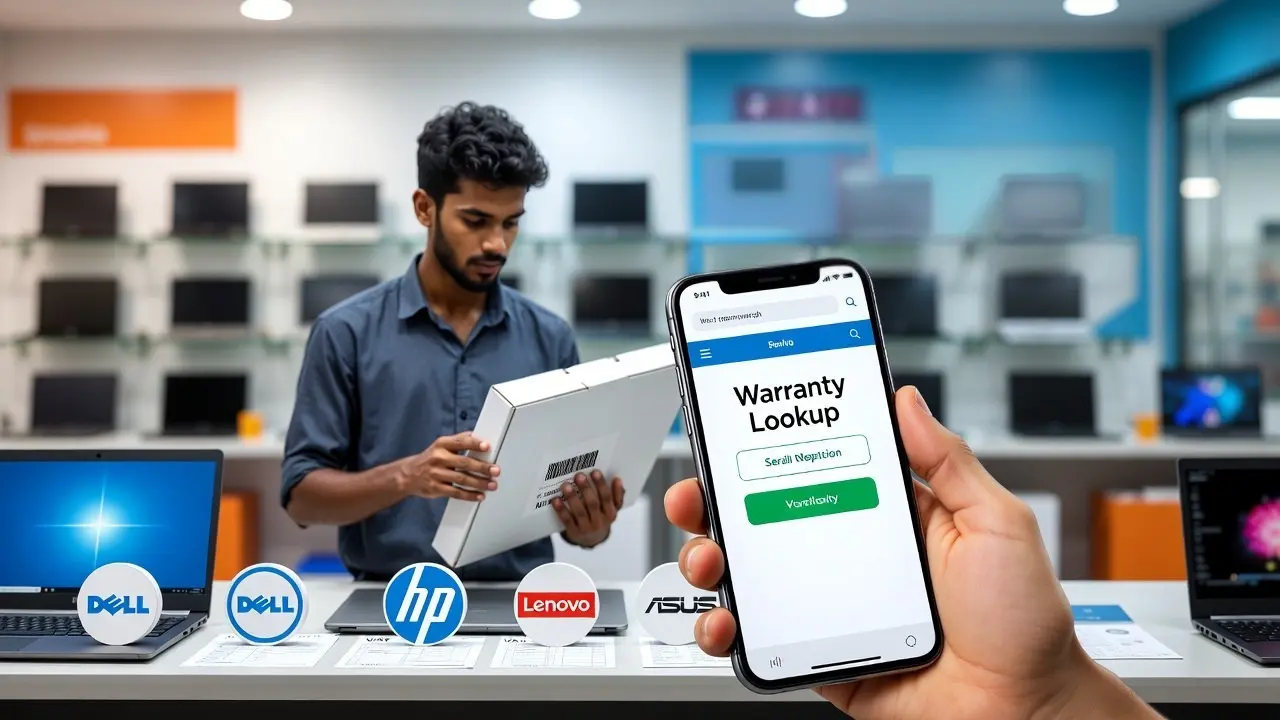
How to Verify Authentic Warranty When Buying a Laptop in Sri Lanka
Buying a laptop in Sri Lanka can feel stressful. Prices change with the dollar, shops advertise “full warranty” without proof, and many buyers only discover the truth when the laptop actually breaks. This guide helps you verify whether the warranty is real before you spend your money, so you avoid grey market traps and denied claims.
Why Warranty Matters So Much for Sri Lankan Buyers
Sri Lankan conditions are tough on laptops. Heat, humidity, long hours of use, and sudden power cuts cause many early failures. That is why a proper warranty is not optional here. It is protection.
Most major brands like Dell, HP, Lenovo, Asus, Acer, and MSI give a 1 year official warranty, with some premium models offering 2 to 3 years. But this applies only to units imported through official distributors. Grey imports often show a warranty online but get rejected locally because the region code or product origin does not match Sri Lanka.
There is also a legal rule. The Consumer Affairs Authority requires a minimum 6 month warranty for electronics. But this only helps if you bought from a dealer willing to cooperate. It cannot force a global brand to repair an unofficial import.
Local truth: In Sri Lanka, many warranty issues reveal themselves only when the laptop breaks. That is why checking the warranty before buying is more important than comparing CPU or RAM.
The Difference Between Authentic Warranty and Grey Market Warranty
An authorized warranty comes through official Sri Lankan distributors like Abans for Lenovo, VS One or Trident for HP, Metropolitan for Acer, or Unity Systems for Asus and MSI. These units receive proper parts, brand approved repairs, and access to extended warranty upgrades.
A grey import is a genuine laptop but brought into the country through unofficial channels. It is cheaper because some sellers skip taxes. But the risk is high. Local service centers often deny repairs and say, “This is not our import.”
Grey sellers use a few common tricks:
Stamped warranty cards that are not linked to the brand
“International warranty” stickers that do not apply to Sri Lanka
Refurbished laptops sold as brand new
Shop warranty only, where parts are free but labor is charged
Local truth: Many Sri Lankan buyers were told their “full warranty” was invalid when they visited an authorized service center.
How to Check Warranty Yourself Before You Buy
You can confirm a laptop’s warranty in minutes, even while standing inside the shop. This is the most reliable method to avoid scams.

Step 1: Note the serial number
Every laptop has a serial on the box, bottom panel, or inside the BIOS. Ask the seller to show it.
Step 2: Check the serial on the official brand websites
Every major brand lets you check warranty instantly:
Dell → dell.com/support → Enter Service Tag
HP → support.hp.com → Serial lookup
Lenovo → support.lenovo.com/lk/en/warranty-lookup
Asus → asus.com/support → Warranty Inquiry
Acer → acer.com/support
MSI → msi.com/support/warranty-check
If the laptop shows active warranty and the start date is close to the purchase date, you are in safer territory. If it shows expired warranty, short coverage, or different region, do not buy it.
Local truth: If the serial number does not show up online, walk away immediately.
Step 3: Ask for a proper VAT invoice
A genuine warranty claim requires:
Shop name
VAT number
Laptop model and serial
Date of purchase
Authorized sellers do not give separate “warranty cards.” The invoice itself is your warranty proof.
Step 4: Confirm with the local service center
If you are unsure, call the Sri Lankan service center and read the serial number to them. They will tell you if they can support the device.
Step 5: Register the warranty after purchase
Some brands require registration to activate extended coverage. Do this on the same day.
Red Flags Sri Lankan Buyers Should Never Ignore
Grey sellers are common in Unity Plaza, ikman.lk, Daraz, and on Facebook. They mix genuine and grey units, so you must stay alert.
Here are signs of risky warranty offers:
Seller refuses to let you check the serial online
Warranty card is handwritten or unregistered
Box seal looks tampered or re taped
Price is 20 to 30 percent cheaper than other authorized sellers
Warranty begins months before purchase (refurbished or resold unit)
Seller promises “same warranty, cheaper price” but cannot show dealer authorization
Many Sri Lankan buyers on local forums reported:
Grey units rejected by HP and Dell service centers
Refurbished laptops sold as brand new
Shop warranty repairs taking weeks and requiring paid labor
Service centers blaming humidity or power surges to deny grey claims
Local truth: Grey imports save money on day one but cost more when something breaks.

The Safe Checklist Before Buying Any Laptop in Sri Lanka
Before you pay, go through this quick Sri Lankan friendly checklist:
Check the serial number online on the brand’s official site
Verify the seller is authorized through the brand distributor list
Ask for a VAT invoice with matching serial
Avoid “shop warranty only” unless you are comfortable with risk
Reject tampered or resealed boxes
Confirm spare part availability with the brand’s local service center
Understand that power surge damage is never covered use a UPS
If you are a student or working from home, remember that delays in repairs can disrupt your life for weeks. Paying a little more for an authorized unit often saves you far more in the long run.
For more guidance on choosing the right laptop, check our main hub page Laptop Prices in Sri Lanka.
Local truth: In Sri Lanka, checking the warranty is not an extra step. It is the first step.
FAQs
1. Is a laptop from overseas covered under warranty in Sri Lanka?
Most overseas laptops are not covered locally unless the brand offers true global warranty for that exact model. Even if the serial number shows a valid international warranty, Sri Lankan service centers may still reject it if the unit was not imported through their authorized channels. Always check with the local service center before buying from Dubai, Singapore, or online marketplaces.
2. How can I tell if a laptop is refurbished even if the box looks new?
Refurbished laptops often have early warranty start dates, mismatched serial numbers on the box and the device, small scratches on the screws, or non-original packaging seals. You can also enter the serial number on the brand’s warranty page. If the warranty started months earlier or shows “expired,” the unit is likely refurbished or previously used.
3. What should I do if a shop refuses warranty service after I buy the laptop?
First, check the serial with the brand’s official warranty lookup tool to confirm whether it is an authorized import. If the warranty is valid but the shop refuses support, contact the official service center directly. If the laptop has no authentic warranty and the shop misled you, you can file a complaint with the Consumer Affairs Authority. Keep your VAT invoice and communication as proof.

How to Check a Laptop’s Build Quality Before You Buy in Sri Lanka (2026)
Buying a laptop in Sri Lanka is stressful. Prices are high, choices are confusing, and one wrong decision can cost you months of repairs.
Build quality matters more here than in most countries. Our heat, humidity, daily travel, and power cuts expose weak laptops very fast. A model that feels “okay” in the shop can start creaking, overheating, or loosening within weeks.
This guide shows you how to judge a laptop’s build quality in 10 minutes, even if a shop tries to rush you. No technical knowledge needed.
What Build Quality Really Means (In Simple Terms)
Build quality is not about brand names or fancy specs.
It’s about how well the laptop survives daily life in Sri Lanka.
Here’s what actually matters.
Chassis and Materials
Most budget laptops use plastic. That’s fine. The problem is thin plastic that flexes.
In Sri Lanka’s heat, weak plastic can:
Creak when you type
Warp slightly over time
Stress hinges and screens
Metal or reinforced frames hold shape better. You don’t need full aluminum, but rigidity matters.
Local truth: In Sri Lanka, flex gets worse over time. It never improves.
Hinges (The First Thing That Breaks)
Hinges fail more than any other part.
Weak hinges lead to:
Screen wobble
Cracks near hinge mounts
Loose lids after a few months
This is common in cheaper consumer models sold as “latest”.
Good hinges feel smooth, firm, and even on both sides.
Keyboard and Palm Rest Flex
Press gently on the keyboard and palm rest.
If it sinks or creaks now, it will feel worse later.
Heat expansion makes this problem more noticeable here.
Long typing sessions become uncomfortable fast.

Ports (USB, Charging, HDMI)
Ports should feel tight and stable.
Loose ports fail early in Sri Lanka because:
Frequent plugging during power cuts
Voltage fluctuations
Daily travel strain
A loose charging port is a future repair bill.
Cooling and Internal Design
Good build quality includes proper cooling.
Poor cooling leads to:
Loud fans
Slower performance
Battery swelling over time
Heat kills laptops faster here. Cooling is not optional.
Serviceability (Can It Be Repaired?)
Repairs are expensive in Sri Lanka.
A laptop with:
Upgradeable RAM
Replaceable SSD
Easy bottom panel access
will save you money later.
Business-class lines from brands like Lenovo, Dell, and HP usually do better here than entry-level consumer models.
The 10-Minute In-Store Build Quality Check (Step by Step)
You don’t need tools. You don’t need permission.
You just need confidence.
1. One-Hand Lid Open Test
Open the laptop using one finger from the center.
Good: Lid opens smoothly, base stays flat
Bad: Base lifts or lid sticks
Weak hinges fail this test.
2. Lid Twist Test (Gentle)
Close the lid. Hold opposite corners lightly and twist.
Good: Solid, no creaking
Bad: Twists easily, makes noise
This shows frame rigidity.
3. Keyboard Flex Test
Press lightly around the keyboard center and palm rest.
Good: Firm, minimal movement
Bad: Sinks or creaks
If it flexes in the shop, it will flex more in Colombo heat.

4. Trackpad Stability Test
Tap all corners of the trackpad.
Good: Even clicks, no rattle
Bad: Loose or uneven
Humidity worsens loose trackpads over time.
5. Port Wiggle Test
Insert a USB or charger and gently wiggle.
Good: Snug fit
Bad: Movement or looseness
Loose ports fail early in Sri Lanka.
6. Bottom Panel Creak Test
Lift the laptop slightly from one corner.
Good: Feels solid
Bad: Loud creaks or bending
Creaking panels let dust and moisture in.
7. Fan Noise at Idle
If powered on, listen closely.
Good: Quiet or barely audible
Bad: Loud fan at idle
This means poor cooling design.
8. Screen Bezel Pressure Test
Press lightly on the screen bezel, not the panel.
Good: No distortion
Bad: Ripples appear
Thin panels suffer more during travel.
9. Visual Inspection
Look closely for:
Uneven gaps near hinges
Scratches near ports
Misaligned screws
These suggest handling damage or tampering.
10. Serial Number Check
Match serial numbers on:
Box
Laptop body
BIOS (if allowed)
Mismatch is a major red flag.
How to Detect Refurbished or Tampered Units
This is where many Sri Lankan buyers get trapped.
Step 1: Warranty Verification
Before paying, check the serial number on the brand’s official site.
If warranty:
Is expired
Shows another country
Doesn’t match seller claims
walk away. “Shop warranty” is not the same as official warranty.
Step 2: Battery Cycle Check (Windows)
Run this command: powercfg /batteryreport
Open the report.
New laptop: Very low cycle count
Used/refurb: High cycle count
Battery wear shows real usage.
Step 3: SSD Health Check
Use a free tool like CrystalDiskInfo.
Check:
Power-on hours
Health percentage
A “brand new” laptop should not show heavy SSD usage.
Step 4: BIOS Manufacturing Date
Enter BIOS and check the manufacturing date.
Old dates often mean:
Older stock
Refurbished units
Models pushed as “latest”
Sri Lanka Warning Z one: What to Watch Out For
These problems are common locally.
Grey Imports
Grey imports often:
Lack official warranty
Have swapped parts
Get no agent support
They look cheap now but cost more later.
“Shop Warranty Only”
This usually means:
Limited coverage
No brand support
Hard claims during power-related damage
Always insist on serial-verified official warranty.
Rushed Inspections
If a seller refuses checks or rushes you, that’s your signal. A genuine seller allows inspection.
If You’re a Student in Sri Lanka
You don’t need the strongest laptop. You need a durable one.
Focus on:
Strong hinges
Good keyboard
Upgradeable RAM
Reliable cooling
Avoid ultra-thin, flashy models with weak frames. Your laptop travels with you. Build quality matters more than looks.
Avoid These Common Sri Lankan Buying Mistakes
Buying cheap “i7” laptops under Rs. 200,000 without checking generation
Trusting shop warranty over official warranty
Skipping battery and SSD checks
Ignoring hinge quality
Choosing looks over durability
Buying without an invoice showing serial numbers
Copy-Paste Check-Before-You-Buy Checklist
Use this in the shop.
Before Paying
Hinges feel firm and smooth
Keyboard and palm rest don’t flex
Ports feel tight
No creaks from base
Fan quiet at idle
Serial numbers match
Official warranty verified
After Unboxing
Battery cycle count low
SSD health clean
BIOS date reasonable
Packaging intact
If any check fails, stop.
Final Thoughts
In Sri Lanka, build quality is not a luxury. It’s protection against heat, humidity, travel, and repair costs. A solid laptop lasts years. A weak one becomes a headache within months.
Before you decide, compare durability and pricing using our Laptop Prices in Sri Lanka guide on SellX.lk. It helps you balance price, warranty, and long-term value clearly.
If you buy slow and smart, you save money.
FAQs
❓ FAQ 1: Is plastic build always bad for laptops in Sri Lanka?
No. Plastic laptops are not automatically bad. The problem is thin, flexible plastic. In Sri Lanka’s heat and humidity, weak plastic flexes more over time and stresses hinges and screens. A solid plastic chassis with minimal flex can still last well if the hinges and cooling are good.
❓ FAQ 2: Can I trust a laptop with only a “shop warranty” in Sri Lanka?
You should be very careful. A shop warranty is not the same as an official brand warranty. Many grey import laptops are sold this way, and claims become difficult when issues appear after power cuts or heat-related damage. Always verify the laptop’s serial number on the brand’s official website before paying.
❓ FAQ 3: How long should a well-built laptop last in Sri Lanka?
A well-built laptop should last at least 4–6 years with normal use. Strong hinges, proper cooling, and upgradeable parts matter more than brand names. Poorly built laptops often show problems within the first year, especially in Sri Lanka’s climate and travel conditions.

Do You Really Need a Graphics Card? Honest Advice for Sri Lankan Students & Professionals
Buying a laptop or PC in Sri Lanka already feels stressful. Prices are high, specs are confusing, and everyone tells you something different.
One of the biggest doubts buyers face is this:
“Should I pay extra for a graphics card, or is it a waste of money?”
This question matters more in Sri Lanka than most countries. Power cuts, hot weather, limited warranties, and grey imports can turn a wrong choice into a long-term headache.
This guide explains, in simple terms, when a graphics card actually helps you and when it quietly drains your money.
The Simple Truth Most Sri Lankans Need to Know
Before we go into technical details, let’s clear one thing honestly.
Most Sri Lankan students and professionals do not need a dedicated graphics card.
If your daily work is online classes, Office, browsing, Zoom meetings, assignments, or basic coding, a graphics card will not make your laptop feel faster. You’ll just pay more, deal with more heat, and lose battery life.
A graphics card only matters when your work heavily depends on visuals, rendering, or gaming. Everything else runs mainly on the processor and RAM. But, in Sri Lanka, many buyers overspend on GPUs and regret it later.
Integrated vs Dedicated Graphics, Explained Like a Friend Would
A graphics card (GPU) handles everything you see on the screen. Videos, animations, images, games, and design software all depend on it.
There are two main types, and the difference is easier than it sounds.
Integrated graphics are built into the processor. They use your laptop’s normal RAM and don’t have a separate chip.
Why this works well in Sri Lanka:
Less heat
Better battery life
Lower price
Fewer cooling problems
Dedicated graphics are a separate chip, like NVIDIA RTX or AMD Radeon. They have their own memory called VRAM and are designed for heavy visual work.
They are powerful, but:
They run hotter
They drain battery faster
They cost a lot more locally
If you don’t clearly know why you need one, you probably don’t.

Do You Actually Need a GPU for What You Do Every Day?
This is the most important part of the decision. Don’t buy based on what sounds powerful. Buy based on what you actually do.
If your day looks like this:
Online lectures
Assignments
Office work
Browsing
Light Photoshop
Programming without heavy AI models
Integrated graphics are more than enough.
If your work includes:
4K video editing
Large Photoshop or Illustrator files
AutoCAD, Revit, SolidWorks
Serious 3D work
AAA gaming
Machine learning model training
Then a dedicated graphics card becomes important, not optional.
If you are unsure, ask yourself this simple question: “Will my software refuse to work or become painfully slow without a GPU?”
If the answer is no, save your money.
Performance Reality in 2026 (Not Old YouTube Myths)
Many people still think integrated graphics are weak. That used to be true. It’s not true anymore.
Modern integrated graphics from AMD and Intel can:
Run multiple monitors
Play eSports games smoothly
Edit photos comfortably
Handle 1080p video editing
Stream 4K video without issues
Dedicated GPUs still win in heavy tasks like:
4K video timelines with effects
3D rendering
Ray-traced gaming
Professional CAD work
A modern integrated GPU often performs better than older entry-level dedicated GPUs still sold in Sri Lanka.
This is why blindly buying “RTX” just for the name can be a trap.

Sri Lanka Reality Check: Price, Heat, Power Cuts, Warranty
This decision cannot be made without local context.
Price matters: In Sri Lanka, laptops with dedicated GPUs cost significantly more due to import taxes and USD rates. That extra money often gives you no benefit if your work doesn’t use the GPU.
Heat matters: Dedicated GPUs create more heat. In our climate, many gaming laptops overheat, throttle performance, or become uncomfortable to use.
Power cuts matter: GPU laptops usually last only a few hours on battery. Integrated graphics laptops last much longer, which matters during outages.
Warranty matters most: Many GPU laptops are sold as grey imports. Repairs are expensive, and service centers often reject them.
One GPU failure can wipe out all your “savings.”
Thinking About Buying or Upgrading a GPU? Read This First
Before paying extra for a GPU, slow down and check a few things.
Ask yourself:
What exact software do I use daily?
Do those apps clearly need a GPU?
Can I tolerate more heat and fan noise?
Do I face regular power cuts?
Is the warranty genuine and local?
For desktops, GPU upgrades are possible later. For laptops, GPU upgrades are almost never practical.
Tip: It’s smarter to buy more RAM and a better SSD than a GPU you won’t use.
Costly Myths That Trap Sri Lankan Buyers
“You need a GPU for programming” → No. Most coding uses the CPU, not the GPU.
“More VRAM means better performance” → Not always. Newer architecture matters more than big numbers.
“Gaming laptops are future-proof” → In hot climates, they often age faster.
“A GPU makes everything faster” → Office work, browsing, and Zoom feel the same.
Final Advice for Sri Lankan Buyers
Skip the GPU: Most students, office workers, and parents buying for school.
Consider carefully: Design freelancers, light video editors, casual gamers.
Must have a GPU: Architecture students, serious editors, 3D professionals, AAA gamers.
In 2026, most Sri Lankans don’t need a dedicated graphics card. Integrated graphics handle real-life work quietly, efficiently, and affordably.
Only pay the extra cost if your work truly demands it.
And before buying, always check updated laptop prices in Sri Lanka so you know what you’re really paying for.
Laptop Processor Guide for Sri Lankan Buyers: i3, i5, i7 & Ryzen Explained Simply
Buying a laptop in Sri Lanka is stressful for most people. Prices keep changing with the dollar rate, shops push confusing specs, and many “brand new” models in the market are actually old stock or grey imports. One of the biggest confusions is the processor, those i3, i5, i7 and Ryzen numbers that everyone talks about, but nobody explains clearly.
This guide breaks it down in simple words, using real Sri Lankan examples. No jargon, no unnecessary details, just honest advice to help you avoid slow laptops, overheating issues, and overpriced models. Think of this as a trusted tech friend explaining things without trying to sell you anything.
What Does a Laptop Processor Actually Do? (Explained Simply)
The processor (CPU) is the part of the laptop that keeps everything running smoothly. When you open Chrome, join a Zoom class, run Python code, or edit a photo, the processor handles the workload. If it’s weak or outdated, the laptop will feel slow from day one, a common complaint from Sri Lankan students who accidentally buy older models.
Local Truth: In Sri Lanka, even basic work feels heavy because many people run Zoom, WhatsApp Web, Google Docs, and several Chrome tabs at the same time. A weak processor will struggle quickly.
Cores and Threads (The Simple Way to Understand Them)
Think of cores like individual workers in a kitchen.
More workers = more tasks at once.
Basic processors (i3 / Ryzen 3) usually have 4–6 cores
Mid-range processors (i5 / Ryzen 5) have 6–10 cores
High-end processors (i7 / Ryzen 7) have 8–14 cores
Threads are like helpers for those workers. They don’t replace real workers, but they make tasks finish faster. This matters when you multitask, like using Zoom + Word + 10 Chrome tabs.
Sri Lankan Example: If you’re a university student using Zoom during power cuts while multiple tabs are open, more cores/threads keep the laptop from freezing.
Clock Speed & Turbo Boost (Why Your Laptop Feels Fast or Slow)
Clock speed (measured in GHz) tells you how fast each core works.
Higher numbers = faster responses.
Your laptop may say something like 3.3GHz → 4.5GHz Turbo.
That means it can temporarily boost performance for heavy tasks, but this depends heavily on cooling.
Local Truth: Laptops in Sri Lanka heat up quickly due to the climate. A processor that “looks fast” on paper may slow down after a few minutes because the laptop can’t keep it cool. This is common with low-quality grey imports.
Cache Memory (Why Some Laptops Feel Instantly Responsive)
Cache is a small, super-fast memory inside the processor. Bigger cache means smoother multitasking and fewer micro-lags.
i3 / Ryzen 3 → 8–12MB
i5 / Ryzen 5 → 12–20MB
i7 / Ryzen 7 → 20–32MB
It’s not a spec you need to memorise, but it explains why mid-range laptops feel “snappier” even while doing the same tasks.

U-Series vs H-Series (The Most Misleading Spec in Sri Lanka)
If you’ve seen processor names like i5-1235U or Ryzen 5 5600H, the last letter matters more than most people realise.
U-Series:
Focus on battery life
Cooler
Good for office work and study
Not made for heavy work or gaming
H-Series:
More power
Runs hotter
Great for coding, editing, or gaming
Drains battery faster
Sri Lankan Warning: Many shops label laptops as “powerful” just because the sticker says i7, but it might be an i7 U-series, which is weaker than a newer i5 or Ryzen 5. This is one of the most common traps at Unity Plaza.
Why Newer Generations Matter More Than the Name (i3/i5/i7)
A 12th or 13th gen i5 can easily outperform an old 7th or 8th gen i7.
This is why many buyers regret purchasing an “affordable i7” from online sellers.
Local Truth: If the model is older than 11th gen Intel or Ryzen 5000, don’t consider it “new”, even if the seller claims it is.
Intel i3, i5, i7 Explained for Sri Lankan Buyers (Simple & Local)
Buying an Intel laptop in Sri Lanka is confusing because the same “i3, i5, i7” labels show up on very different machines. Some are new and fast. Some are old stock from 2018 but still labelled “brand new.” That’s why many Sri Lankan students accidentally buy laptops that feel slow within a few months.
Let’s breaks down Intel processors in a way that genuinely helps you avoid regrets.
Intel i3, Good for Basics, But Only If It’s New Enough
Intel i3 is fine for simple work. If your day is mostly browsing, Google Docs, YouTube, and online classes, a modern i3 will handle it.
But here’s the important part: Most i3 laptops sold cheaply in Sri Lanka are OLD. Old i3 laptops struggle even with 5–6 Chrome tabs.
What i3 is good for
School work
Online classes
Basic office work
Watching videos
Zoom meetings (3–4 tabs open)
Truth: Most complaints about “my new laptop is slow” come from people who unknowingly bought 10th gen or older i3 models.
i3 Price Range in Sri Lanka (2025)
Around 140,000–165,000 LKR for newer 12th–13th gen
Anything below 120,000 LKR is almost always old stock or refurbished
What you SHOULD buy
i3 12th gen or 13th gen
At least 8GB RAM + SSD
What you MUST avoid
i3 10th gen or older
i3 with HDD (very slow)
i3 U-series older than 2022
If you’re a student: A new i3 is enough for assignments and Zoom. But if you multitask heavily (YouTube + Docs + WhatsApp Web), consider Ryzen 5 or i5 instead.
Intel i5, The “Safe Choice” for Most Sri Lankan Buyers
If you want a laptop that won’t freeze during assignments, coding, or office multitasking, Intel i5 is usually the safest pick. Most students and professionals in Sri Lanka fall into this category.
But again, generation matters more than the name.
What i5 is good for
University work (ICT, Engineering, Business)
Coding (VS Code, Java, Python)
Freelance work (Canva, Photoshop basics)
Casual gaming
Running 10–20 tabs without lag
Truth: Many shops still push 10th gen i5 as “high performance” because they have leftover stock. These models are slow compared to newer Ryzen 5 or Intel 12th/13th gen.
i5 Price Range in Sri Lanka
165,000–215,000 LKR for proper 12th–14th gen models
Above 220,000 LKR if it’s an H-series model (better performance)
What you SHOULD buy
i5 12th gen, 13th gen, or 14th gen
At least 16GB RAM for coding or multitasking
SSD 512GB if possible
What you MUST avoid
i5 10th gen (slow and overpriced in Sri Lanka)
i5 laptops with 4GB RAM (shops still sell them)
i5 U-series for heavy work (coding/Canva)
If you’re a university student: i5 12th gen + 16GB RAM is the sweet spot. It lasts through your entire degree without feeling slow.
Intel i7, Powerful, But Often a Trap in Sri Lanka
Intel i7 sounds powerful, so many buyers think it’s automatically better. Unfortunately, this is the biggest trap in the Sri Lankan laptop market.
Shops often sell old i7 models from 2016–2019 as if they are current high-performance machines.
An old i7 can be slower than a new i5 or Ryzen 5.
What i7 is good for (when it’s new)
Video editing
3D design
Heavy multitasking
Coding + virtual machines
Graphic design work
Truth: If you see a “cheap i7” around 160K–200K, it’s almost always old stock or grey import. A new Intel i7 laptop usually starts around 240,000–300,000 LKR+.
What you SHOULD buy
i7 12th gen or higher
Preferably H-series for heavy work
Proper cooling (check vents!)
What you MUST avoid
i7 7th, 8th, 9th gen (very slow in 2025)
i7 laptops under 200K claiming “brand new”
i7 U-series for editing/gaming → weak performance
Any i7 without official warranty
If you’re a content creator: Only buy i7 if it’s NEW and runs cool. Otherwise, Ryzen 7 often gives better value.
Intel Summary for Sri Lanka (Simple & Practical)
Buy these:
i3 12th–13th gen → basic users
i5 12th–14th gen → students & professionals
i7 12th–14th gen → creators & heavy users
Avoid these:
All 10th gen Intel processors (i3, i5, i7)
Cheap i7 laptops (usually old or refurbished)
U-series for gaming/editing
Ryzen 3, Ryzen 5, Ryzen 7 Explained Simply (Sri Lanka–Focused Guide)
Over the last few years, many Sri Lankan buyers moved from Intel to Ryzen. Not because Ryzen is “cool,” but because it gives more performance for the money, handles heat better, and multitasks smoother, especially in our climate.
If you’ve ever opened 15 Chrome tabs and watched your laptop slow down, a Ryzen processor often fixes that problem because it has stronger multi-core performance.
Here’s the simple breakdown.
Ryzen 3 - Good for Basics, but Don’t Expect Heavy Work
Ryzen 3 is similar to Intel i3. It’s fine for everyday tasks like browsing, assignments, online classes, and YouTube.
Where it beats Intel i3 is how cool it runs. Sri Lanka is hot all year, and Ryzen 3 handles this better in thin laptops.
What Ryzen 3 is good for
School work
Watching movies
MS Office
Online learning
Light browsing with 5–6 tabs
Truth: Most Ryzen 3 laptops in Sri Lanka are the 5000 series, which is actually smoother than Intel’s older 10th gen i3 that’s still being sold everywhere.
Ryzen 3 Price Range (Sri Lanka, 2026)
135,000–160,000 LKR for new models
Cheaper options below 130K are usually refurbished or old 3000 series
What you SHOULD buy
Ryzen 3 5000 or 7000 series
Minimum 8GB RAM + SSD
What you MUST avoid
Ryzen 3 3000 series (sold cheaply, but too slow for 2025)
Laptops with HDD (still found in budget models online)
If you’re a student: Ryzen 3 is enough for O/L and A/L work. But if you’re starting university, consider Ryzen 5 instead, it lasts longer.

Ryzen 5 - The Best-Value Processor for Most Sri Lankans
If there’s one processor that fits 90% of Sri Lankan buyers, it’s Ryzen 5.
It’s fast, smooth with multitasking, handles heat well, and feels responsive even after years of use. This is why many Sri Lankan students and freelancers regret not buying Ryzen 5 earlier.
What Ryzen 5 is good for
University work
Coding
Freelance work (Photoshop, Canva, Illustrator)
Heavy multitasking
Running Zoom + multiple tabs smoothly
Basic video editing
Casual gaming
Truth: Most “my laptop is lagging” complaints come from people using older Intel i5 models. A Ryzen 5 laptop at the same price usually feels much faster, especially when running many apps at once.
Ryzen 5 Price Range (Sri Lanka)
160,000–210,000 LKR for 5000 or 7000 series
H-series models reach 225,000–260,000 LKR because they are powerful
What you SHOULD buy
Ryzen 5 5500U / 5600H / 7530U / 7730U
Minimum 16GB RAM for uni students and freelancers
SSD 512GB if possible
What you MUST avoid
Ryzen 5 3500U (old and weak, still sold as “brand new”)
Selling pages that don’t mention the generation (a huge red flag)
If you’re a university student: Ryzen 5 is the safest processor. It stays fast for the full degree, even for coding, design modules, and online lectures.
If you’re a freelancer: Ryzen 5 can handle Canva, Photoshop basics, and Illustrator smoothly. It’s the best “value for money” pick in Sri Lanka.
Ryzen 7 - For Heavy Work, But Check Cooling First
Ryzen 7 is a high-performance processor suited for creators, engineers, and gamers. It’s powerful, but in Sri Lanka the challenge is cooling.
Many thin laptops can’t handle Ryzen 7 heat well, especially when the room is already 30°C+. So don’t buy Ryzen 7 unless the laptop has proper ventilation.
What Ryzen 7 is good for
Content creation
Video editing
Blender / 3D work
Engineering and simulation software
Gaming (with a dedicated GPU)
Running virtual machines
Truth: Ryzen 7 often gives more real performance than Intel i7 at the same price. This is why creators in Sri Lanka prefer Ryzen 7, it’s cheaper and faster in multi-core tasks.
Ryzen 7 Price Range (Sri Lanka)
220,000–300,000 LKR depending on H-series or thin models
Laptops above 300K usually include dedicated graphics
What you SHOULD buy
Ryzen 7 5800H / 5700U / 7735HS / 7840HS
H-series for editing/gaming
Proper cooling (check vents and chassis thickness)
What you MUST avoid
Ryzen 7 in very thin laptops (heat + throttling)
Old Ryzen 7 3000 series
If you’re a creator or gamer: Ryzen 7 offers amazing performance, but pair it with good cooling and 16GB or 32GB RAM.
Ryzen Summary for Sri Lanka (Simple & Practical)
Buy these:
Ryzen 3 5000/7000 → basic users
Ryzen 5 5000/7000 → students, freelancers, office
Ryzen 7 5000/7000 → creators and gamers
Avoid these:
Ryzen 3 3000 series
Ryzen 5 3500U
Any Ryzen without clear generation info
If you want value for money: Choose Ryzen 5.
If you want high performance: Choose Ryzen 7, but make sure the laptop has proper cooling.
The Real Sri Lankan Laptop Market - Grey Imports, Scams & Pricing Traps
Most Sri Lankan buyers walk into a shop or check Ikman expecting the processor names to be straightforward. But the truth is, the Sri Lankan laptop market is full of old stock, grey imports, misleading labels, and overpriced models.
1. Old CPUs Sold as “Brand New” (The Most Common Trap)
Walk around Unity Plaza or browse Daraz for 10 minutes, and you’ll see:
i7 laptops for 160K
i5 laptops for 150K
Ryzen 5 laptops without generation details
These look like good deals, but most of them use processors from 2016–2020.
Truth: A 7th gen or 8th gen i7 is slower than a modern Ryzen 5 or Intel i5. But shops sell them at high prices because many buyers only look at the “i7” sticker.
Why sellers do this:
They bought old stock cheaply
Sri Lankan buyers trust “i7” blindly
Profit margins are 20–30% higher on older models
How to protect yourself:
Always check the generation number (e.g., 1135G7 = 11th gen)
If they refuse to show the model number → walk away
Avoid “brand new” laptops priced under 175K claiming i7
2. Grey Imports: Cheaper Price, But Higher Risk
Grey imports come without official Sri Lankan warranty. They may be cheaper, but the risks are high:
Fake SSDs swapped in
Used/refurbished bodies labelled as new
BIOS-locked motherboards
Lower battery health
Wrong country models with different parts
This is extremely common on Ikman and some Daraz sellers.
Truth: Many “brand new” laptops on Ikman are actually ex-office or refurbished units from abroad, cleaned and repackaged.
Signs of a grey import:
Price far below market
No Abans / Softlogic / Singer warranty
Box already opened
Serial number doesn’t match the box
“1-week personal warranty” (danger sign)
What to do:
If you’re not familiar with checking hardware, avoid grey imports entirely.
If you buy one, verify the CPU, SSD, RAM, and battery health immediately.
3. U-Series CPUs Marked as “Gaming” or “High Performance”
This is a classic Sri Lankan sales trick. A seller will show you a laptop with:
i7-1165G7
16GB RAM
Pretty RGB keyboard
And say: “Sir, this is a high-performance gaming laptop.”
Reality:
U-series = made for battery life, not power
Heats up quickly in Sri Lanka
Drops performance after a few minutes
Gaming is almost impossible except on low settings
Truth: If you want gaming or editing performance, look for H-series processors. Don’t fall for the i7 label alone.
4. USD/LKR Fluctuations Push Prices Up
Sri Lanka’s laptop prices change constantly with the dollar rate. At around 308 LKR per USD, importers adjust prices by 10–20% in a single month.
This leads to:
Random price jumps
Delayed stock for Ryzen models
H-series laptops being overpriced
Sellers pushing old Intel models because they already have them in stock
What this means for you:
Don’t rush into a purchase because of “limited-time offer” ads
Compare prices across Nanotek, Barclays, Winsoft, Laptop.lk, and Abans
If a deal looks too good to be true, it usually is
5. Fake or Misleading Processor Labels on Online Platforms
Search “i7 laptop” on Ikman, and you’ll see:
i7 4th gen
i7 6th gen
i7 HQ from 2016
i7 U-series from 2020
i7 refurbished ThinkPads
All sold at attractive prices.
Truth: The number “i7” alone means nothing. The generation and series matter more.
Dangerous listings include:
“i7 Gaming Laptop – 175,000 LKR” (always old stock)
“Brand New i7 – Japan Version” (refurbished office laptops)
“Ryzen 5 Fast Laptop – No Generation Mentioned” (red flag)
6. Heating Problems in the Sri Lankan Climate
Sri Lanka’s weather is hot and humid, and this directly affects laptop performance. Laptops with poor cooling, especially cheap thin models, slow down (“thermal throttle”) after 10–15 minutes of heavy use.
Common overheating processors here:
Intel i7 U-series
Intel i5 10th gen
Ryzen 7 in thin chassis
Older refurbished Intel H-series laptops
If you want real performance:
Look for laptops with dual fans
Choose H-series only if the laptop is thick enough to cool it
Avoid ultra-thin laptops for editing or gaming
7. Stock Shortages for Ryzen Models
Ryzen laptops sell out quickly in Sri Lanka because:
They offer great performance
Students prefer them
Shops keep low stock due to high demand
Import delays occur because Intel deals dominate retail channels
Truth: Sometimes you’ll see only Intel models in large retailers like Abans or Singer, while Ryzen models appear more often at Nanotek, Redline, or Laptop.lk.
Real Dangers in the Sri Lankan Market
Watch out for:
Cheap i7 laptops (usually old)
Grey imports without warranty
U-series sold as “high performance”
Hidden generation numbers
Overheating models in thin bodies
Sellers refusing to show system info
Used laptops sold as new
Safe rule: If the processor generation is not clearly shown, don’t buy it.

The Simplest Processor Recommendation for Sri Lankan Buyers
Choosing a laptop doesn’t need to be stressful. You only need to know which processor matches your real work. Here is the simplest guide you can follow without getting confused.
If You Need a Laptop for School or A/L Work
You only need a basic processor.
Choose:
Intel i3 (12th gen or newer)
Ryzen 3 (5000/7000 series)
Why: Perfect for Zoom, MS Office, online classes, and everyday tasks.
Avoid: Old i3 models and any laptop with HDD.
If You’re a University Student (Any Stream)
Most students multitask a lot, Zoom, Chrome tabs, PDFs, coding, LMS portals. So you need something smoother and longer-lasting.
Choose:
Ryzen 5
Intel i5 (12th gen or newer)
Why: These stay fast for years and don’t lag when you open many apps.
Avoid: i5 10th gen, i7 U-series, and laptops with only 8GB RAM.
If You’re a Freelancer
You need a laptop that feels responsive while switching between Canva, Chrome, Zoom, and Photoshop basics.
Choose:
Ryzen 5 (best value)
Ryzen 7 if your work involves editing
Intel i5 (12th–14th gen)
Why: Ryzen handles multitasking well and runs cooler in Sri Lanka.
Avoid: i3, old Intel i5, and thin laptops with Ryzen 7 (heat issues).
If You Want to Game Casually
Gaming needs more power. Stay away from U-series processors.
Choose:
Ryzen 5 H-series
Ryzen 7 H-series
Intel i5/i7 H-series
Why: H-series is built for performance and works better in Sri Lanka’s heat.
Avoid: Any U-series CPU labeled as “gaming.”
If You Do Video Editing or Creative Work
Editing, 3D, and rendering need strong processors.
Choose:
Ryzen 7 H-series
Intel i7 H-series (12th gen or newer)
Why: More cores = faster exports and smoother playback.
Avoid: U-series processors and very thin laptops without proper cooling.
If You Use It for Office Work or Business
You don’t need very high power, but you do need reliability.
Choose:
Intel i5
Ryzen 5
Why: Fast enough for Excel, accounts software, Zoom, and multitasking.
If You’re Still Unsure - Choos Ryzen 5 or Intel i5 (12th gen or newer). This is the safest processor for 90% of Sri Lankan buyers.
Quick Summary Table
If someone tries to sell you a “cheap i7,” it’s almost always an old model. Real performance comes from newer generations, not bigger numbers.
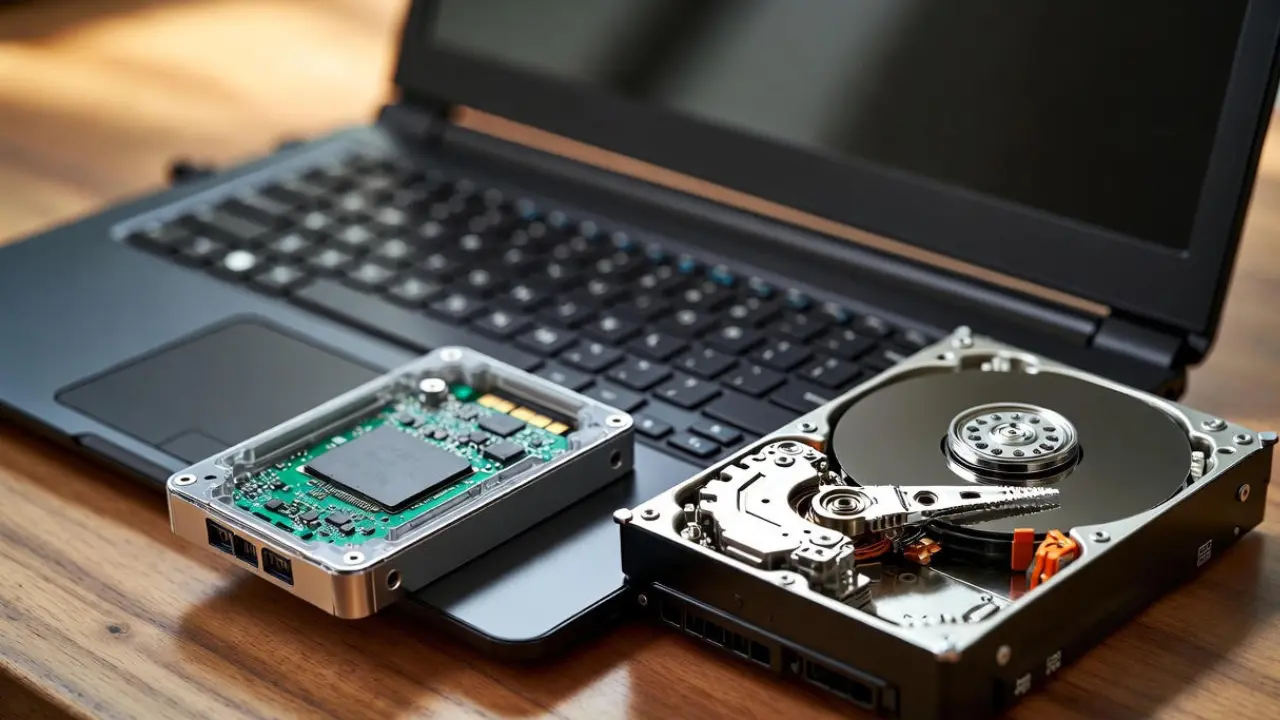
SSD vs HDD in Sri Lanka: Why Most Slow Laptops Are Still Using the Wrong Drive
Most slow laptops in Sri Lanka still use HDDs because budget retailers import low-cost stock, buyers prioritize the cheapest sticker price, and grey-market distributors push outdated hardware to maintain margins. SSDs solve 80% of day-to-day speed problems, but slow adoption continues due to weak awareness, high import duties, and a low upgrade culture.
The Storage Problem Sri Lankan Buyers Keep Running Into
Most buyers in Sri Lanka assume a slow laptop means a weak processor or low RAM. In reality, the main bottleneck in budget models is the outdated mechanical hard drive still used as primary storage. This creates long boot times, freezes, and delays even on brand-new devices, causing buyers to feel cheated before they understand the real cause.
A large part of the Sri Lankan laptop market still runs on mechanical hard drives. These drives bottleneck even a Core i5 processor. Most laptops under LKR 80,000 ship with HDDs. This is the main reason new laptops feel slower than phones. Global markets have already shifted to SSDs as the default. Sri Lanka lags behind because budget imports dominate sales volume.
How Common HDD Laptops Still Are in Sri Lanka
Walk into any major retailer and the cheapest laptops almost always include HDDs, even in 2025. These models get pushed heavily because they fit popular price brackets under LKR 80,000. Without checking the storage type, many customers unknowingly choose slow devices. This pattern is strongest in Singer, Abans, Daraz, and grey-import listings.
Precise national data does not exist. Evidence comes from retailer catalogues, market pricing, and segment analysis.
Estimated HDD Presence by Price Segment (2025):
Entry-Level (<LKR 200,000): 40–60% HDD: Cheapest models still bundle a 1TB HDD to hit marketing price points.
Mid-Range (LKR 200,000–400,000): ~10–20% HDD: Mainly outdated stock or grey imports; most new units use SSD.
High-End (>LKR 400,000): 0% HDD: No modern high-end laptop ships with mechanical storage.
HDD models survive mainly because they allow retailers to show “larger storage” and keep the entry-level sticker price artificially attractive, even though performance drops sharply.

Why Retailers Continue to Push HDD Laptops
Retailers continue selling HDD laptops because they meet low price points that drive high-volume sales. Most buyers focus on the cheapest option, and sellers know this. Instead of educating customers, retailers highlight big numbers like “1TB” to make old stock look attractive. This keeps outdated hardware circulating long after global markets have moved on.
Cheap stock from regional OEMs
Manufacturers in India and China export low-end batches configured with HDDs. Importers take these because margins are higher.
Price anchoring
Retail displays highlight “Core i3 / i5” and “1TB storage” instead of storage type. Most buyers compare capacity, not speed.
Inventory residue
During 2018–2022, Sri Lanka imported large volumes of HDD-based models due to COVID-era shortages. Many units remain in circulation.
Cost structure
Import duties climbed to 30%. Forex volatility adds another markup. SSD configurations cost 15–25% more, so retailers default to HDD to stay under the LKR 60,000–75,000 sweet spot.
Consumer Awareness Gaps That Keep HDD Alive
Most Sri Lankan buyers believe that processor and RAM determine all performance, so storage is ignored until the laptop starts freezing. HDDs continue selling because buyers compare capacity instead of speed. Without proper guidance at the point of sale, most customers unknowingly choose the slowest configuration available.
Most Sri Lankan buyers do not know that storage, not processor, decides day-to-day speed.
Common misconceptions:
“1TB is better than 256GB.”
“More RAM fixes slowness.”
“HDD is fine for basic use.”
Urban buyers know the difference. Rural buyers remain price-driven. Only 20–30% explicitly ask for SSD during purchase. Sinhala and Tamil YouTube channels have started shifting awareness, but market inertia remains strong.

Why SSD Speeds Matter in Sri Lankan Conditions
Sri Lanka’s climate and usage patterns make HDD weaknesses worse. Heat, humidity, power cuts, and online-heavy workloads put constant pressure on mechanical drives. SSDs handle these conditions far better because they generate less heat, load apps instantly, and keep the laptop responsive even after years of use. This is why SSDs offer real-world benefits locally.
Real performance differences:
Boot time: HDD 45–90s vs SSD 10–15s
Chrome, Zoom, Excel launch: HDD 10–20s vs SSD 1–3s
File transfers (1GB): HDD 20–40s vs SSD 2–5s
Heat: HDDs run 10–20% hotter, fail faster in humidity
Battery: SSD laptops last 20–30% longer
SSD is not a luxury. It is the baseline if you want stable performance during power cuts, online classes, and work tasks.
Local Pricing: What SSD Actually Costs in Sri Lanka
Sri Lankan buyers often assume SSDs are “too expensive,” but the actual price gap has narrowed sharply. The difference exists mainly because duties and forex inflate costs artificially. Once you compare real performance and lifespan, SSD laptops deliver better long-term value than HDD models, even if the upfront price is slightly higher.
SSD prices have dropped globally. Sri Lankan markups remain due to duties and forex.
2025 local pricing:
256GB SATA SSD: LKR 5,500–7,500
512GB SATA SSD: LKR 9,500–13,500
512GB NVMe SSD: LKR 11,500–17,500
HDD pricing:
1TB HDD: LKR 3,000–4,000
The difference at manufacturing level is small. Import structure inflates the gap. This is why an HDD laptop sitting at LKR 50,000 becomes LKR 60,000+ when upgraded to SSD.

Why Sri Lankan Users Rarely Upgrade
Most users avoid SSD upgrades because they are unsure about compatibility, afraid of losing data, or misled by sales staff. Outside Colombo, trustworthy technicians can be hard to find. This keeps many laptops slow for years, even though a single upgrade costing LKR 10,000–15,000 can transform an old device into a fast, usable machine.
Only 10–20% of users switch from HDD to SSD after purchase.
Reasons:
Fear of voiding warranty
Low digital literacy
Confusion about compatibility
Misinformation from sales staff
Lack of trust in service centers outside Colombo
Upgrade services cost LKR 10,000–15,000 (SSD + labor). Once upgraded, users report 3–6× speed improvements even on 5–7-year-old machines.
Grey-Import and Second-Hand Market Distortions
Grey-import laptops dominate student and freelancer purchases, and almost all arrive with HDDs installed. Sellers focus on pushing units quickly rather than offering proper storage configurations. Many buyers get attracted to low prices and familiar brand names, unaware that the slow hard drive inside will bottleneck the device from day one.
Impacts:
Used ThinkPads and Dell Latitudes ship with slow drives
Sellers push HDD units due to higher availability and easier bulk purchases
SSD-equipped used laptops sell for LKR 5,000–10,000 more and get picked faster
Buyers wrongly assume business laptops are fast regardless of storage
Productivity and Energy Costs of Using HDD Laptops in Sri Lanka
Every slow boot, app freeze, or long loading screen adds up over months of use. HDD laptops waste time, electricity, and battery life, problems made worse during power cuts and remote work. On a national scale, widespread HDD usage contributes to energy waste and premature hardware disposal, increasing overall costs for both users and the country.
HDD reliance has national consequences.
User impact:
Frequent freezes, app delays, and slow startups
Lost time: 10–20 minutes per day
National impact:
Power usage rises due to longer processing times
Heat increases failure rate
E-waste grows as HDD laptops are replaced early
Sri Lanka generates 200,000 tons of e-waste yearly. Longer-lasting SSD laptops reduce replacement frequency.
How Sri Lankan Buyers Can Avoid the Wrong Drive
Most storage mistakes can be avoided by checking the spec sheet carefully before buying. Retailers may highlight processor and RAM, but the storage type determines real speed. Always confirm whether the laptop uses an SSD or NVMe drive. A quick check saves years of slow performance and unnecessary frustration.
Direct checks before buying:
Look for SSD or NVMe in specs
Avoid “1TB HDD” on any laptop under LKR 100,000
Prefer 256GB SSD over 1TB HDD
Check Daraz listings for hidden HDD models mislabelled as “fast”
Ask the retailer to state storage type in writing if unclear
Minimum safe spec for 2026:
8GB RAM + 256GB SSD + modern processor (i3 12th Gen or Ryzen 3 5000 series and above)

SellX.lk Practical Guidance for Sri Lankan Buyers
Sri Lankan buyers face unique constraints, tight budgets, unreliable sellers, and unclear specifications. These conditions make storage decisions even more important. Choosing an SSD, even a smaller one, delivers better results for online learning, office tasks, and daily use. The goal is to buy a machine that remains usable for years, not months.
- If your budget is under LKR 120,000: Buy an SSD laptop even if capacity is only 256GB. Do not accept HDD.
- If your laptop is older than 3 years: Upgrade to a 256GB or 512GB SSD. The speed gain is higher than upgrading RAM.
- If you're choosing between new HDD vs used SSD laptop: Choose the SSD laptop. The performance difference is significant.
- If you depend on Zoom/Teams/online classes: SSD is mandatory. HDD will cause persistent lag.
HDD laptops stay common in Sri Lanka because budget imports, grey-market stock, and price-driven buyers prioritize large storage over speed. SSD laptops cost slightly more but eliminate almost all performance problems faced by students, workers, and freelancers. Any laptop purchased in 2026 should include an SSD, or be upgraded immediately.

8GB vs 16GB RAM in 2026: What Sri Lankan Students Really Need
If you're a student trying to buy a laptop this year, you already know the biggest headache: Is 8GB RAM enough, or do you really need 16GB?
And with Sri Lankan prices going up every month, it’s normal to be scared of making the wrong choice.
Here’s the truth in simple words, based on real Sri Lankan usage, real 2025 prices, and what students actually do on their laptops.
What RAM Really Does (Explained Simply)
Most students hear “RAM is important,” but no one explains what it actually does. This section breaks it down in the simplest way, so you understand how RAM affects everyday things like assignments, Zoom classes, browser tabs, and your laptop’s overall smoothness.
Think of RAM as your laptop’s working space. Whatever you open, tabs, Zoom, Word, videos, coding software, sits inside RAM.
More RAM =
More space
Fewer slowdowns
Smoother multitasking
Less RAM =
Freezing
Lag
Noisy fan and overheating
Before buying, always check if the RAM is upgradeable. Many budget laptops sold in Sri Lanka have soldered 8GB that you can never increase.
What Sri Lankan Students Actually Do (Based on Real 2024–2025 Usage)
Your RAM needs depend entirely on what you actually do each day. Sri Lankan students often multitask more than they realize, and that’s where slowdowns begin. This section shows real usage patterns gathered from local discussions, so you can compare your own habits and choose wisely.
Sri Lankan students don’t do extreme tasks. But they multitask heavily, and that’s where RAM becomes a problem.
Assignments + Research (70–80% of students)
Chrome or Edge
10–15 tabs
PDF notes
Google Docs/Word
YouTube for lectures
8GB works, but fills up very fast. Most lag happens when students switch between tabs.
Online Classes
Zoom/Teams uses 1–3GB alone
Add notes + browser tabs + YouTube recaps
This is where students complain the most:
“Zoom call + Word + 10 tabs crashes my 8GB laptop.”, SL student on a public forum
16GB handles this far better.
Coding / IT / Engineering Students (20–30%)
VS Code / PyCharm / IntelliJ
Debuggers
Browser tabs
Coding tools alone use 2–4GB. Coding + Zoom + tabs can kill an 8GB laptop.
If you're doing CS, IT, SE, networking, or bootcamps: Go straight for 16GB.
Design / Architecture Students (5–10%)
Canva
Photoshop Elements
GIMP
AutoCAD basics
8GB is not enough. Simple designs will work, but the moment you add layers or large files, 8GB chokes immediately.
Light Users (Notes + Browsing)
If you only use:
Notes
PDF
Browsing
Light Zoom
Then 8GB is okay as long as the RAM is upgradeable.
Price Reality in Sri Lanka (2025)
Laptop pricing here is different from other countries because of taxes, dollar rates, and retail markups. Before choosing between 8GB and 16GB, you need to know the real price gap in Sri Lanka. This section gives you a clear picture using actual 2025 market data.
Real Sri Lankan prices from Daraz, Singer, Winsoft, Laptop.lk, and ikman.lk:
On average, 16GB costs 25,000–35,000 more.
When you spread it across four years, that’s just around Rs. 7,000 a year, about Rs. 600 a month. And the performance difference is huge.
Local Risks: Grey-Market, Fake RAM & Overheating
Many students try to save money and accidentally fall into common traps, fake upgrades, soldered RAM, or grey imports with no warranty. These issues hurt performance more than low RAM itself. This section explains the real risks Sri Lankan buyers face, so you don’t waste your money.
Sri Lankan students face problems buyers in other countries never think about.
Fake "16GB upgraded" laptops
Many grey-import sellers upgrade RAM with:
mixed brands
low-quality sticks
unstable timings
These laptops heat up, slow down, and sometimes even shut down.
Soldered 8GB
Many budget models (HP 15s, Lenovo Slim) come with non-upgradeable 8GB RAM. This locks you in forever.
Humidity & Heat
Sri Lankan heat pushes laptops to 80–90°C. Low RAM forces the laptop to use SSD as temporary memory → adds more heat → slows everything.
Warranty Issues
Upgrading RAM at unauthorized shops breaks warranty in many cases.
Always buy 16GB from an authorized dealer (Abans, Singer, Barclays, Nanotek, Winsoft).
So, Which One Should YOU Choose? Simple Yes/No Answers

By now you probably know what type of user you are. This section makes the decision even easier by giving you clear yes/no guidance based on your needs, your degree, your multitasking habits, and how long you plan to keep the laptop.
Choose 16GB if you:
Are a university student
Multitask with tabs + notes + Zoom
Do coding (VS Code, Java, Python)
Use Canva/Photoshop
Want the laptop for 3–4 years
Hate lag
Want better resale value
This fits 20–30% of Sri Lankan students, but gives peace of mind to 100%.
Choose 8GB only if you:
Are on a tight budget
Only do notes + browsing
Rarely multitask
Don’t do coding/design
Laptop has upgradeable RAM
This fits 60–70% of school-level or basic users.
But still: Upgrade to 16GB when you can.
Mistakes Sri Lankan Buyers Should Avoid
Students in Sri Lanka often make the same laptop mistakes without realizing it. These errors lead to slow performance, overheating, and wasted money. This section highlights the most common traps so you can avoid them and make a confident purchase.
Buying an 8GB laptop with soldered RAM
Buying grey imports with suspicious “16GB upgrades”
Using 8GB for university-level IT or design work
Buying just to “save 20–30K now” and suffering later
Ignoring cooling, most budget laptops sold here heat up quickly
Quick Checklist Before You Pay
Before you hand over your money, take one minute and run through this checklist. These simple checks prevent most of the problems students face with new laptops, especially in Sri Lanka’s heat, humidity, and grey-market environment. It’s your safety net.
Before buying your laptop in Sri Lanka, check:
Is the RAM upgradeable?
Is the 16GB genuine (single brand module)?
Does the shop give manufacturer warranty?
Is the SSD NVMe, not SATA?
Does the laptop have decent cooling vents?
These small checks save you thousands in repairs later.
Final SellX Recommendation
Choosing the right RAM doesn’t need to be stressful. This final section gives you a clear, honest summary based on everything we know, student workloads, prices, risks, and long-term value, so you can buy a laptop that feels smooth for years.
Let’s keep it honest.
8GB is still okay for light work. But in real Sri Lankan conditions, multitasking, power cuts, heavy Zoom use, slow internet, Chrome tabs, heat, 8GB reaches its limits quickly.
If you can stretch a bit, 16GB makes your laptop smoother, faster, and usable for years. It also sells for 10–20% more when you upgrade later.
If you’re buying once and want peace of mind, go for 16GB.
For safe comparison, check the updated Laptop Prices in Sri Lanka to see which models fit your budget without risking grey imports.
How to Choose the Right Laptop Specs in Sri Lanka (Without Getting Confused)
If you’ve ever walked into Unity Plaza or scrolled through ikman.lk and felt your head spin from words like “12th Gen,” “RTX,” “NVMe,” and “soldered RAM,” you’re not alone.
Most Sri Lankans struggle with laptop specs because prices here are high, information is scattered, and sellers often push whatever model they want to clear out.
Maybe you’re a university student trying to join Zoom during a power cut. Maybe you’re a freelancer whose laptop freezes when you open Photoshop. Or maybe you’re buying your very first machine and don’t want to waste a single rupee.
This guide keeps things simple, practical, and Sri Lanka–specific, so you can choose a laptop confidently, without paying for features you’ll never use.
What Laptop Specs Actually Mean
Laptop specs may look like jargon, but each one plays a specific role. Here’s a clear, global-standard breakdown adapted for everyday Sri Lankan use.

Processor (CPU)
This is the “brain” of your laptop.
Common in Sri Lanka: Intel 12th/13th Gen, AMD Ryzen 5000/7000.
i5 / Ryzen 5: Perfect for 80% of users, uni work, coding, Zoom, browsing.
i7 / Ryzen 7: Only worth it for heavy tasks like video editing, 3D design, or deep coding.
Sri Lankan mistake: Paying LKR 50,000 extra for an i7 when an i5 would have been perfectly fine.
Memory (RAM)
RAM keeps apps running smoothly.
8GB: Minimum for basic use.
16GB: Best for students, remote workers, and multitaskers.
32GB: Only for creators or engineering work.
Sri Lankan reality: Many local laptops use soldered RAM, meaning you can’t upgrade later. Always check before buying.
Storage (SSD vs HDD)
This affects how fast your laptop feels.
SSD: Boots in seconds.
HDD: Boots in minutes.
Sri Lankan mix: Most new models use SSDs, but cheap units still hide slow HDDs.
For most Sri Lankan buyers:
512GB SSD is the sweet spot (offline lectures + software).
1TB SSD ideal for editors or gamers.
Graphics (GPU)
Handles visuals and graphics-heavy work.
Integrated graphics: Great for students and office work.
Dedicated GPU (RTX/GTX): Essential only for gaming, AutoCAD, 3D design.
Sri Lankan mistake: Buying a gaming laptop “just in case”, and later suffering from heat and battery drain.
Display, Size & Weight
14-inch: Easy to carry to campus.
15.6-inch: Best balance for most people.
16-inch: For designers and gamers.
In Sri Lanka’s heat and commutes, aim for under 2kg for daily use.
Battery Life & Cooling
Expect 6–8 hours in real Sri Lankan conditions.
Humidity and dust cause overheating fast.
Some older Lenovo and HP models throttle in heat.
If you live in a hot area or face long power cuts, prioritize battery + good cooling design over raw performance.
Ports & Connectivity
At minimum:
USB-A (2 or more)
USB-C (preferably for charging)
HDMI (for projectors and dual screens)
Optional: Ethernet (useful during bad weather or power cuts)
Local Market Reality: Prices, Grey Imports & Common Pitfalls
Sri Lanka’s laptop market works very differently from the rest of the world. Prices fluctuate with the dollar, grey imports hide risky compromises, and authorized units cost more but offer protection. Understanding these factors prevents costly mistakes and helps you choose safely.
Why Laptops Cost More Here
18% VAT
Up to 30% import duties
USD/LKR fluctuations
Stock delays of 3–6 months for new models
A laptop that sells for USD 500 abroad often reaches LKR 200,000 here.
Authorized vs Grey-Market
Authorized laptops come through official distributors with genuine warranties, verified specs, and reliable after-sales support. Grey-market laptops are cheaper but carry risks like fake parts, hidden defects, missing warranties, and zero long-term service. Choosing wisely can save you money and future repairs.
Authorized dealers
Genuine warranty
Higher prices
Reliable after-sales support
Grey-market or parallel imports
10–30% cheaper
Risk of fake specs
Voided warranties
No service center support
Many Sri Lankans learn the hard way: a “cheap i7 deal” usually hides a fake SSD or old-generation CPU.
Infrastructure Issues
Power cuts → battery becomes a MUST, not a luxury
Humidity → accelerates overheating
Limited repair centers → especially outside Colombo
These factors make durability and warranty far more important here.
Matching Laptop Specs to Sri Lankan Use Cases
Different users need different specs. Here’s a match made specifically for Sri Lankan tasks, budgets, and common mistakes.
Sri Lankan buying mistake: Students buying gaming laptops “for power” but later complaining the device is too heavy, too hot, and drains battery fast.

Sri Lanka, Specific Checklist Before You Buy
Before buying a laptop in Sri Lanka, a quick checklist can save you from overpriced models, grey-market risks, and hidden technical flaws. Whether you’re visiting a shop, browsing online, or comparing deals on ikman.lk, use these essential checks to confirm authenticity, performance, and long-term reliability.
1. Can you upgrade RAM and SSD later?
Avoid models with soldered RAM if you’re on a tight budget.
2. Is the warranty genuine?
Check the serial number on the manufacturer’s site.
3. Is the SSD real?
Fake SSDs exist in the grey market. Ask to test boot speed or run a benchmark.
4. Check ports
USB-C + HDMI are essential for Sri Lankan students and professionals.
5. Test heating
Run YouTube + Zoom for a few minutes and touch the bottom panel.
6. Compare with authorized pricing
Sometimes “discounts” hide older stock or repaired units.
7. Check battery wear
Ask to see battery health in settings if buying second-hand.
Real Stories From Sri Lankan Buyers (Mistakes to Avoid)
Here are real experiences shared by Sri Lankan buyers on local forums:
“My i7 laptop from Unity Plaza came with a fake SSD. I spent another LKR 50,000 fixing it.”
“I bought an i7 thinking it was future-proof, but my lecturer said an i5 was more than enough for coding.”
“Humidity kills batteries fast in Sri Lanka, clean your vents annually.”
“My laptop doesn’t have an SSD and it’s painfully slow… I regret not checking the storage type.”
These stories show a clear pattern: Sri Lankan buyers often overpay or buy the wrong specs due to confusion or misleading advice.
6. Final Decision-Making Guide for Sri Lankan Buyers
Choosing the right laptop can still feel overwhelming, even after learning the specs and local market pitfalls. That’s why we’ve broken everything down into simple, Sri Lanka-friendly rules. Use this quick decision guide to match your real needs, avoid overspending, and confidently pick a laptop that will last.
Budget under LKR 200,000
i3/i5
8GB RAM
256–512GB SSD
Integrated graphics
Ideal For: Students, basic office use.
Budget LKR 200,000–300,000
i5 12th/13th Gen
16GB RAM
512GB SSD (upgradeable)
Ideal For: Remote workers, multitaskers.
Budget above LKR 300,000
i7/Ryzen 7
16–32GB RAM
1TB SSD
RTX GPU
Ideal For: Gamers, engineers, editors.
How often to review your specs?
Prices shift every 6 months.
New generations drop older models by 10–20%.
Most Sri Lankans upgrade every 3–4 years.
Conclusion
Buying a laptop in Sri Lanka doesn’t have to feel overwhelming.
Once you understand the specs, match them to your real needs, and avoid common local traps, you’ll get a machine that lasts years without breaking the bank.
To explore the best options by brand and budget, visit the SellX.lk Laptop Prices in Sri Lanka hub page, your simple starting point for finding the right laptop at the right price.
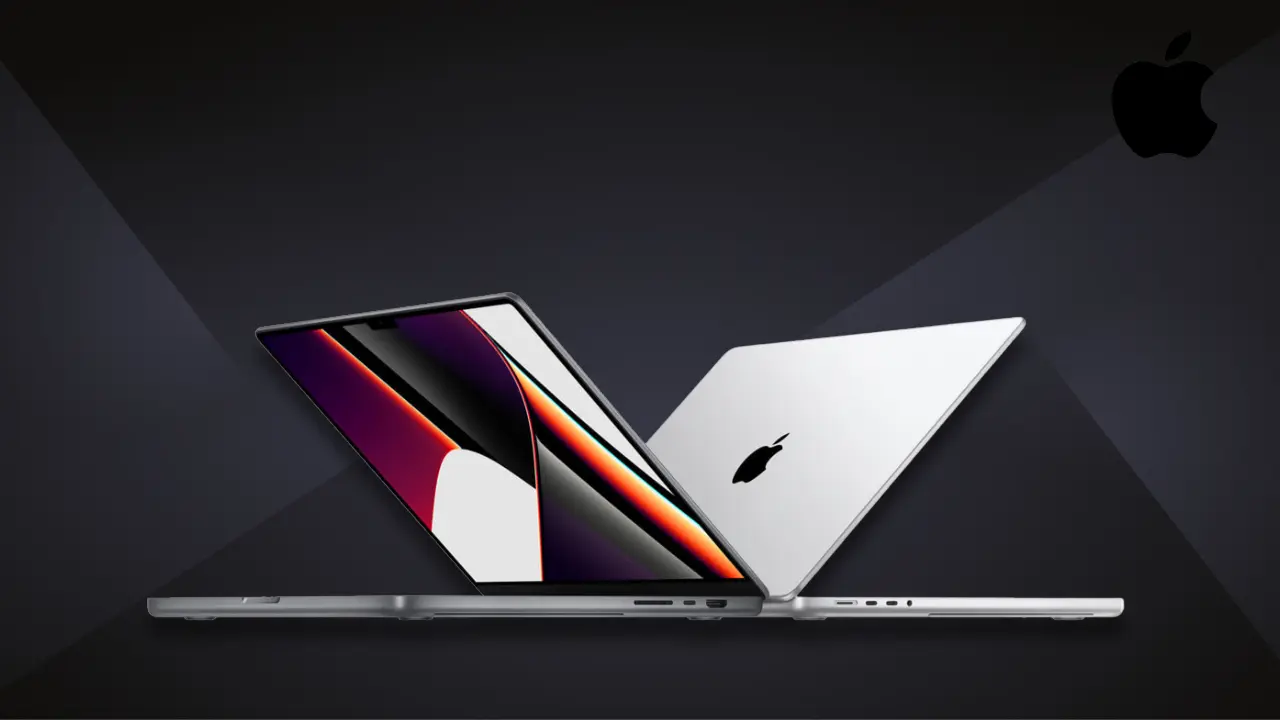
MacBook Price in Sri Lanka (2026 Updated Guide): Compare M1, M2, M3, and M4 Models
Apple’s MacBook remains one of the most popular laptops in Sri Lanka, known for its premium build quality, long battery life, and reliable performance. Prices continue to vary based on import channels, currency changes, and warranty types. This guide explains the latest MacBook prices in Sri Lanka, available models, taxes, and safe buying options.
MacBook Models Available in Sri Lanka (2026)
In 2026, Sri Lankan resellers offer a wide range of Apple’s latest M-series devices, including newer M4 and M5 models alongside budget-friendly options.
Current and recently available models include:
MacBook Air: M1, M2, M3, M4, and M5 (13″ and 15″)
MacBook Pro: M3, M3 Pro, M3 Max, M4, M4 Pro, M4 Max, and M5 (14″ and 16″)
MacBook Neo: Entry-level models for budget users
Mac Mini: M4 desktop option
Older M1 and M2 Air models remain popular for budget buyers, while professionals prefer M4 Pro and M5 models for higher performance.
MacBook Price List in Sri Lanka (2026 Updated)
The following prices reflect the latest available listings from SellX.lk and current market trends in Sri Lanka.
MacBook Pro Models
MacBook Pro M5 (14.2″, 16GB / 512GB) – Rs. 565,000
MacBook Pro M4 (14.2″, 16GB / 1TB) – Rs. 545,900
MacBook Air Models
MacBook Air M5 (13.6″, 16GB / 512GB) – Rs. 423,900
MacBook Air M4 (13.6″, 16GB / 512GB) – Rs. 379,900
MacBook Air M4 (13.6″, 16GB / 256GB) – Rs. 325,800
Budget and Entry-Level Options
MacBook Neo (13.0″, 8GB / 256GB) – Rs. 264,500
MacBook Neo (13.0″, 8GB / 512GB) – Rs. 289,900
Desktop Alternative
Mac Mini M4 (16GB / 256GB) – Rs. 204,900
Key Insight
MacBook Air models typically range between Rs. 325,000 and Rs. 424,000, while MacBook Pro models start near Rs. 545,000 and go higher based on storage and performance. Budget options like MacBook Neo bring Apple devices closer to the Rs. 260,000 range, making them more accessible for students.
Regional Availability
Most newer models like M4 and M5 are available in Colombo through trusted sellers. High-end configurations, such as 1TB storage, may take 1–2 weeks for delivery. Entry-level models and older stock are easier to find in markets like Pettah and online platforms.
Why Are MacBooks Expensive in Sri Lanka
Sri Lanka’s pricing is heavily influenced by taxes and import costs.
Typical tax structure:
Customs Duty: 0–15%
VAT: 18%
NBT: 2%
PAL: 10%
Overall, MacBooks in Sri Lanka are priced 20–40% higher than US retail prices after taxes and shipping.
Authorized resellers also include costs for logistics and warranty support, which can add another 15–25%. Grey market sellers offer cheaper prices but often without official warranty.
Currency fluctuations also affect pricing. Even small changes in the rupee against the US dollar can increase laptop prices noticeably.
MacBook Performance in Sri Lankan Conditions
MacBooks perform well in Sri Lanka, but heat and humidity can impact battery health over time.
Battery life may drop by up to 20% in high temperatures
Using a surge protector helps during power cuts
Keeping devices in dry environments improves lifespan
Students and office users prefer MacBook Air models for silent performance and portability. Professionals in editing, design, and coding choose MacBook Pro models for higher processing power.
Where to Buy a MacBook in Sri Lanka
You can purchase MacBooks from both authorized resellers and trusted online platforms.
Authorized resellers:
Futureworld
iSpot
Thundermac
Abans
Singer
Trusted online seller:
SellX.lk
Authorized sellers provide genuine Apple products with full warranty. Online platforms like SellX.lk offer competitive pricing with invoice and warranty support.
Grey-market sellers may offer lower prices but carry risks such as refurbished units or limited warranty.
Warranty, After-Sales Support, and Avoiding Scams
Sri Lanka does not have an official Apple Store, but authorized service providers handle warranty claims.
Warranty details:
1-year global Apple warranty
AppleCare+ extends coverage up to 3 years
Authorized service centers:
Thundermac
iPhone Technologies (Colombo)
Grey-market devices have a higher risk, with only 30–50% qualifying for official warranty service.
Buyer Safety Checklist
Verify serial number on Apple’s official website
Match box and device serial numbers
Check for tampered packaging
Confirm region code (LL/A recommended)
Always request an official invoice
Avoid deals that seem unusually cheap, as they may involve refurbished or used units.
MacBook Price Trends in 2026
M5 models are priced higher due to new chip demand
M4 models offer better value for most users
Budget options like MacBook Neo improve accessibility
MacBook Pro models hold value longer than Air models
Prices have become more stable compared to previous years, but small fluctuations still occur due to currency changes and imports.
The MacBook Air M5 (16GB / 512GB) costs around Rs. 423,900. Prices may vary based on storage, seller, and availability.
The MacBook Neo is currently the most affordable option, starting at around Rs. 264,500, making it ideal for students and basic use.
You can buy MacBooks with full warranty from authorized sellers like SellX.lk, Futureworld, and iSpot, which provide official invoices and support.
MacBook prices change due to exchange rate fluctuations, import taxes, shipping costs, and stock availability, which directly impact local pricing.
The MacBook Air M4 and MacBook Neo are the best choices for students due to their balance of performance, battery life, and affordability.
Final Thoughts
Buying a MacBook in Sri Lanka requires careful comparison, but choosing the right seller makes a big difference. Always verify warranty coverage and check product authenticity before purchasing.
For safe and reliable purchases, platforms like SellX.lk and other authorized resellers remain the best options.
Newer M4 and M5 models deliver strong performance for long-term use, while budget-friendly options like MacBook Neo make Apple devices more accessible than ever.
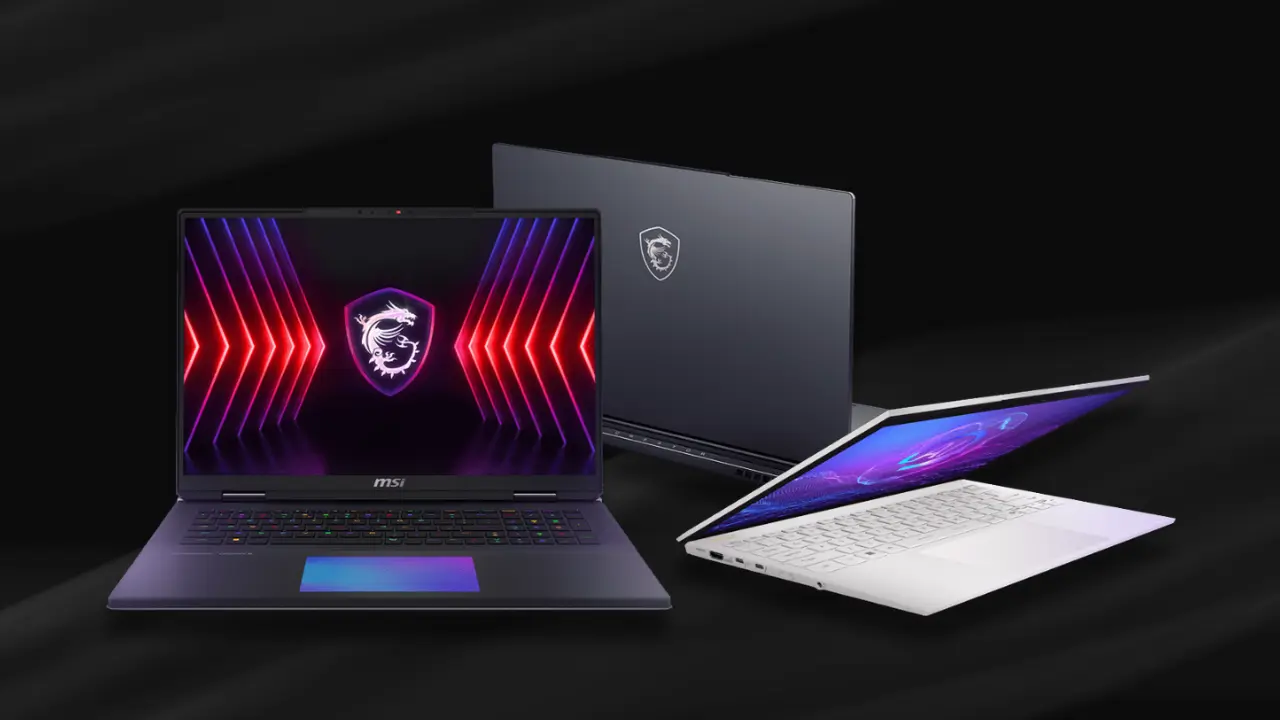
MSI Laptop Price in Sri Lanka (2026 Guide with Real Prices and Buyer Insights)
MSI laptops are becoming the preferred choice among Sri Lankan students, gamers, and professionals. Known for performance, durability, and cooling, they serve every kind of user, from students to creative professionals.
The Modern series focuses on productivity, while Katana, Cyborg, and Vector models deliver smooth performance for gaming and heavy workloads. However, buyers often struggle with unstable prices, unclear warranty details, and delayed stock arrivals. This guide, powered by verified SellX.lk data, solves those problems with transparent facts and local insights.
Latest MSI Laptop Price in Sri Lanka (2026)
Entry-Level MSI Laptop Price in Sri Lanka (Best for Students and Office Work)
Price Range: Rs. 150,000 – 250,000
Entry-level MSI laptops are ideal for students, freelancers, and small business users who need reliability without overspending. Most models come from the Modern series, featuring Intel’s latest processors and power-efficient designs.
Common Specs:
Intel Core i3 or i5 (13th Gen or newer)
8–16GB RAM and 512GB SSD
15.6-inch Full HD display
Intel Iris Xe graphics

Current Prices (as of Oct 2026):
These models perform well for office applications, web browsing, and academic tasks while offering strong build quality.
SellX.lk Advantage: Fixed quotes, no hidden costs, and easy EMI options starting at Rs. 5,000 per month.
Mid-Range MSI Laptop Price in Sri Lanka (Ideal for Creators and Gamers)
Price Range: Rs. 250,000 – 450,000
Mid-range MSI laptops offer the best balance between power and price. The Cyborg, Thin, and Modern AI series feature advanced processors and dedicated GPUs that suit both creative and gaming workloads.
Common Specs:
Intel Core i7 or Ultra 7 processors
16GB RAM, 512GB SSD
RTX 2050–4060 GPUs
144Hz or higher display refresh rates

Current Prices (as of Oct 2026):
These laptops easily handle design, editing, and moderate gaming with consistent thermals and fast display performance.
SellX.lk Advantage: Live stock tracking, confirmed availability, and pre-orders with just a 5% deposit.
High-End MSI Laptop Price in Sri Lanka (For Professionals and Hardcore Gamers)
Price Range: Rs. 400,000 – 1,500,000+
High-end MSI laptops deliver uncompromising performance for professionals, engineers, and gamers. The Raider, Stealth, and Vector HX AI models include top-tier processors, premium materials, and world-class cooling.
Common Specs:
Intel Core i9 or Ultra 9 CPUs
32–64GB RAM and up to 2TB SSD
RTX 4070–5090 GPUs
QHD or 4K displays with advanced thermal design

Current Prices (as of Oct 2026):
These models are ideal for game development, 3D rendering, and video production, delivering superior graphics and performance.
SellX.lk Advantage: Two-year authorized warranty with free pickup, priority repairs, and nationwide support.
Warranty, Service, and Genuine MSI Buying Tips in Sri Lanka
MSI laptops purchased from SellX.lk are covered by an official 1–2-year warranty handled through Technocity Pvt Ltd, MSI’s authorized partner in Sri Lanka. Buyers can confirm their laptop’s authenticity via the serial verification system on account.msi.com.
Genuine Product Checklist:
Verify the MSI hologram sticker and serial number.
Request a printed warranty card with Technocity’s stamp.
Always check the invoice before confirming payment.
SellX.lk Advantage: 100% Technocity-sourced laptops, verified before dispatch, and backed by a dedicated after-sales support team.
Where to Buy MSI Laptops in Sri Lanka (Verified 2026 Retailer)
The safest and most reliable way to buy genuine MSI laptops in Sri Lanka is through SellX.lk. As an official MSI retailer, it provides transparent pricing, EMI options, and island-wide delivery.
Why Buy from SellX.lk:
Genuine MSI stock verified by Technocity
Transparent, VAT-inclusive pricing
Easy installment plans and buy-now-pay-later options
Free delivery and pickup service across Sri Lanka
Expert technical team available for pre-purchase guidance
FAQs about MSI Laptop Price in Sri Lanka (2026)
What is the cheapest MSI laptop in Sri Lanka?
The MSI Modern 15 F13MG with an Intel i3 processor starts around Rs. 147,900, complete with a 2-year warranty.
Which MSI laptop is best for gaming under Rs. 500,000?
The MSI Cyborg 15 A13UCX is one of the best mid-range options under Rs. 500,000, featuring an RTX 2050 GPU.
Do MSI laptops come with international warranty coverage?
Yes. MSI laptops bought from SellX.lk include international warranty support through Technocity in Sri Lanka.
How can I verify my MSI laptop before purchase?
You can confirm authenticity by checking the serial number and hologram sticker at account.msi.com.
Final Thoughts: MSI in Sri Lanka is Now Easier to Own
Buying an MSI laptop in Sri Lanka is simpler and safer when you choose an authorized retailer. Whether you need a reliable study laptop or a gaming powerhouse, SellX.lk provides verified models, transparent pricing, and dependable after-sales service.
Every product listed is backed by Technocity’s official warranty, ensuring you receive the same quality MSI delivers worldwide.
Visit SellX.lk or contact +94 718 800 400 to explore the latest MSI laptops and find the one that fits your performance and budget.
Disclaimer:
Prices may vary slightly based on stock availability, exchange rate changes, and retailer promotions. All models listed are confirmed genuine MSI laptops sourced through authorized distribution channels.
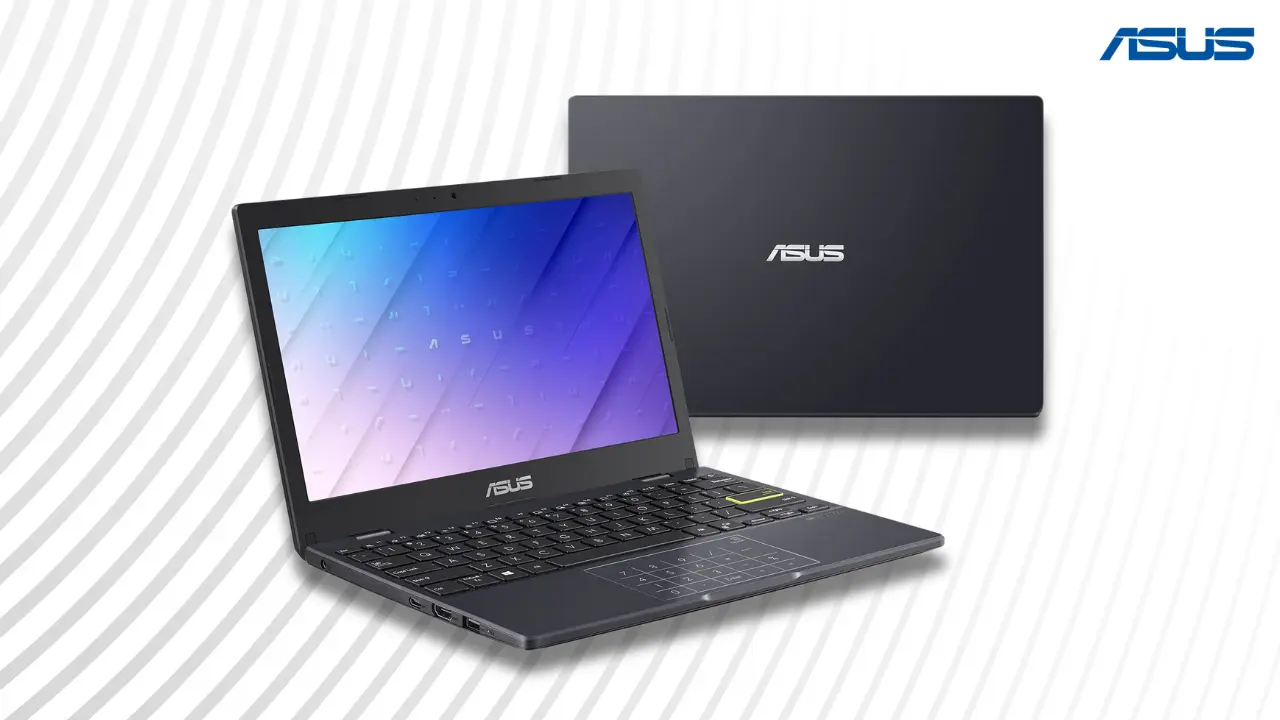
Asus Laptop Price in Sri Lanka (2026 Updated Guide)
Asus laptop prices in Sri Lanka continue to vary based on model, specifications, and seller reliability. With new 2026 models now available, buyers have more choices across budget, mid-range, and high-performance categories. This updated guide uses verified SellX.lk listings to help you understand current prices, available models, and safe buying options.
Why Asus Laptops Are Popular in Sri Lanka
Asus remains one of the most trusted laptop brands in Sri Lanka. The brand offers strong performance, durable build quality, and a wide range of models.
VivoBook series is popular among students and office users
ExpertBook series targets business professionals
TUF and ROG series dominate gaming laptops
ZenBook lineup focuses on premium design and OLED displays
With options available for every budget, Asus continues to maintain strong demand across the country.
Latest Asus Laptop Price in Sri Lanka (2026 Update)
Asus laptop prices in Sri Lanka now range from around Rs. 145,000 to Rs. 480,000+, depending on the model, performance level, and specifications.
Entry-Level Asus Laptops (Students and Basic Users)
Entry-level models are ideal for studying, browsing, and office tasks. They offer good value at lower prices.
Asus Vivobook Go 15 (i3-N305, 8GB, 256GB) – Rs. 145,900
Asus Vivobook Go 15 (Ryzen 5 7520U, 16GB, 512GB) – Rs. 178,990
Asus Vivobook 14 X1404 (Core 5-120U, 8GB, 256GB) – Rs. 178,900
Asus Vivobook 15 X1504VA (i3-1315U, 8GB, 512GB) – Rs. 164,800
These laptops are ideal for students, online classes, and everyday tasks.

Mid-Range Asus Laptops (Best Value for Professionals)
Mid-range laptops balance performance and price. They suit multitasking, office work, and light creative tasks.
Asus Vivobook 15 A1504VA (i5-1335U, 16GB, 512GB) – Rs. 205,800
Asus Vivobook 15 F1504VAP (Core 5-120U, 16GB, 512GB) – Rs. 209,900
Asus ExpertBook B1 B1502CVA (i5-1335U, 8GB, 512GB) – Rs. 199,900 – 227,800
Asus Vivobook 16 F1605VA (i7-13620H, 16GB, 512GB) – Rs. 254,900
Asus ExpertBook P1503CVA (Core 210H, 16GB, 512GB) – Rs. 224,900
Most Sri Lankan buyers choose this range for work, freelancing, and productivity.

High-End Asus Laptops (Gaming, Design, and Power Users)
High-end laptops deliver strong performance for gaming, editing, and heavy workloads.
Asus Zenbook 14 OLED UX3405 (Core Ultra 7, 16GB, 512GB) – Rs. 345,900
Asus Zenbook 14 OLED UX3405 (Core Ultra 9, 32GB, 1TB) – Rs. 449,900
Asus Zenbook 14 OLED UX3405 (Core Ultra 5, 16GB, 1TB) – Rs. 483,900
Asus TUF Gaming A15 (Ryzen 7, RTX 3050) – Rs. 295,900
Asus Vivobook 16 X1607QA (Snapdragon X, 16GB, 512GB) – Rs. 239,900
These models are ideal for gamers, video editors, engineers, and content creators.

Key Price Insight (2026)
Entry-level laptops start from Rs. 145,000
Mid-range models fall between Rs. 180,000 – 260,000
High-end laptops range from Rs. 295,000 to Rs. 480,000+
Compared to 2025, prices have slightly increased due to currency changes and newer processors. However, mid-range models still offer the best value for most users.
Factors That Affect Asus Laptop Price in Sri Lanka
Asus laptop prices in Sri Lanka are influenced by several key factors beyond just specifications. Import taxes, currency fluctuations, and stock availability all play a role in price changes. Understanding these factors helps buyers compare options better and make smarter purchasing decisions based on real market conditions.
Several key factors influence pricing:
Import taxes and VAT can add 25–35%
Currency fluctuations impact pricing frequently
Limited stock increases high-end model prices
Warranty and after-sales support affect final cost
Retailers may also include delivery fees and installment costs.
Pain Points When Buying Asus Laptops in Sri Lanka
Buying an Asus laptop in Sri Lanka often comes with challenges that many buyers overlook. From grey market imports to limited stock and slow service, these issues can affect your experience. Understanding these common problems helps you make better decisions and avoid unnecessary risks when choosing the right laptop.
Common issues include:
Grey imports without valid warranty
Large price differences between sellers
Limited availability of gaming and premium models
Slow service and repair delays
Fake accessories in local markets
How to Avoid Common Buying Mistakes
Buying an Asus laptop in Sri Lanka can be confusing due to price differences and warranty issues. Many buyers rush into deals without proper checks. Understanding how to verify sellers, compare prices, and confirm warranty details helps you avoid costly mistakes and ensures you get a genuine laptop with long-term reliability.
To stay safe:
Buy from authorized sellers like SellX.lk
Always request an official invoice
Verify serial number on Asus support website
Avoid deals that look unusually cheap
Compare prices before purchasing
Best Places to Buy Asus Laptops in Sri Lanka (2026)
Online platforms:
SellX.lk
Daraz
Singer
Abans
Retail stores:
Unity Plaza (Colombo)
TechZone
Unity Systems
Delivery usually takes 2–5 days, while high-end models may require pre-orders.
Asus Warranty and After-Sales Service in Sri Lanka
Asus offers a 1-year global warranty through authorized service centers.
Service providers:
Technocity
EPSI
Digital IT Service
Warranty repairs usually take 7–10 days, though delays can occur depending on parts availability.
Top Asus Models Worth Buying in 2026
For Students: Asus Vivobook Go 15
For Professionals: Asus ExpertBook P1503CVA
For Gamers: Asus TUF Gaming A15
For Creators: Asus ZenBook 14 OLED
Frequently Asked Questions
How much does an Asus laptop cost in Sri Lanka?
Asus laptops range from Rs. 145,900 to over Rs. 480,000, depending on model and specifications.
What is the cheapest Asus laptop in Sri Lanka?
The Asus Vivobook Go 15 starts around Rs. 145,900, making it the most affordable option.
Which Asus laptop is best for students?
The Vivobook Go 15 and Vivobook 14 are ideal for students due to affordability and reliability.
Where can I buy Asus laptops with warranty?
You can buy from SellX.lk, Abans, and authorized retailers for genuine warranty coverage.
Are Asus gaming laptops available in Sri Lanka?
Yes, models like the Asus TUF Gaming A15 are available, but stock may be limited.
Final Thoughts
Asus laptops continue to be a strong choice in Sri Lanka due to their performance, reliability, and wide price range. Buyers should focus on trusted sellers, verified warranty, and real market pricing before making a purchase.
For the best value and genuine products, platforms like SellX.lk remain a reliable option for both budget and high-end laptops.
Disclaimer
All prices listed are based on current SellX.lk listings and verified Sri Lankan market data. Prices may vary depending on stock availability, currency fluctuations, and retailer promotions. All devices mentioned are genuine Asus products sourced through trusted channels.
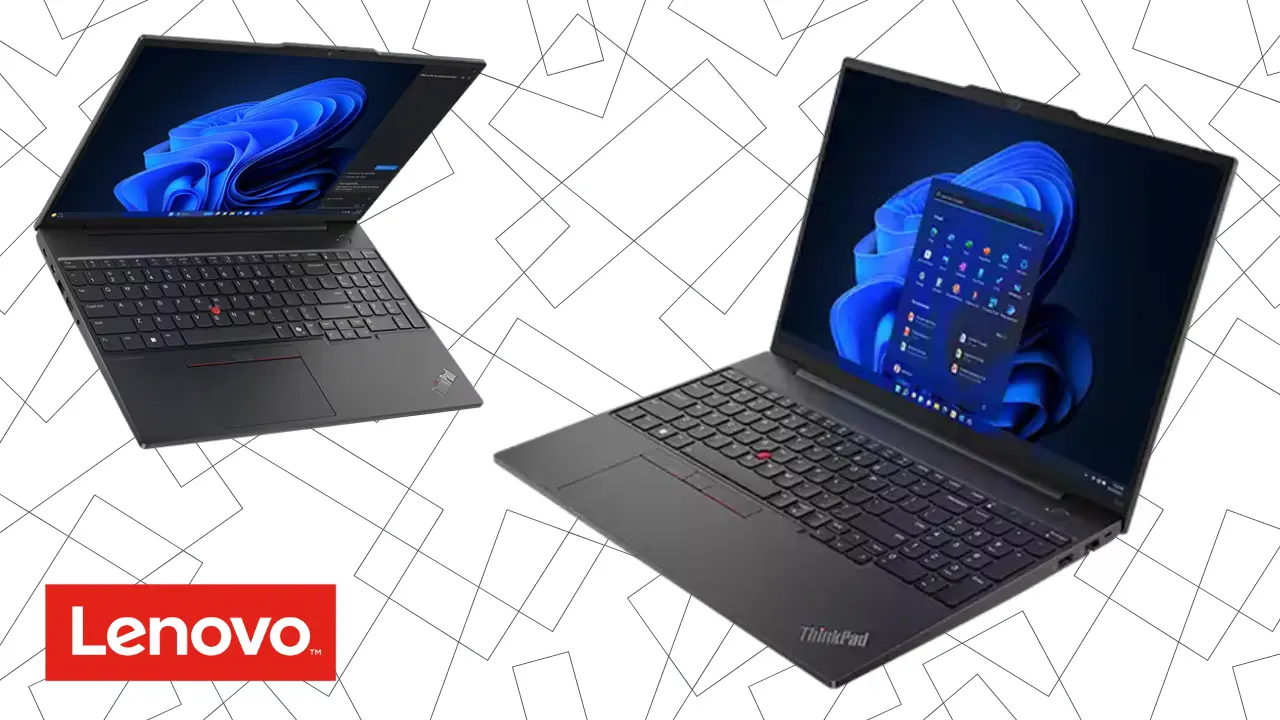
Lenovo Laptop Price in Sri Lanka (2026 Updated Guide)
Lenovo is one of the most preferred laptop brands in Sri Lanka because it combines affordability with long-term durability. It offers models for every need, students, freelancers, business owners, and gamers. Lenovo’s consistent quality and service support make it a safer choice than many imported alternatives.
This 2026 guide helps you find up-to-date Lenovo laptop prices, understand why costs vary, and avoid common buying mistakes in the local market.
How Much Does a Lenovo Laptop Cost in Sri Lanka? (2026)
Lenovo laptop prices in Sri Lanka depend on specifications, processor generation, and warranty type. To simplify, laptops can be divided into three categories based on price and performance.
Entry-Level Laptops (Below Rs. 200,000)
These laptops handle daily tasks like studying, browsing, and office work. They are ideal for students and first-time buyers.

Lenovo V15 G4 AMN – Ryzen 3 7320U, 8GB RAM, 512GB SSD, DOS, ~LKR 139,900
Lenovo V15 G5 IRL – Intel Core i3-100U, 8GB RAM, 512GB SSD, DOS, ~LKR 162,900
Lenovo IdeaPad 1 15AMN7 – Ryzen 5 7520U, 16GB RAM, 512GB SSD, DOS, ~LKR 162,900
Lenovo IdeaPad Slim 3 15IAH8 – Intel Core i5-12450H, 8GB RAM, 512GB SSD, DOS, ~LKR 166,398
Lenovo IdeaPad Slim 3 15IRH10 – Intel Core i5-13420H, 16GB RAM, 512GB SSD, DOS, ~LKR 191,900
Lenovo V15 G4 IRU – Intel Core i5-1335U, 8GB RAM, 512GB SSD, DOS, ~LKR 199,900
Summary: Entry-level Lenovo laptops offer good value for general use. They provide solid performance for learning and office tasks without breaking your budget.
Mid-Range Laptops (Rs. 200,000 – Rs. 350,000)
Mid-range Lenovo laptops offer the best balance of performance, design, and durability. Most models feature AI-ready processors, SSD storage, and vibrant Full HD displays, ideal for students, remote professionals, and creators.
They typically include 16GB or more RAM for smooth multitasking and 6–10 hours of battery life. With strong build quality, faster charging, and improved thermals, these laptops deliver long-term reliability at a reasonable price.
In Sri Lanka, this segment offers the best value for money, combining premium-like performance with dependable warranty support and upgrade potential.

Popular Everyday Choices (Rs. 200,000–250,000)
These models deliver great performance for work, study, and entertainment:
IdeaPad Flex 5 14ABR8 (Ryzen 5 5625U, 16GB, 512GB SSD) – ~LKR 218,900
IdeaPad Slim 3 15IRH8 (Core i7-13620H, 16GB, 512GB SSD) – ~LKR 218,900
IdeaPad Slim 3 15IRH10R (Core i5-210H, 16GB, 1TB SSD) – ~LKR 218,900
LOQ Essential (Core i5-12450HX, 12GB, RTX 2050) – ~LKR 224,900
ThinkBook 16 G8 IRL (Core i3-210H, 16GB, 512GB SSD) – ~LKR 239,900
IdeaPad Flex 5 14ABR8 (Ryzen 7 5825U, 16GB, 1TB SSD) – ~LKR 248,900
Performance & Creative Work (Rs. 260,000–310,000)
Better displays and faster processors make these suited for video editing, design, and multitasking:
IdeaPad 5 2-in-1 (Core i5-120U, 16GB, 1TB SSD) – ~LKR 268,900
IdeaPad 5 2-in-1 (Ryzen AI 5 340, 16GB, Radeon 840M) – ~LKR 279,000
ThinkBook 16 G8 IRL (Core i7-240H, 16GB, 512GB SSD) – ~LKR 298,112
IdeaPad Slim 5 14AKP10 (Ryzen AI 5 340, 24GB, Radeon 840M) – ~LKR 298,900
IdeaPad Slim 5 16IMH9 (Ultra 7 155H, 16GB, 512GB SSD) – ~LKR 308,900
Premium Mid-Tier Hybrids (Rs. 320,000–360,000)
These combine top specs with 2-in-1 designs and OLED-quality screens for creative pros:
IdeaPad 5 2-in-1 14AKP10 (Ryzen AI 7 350, 24GB, Radeon 860M) – ~LKR 324,900
IdeaPad Slim 5 14AKP10 (Ryzen AI 7 350, 24GB, Radeon 860M) – ~LKR 322,000
IdeaPad 5 2-in-1 (Core i7-150U, 16GB, 1TB SSD) – ~LKR 318,900
Yoga 7 2-in-1 (Ryzen 7 8840HS, 16GB, 1TB SSD) – ~LKR 329,900
IdeaPad Slim 5 14AKP10 (Ryzen AI 7 350, 32GB, 512GB SSD) – ~LKR 336,900
Yoga 7 2-in-1 14IML9 (Core Ultra 7 155H, 16GB, 1TB SSD) – ~LKR 358,900
Summary: These laptops offer smooth multitasking, excellent build quality, and long battery life. They suit creative professionals, remote workers, and anyone looking for strong mid-tier performance.
High-End Laptops (Above Rs. 350,000)
High-end Lenovo laptops are built for demanding users such as designers, engineers, and gamers. They feature premium materials, AI-ready processors, and top-tier graphics.

Lenovo Yoga 7 2-in-1 14AKP10 – Ryzen AI 7 350, 32GB RAM, 1TB SSD, ~LKR 384,900
Lenovo IdeaPad Pro 5 16AHP9 – Ryzen 7 8845HS, 16GB RAM, 1TB SSD, RTX 3050, Windows 11, ~LKR 435,000
Lenovo Legion 5 15AKP10 – Ryzen AI 7 350, 32GB RAM, 512GB SSD, RTX 5070, Windows 11, ~LKR 594,900
Lenovo Yoga Book 9 – Intel Core Ultra 7 155U, 16GB RAM, 1TB SSD, Dual Screen, ~LKR 739,000
Summary: High-end Lenovo laptops deliver the best display quality, speed, and thermal control. They’re ideal for gaming, content creation, and heavy software like CAD or AI tools.
What Are the Real Challenges When Buying a Lenovo Laptop in Sri Lanka?
The biggest challenges are limited model availability, fake listings, and grey-market imports. Only about 25–30 Lenovo models officially reach Sri Lanka, while global markets carry over 100. Because of this, buyers often turn to resellers who import laptops privately.
These “international versions” may look cheaper, often 10–15% below standard prices, but they come without Lenovo’s International Warranty Service (IWS). Such laptops may include refurbished or mismatched parts, and Lenovo service centers often refuse them.
A second issue is inaccurate product listings. Some local sites show wrong processor or RAM specs. Always check the laptop’s serial number on Lenovo’s support site and compare details with the global catalog before purchasing.
How Does Lenovo Warranty Work in Sri Lanka?
Lenovo provides three warranty types: Local, International (IWS), and Seller. IWS is valid through Lenovo’s authorized partners such as Abans and Softlogic. Local warranties apply only to products officially imported into Sri Lanka. Seller warranties cover grey imports and are less reliable.
Repair timelines vary from two to four weeks, depending on part availability. Replacement parts like screens or batteries can cost up to LKR 30,000 and LKR 15,000 respectively. Always confirm warranty coverage at the time of purchase.
The most reliable way to ensure service support is to buy through verified dealers such as SellX.lk, Abans, or mCentre, who register devices directly under Lenovo’s Sri Lanka network.
Why Do Lenovo Laptop Prices Change So Often?
Prices change due to exchange rate shifts, new import costs, and retail competition. A 1% rise in the USD/LKR rate has caused average laptop prices to increase by 5–10% this year. Retailers adjust prices monthly, and short-term sales can reduce prices by up to 20%.
Financing plans also influence cost. Bank EMI options typically add 10–15% interest and small service fees, making the final payment higher than the cash price.
Experts predict a gradual price rise later in 2026 as Lenovo launches new AI-enabled processors. However, mid-range models should remain stable due to growing competition among authorized resellers.
Which Lenovo Series Should You Choose?
Each Lenovo series is designed for a specific user type. Picking the right one helps balance cost and performance.
IdeaPad Series: Built for students and everyday users who want affordable, reliable laptops. Ideal for studying, browsing, and office work.
ThinkPad Series: Made for professionals who need stability and endurance. Durable builds, long battery life, and secure business features.
Yoga Series: Created for designers and frequent travelers. Slim, lightweight, and 2-in-1 convertible with touchscreens for creative flexibility.
Legion Series: Designed for gamers and heavy-duty users. Features powerful GPUs, high refresh rate displays, and advanced cooling systems.
Summary: Choose IdeaPad for affordability, ThinkPad for business reliability, Yoga for creative mobility, and Legion for high performance.
Frequently Asked Questions (FAQ)
1. What is the price range of Lenovo laptops in Sri Lanka in 2026?
Prices start around LKR 140,000 for entry-level models and go beyond LKR 700,000 for advanced gaming and creator laptops.
2. Which Lenovo model offers the best value for money?
The IdeaPad Slim 5 and Yoga 7 models offer the best balance between price, features, and durability.
3. Does Lenovo’s international warranty work in Sri Lanka?
Yes. Lenovo’s International Warranty Service (IWS) is valid through official partners such as Abans and Softlogic.
4. How can I spot a fake or grey-market Lenovo laptop?
Avoid listings with only “seller warranty” and no Lenovo Partner ID. Verify serial numbers on Lenovo’s support website before purchase.
5. When is the best time to buy a Lenovo laptop?
The best time is during major local sales or when the exchange rate stabilizes, as price drops can reach 10–20%.
Conclusion
Buying a Lenovo laptop in Sri Lanka requires awareness of real pricing, warranty policies, and reliable retailers. Grey imports may seem attractive, but they often carry long-term risks.
For lasting value and dependable support, purchase from verified partners such as SellX.lk or Abans. With up-to-date research and the right model selection, you can enjoy Lenovo’s trusted performance at the best possible price in 2026.
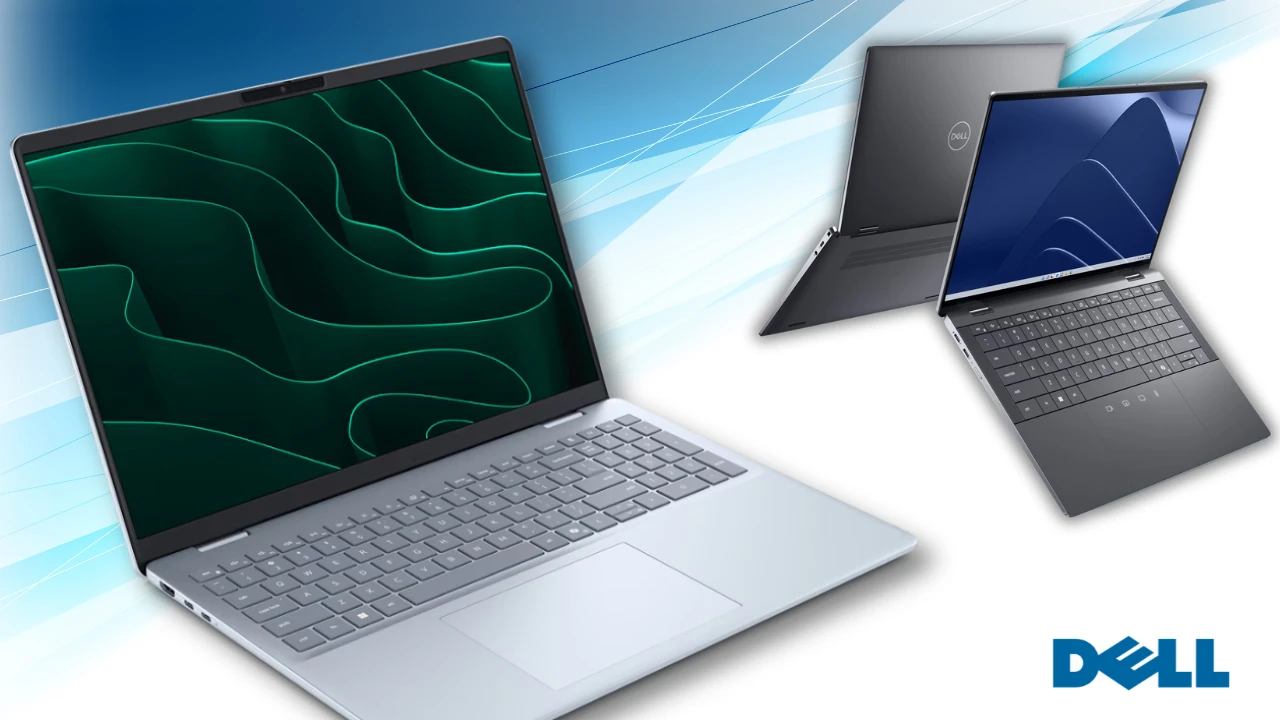
Dell Laptop Price in Sri Lanka 2026: Find the Right Laptop Without Overpaying
Buying a Dell laptop in Sri Lanka can feel confusing. Prices shift every few weeks, warranties differ across sellers, and imported models often lack proper support. This guide brings verified 2026 pricing, recent market data, and real comparisons to help you buy a Dell laptop confidently without wasting money.
All data verified in October 2026 from major authorized Sri Lankan retailers. Prices reflect new, non-refurbished models.
The Real Challenge of Buying a Dell Laptop in Sri Lanka
Buying a laptop here is rarely simple. The same Dell model can cost Rs. 40,000 more at one store than another. Some listings offer “imported” units that are cheaper but not covered by Dell’s local warranty. Others advertise false specs or outdated processors. Many buyers also delay purchases due to rupee fluctuations that can raise laptop prices by 10–15% in a single month.
This article simplifies every step, from choosing the right tier to avoiding overpriced or fake listings, using verified data from real Sri Lankan retailers.
Understanding Dell Laptop Price Segmentation in 2026
Dell’s 2026 lineup in Sri Lanka falls into three clear tiers: entry-level, mid-range, and high-end. Prices vary mainly due to warranty type, processor generation, and stock availability.
Entry-Level (Rs. 120,000 – Rs. 180,000): For Students and Office Users
Entry-level Dell laptops offer solid everyday performance for studying, office work, and browsing. They focus on battery life and reliability over design or graphics power.
Verified Models and Prices (Jan 2026):
Dell Inspiron 3520 (i3 12th Gen, 8GB, 256GB SSD) – Rs. 122,206
Dell Vostro 3520 (i3-1215U, 8GB, 512GB SSD) – Rs. 148,400
Dell Vostro 3530 (i3-1305U, 8GB, 512GB SSD) – Rs. 135,900
Dell 15 DC15250 (i5-1334U, 8GB, 512GB SSD) – Rs. 172,900
These laptops are ideal for students or professionals using Office apps, Zoom, or Google Workspace. Choose authorized sellers like Singer or Abans if you want a valid one-year local warranty. Importer models may save 5–10% but often lose local repair eligibility.
Mid-Range (Rs. 176,000 – Rs. 300,000): For Professionals and Creators
This is the most competitive segment in Sri Lanka. It suits business users, designers, and freelancers who need better multitasking performance and reliability.
Verified Models and Prices (Jan 2026):
Dell Vostro 3530 (i5-1334U, 8GB, 512GB SSD) – Rs. 176,900
Dell Inspiron 15 3530 (i5-1334U, 8GB, 512GB SSD) – Rs. 213,900
Dell Inspiron 3530 (i7 13th Gen, 8GB, 512GB SSD) – Rs. 295,449
Dell Vostro 3530 (i7-1355U + MX550 2GB GPU) – Rs. 299,900
Mid-tier Dell laptops deliver long-term value. You get faster 13th Gen processors, SSD storage, and reliable 15.6” FHD displays. The Inspiron and Vostro series dominate this range, giving excellent balance between power and portability.
High-End (Rs. 400,000 – Rs. 650,000+): For Designers and Gamers
High-end Dell models like the XPS and Alienware series offer premium design, powerful GPUs, and superior displays. These are ideal for creators, engineers, and gamers who need high processing power.
Verified Models (Limited Local Stock):
Dell XPS 13 9315 (i5 12th Gen, 8GB, 256GB SSD, Touch) – ~Rs. 450,000
Dell XPS 13 9315 (i7 12th Gen, 16GB, 512GB SSD) – ~Rs. 550,000
Dell Alienware m16 (i7 14th Gen, RTX 4060, 16GB, 1TB SSD) – ~Rs. 650,000
These units are hard to find locally. Most are imported or listed through limited stock programs, often costing 25–30% more than in India or global markets. Buyers should verify warranty region before purchase, Alienware and XPS repairs may require return shipping to overseas service centers.
Why Prices Vary So Much
Laptop prices in Sri Lanka depend heavily on import taxes and currency movement.
VAT: 18% on CIF value (cost, insurance, and freight)
Ports and Airports Levy (PAL): 10–15%
Retail markup: 10–15%
Exchange rate: A 5% rupee drop can increase laptop prices by up to 10%.
Authorized sellers such as Singer and Abans maintain stable pricing by importing in bulk. Importer-based retailers often sell 5–10% cheaper but skip official warranty coverage. Buyers should always weigh short-term savings against long-term repair risks.

How to Verify Authenticity and Warranty
Fake or invalid warranty claims are common with imported units. Follow these steps before purchase:
Check the serial number on Dell’s official Support Page.
Ask for a printed invoice showing the service tag and seller authorization.
Avoid “international warranty” claims, Dell does not honor them in Sri Lanka.
Match the model code on the laptop, box, and BIOS screen.
Authorized sellers like Singer and Abans offer genuine one to three-year local warranties. Importers may provide only store-based coverage.
Availability and After-Sales Service
Dell’s Inspiron and Vostro series are widely available across Sri Lanka. However, XPS and Alienware models face limited stock, often arriving one to three months after global releases.
Dell’s service centers operate mainly in Colombo, while Abans handles official warranty repairs for Dell products. Standard repair time is one to two weeks. Replacement parts such as batteries or displays are available locally but cost 20–50% more due to import charges.
Smart Buying Tips for 2026
Buy during Sinhala and Tamil New Year or Black Friday for genuine discounts.
Always prioritize authorized warranty over minor price cuts.
Focus on CPU generation and RAM, not just storage size.
Confirm the battery watt-hour rating, as many budget ads skip this detail.
Authorized dealers also offer more secure payments and faster delivery compared to small import-based sellers.
Common Buyer Mistakes to Avoid
Assuming imported laptops come with Dell Sri Lanka support.
Buying older CPU generations (like 11th Gen) at inflated prices.
Ignoring RAM size, 8GB is the minimum for smooth multitasking.
Forgetting plug compatibility; imported chargers may require a Rs. 500 Type D adapter.
Dell chargers support 100–240V power, so only the plug type needs attention.
Find Your Ideal Dell Laptop in 2026
Buy Smart, Not Just Cheap
The cheapest laptop is not always the best deal. Many buyers regret saving a few thousand rupees when their imported unit fails without warranty support. Always choose verified local sellers that publish transparent prices and include genuine warranty coverage.
With updated 2026 pricing, Dell continues to offer strong value in Sri Lanka across all tiers. Authorized dealers like Singer and Abans remain the safest choices for genuine products, warranty-backed service, and long-term reliability. Buy once, buy right, and enjoy performance that lasts for years.
HP Laptop Price in Sri Lanka: Updated 2026 Guide
Buying an HP laptop in Sri Lanka can be confusing. Prices change quickly, sellers list different specs for the same model, and hidden costs often appear at checkout. This guide brings together updated price data from SellX.lk, real buyer pain points, and clear solutions to help you make the right choice.
Why HP Laptops Are Popular in Sri Lanka
HP laptops are among the most purchased devices in the country. Students, professionals, and gamers choose them for their balance of performance and reliability. Models like the Pavilion, Victus, Envy, and ProBook cover different budgets, while authorized sellers and trusted online stores such as SellX.lk make them widely available. In short, HP remains one of the safest bets for Sri Lankan buyers who want performance with warranty coverage.
Current HP Laptop Price Range in Sri Lanka
Prices differ by tier, based on specs and features. Here are the main categories based on SellX.lk’s current stock:
Entry-level (LKR 137,900–159,900): Budget-friendly HP 250 and HP 15 models for students and home users.
Mid-range (LKR 174,800–269,900): Pavilion, Envy, and ProBook models with Core i5/i7 processors and higher memory.
High-end / Gaming (LKR 269,900–329,900): Victus gaming laptops with RTX 4050/4060 GPUs for gamers and creators.
Entry-Level HP Laptops in Sri Lanka (LKR 137,900 – 159,900)
Entry-level HP laptops are ideal for students, beginners, and home users. They handle basic tasks like web browsing, online learning, and office applications. These models balance affordability and reliability, making them the most popular starting point in Sri Lanka.
Mid-Range HP Laptops in Sri Lanka (LKR 174,800 – 269,900)
Mid-range HP laptops are best for professionals, university students, and light gamers. These models deliver faster processors, larger storage, and sometimes premium designs. They strike the right balance between performance and price, making them the top choice for everyday work and entertainment.
High-End HP Laptops in Sri Lanka (LKR 269,900 – 329,900)
High-end HP laptops target gamers, content creators, and professionals who demand maximum performance. With powerful CPUs, RTX GPUs, and premium build quality, these models handle gaming, design, and heavy multitasking.
What Affects HP Laptop Price in Sri Lanka
Import costs: VAT (18%) and PAL levy (10%) increase retail price by 20–30%.
Stock shortages: During peak seasons, sellers raise prices by 10–20%.
Authorized vs. grey imports: Authorized laptops cost more but include a 2–3 year warranty. Grey imports are cheaper but risky.
Exchange rates: Prices fluctuate with USD/LKR changes, especially for grey market stock sourced from UAE or Singapore.
Pain Points Buyers Face
Price differences: The same model can vary by Rs. 10,000–20,000 between sellers.
Hidden costs: VAT, brokerage fees, and shipping add 15–25% to the final cost.
Grey market risks: Counterfeit parts, poor after-sales, and warranty voids.
Limited availability: New models often arrive months late compared to global release.
Warranty gaps: HP’s 3-year warranty is reliable in Colombo but limited outside major cities.
Spec confusion: Paying extra for i7 models often delivers only 20% performance gain over i5.
Delivery risks: Rural buyers face higher shipping costs and more reports of damaged goods.
How to Choose the Right HP Laptop
Choosing the right HP laptop depends on your workload and budget. Here are the best SellX.lk options for 2026:
For students (LKR 137,000–160,000): HP 250 G10 i3-1315U or HP 15-fd0275TU — great for browsing, Zoom classes, and Office apps.
For professionals (LKR 196,000–270,000): HP Pavilion 15t-eG300 or HP ProBook 460 G11 — ideal for multitasking, office work, and long-term durability.
For gamers (LKR 269,000–330,000): Victus 15 RTX 4050 or RTX 4060 — strong gaming and video editing performance without overspending.
For creators (LKR 220,000+): HP Envy x360 14-es1013dx — slim, powerful, and ideal for design or content creation.
Decision tip: Don’t buy based only on processor labels. Match your laptop to your workload. If you just browse and study, i3 is enough. For multitasking, i5/i7 makes sense. For gaming or editing, GPU matters more than CPU.
Extra tip: Always confirm whether Microsoft Office is included. Some sellers bundle it, others charge separately (adding Rs. 20,000+).

Best Places to Buy HP Laptops in Sri Lanka
When buying an HP laptop in Sri Lanka, choosing a trusted source is the most important step.
SellX.lk: A reliable platform specializing in genuine laptops at transparent prices. All HP models sold here include official warranty and proper after-sales support.
Authorized retailers: Chains like Abans, Singer, and Softlogic also sell HP laptops with official warranties, though often at higher prices.
Online platforms: Sites like Daraz and Redline Tech list many models, but warranty terms vary by seller.
Marketplaces: Unity Plaza and Ikman.lk offer variety, but many units are grey imports. Prices may look attractive, but warranty issues and counterfeit risks are common.
Warranty and After-Sales Service
Official policy: 3-year warranty (introduced May 2025) on most HP models via authorized dealers.
Limitations: Coverage strongest in Colombo; repairs in Kandy, Galle, and Jaffna often require shipping to Colombo.
Grey imports: No warranty claims accepted by HP Sri Lanka. Always check serial number through HP’s warranty portal.
Tips to Get the Best Deal
Compare prices across at least two authorized retailers.
Use bank EMI offers for 12–24 months to spread payments.
Look for seasonal promotions around back-to-school and New Year.
Avoid “too good to be true” grey-market listings, especially on Ikman or social media.
Conclusion
HP laptop prices in Sri Lanka vary by seller, model, and stock availability. Entry-level models at SellX.lk start around Rs. 137,900, while high-end gaming laptops reach Rs. 329,900. The biggest challenges for buyers are hidden costs, warranty gaps outside Colombo, and the risk of grey-market products. By sticking to trusted platforms like SellX.lk and checking warranties, you can secure better long-term value.
FAQ
What is the cheapest HP laptop in Sri Lanka right now?
HP 250 G10 i3-1315U, available at SellX.lk for Rs. 137,900 (cash).
How much is an HP Pavilion in Sri Lanka?
The Pavilion 15t-eG300 starts at Rs. 196,900.
Does HP Sri Lanka offer installment plans?
Yes, EMI options are available with HNB, Sampath, and other banks through authorized sellers like SellX.lk, Abans, and Singer.
Are HP Victus laptops good for gaming in Sri Lanka?
Yes, Victus with RTX 4050 and 4060 GPUs deliver excellent gaming performance under Rs. 330,000.
Do international HP warranties work in Sri Lanka?
Only if the model is officially supported and purchased from an authorized source.

Laptop Price in Sri Lanka 2026: A Complete Buyer’s Guide
Laptops have become essential for students, professionals, and gamers in Sri Lanka. Prices, however, often confuse buyers. Currency shifts, hidden costs, and warranty differences make shopping frustrating. This guide explains laptop prices in Sri Lanka as of 2025, brand by brand, and helps you buy wisely.
Laptop Brands Available in Sri Lanka
Sri Lanka has both mainstream and niche laptop brands. The most common are HP, Dell, Lenovo, Asus, Acer, MSI, and Apple (MacBook). Other brands include Microsoft, Samsung, Gigabyte, Razer, and Huawei.
Authorized imports come through retailers like Abans, Singer, and Softlogic. These carry official warranties of 1–3 years. Grey imports sold on Daraz or ikman are cheaper but risk missing warranty coverage and using incompatible parts.
Laptop Price Segmentation in 2025
Entry-level (below LKR 200,000): For students and office users.
Mid-range (LKR 200,000–400,000): Balanced performance for professionals.
High-end (above LKR 400,000): Gaming, design, and heavy workloads.
Current prices range from LKR 120,000 for entry-level machines to over LKR 1,000,000 for premium gaming laptops.
HP Laptop Prices
HP remains one of the most trusted laptop brands in Sri Lanka, with models for students, professionals, and gamers. Pricing varies by tier, and availability spans from budget machines to premium gaming laptops.

Entry-Level HP Laptops (Below LKR 200,000)
HP 15-FD0203TU – Intel Core i3 (13th Gen), 8GB RAM, 512GB SSD, 15.6" FHD, ~LKR 158,500–184,990.
HP 15-FD0275TU – Intel Core i3, 8GB RAM, 512GB SSD, 15.6" FHD, ~LKR 178,990–184,990.
HP Pavilion X360 14M-DW1013 – Intel Core i3-1115G4, 8GB RAM, 128GB SSD, 14" Touch, ~LKR 187,214.
HP 15-FD1228TU – Intel Core 5 (14th Gen), 8GB RAM, 512GB SSD, ~LKR 195,600–229,990.
Price range: LKR 158,500–195,600.
Ideal for browsing, documents, and light multitasking.
Mid-Range HP Laptops (LKR 200,000–400,000)
HP Pavilion x360 Convertible DY2050WM – Intel Core i5 (12th Gen), 8GB RAM, 256GB SSD, 14" Touch, ~LKR 199,000–210,000.
HP ProBook 450 G7 – Intel Core i5-10210U, 8GB RAM, 1TB HDD, 15.6" HD, ~LKR 226,556.
HP ENVY x360 14-ES0033DX – Intel Core i5 (13th Gen), Touch Display, ~LKR 215,000.
HP ProBook 450 G10 – Intel Core i5 (13th Gen), 8GB RAM, 512GB SSD, 15.6" FHD, ~LKR 285,000–340,000.
HP Victus 15-FA2701WM – Intel Core i5, RTX 4050, 16GB RAM, 512GB SSD, ~LKR 315,000.
HP Pavilion x360 14th Gen Core 7 – Intel Core 7-150U, 16GB RAM, 1TB SSD, 14" FHD, ~LKR 389,990.
Price range: LKR 199,000–389,990.
Balanced choice for multitasking, programming, design, and mid-level gaming.
High-End HP Laptops (Above LKR 400,000)
HP Omen 16 WD0073 – Intel Core i7, RTX GPU, 16GB RAM, 512GB SSD, 16" FHD, ~LKR 397,000–410,000.
HP Omen 16 2021 – AMD Ryzen 7, 16GB RAM, 512GB SSD, 16.1" FHD, ~LKR 425,710.
Price range: LKR 397,000+.
Omen models deliver strong gaming performance but are less widely stocked compared to Victus.
Dell Laptop Prices
Dell has a strong presence in Sri Lanka, particularly in the entry and mid-range markets. Vostro and Inspiron dominate affordability, while XPS and Alienware are reserved for high-end buyers. Importer models are 10–20% cheaper but may lack warranty support.

Entry-Level Dell Laptops (Below LKR 200,000)
Dell Inspiron 3520 – Intel i3 (12th Gen), 8GB RAM, 256GB SSD, 15.6" FHD, ~LKR 122,206.
Dell Vostro 3530 – Intel i3-1305U, 8GB RAM, 512GB SSD, ~LKR 135,900.
Dell Vostro 3520 – Intel i3-1215U, 8GB RAM, 512GB SSD, ~LKR 148,400.
Dell Vostro 3520 (i5) – Intel i5 (12th Gen), 8GB RAM, 256GB SSD, ~LKR 155,000.
Price range: LKR 120,000–155,000.
Good for students and light users, though importer stock may have shorter warranties.
Mid-Range Dell Laptops (LKR 200,000–400,000)
Dell Inspiron 3530 (i5) – 8GB RAM, 512GB SSD, ~LKR 213,900–239,999.
Dell Vostro 3530 (i5) – 8GB RAM, 512GB SSD, ~LKR 176,900.
Dell Inspiron 3530 (i7) – 8GB RAM, 512GB SSD, ~LKR 295,449.
Dell Vostro 3530 (i7 + MX550 GPU) – 8GB RAM, 512GB SSD, ~LKR 299,900.
Price range: LKR 176,000–300,000.
Best value tier, balancing cost with performance.
High-End Dell Laptops (Above LKR 400,000)
Dell XPS 13 9315 (i5) – 8GB RAM, 256GB SSD, 13.4" Touch, ~LKR 450,000.
Dell XPS 13 9315 (i7) – 16GB RAM, 512GB SSD, 13.4" Touch, ~LKR 550,000.
Dell Alienware m16 – Intel i7 (14th Gen), RTX 4060, 16GB RAM, 1TB SSD, ~LKR 650,000.
Price range: LKR 450,000–650,000+.
XPS appeals to executives, while Alienware serves gamers. Stock is limited and often inflated.
Lenovo Laptop Prices
Lenovo is highly versatile in Sri Lanka, offering budget-friendly student laptops, mid-range workhorses, and high-end gaming/business machines.

Entry-Level Lenovo Laptops (Below LKR 200,000)
Lenovo V15 G4 IRU (i3) – 8GB RAM, 512GB SSD, 15.6" FHD, ~LKR 159,900.
Lenovo IdeaPad Slim 3 15IRU8 (i3) – 8GB RAM, 512GB SSD, 15.6" FHD, ~LKR 169,990.
Lenovo IdeaPad 1 15AMN7 (Ryzen 3) – 16GB RAM, 512GB SSD, ~LKR 175,000.
Lenovo V15 G4 IRU (i5) – 8GB RAM, 512GB SSD, 15.6" FHD, ~LKR 199,900.
Price range: LKR 150,000–199,900.
Reliable entry choices for students and small businesses.
Mid-Range Lenovo Laptops (LKR 200,000–400,000)
Lenovo IdeaPad Slim 3 15IRH8 (i5) – 16GB RAM, 512GB SSD, ~LKR 229,990.
Lenovo IdeaPad Slim 3 15IRH10R (i5) – 16GB RAM, 512GB SSD, ~LKR 218,900.
Lenovo LOQ 15IAX9E (i5 + RTX 2050) – 12GB RAM, 512GB SSD, 144Hz, ~LKR 285,000.
Lenovo IdeaPad Slim 3 15IRH8 (i7) – 16GB RAM, 512GB SSD, ~LKR 279,990.
Price range: LKR 218,000–285,000.
Excellent balance of cost and power, with options for entry gaming.
High-End Lenovo Laptops (Above LKR 400,000)
Lenovo Legion 5 15IAH7H – i7, RTX 3070, 16GB RAM, ~LKR 730,000.
Lenovo Yoga 7 2-in-1 14IML9 – Ultra 7, 16GB RAM, 1TB SSD, ~LKR 358,900.
Lenovo Legion Pro 5 16ARX8 – Ryzen 7, RTX 4070, 16GB RAM, ~LKR 489,990.
Lenovo ThinkPad X1 Carbon Gen 12 – Ultra 7, 16GB RAM, 1TB SSD, ~LKR 720,500.
Price range: LKR 358,900–730,000.
Yoga targets professionals, Legion dominates gaming, and ThinkPad serves premium enterprise.
ASUS Laptop Prices
ASUS is versatile in Sri Lanka, from budget VivoBooks to premium ROG gaming rigs.

Entry-Level ASUS Laptops (Below LKR 200,000)
ASUS ExpertBook B1502CVA (i3) – ~LKR 132,000.
ASUS VivoBook X1504VA (i3) – 8GB RAM, 512GB SSD, ~LKR 135,000.
ASUS VivoBook Go 15 OLED (i3) – 15" OLED, ~LKR 140,000.
ASUS VivoBook 15 (i5) – 15.6" FHD, ~LKR 157,000.
ASUS VivoBook 14 (i5-1335U) – ~LKR 169,900.
Price range: LKR 132,000–170,000.
Affordable laptops with FHD and OLED options.
Mid-Range ASUS Laptops (LKR 200,000–400,000)
ASUS ExpertBook P1503CVA (i5) – 8GB RAM, 512GB SSD, ~LKR 199,900.
ASUS VivoBook E1504 (Ryzen 5) – ~LKR 171,500.
ASUS ExpertBook B1 (i5) – 8GB RAM, 512GB SSD, ~LKR 224,000.
ASUS S3605ZF-RP736 (i5 + RTX 2050) – ~LKR 274,900.
ASUS TUF Gaming F15 FX507VV4 (i7 + RTX 4060) – ~LKR 399,900.
Price range: LKR 170,000–399,900.
Durable ExpertBooks for work and TUF models for entry gaming.
High-End ASUS Laptops (Above LKR 400,000)
ASUS TUF F16 FX608JMR (i7 + RTX 5060) – 32GB RAM, 1TB SSD, ~LKR 480,000.
ASUS ROG Zephyrus GU603VV-G16 (i7 + RTX 4060) – 16GB RAM, ~LKR 489,000.
ASUS ROG Zephyrus G16 (i9 + RTX 4070) – QHD+ 240Hz, ~LKR 623,000.
Price range: LKR 480,000–623,000.
Premium laptops for gamers and creators, though stock is scarce.
Acer Laptop Prices
Acer is known for affordability and wide availability, with Aspire dominating the entry and mid-range, while Predator covers gaming.

Entry-Level Acer Laptops (Below LKR 200,000)
Acer Notebook Intel N150 – 8GB RAM, 512GB SSD, ~LKR 119,990.
Acer Notebook i3-1305U – 8GB RAM, 256GB SSD, ~LKR 149,990.
Acer Aspire Lite AL15-41P-R3FF (Ryzen 7) – 16GB RAM, 512GB SSD, ~LKR 168,500.
Acer Aspire Lite i5 (12th Gen) – 8GB RAM, 512GB SSD, ~LKR 159,000.
Acer Aspire Go 15 (i3-N305) – 8GB RAM, 128GB SSD, ~LKR 138,950.
Price range: LKR 120,000–170,000.
Budget-friendly laptops for students and professionals.
Mid-Range Acer Laptops (LKR 200,000–400,000)
Acer Aspire A15 (14th Gen, i5) – ~LKR 279,899.
Acer Nitro V15 (i7-13620H) – ~LKR 370,500.
Acer Nitro V15 (i5 + RTX 2050) – ~LKR 252,900.
Acer Aspire 15 (14th Gen, Core 5) – ~LKR 239,990.
Acer A515-56G-58LQ (i5, 11th Gen) – ~LKR 283,200.
Price range: LKR 239,000–370,000.
Balanced value for professionals and light gamers.
High-End Acer Laptops (Above LKR 400,000)
Acer Predator Helios Neo 16 (Ultra 7) – 16GB RAM, 512GB SSD, ~LKR 654,990.
Price range: ~LKR 650,000+.
Limited but powerful gaming laptops.
MSI Laptop Prices
MSI is performance-driven, with a focus on gaming and high-end machines. Entry options are scarce, limited to the Modern series.

Entry-Level MSI Laptops (Below LKR 200,000)
MSI Modern 15 B13M – Core i5 (13th Gen), ~LKR 163,000.
MSI Modern 15-F13MG – Core i5-1334U, 8GB RAM, 512GB SSD, ~LKR 186,950.
MSI Modern 15 F13MG – Core i5 (13th Gen), ~LKR 189,000.
Price range: LKR 163,000–189,000.
Slim and productivity-focused but no GPUs for gaming.
Mid-Range MSI Laptops (LKR 200,000–400,000)
MSI Modern 15 H AI C1MG (Ultra 5) – ~LKR 259,000.
MSI Modern 15 F1MG (Core 7) – ~LKR 259,000.
MSI Thin 15 B13UCX (i7 + RTX 2050) – ~LKR 272,500.
MSI Cyborg 15 A13UCX (i5 + RTX 2050) – ~LKR 277,000.
MSI Modern 15 H AI C1MG (Ultra 7) – ~LKR 295,000.
Price range: LKR 259,000–295,000.
Entry gaming starts here with RTX 2050 GPUs.
High-End MSI Laptops (Above LKR 400,000)
MSI Thin A15 AI B8VF – Ryzen 9 + RTX 4060, ~LKR 405,000.
MSI Cyborg 15 AI A1VFK – Ultra 7 + RTX 4060, ~LKR 425,000.
MSI Katana 17 HX B14WGK – i7 + RTX 5070, ~LKR 645,000.
MSI Stealth 16 Mercedes AMG – i9 (13th Gen), UHD+, ~LKR 790,000.
MSI Raider 18 HX AI A2XWJG – Ultra 9 + RTX 5090, ~LKR 1,575,000.
Price range: LKR 405,000–1,575,000+.
Unmatched power but inflated prices due to imports.
Apple MacBook Prices
Apple remains strictly premium in Sri Lanka, with no entry-level under LKR 200,000.

Mid-Range MacBooks (LKR 200,000–400,000)
MacBook Air 13" (M1) – ~LKR 289,999.
MacBook Air 13" (M2) – ~LKR 238,960.
MacBook Air 15" (M2) – ~LKR 349,999.
MacBook Air 15" (M2, 512GB) – ~LKR 399,999.
Price range: LKR 238,000–400,000.
Solid options for students and professionals.
High-End MacBooks (Above LKR 400,000)
MacBook Air 13.6" (M3) – ~LKR 435,000.
MacBook Air 15.3" (M3) – ~LKR 609,999.
MacBook Air 13.6" (M4) – ~LKR 429,999–511,999.
MacBook Air 15" (M4) – ~LKR 511,999.
MacBook Pro 13" (M1, 512GB) – ~LKR 528,639.
MacBook Pro 14" (M3/M4) – ~LKR 699,999–739,999.
MacBook Pro 14.2" (M2 Pro) – ~LKR 799,999.
Price range: LKR 429,000–799,999.
Professionals and creators benefit most, though prices are 10–20% higher than US/Asia.
Tax and Currency Effects
VAT: 18% on laptops (0% import duty).
Exchange rate: 293 → 303 LKR/USD in 2025, pushing prices higher.
Where to Buy Laptops in Sri Lanka
SellX.lk – Transparent pricing, wide brand coverage, 2-year warranties, island-wide delivery. Reliable for genuine laptops.
Authorized Retailers – Abans, Singer, Softlogic, Barclays. Strong warranties but 10–15% pricier.
Online Marketplaces – Daraz, Kapruka. Cheaper but risk grey imports and fake products.
Physical Stores – Unity Plaza (Colombo) and outlets in Kandy, Galle. Great for hands-on checks, but prices include 5–10% markup.
Used and Refurbished Market
Used laptops on ikman cost between LKR 35,000 and 150,000. Risks include weak batteries, cracked screens, and short (1–3 month) warranties.
Seasonal Trends
Best discounts appear during Avurudu, Black Friday, and year-end sales. Prices may drop 15–25%. Gamers target these windows for deals on high-end laptops.
Conclusion
Laptop prices in Sri Lanka vary widely by brand and segment. Dell and Lenovo dominate the mid-range, Asus and MSI rule gaming, and Apple stays premium. HP and Acer balance affordability and productivity. SellX.lk is a solid choice for buyers needing genuine laptops with clear warranties. Careful comparison, warranty checks, and seasonal timing can save thousands.
FAQs
What is the cheapest laptop brand in Sri Lanka in 2025?
Acer and ASUS offer the most affordable entry-level laptops, starting around LKR 120,000–130,000.
Which laptop is best for gaming in Sri Lanka in 2025?
MSI and ASUS ROG dominate high-end gaming. For budget gaming, Lenovo LOQ and HP Victus provide great value.
Are grey import laptops safe to buy?
They are cheaper but risky. Many lack valid warranty, and some use mismatched or refurbished parts. Authorized sellers are safer.