 Laptops
  Gaming Laptops
  Desktop
  Laptop & Desktop Accessories
  Workstation & Gaming
  Used PC, Laptop & Accessories
  CCTV & Accessories
  Printers / Scanners / POS and Accessories
  Mobile Phones / Tablets and Accessories
  Softwares
  Home & Kitchen Appliances
  Gift Voucher
  Smart Devices & Gadgets
  Office & Meeting Solutions
  Networking & Power Devices
  Graphic Tablets & Drawing Displays
  Monitors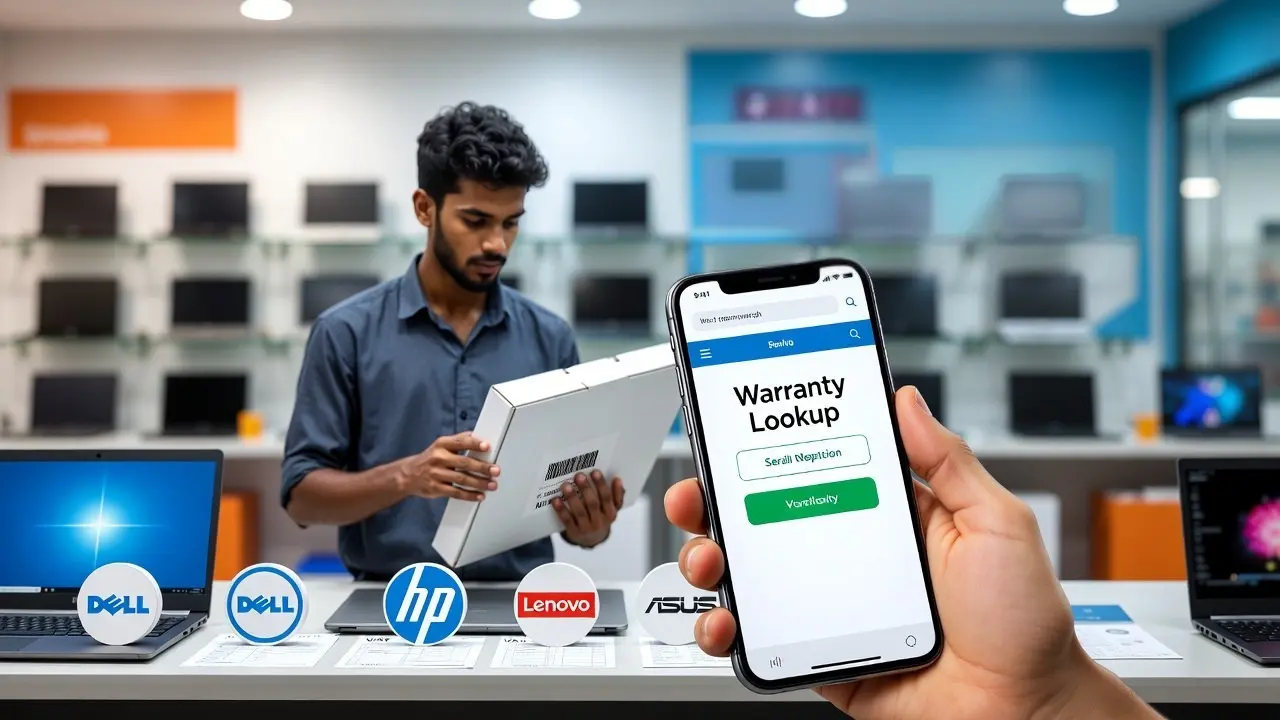
How to Verify Authentic Warranty When Buying a Laptop in Sri Lanka
Buying a laptop in Sri Lanka can feel stressful. Prices change with the dollar, shops advertise “full warranty” without proof, and many buyers only discover the truth when the laptop actually breaks. This guide helps you verify whether the warranty is real before you spend your money, so you avoid grey market traps and denied claims.
Why Warranty Matters So Much for Sri Lankan Buyers
Sri Lankan conditions are tough on laptops. Heat, humidity, long hours of use, and sudden power cuts cause many early failures. That is why a proper warranty is not optional here. It is protection.
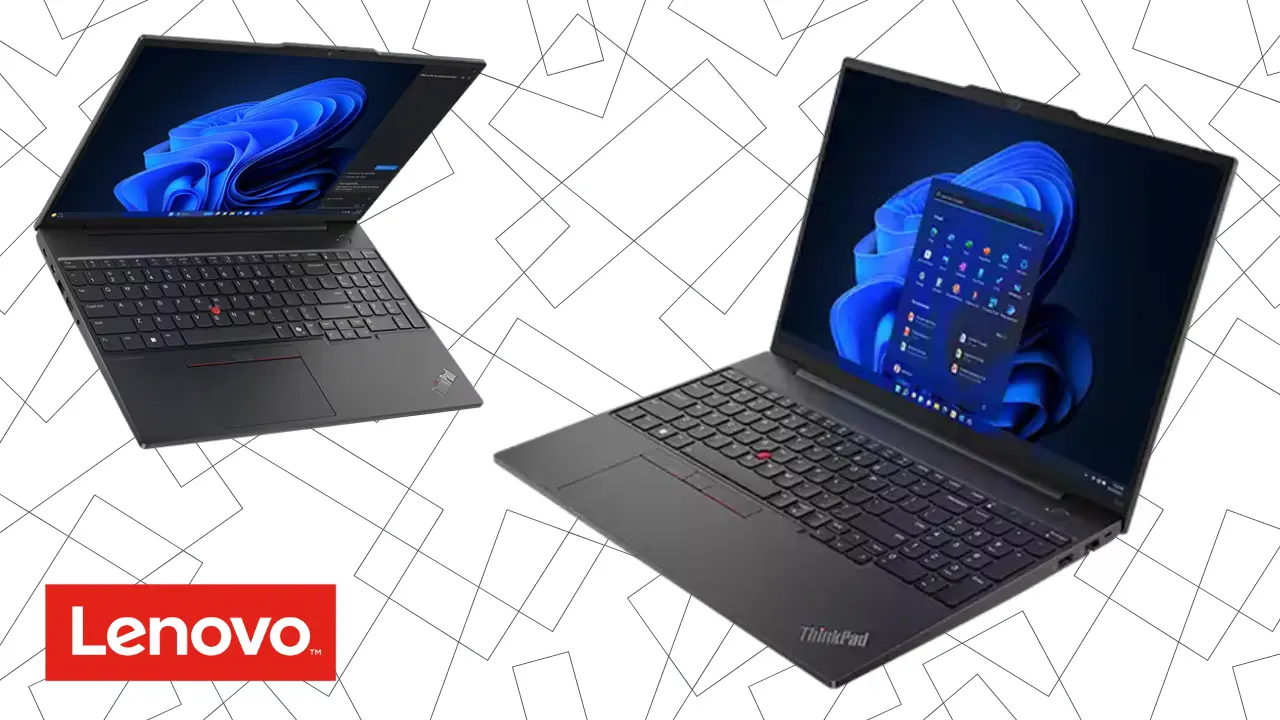
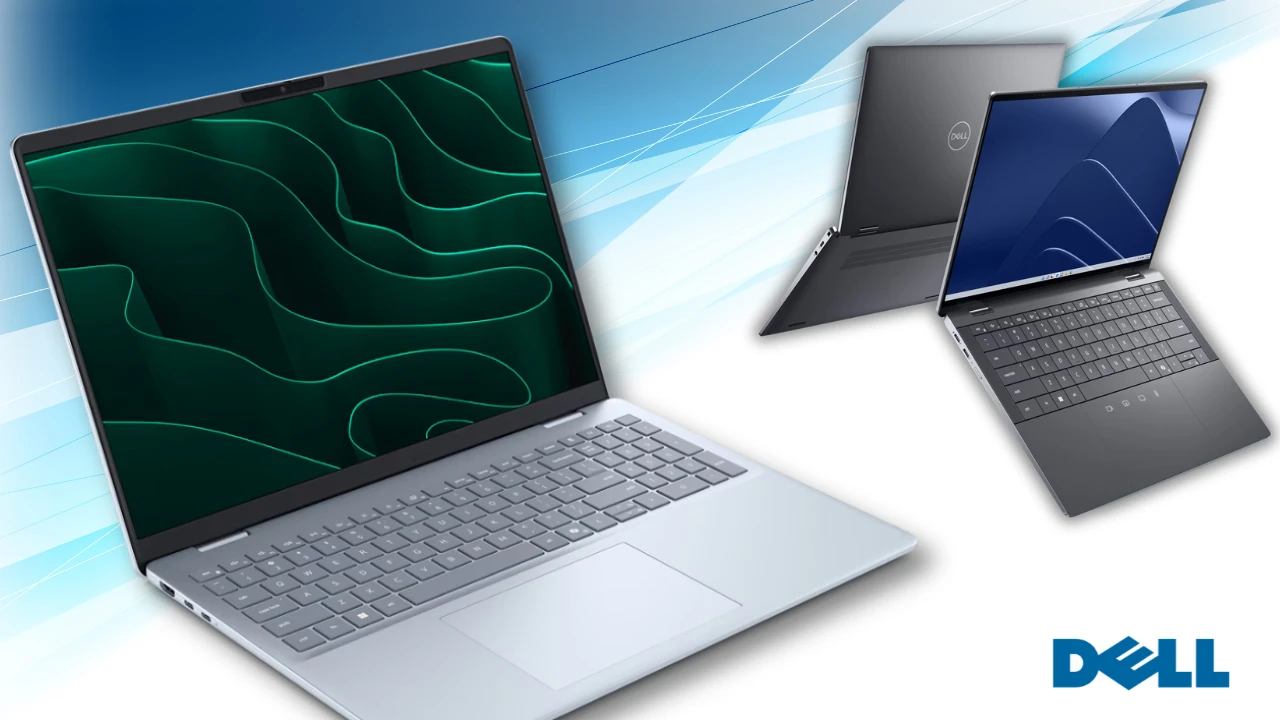
Most major brands like Dell, HP, Lenovo, Asus, Acer, and MSI give a 1 year official warranty, with some premium models offering 2 to 3 years. But this applies only to units imported through official distributors. Grey imports often show a warranty online but get rejected locally because the region code or product origin does not match Sri Lanka.
There is also a legal rule. The Consumer Affairs Authority requires a minimum 6 month warranty for electronics. But this only helps if you bought from a dealer willing to cooperate. It cannot force a global brand to repair an unofficial import.
Local truth: In Sri Lanka, many warranty issues reveal themselves only when the laptop breaks. That is why checking the warranty before buying is more important than comparing CPU or RAM.
The Difference Between Authentic Warranty and Grey Market Warranty
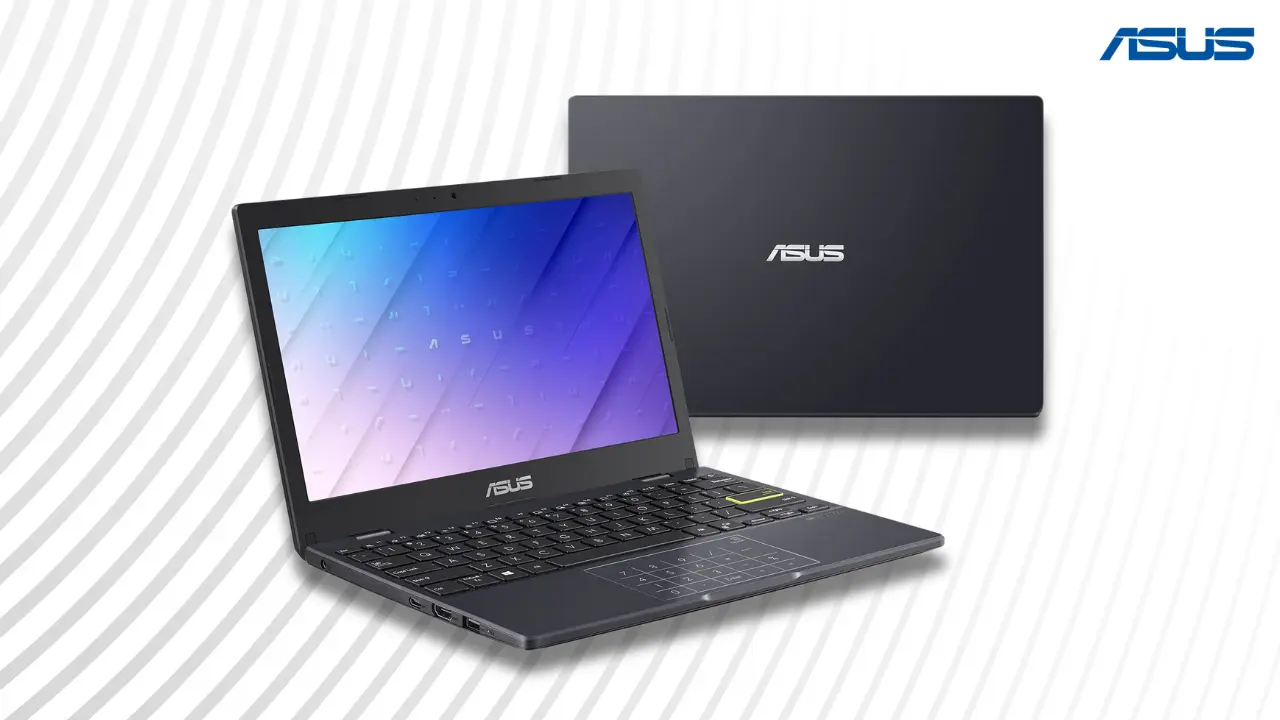
An authorized warranty comes through official Sri Lankan distributors like Abans for Lenovo, VS One or Trident for HP, Metropolitan for Acer, or Unity Systems for Asus and MSI. These units receive proper parts, brand approved repairs, and access to extended warranty upgrades.
A grey import is a genuine laptop but brought into the country through unofficial channels. It is cheaper because some sellers skip taxes. But the risk is high. Local service centers often deny repairs and say, “This is not our import.”
Grey sellers use a few common tricks:
Stamped warranty cards that are not linked to the brand
“International warranty” stickers that do not apply to Sri Lanka
Refurbished laptops sold as brand new
Shop warranty only, where parts are free but labor is charged
Local truth: Many Sri Lankan buyers were told their “full warranty” was invalid when they visited an authorized service center.
How to Check Warranty Yourself Before You Buy
You can confirm a laptop’s warranty in minutes, even while standing inside the shop. This is the most reliable method to avoid scams.

Step 1: Note the serial number
Every laptop has a serial on the box, bottom panel, or inside the BIOS. Ask the seller to show it.
Step 2: Check the serial on the official brand websites
Every major brand lets you check warranty instantly:
Dell → dell.com/support → Enter Service Tag
HP → support.hp.com → Serial lookup
Lenovo → support.lenovo.com/lk/en/warranty-lookup
Asus → asus.com/support → Warranty Inquiry
Acer → acer.com/support
MSI → msi.com/support/warranty-check
If the laptop shows active warranty and the start date is close to the purchase date, you are in safer territory. If it shows expired warranty, short coverage, or different region, do not buy it.
Local truth: If the serial number does not show up online, walk away immediately.
Step 3: Ask for a proper VAT invoice
A genuine warranty claim requires:
Shop name
VAT number
Laptop model and serial
Date of purchase
Authorized sellers do not give separate “warranty cards.” The invoice itself is your warranty proof.
Step 4: Confirm with the local service center
If you are unsure, call the Sri Lankan service center and read the serial number to them. They will tell you if they can support the device.
Step 5: Register the warranty after purchase
Some brands require registration to activate extended coverage. Do this on the same day.
Red Flags Sri Lankan Buyers Should Never Ignore
Grey sellers are common in Unity Plaza, ikman.lk, Daraz, and on Facebook. They mix genuine and grey units, so you must stay alert.
Here are signs of risky warranty offers:
Seller refuses to let you check the serial online
Warranty card is handwritten or unregistered
Box seal looks tampered or re taped
Price is 20 to 30 percent cheaper than other authorized sellers
Warranty begins months before purchase (refurbished or resold unit)
Seller promises “same warranty, cheaper price” but cannot show dealer authorization
Many Sri Lankan buyers on local forums reported:
Grey units rejected by HP and Dell service centers
Refurbished laptops sold as brand new
Shop warranty repairs taking weeks and requiring paid labor
Service centers blaming humidity or power surges to deny grey claims
Local truth: Grey imports save money on day one but cost more when something breaks.

The Safe Checklist Before Buying Any Laptop in Sri Lanka
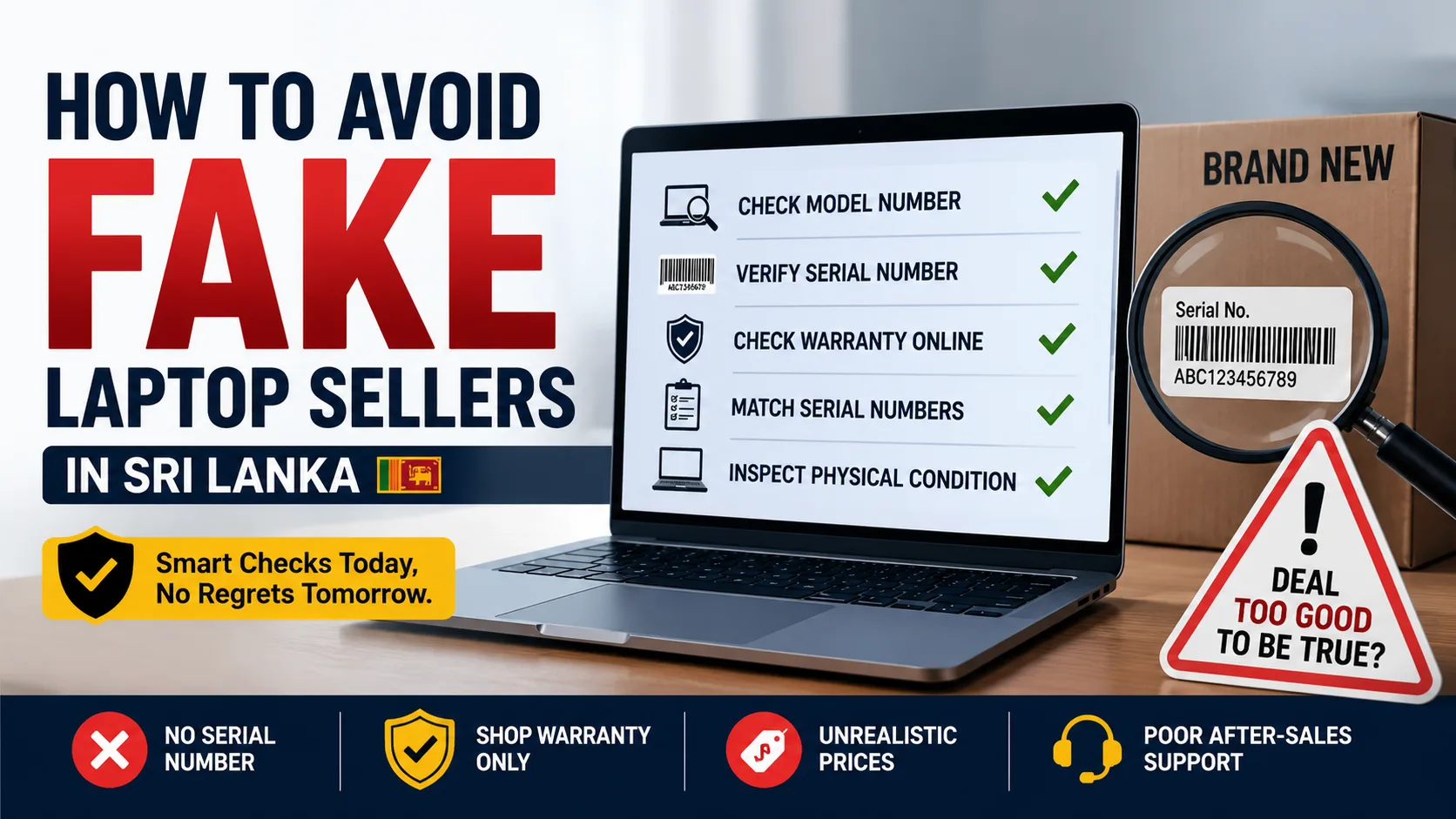
Before you pay, go through this quick Sri Lankan friendly checklist:
Check the serial number online on the brand’s official site
Verify the seller is authorized through the brand distributor list
Ask for a VAT invoice with matching serial
Avoid “shop warranty only” unless you are comfortable with risk
Reject tampered or resealed boxes
Confirm spare part availability with the brand’s local service center
Understand that power surge damage is never covered use a UPS
If you are a student or working from home, remember that delays in repairs can disrupt your life for weeks. Paying a little more for an authorized unit often saves you far more in the long run.
For more guidance on choosing the right laptop, check our main hub page Laptop Prices in Sri Lanka.
Local truth: In Sri Lanka, checking the warranty is not an extra step. It is the first step.
FAQs
1. Is a laptop from overseas covered under warranty in Sri Lanka?
Most overseas laptops are not covered locally unless the brand offers true global warranty for that exact model. Even if the serial number shows a valid international warranty, Sri Lankan service centers may still reject it if the unit was not imported through their authorized channels. Always check with the local service center before buying from Dubai, Singapore, or online marketplaces.
2. How can I tell if a laptop is refurbished even if the box looks new?
Refurbished laptops often have early warranty start dates, mismatched serial numbers on the box and the device, small scratches on the screws, or non-original packaging seals. You can also enter the serial number on the brand’s warranty page. If the warranty started months earlier or shows “expired,” the unit is likely refurbished or previously used.
3. What should I do if a shop refuses warranty service after I buy the laptop?
First, check the serial with the brand’s official warranty lookup tool to confirm whether it is an authorized import. If the warranty is valid but the shop refuses support, contact the official service center directly. If the laptop has no authentic warranty and the shop misled you, you can file a complaint with the Consumer Affairs Authority. Keep your VAT invoice and communication as proof.
Related Posts