 Laptops
  Gaming Laptops
  Desktop
  Laptop & Desktop Accessories
  Workstation & Gaming
  Used PC, Laptop & Accessories
  CCTV & Accessories
  Printers / Scanners / POS and Accessories
  Mobile Phones / Tablets and Accessories
  Softwares
  Home & Kitchen Appliances
  Gift Voucher
  Smart Devices & Gadgets
  Office & Meeting Solutions
  Networking & Power Devices
  Graphic Tablets & Drawing Displays
  Monitors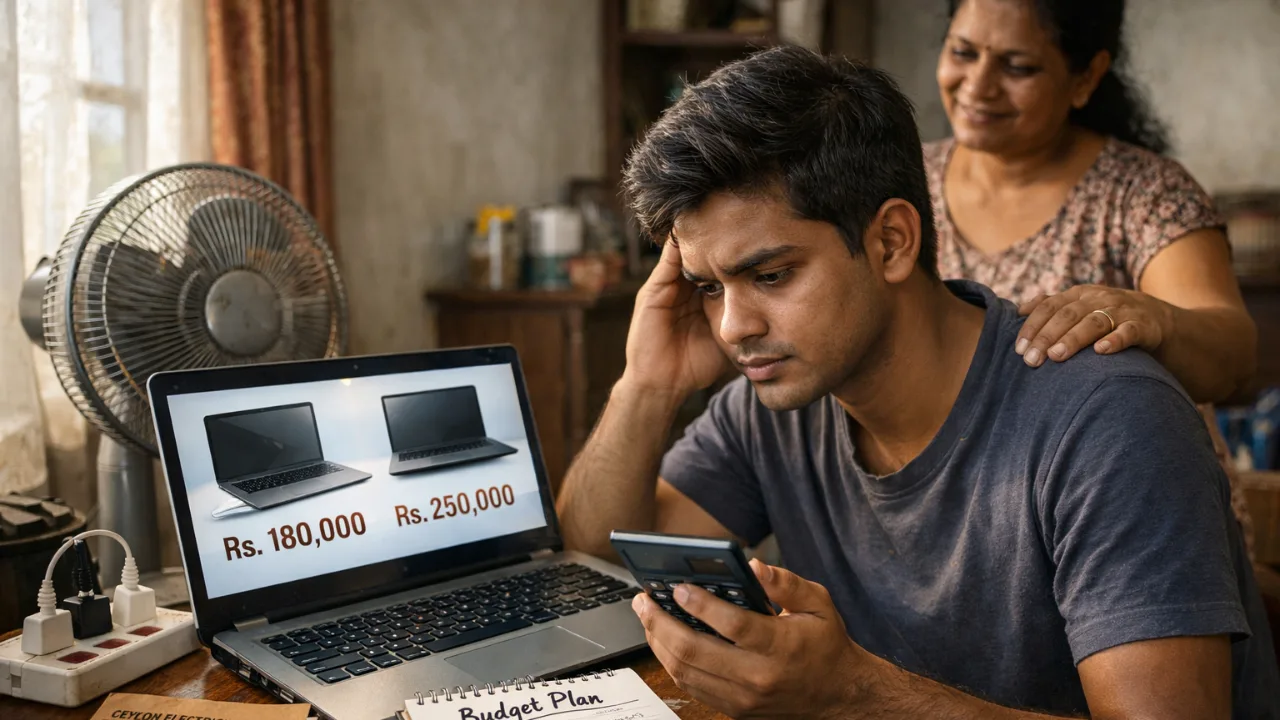
How to Buy a Laptop in Sri Lanka Without Taking a Loan: Smarter Budget Alternatives
Buying a laptop in Sri Lanka feels harder than ever. Prices are high, budgets are tight, and many students and young professionals feel forced to take a loan just to get a basic machine. But you don’t actually need to go into debt. There are smarter, safer ways to buy a laptop in Sri Lanka, even with a small monthly income.
This guide breaks everything down in simple language, using real 2026 prices, local buying habits, and the problems Sri Lankan buyers face every day.
Why Many Sri Lankans Feel Forced Into Loans
A basic new laptop for online classes or office work now costs 135,000–220,000 LKR. Mid-range models often hit 250,000–400,000 LKR. These prices reflect the current USD/LKR rate (around 309:1) plus VAT, PAL, and other import duties that add 30–50% to the landed cost.
So when money is tight, loans feel like the only option.
But here’s the truth most salespeople don’t say: Laptop loans are expensive in the long run.
Most non-zero loan plans add 20–30% extra over 2–3 years. That’s another 40,000–80,000 LKR wasted for the same machine.
Many Sri Lankans have shared regret after taking loans:
“Interest pushed the total cost almost 80k higher.”
“Job market was unstable. Monthly payments became stress.”
“Had to downgrade to a basic model because EMI was too high.”
But you have better options.
Understand the Real Price Landscape Before You Choose
Knowing what laptops actually cost in Sri Lanka helps you decide smarter.
Typical Price Ranges (2026)
Basic use (web, Office, Zoom): 135,000–180,000 LKR
Good mid-range (coding, light design): 200,000–300,000 LKR
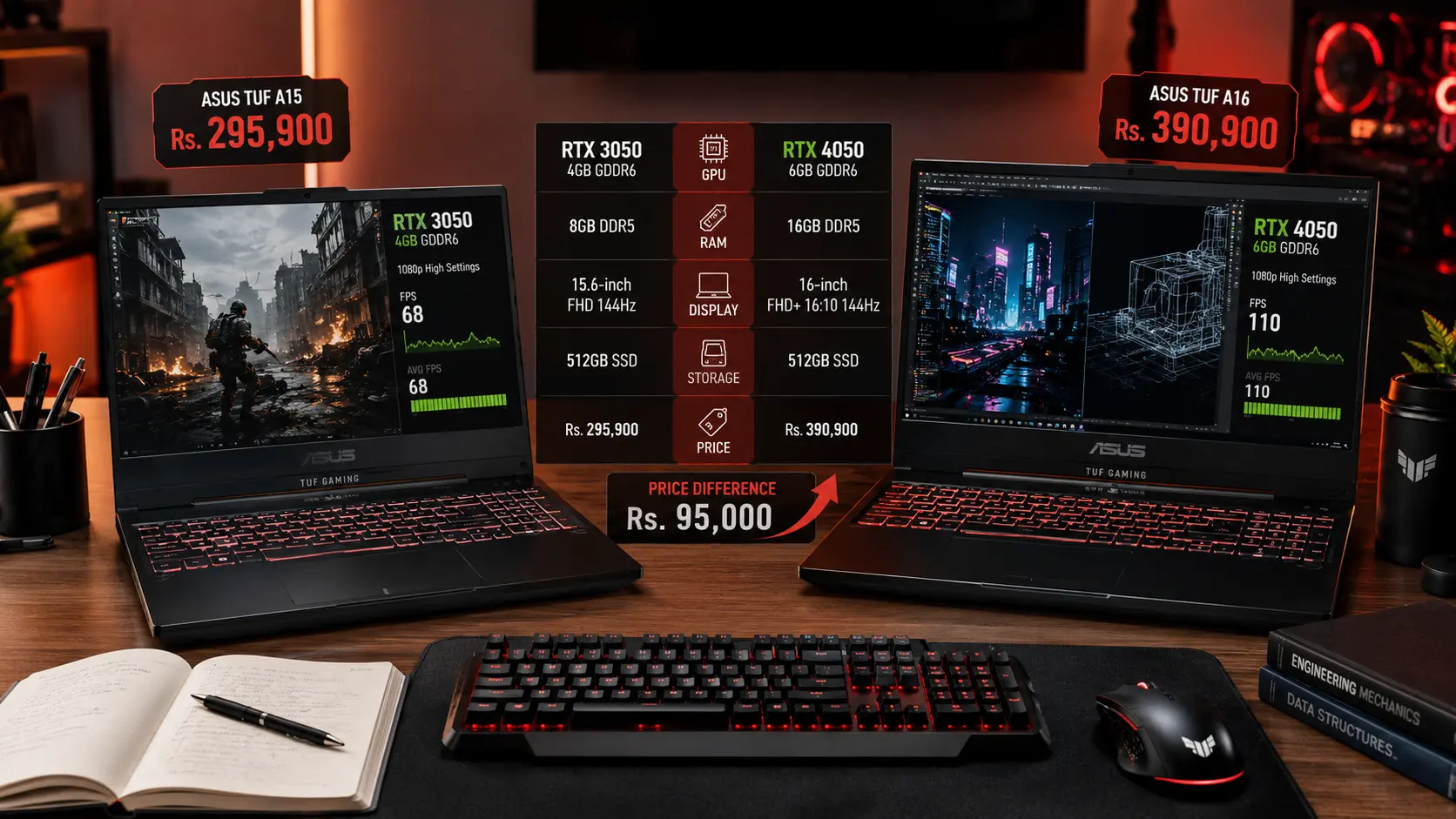
Gaming & heavy software: 350,000–500,000+ LKR
Because laptops are imported, prices rise when USD goes up. Some sellers also inflate prices during stock shortages.
Local Truth:
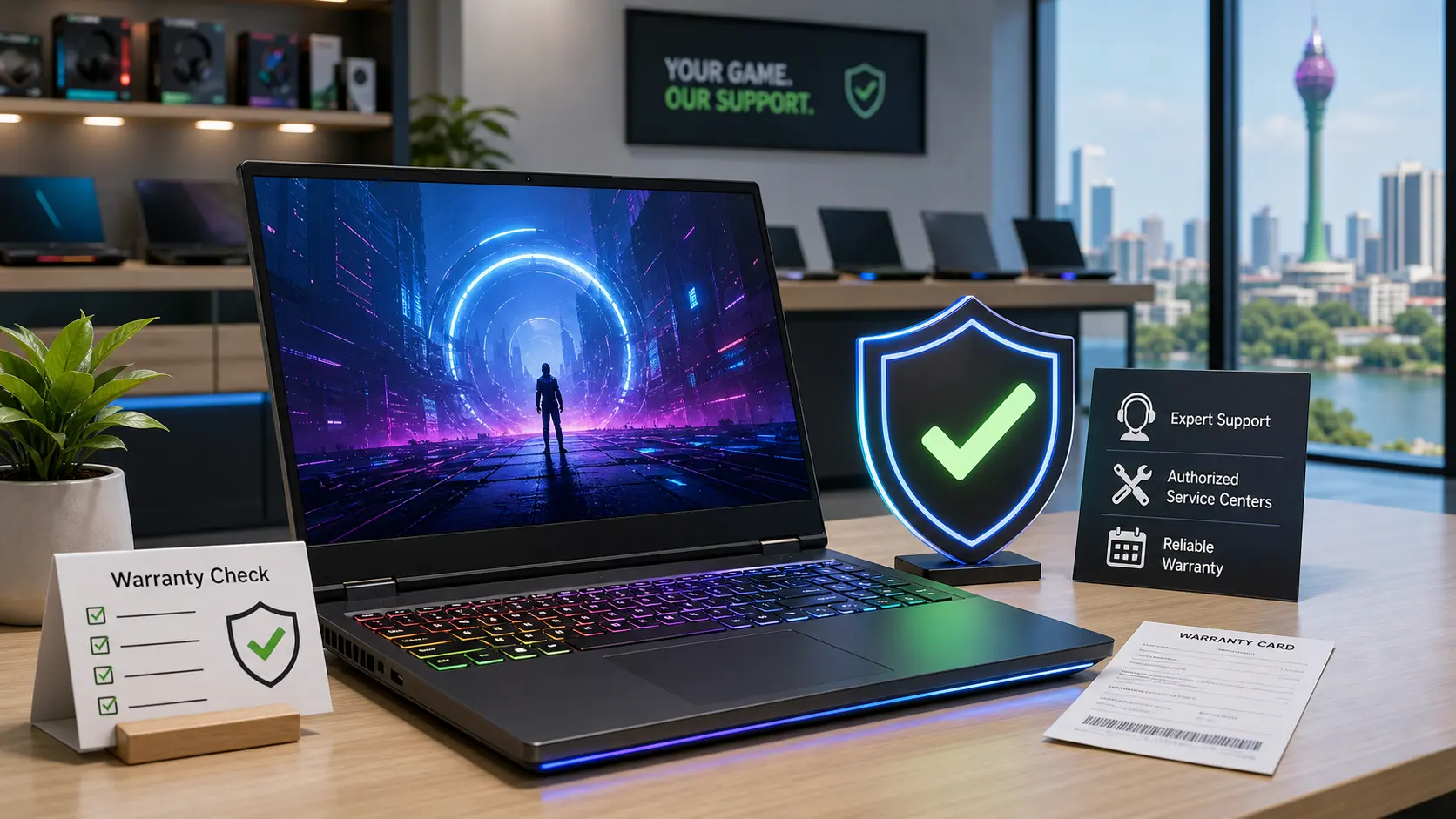
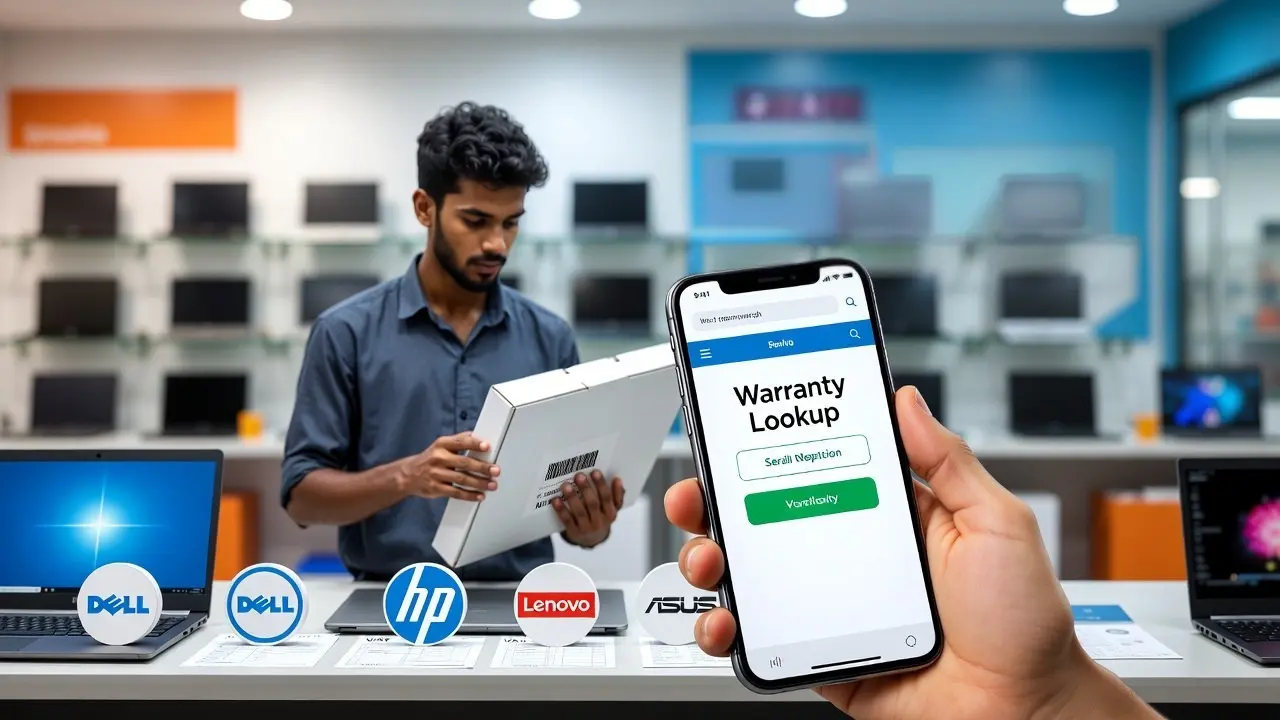
Grey imports are tempting because they’re 20–30% cheaper. But if something fails, you lose the full amount because there’s no warranty. Power cuts and heat make this an even bigger risk in Sri Lanka.
If you’re comparing prices, always check Battery life, SSD quality, and warranty terms. These matter more than brand names.

The Smartest Way to Avoid Loans: Buy Used or Refurbished
This is the number one method Sri Lankan buyers use to stay debt-free. A used or refurbished laptop can save you 40–70% compared to buying new.
Real examples from local sellers:
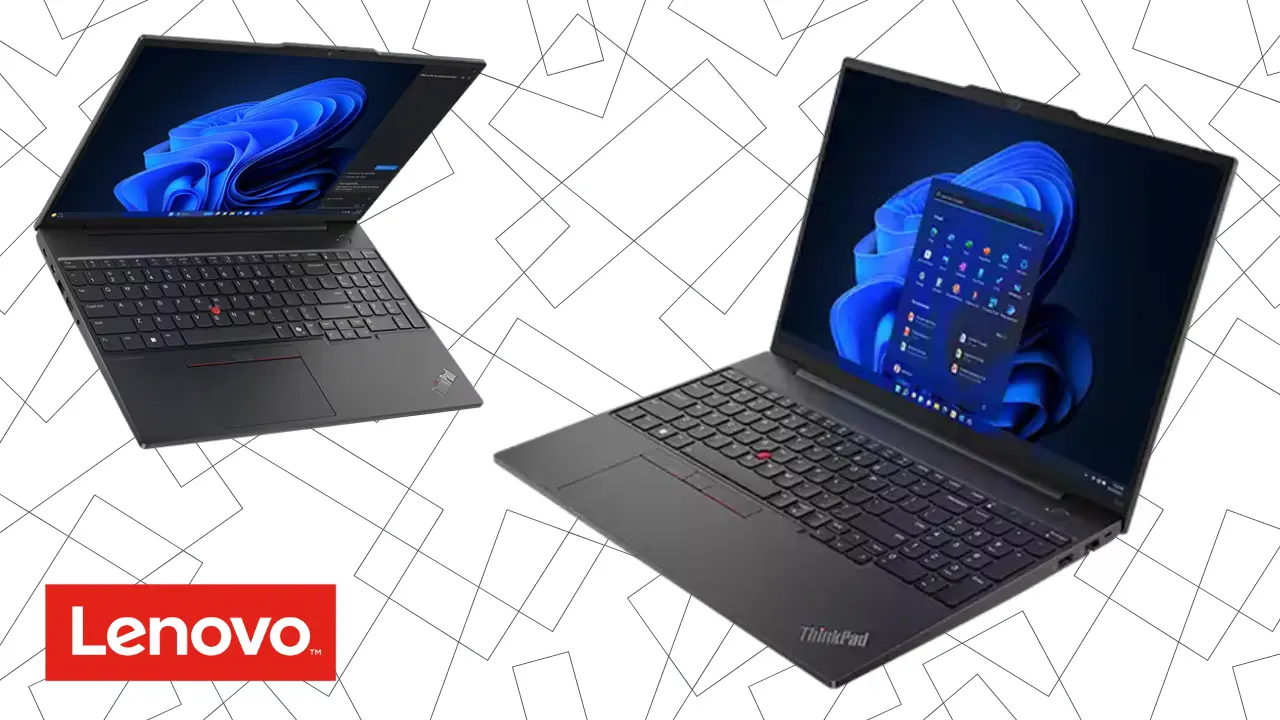
Used ThinkPad / EliteBook (i5, 8GB, SSD): 50,000–90,000 LKR
Higher-end mid-range refurbished: 80,000–150,000 LKR
Budget business laptops on ikman: 40,000–80,000 LKR
These models often outlast cheap brand-new laptops because they were built for corporate use. They handle heat, humidity, and long hours better.
What to check before you buy used
Battery health (aim for 70% or more)
SSD brand and health, avoid unknown “512GB” refurbs
Keyboard, ports, speakers
Screen brightness and dead pixels
Ask for store warranty (1–3 months)
Avoid laptops with dents around the hinge
Local Truth: “Most cheap laptops sold new in Sri Lanka overheat quickly. A used ThinkPad can feel faster and last longer.”
If you’re a student, this is usually the best option. You get good performance at a price your parents won’t need a loan for.
Zero-Interest Installments: Spread the Cost Without Paying Extra
If you really want a new laptop but don’t want a loan, 0% installment plans are the safest alternative.
Popular retailers like Singer, Abans, Softlogic, and Nanotek frequently offer 0% deals through banks such as ComBank, HSBC, Sampath, and HNB.
Example:
A 200,000 LKR laptop paid over 36 months = ~5,555 LKR per month, no interest.
This is very different from hire-purchase loans, which add extra charges.
Just make sure the plan clearly says 0% interest.
If you don’t have a credit card
Singer and other large retailers sometimes offer installment plans with guarantors, meaning you still avoid a bank loan.
This is ideal for office workers or students with a steady allowance.
The Cheapest Option: Upgrade the Laptop You Already Own
If your current laptop is slow, it doesn’t mean you need a new one.
In Sri Lanka, most old laptops only need two upgrades:
SSD upgrade (15,000–25,000 LKR)
RAM upgrade (10,000–20,000 LKR)
That’s it.
These two changes can make a 5–10-year-old machine run like new for basic tasks.
Why this works well in Sri Lanka
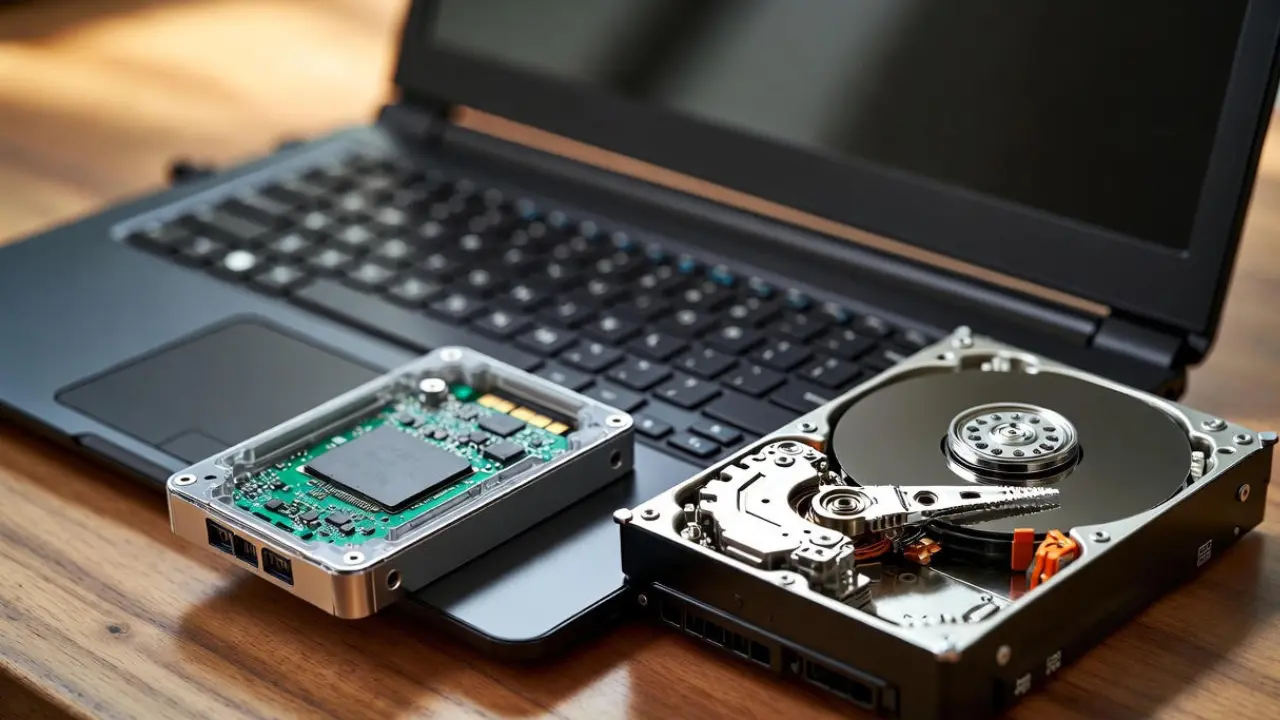
HDDs fail fast during power cuts and get slow in heat. An SSD handles both better and boots in seconds.
If you’re tight on cash, upgrading is the most practical path. No loans, no pressure.
Use Seasonal Discounts, Student Deals, or Trade-In Offers
In Sri Lanka, timing matters. Prices drop during:
Back-to-school (Aug–Sep)
Year-end sales (Nov–Dec)
Avurudu promotions (March–April)
Shops like HP Store, Abans, and Laptop.lk sometimes offer bundles, bags, mouse, antivirus, and even trade-ins where your old laptop can knock 20,000–50,000 LKR off the price.
If you’re not in a hurry, waiting can save you more than any “low-interest loan.”
Pool Family Savings Instead of Paying Loan Interest
A simple family savings plan works better than taking on debt.
If you save 10,000 LKR per month, you build:
120,000 LKR in 12 months
180,000 LKR in 18 months
This turns a “loan problem” into a manageable goal. Many Sri Lankan families already follow this approach when buying phones, bikes, and now laptops.
Some universities and employers also offer subsidies or bulk deals, worth asking before spending a cent.
Quick Decision Guide: What Should You Do?
Here’s the simplest way to choose your debt-free path:
If your budget is under 75,000 LKR
→ Buy a used/refurbished business laptop. Look for ThinkPad, EliteBook, Latitude.
If your budget is 100,000–200,000 LKR
→ Choose a refurbished mid-range model or a new entry laptop via 0% installments.
If you already own a laptop
→ Upgrade RAM and SSD. You’ll save more than 100,000 LKR.
If you can wait 6–12 months
→ Build a simple savings plan. Avoid grey imports unless you fully understand the risks.
If you’re a student
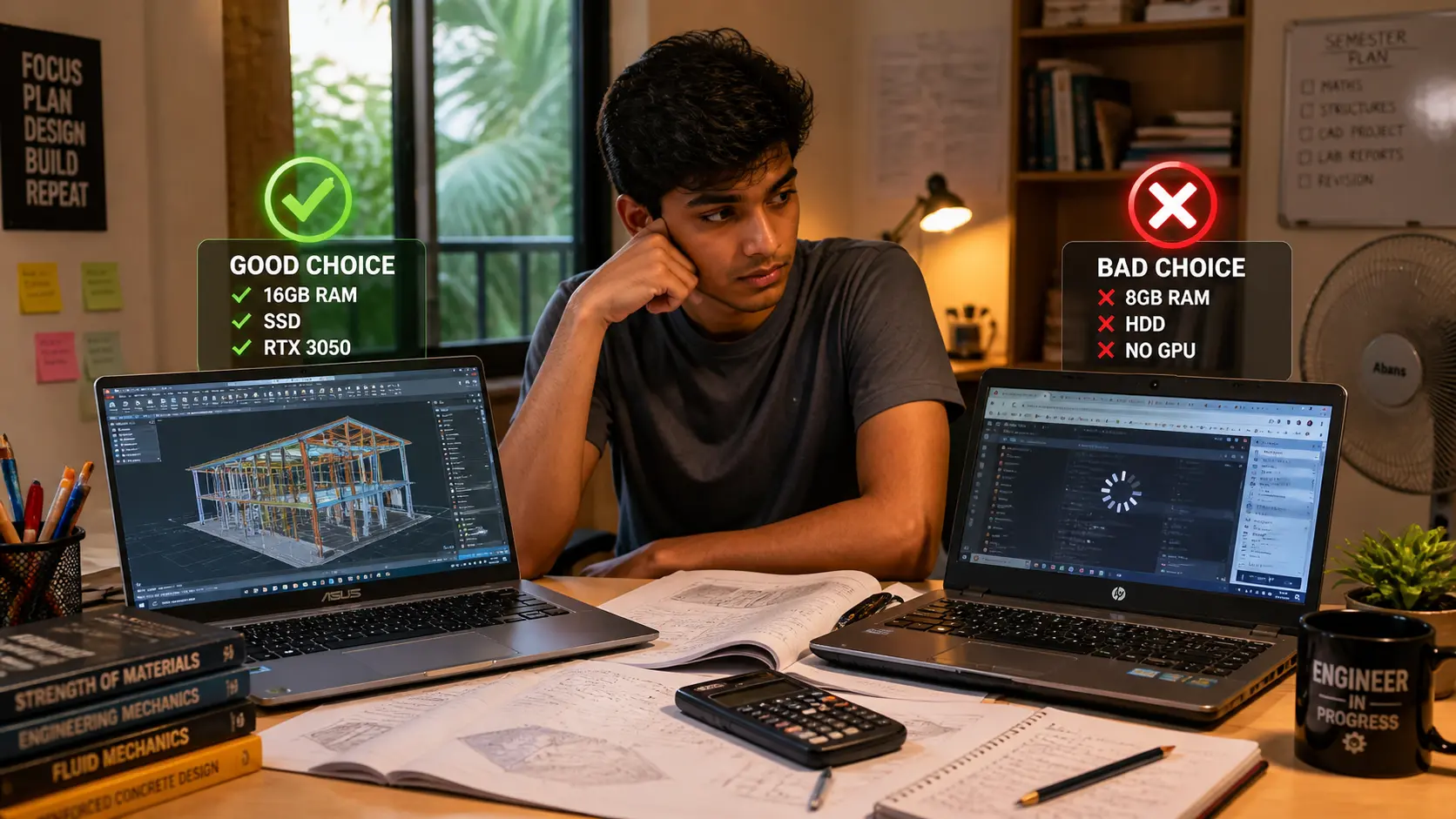
→ Avoid anything with only 4GB RAM or HDD storage. Your laptop will feel slow from day one.
Avoid These Common Sri Lankan Buying Mistakes
Buying a cheap new laptop just because “it’s new”
Choosing models with HDDs, too slow and not worth the savings
Buying grey imports during power-cut seasons
Taking a loan for a laptop with low specs
Ignoring battery health when buying used
If you avoid these traps, you’ll save money and avoid debt.
A Simple Checklist Before You Buy
Decide your real budget first
Compare at least 2–3 models
Check if RAM/SSD upgrades are possible
For used units, test the device for at least 1 hour
Check battery cycles and SSD health
Ask for warranty, even a short one helps
Buy only from a seller who allows returns or testing
Keep a UPS in mind if your area has frequent power cuts
You don’t need a loan to get a good laptop in Sri Lanka. With the right plan, used buying, upgrades, zero-interest installments, or timed purchases, you can stay within your budget and still get a machine that lasts.
Real buyers have done it. You can too, without debt and without stress.
Related Posts