 Laptops
  Gaming Laptops
  Desktop
  Laptop & Desktop Accessories
  Workstation & Gaming
  Used PC, Laptop & Accessories
  CCTV & Accessories
  Printers / Scanners / POS and Accessories
  Mobile Phones / Tablets and Accessories
  Softwares
  Home & Kitchen Appliances
  Gift Voucher
  Smart Devices & Gadgets
  Office & Meeting Solutions
  Networking & Power Devices
  Graphic Tablets & Drawing Displays
  Monitors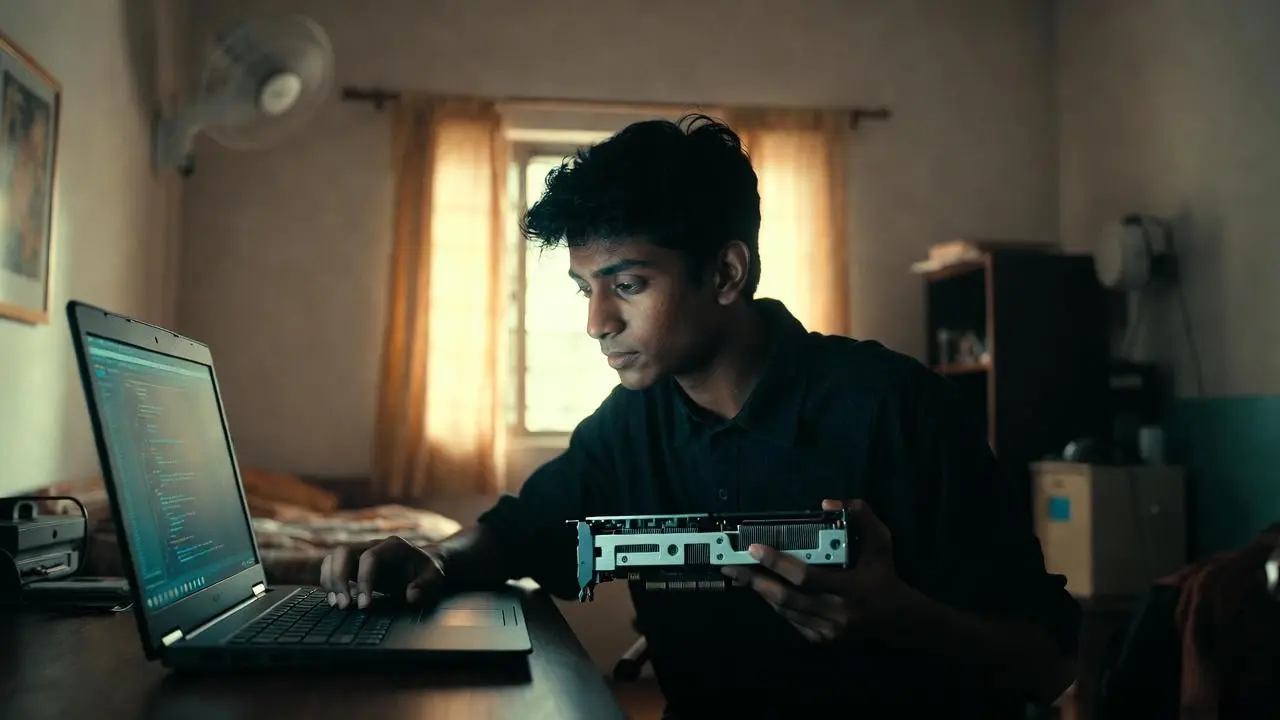
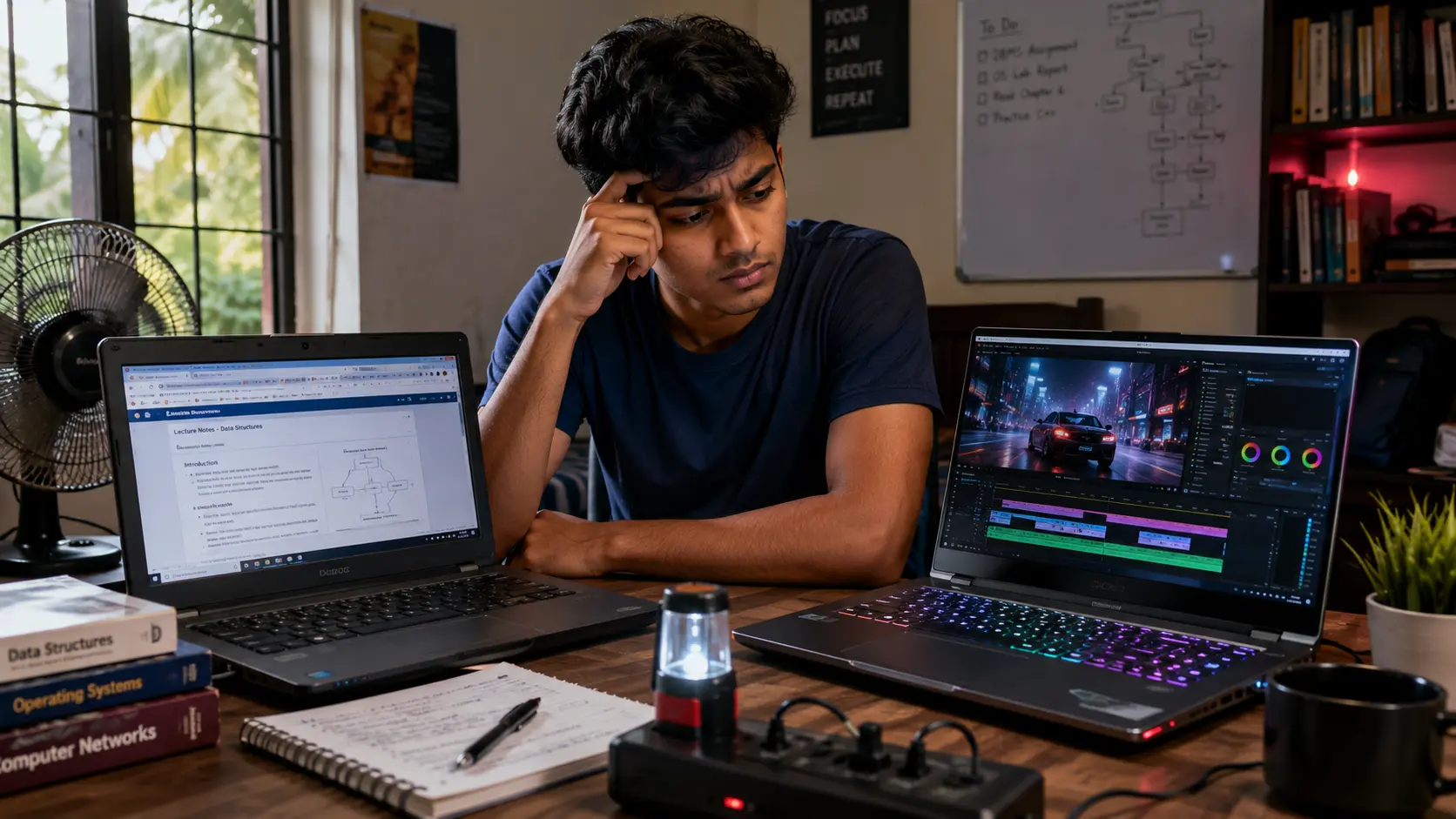
Do You Really Need a Graphics Card? Honest Advice for Sri Lankan Students & Professionals
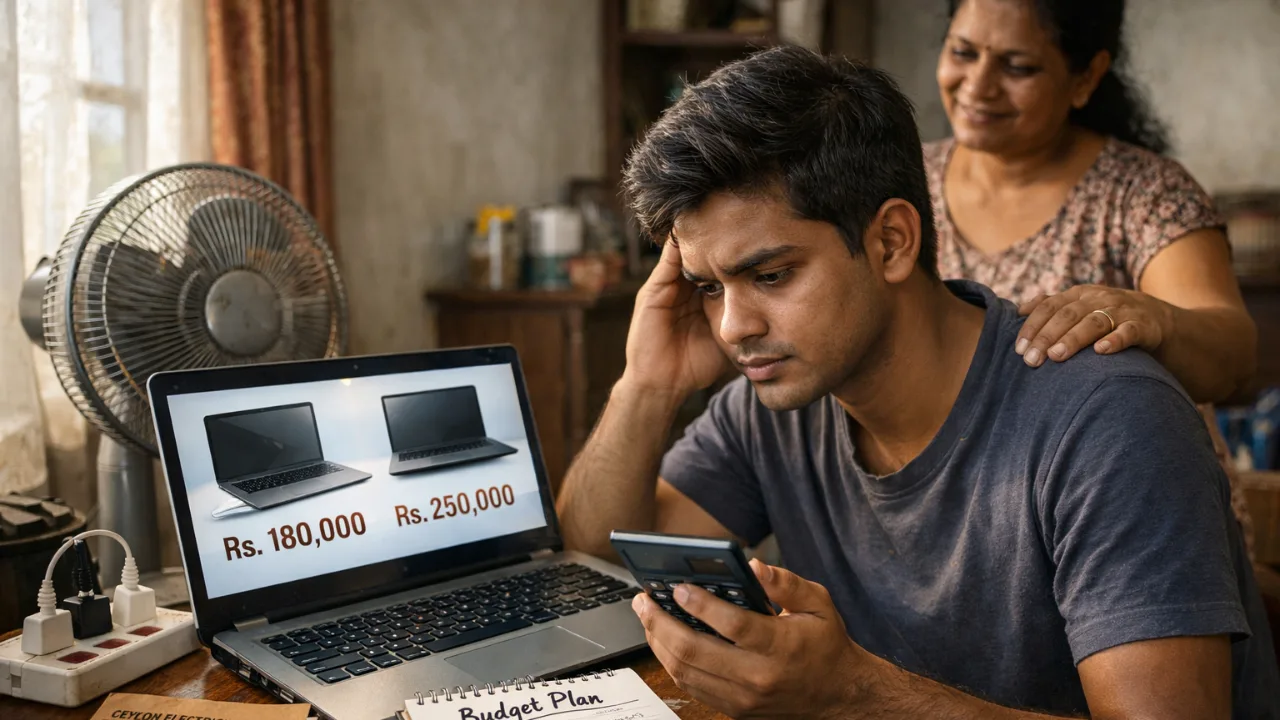
Buying a laptop or PC in Sri Lanka already feels stressful. Prices are high, specs are confusing, and everyone tells you something different.
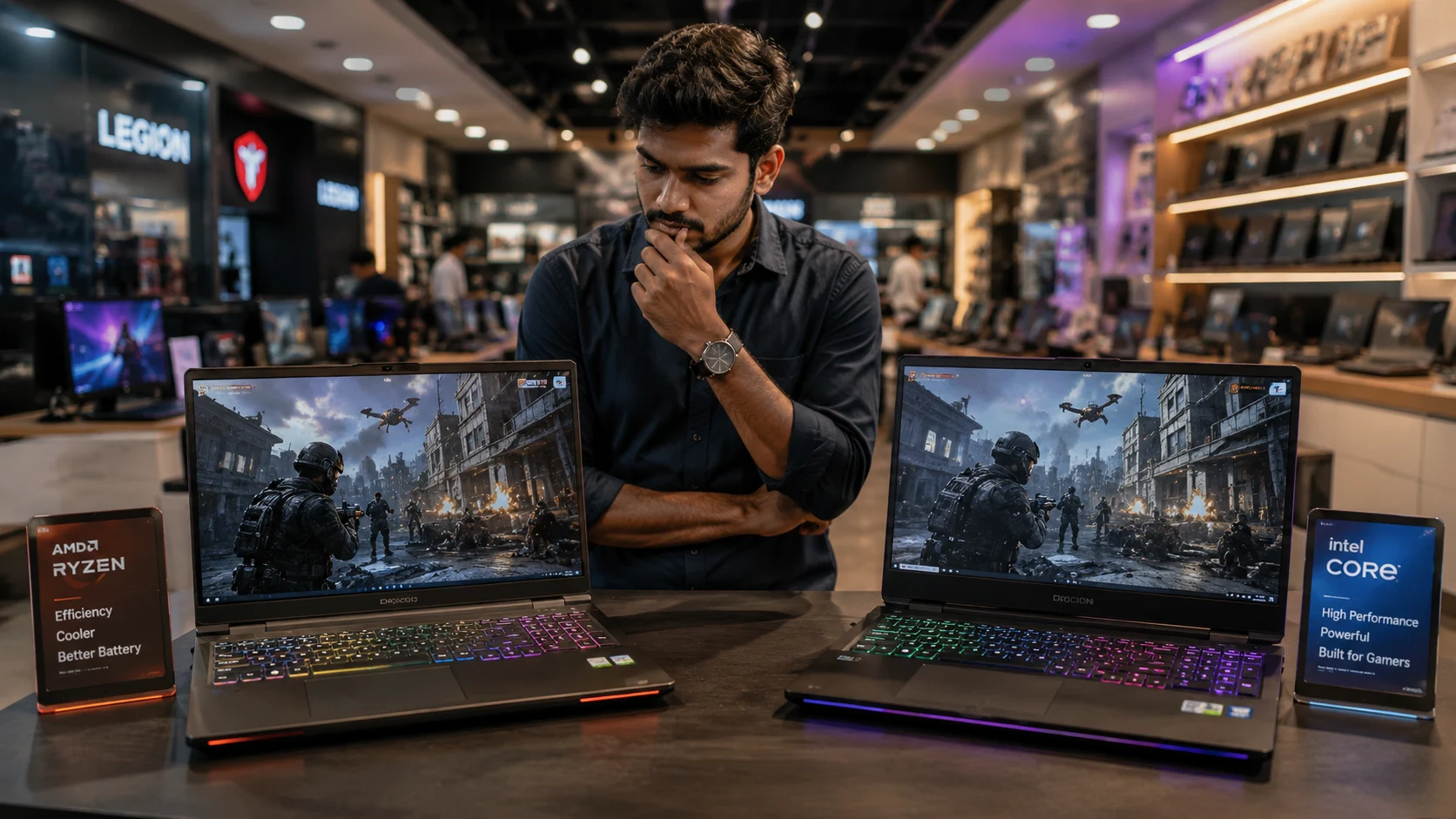
One of the biggest doubts buyers face is this:
“Should I pay extra for a graphics card, or is it a waste of money?”
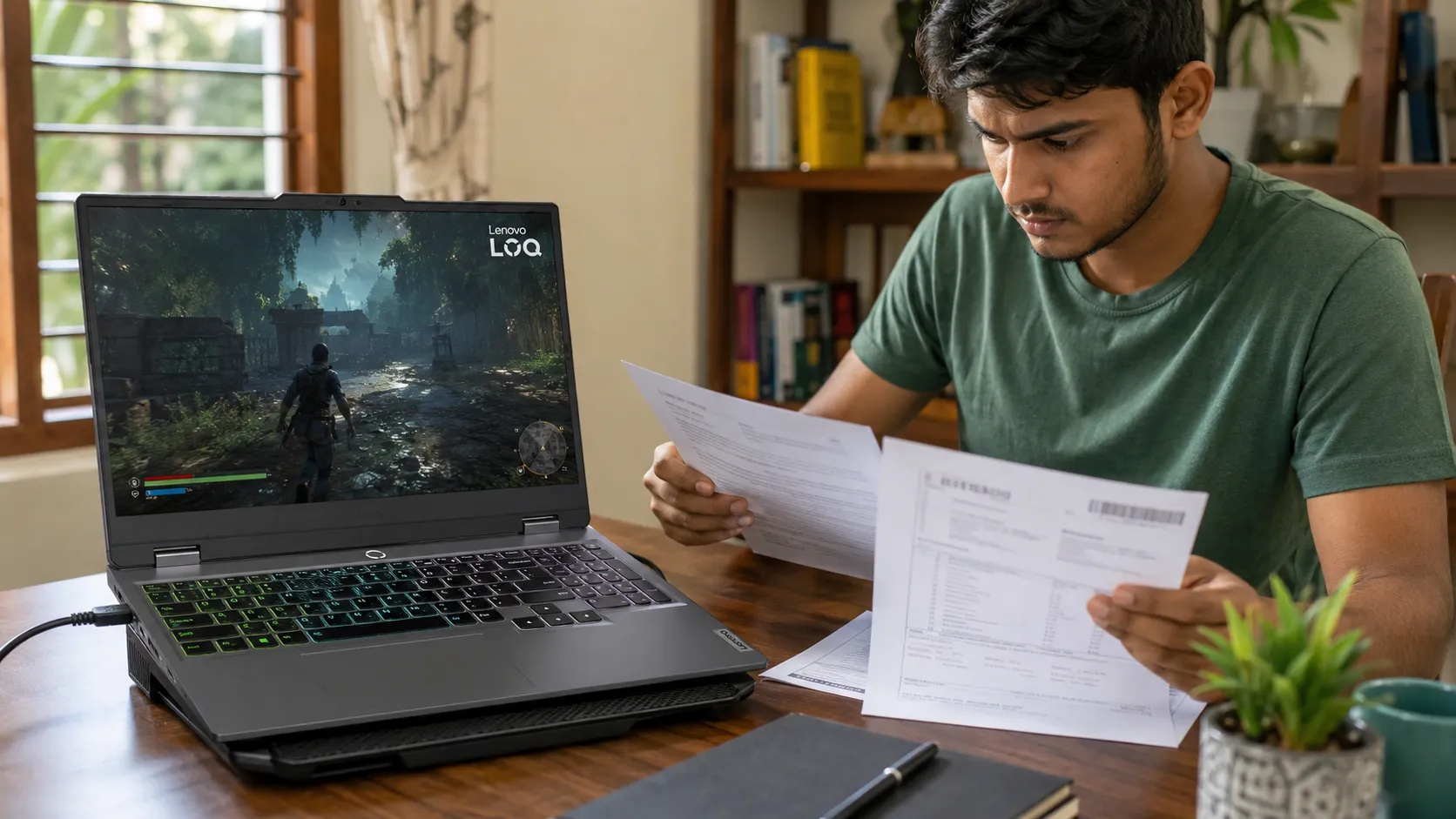
This question matters more in Sri Lanka than most countries. Power cuts, hot weather, limited warranties, and grey imports can turn a wrong choice into a long-term headache.
This guide explains, in simple terms, when a graphics card actually helps you and when it quietly drains your money.
The Simple Truth Most Sri Lankans Need to Know
Before we go into technical details, let’s clear one thing honestly.
Most Sri Lankan students and professionals do not need a dedicated graphics card.
If your daily work is online classes, Office, browsing, Zoom meetings, assignments, or basic coding, a graphics card will not make your laptop feel faster. You’ll just pay more, deal with more heat, and lose battery life.
A graphics card only matters when your work heavily depends on visuals, rendering, or gaming. Everything else runs mainly on the processor and RAM. But, in Sri Lanka, many buyers overspend on GPUs and regret it later.
Integrated vs Dedicated Graphics, Explained Like a Friend Would
A graphics card (GPU) handles everything you see on the screen. Videos, animations, images, games, and design software all depend on it.
There are two main types, and the difference is easier than it sounds.
Integrated graphics are built into the processor. They use your laptop’s normal RAM and don’t have a separate chip.
Why this works well in Sri Lanka:
Less heat
Better battery life
Lower price
Fewer cooling problems
Dedicated graphics are a separate chip, like NVIDIA RTX or AMD Radeon. They have their own memory called VRAM and are designed for heavy visual work.
They are powerful, but:
They run hotter
They drain battery faster
They cost a lot more locally
If you don’t clearly know why you need one, you probably don’t.

Do You Actually Need a GPU for What You Do Every Day?
This is the most important part of the decision. Don’t buy based on what sounds powerful. Buy based on what you actually do.
If your day looks like this:
Online lectures
Assignments
Office work
Browsing
Light Photoshop
Programming without heavy AI models
Integrated graphics are more than enough.
If your work includes:
4K video editing
Large Photoshop or Illustrator files
AutoCAD, Revit, SolidWorks
Serious 3D work
AAA gaming
Machine learning model training
Then a dedicated graphics card becomes important, not optional.
If you are unsure, ask yourself this simple question: “Will my software refuse to work or become painfully slow without a GPU?”
If the answer is no, save your money.
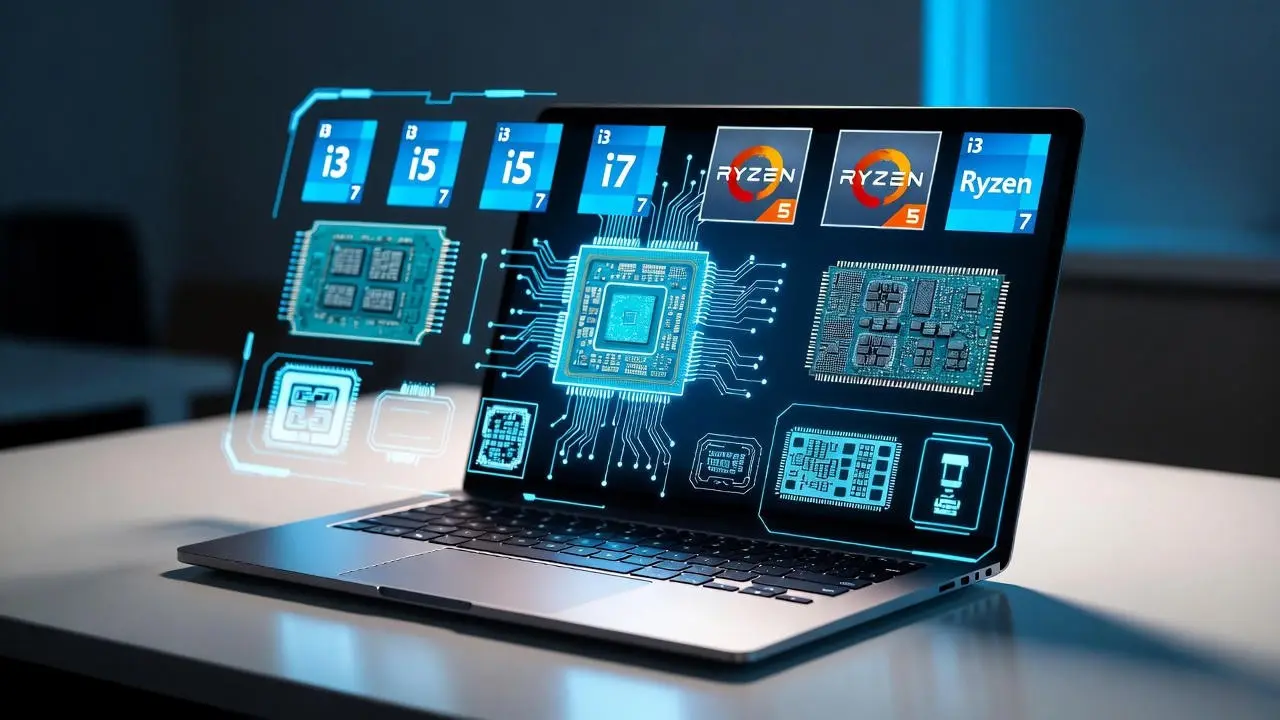
Performance Reality in 2026 (Not Old YouTube Myths)
Many people still think integrated graphics are weak. That used to be true. It’s not true anymore.
Modern integrated graphics from AMD and Intel can:
Run multiple monitors
Play eSports games smoothly
Edit photos comfortably
Handle 1080p video editing
Stream 4K video without issues
Dedicated GPUs still win in heavy tasks like:
4K video timelines with effects
3D rendering
Ray-traced gaming
Professional CAD work
A modern integrated GPU often performs better than older entry-level dedicated GPUs still sold in Sri Lanka.
This is why blindly buying “RTX” just for the name can be a trap.

Sri Lanka Reality Check: Price, Heat, Power Cuts, Warranty
This decision cannot be made without local context.
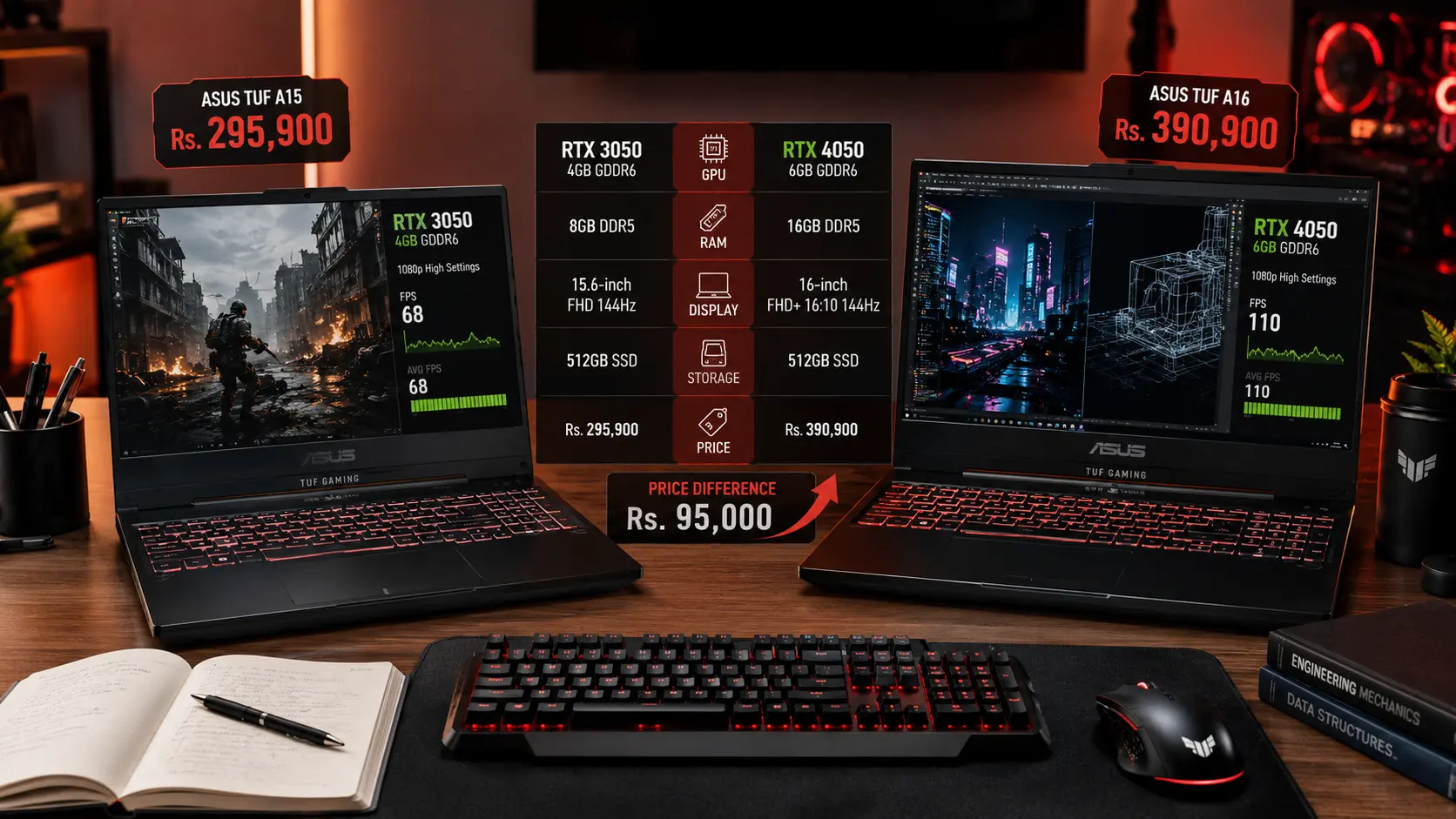
Price matters: In Sri Lanka, laptops with dedicated GPUs cost significantly more due to import taxes and USD rates. That extra money often gives you no benefit if your work doesn’t use the GPU.
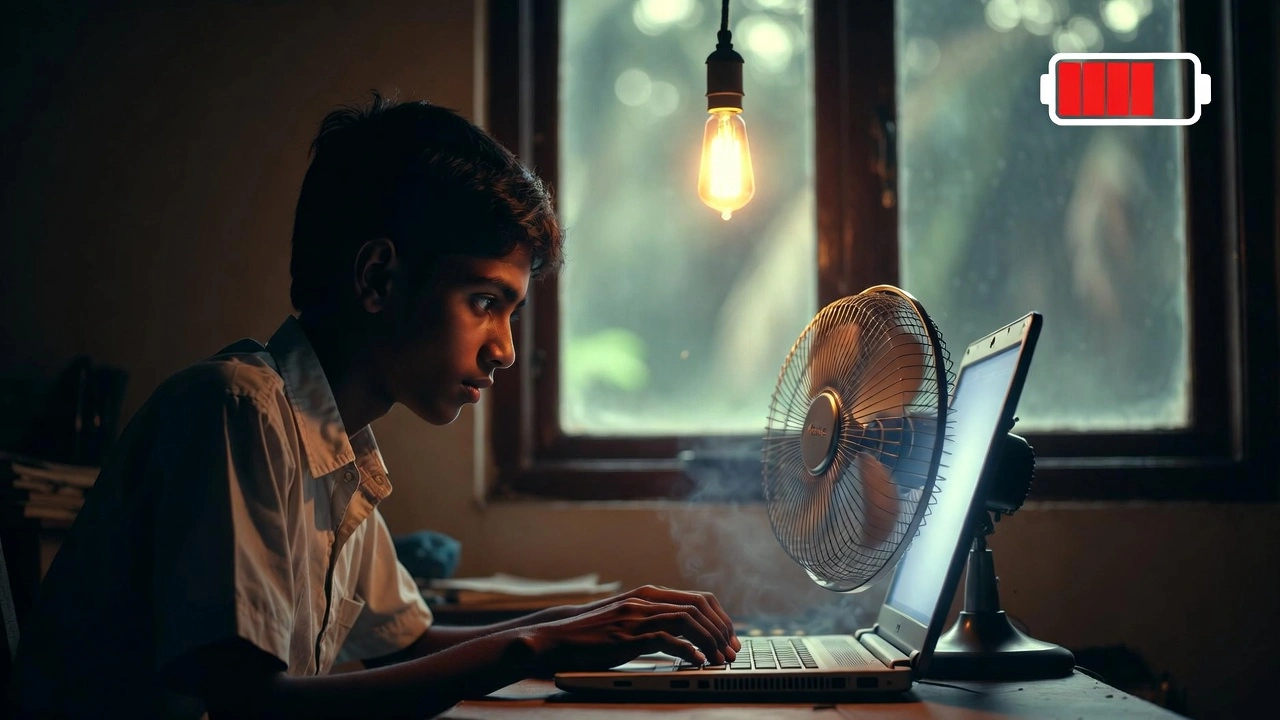
Heat matters: Dedicated GPUs create more heat. In our climate, many gaming laptops overheat, throttle performance, or become uncomfortable to use.
Power cuts matter: GPU laptops usually last only a few hours on battery. Integrated graphics laptops last much longer, which matters during outages.
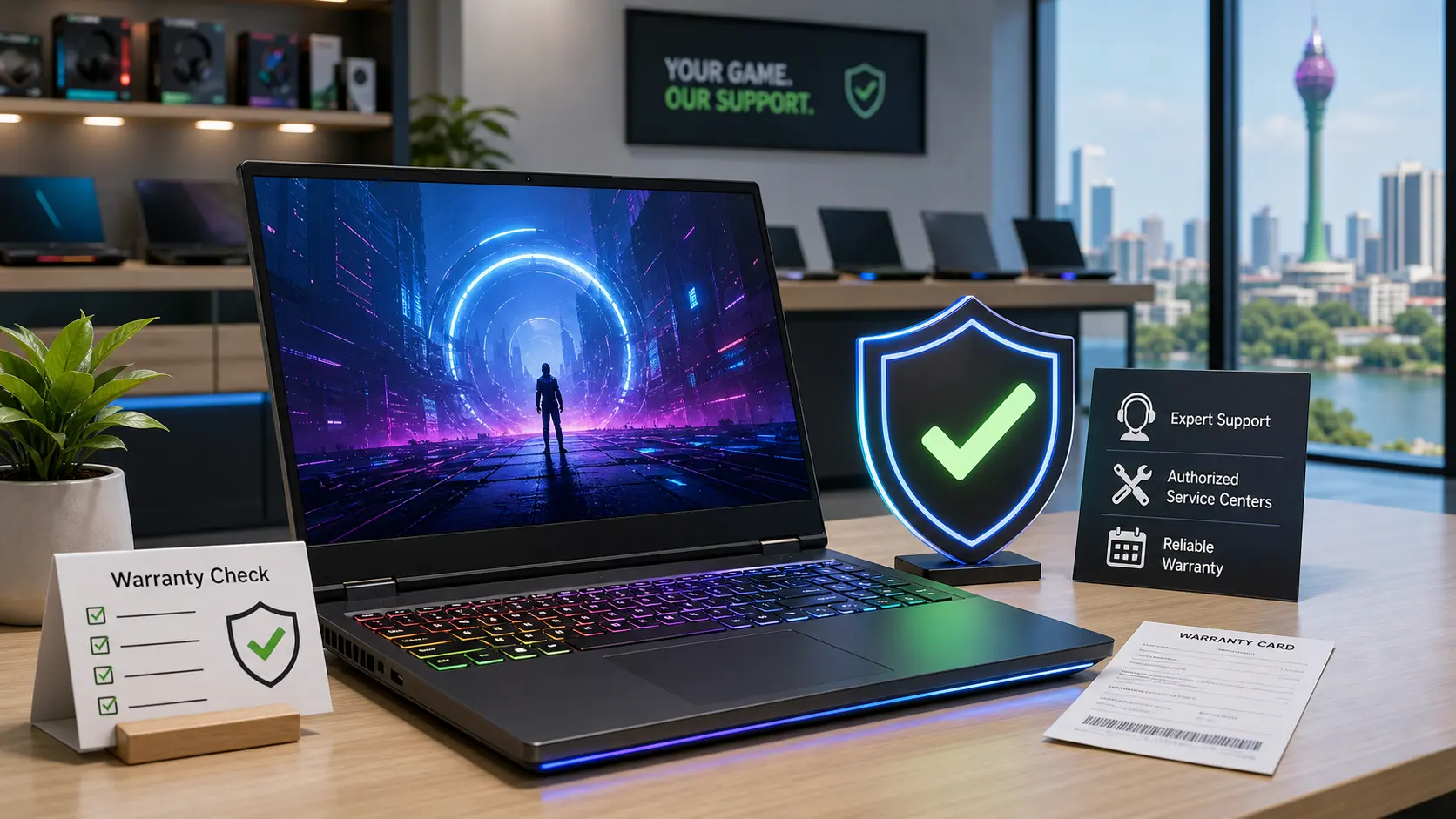
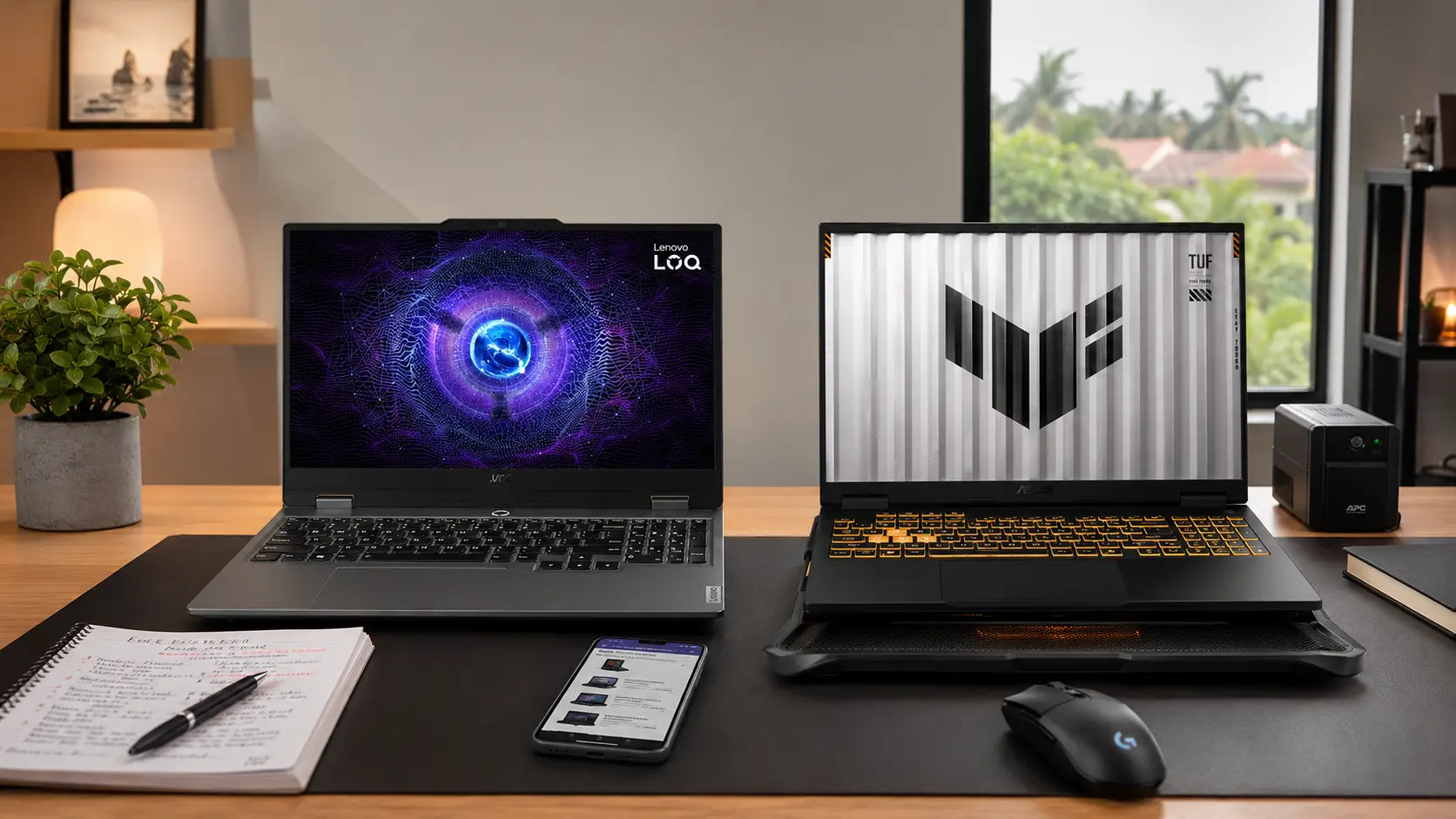
Warranty matters most: Many GPU laptops are sold as grey imports. Repairs are expensive, and service centers often reject them.
One GPU failure can wipe out all your “savings.”
Thinking About Buying or Upgrading a GPU? Read This First
Before paying extra for a GPU, slow down and check a few things.
Ask yourself:
What exact software do I use daily?
Do those apps clearly need a GPU?
Can I tolerate more heat and fan noise?
Do I face regular power cuts?
Is the warranty genuine and local?
For desktops, GPU upgrades are possible later. For laptops, GPU upgrades are almost never practical.
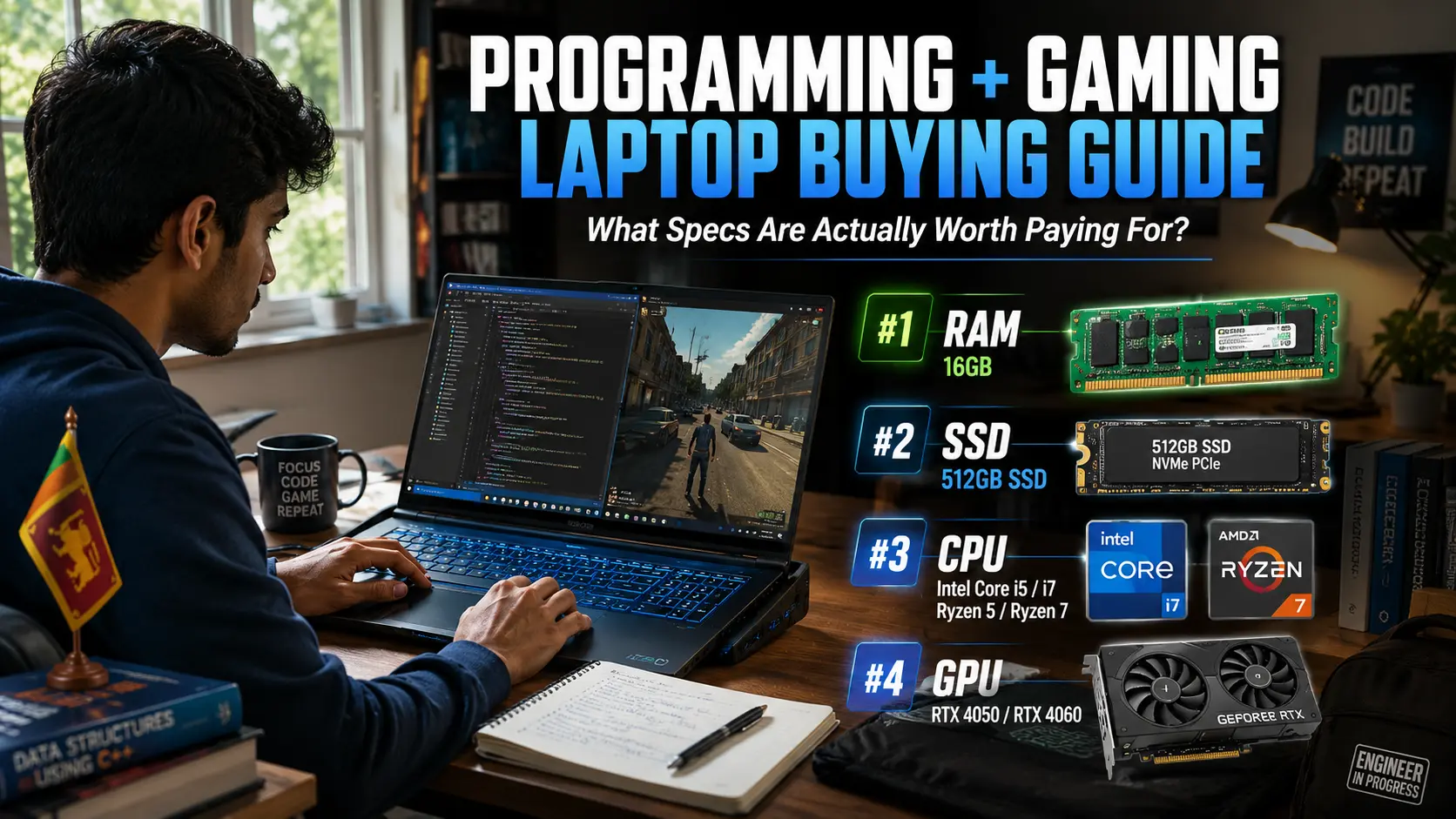
Tip: It’s smarter to buy more RAM and a better SSD than a GPU you won’t use.
Costly Myths That Trap Sri Lankan Buyers
“You need a GPU for programming” → No. Most coding uses the CPU, not the GPU.
“More VRAM means better performance” → Not always. Newer architecture matters more than big numbers.
“Gaming laptops are future-proof” → In hot climates, they often age faster.
“A GPU makes everything faster” → Office work, browsing, and Zoom feel the same.
Final Advice for Sri Lankan Buyers
Skip the GPU: Most students, office workers, and parents buying for school.
Consider carefully: Design freelancers, light video editors, casual gamers.
Must have a GPU: Architecture students, serious editors, 3D professionals, AAA gamers.
In 2026, most Sri Lankans don’t need a dedicated graphics card. Integrated graphics handle real-life work quietly, efficiently, and affordably.
Only pay the extra cost if your work truly demands it.
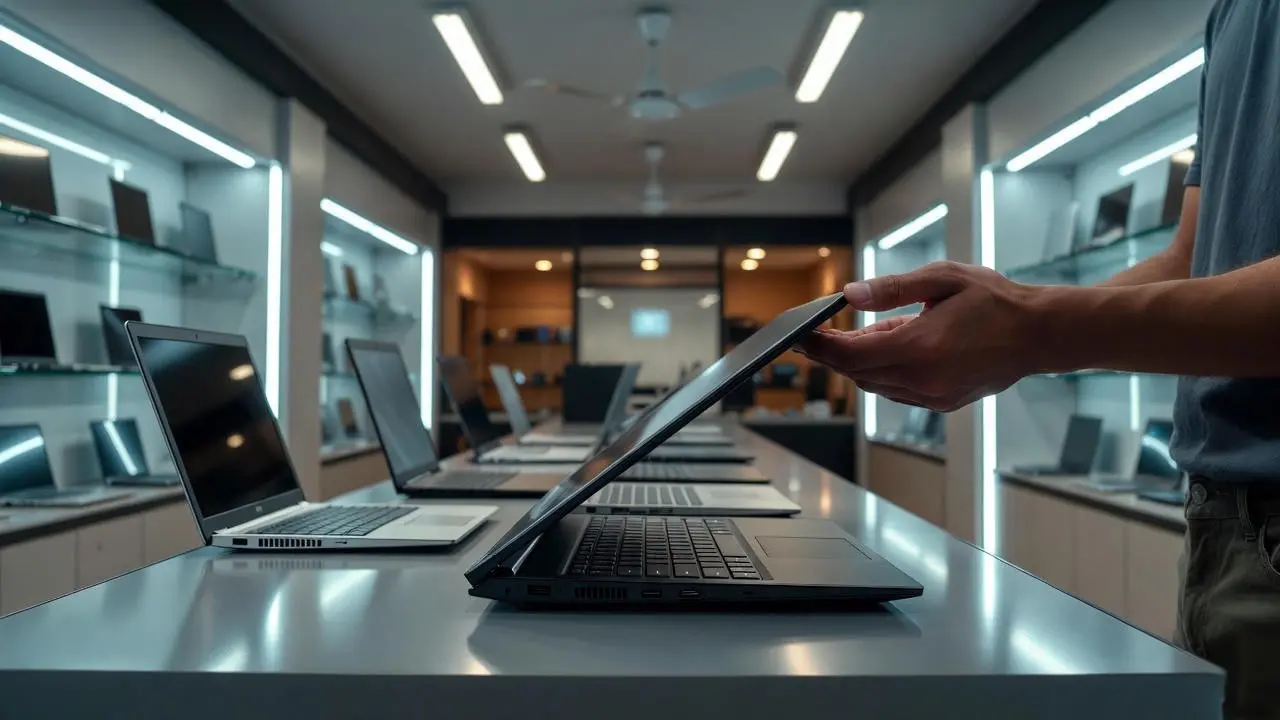
And before buying, always check updated laptop prices in Sri Lanka so you know what you’re really paying for.
Related Posts