 Laptops
  Gaming Laptops
  Desktop
  Laptop & Desktop Accessories
  Workstation & Gaming
  Used PC, Laptop & Accessories
  CCTV & Accessories
  Printers / Scanners / POS and Accessories
  Mobile Phones / Tablets and Accessories
  Softwares
  Home & Kitchen Appliances
  Gift Voucher
  Smart Devices & Gadgets
  Office & Meeting Solutions
  Networking & Power Devices
  Graphic Tablets & Drawing Displays
  Monitors
How to Check a Laptop’s Build Quality Before You Buy in Sri Lanka (2026)
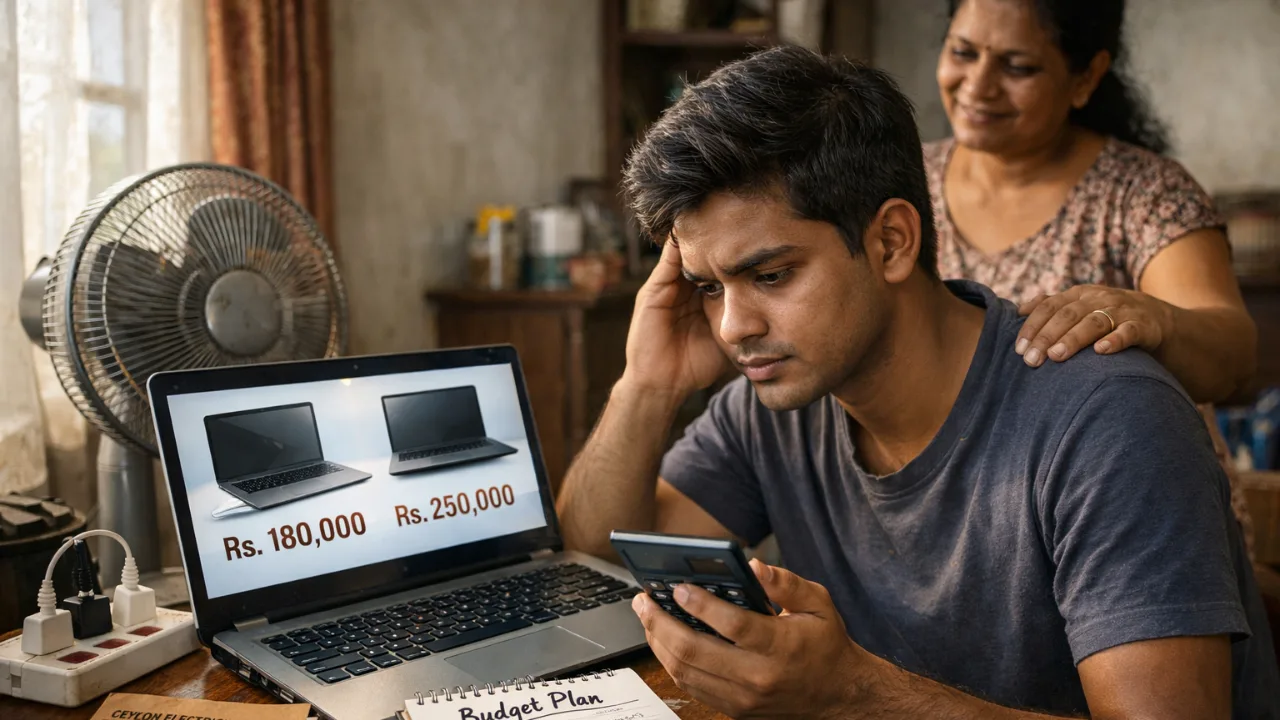
Buying a laptop in Sri Lanka is stressful. Prices are high, choices are confusing, and one wrong decision can cost you months of repairs.
Build quality matters more here than in most countries. Our heat, humidity, daily travel, and power cuts expose weak laptops very fast. A model that feels “okay” in the shop can start creaking, overheating, or loosening within weeks.
This guide shows you how to judge a laptop’s build quality in 10 minutes, even if a shop tries to rush you. No technical knowledge needed.
What Build Quality Really Means (In Simple Terms)
Build quality is not about brand names or fancy specs.
It’s about how well the laptop survives daily life in Sri Lanka.
Here’s what actually matters.
Chassis and Materials
Most budget laptops use plastic. That’s fine. The problem is thin plastic that flexes.
In Sri Lanka’s heat, weak plastic can:
Creak when you type
Warp slightly over time
Stress hinges and screens
Metal or reinforced frames hold shape better. You don’t need full aluminum, but rigidity matters.
Local truth: In Sri Lanka, flex gets worse over time. It never improves.
Hinges (The First Thing That Breaks)
Hinges fail more than any other part.
Weak hinges lead to:
Screen wobble
Cracks near hinge mounts
Loose lids after a few months
This is common in cheaper consumer models sold as “latest”.
Good hinges feel smooth, firm, and even on both sides.
Keyboard and Palm Rest Flex
Press gently on the keyboard and palm rest.
If it sinks or creaks now, it will feel worse later.
Heat expansion makes this problem more noticeable here.
Long typing sessions become uncomfortable fast.

Ports (USB, Charging, HDMI)
Ports should feel tight and stable.
Loose ports fail early in Sri Lanka because:
Frequent plugging during power cuts
Voltage fluctuations
Daily travel strain
A loose charging port is a future repair bill.
Cooling and Internal Design
Good build quality includes proper cooling.
Poor cooling leads to:
Loud fans
Slower performance
Battery swelling over time
Heat kills laptops faster here. Cooling is not optional.
Serviceability (Can It Be Repaired?)
Repairs are expensive in Sri Lanka.
A laptop with:
Upgradeable RAM
Replaceable SSD
Easy bottom panel access
will save you money later.
Business-class lines from brands like Lenovo, Dell, and HP usually do better here than entry-level consumer models.
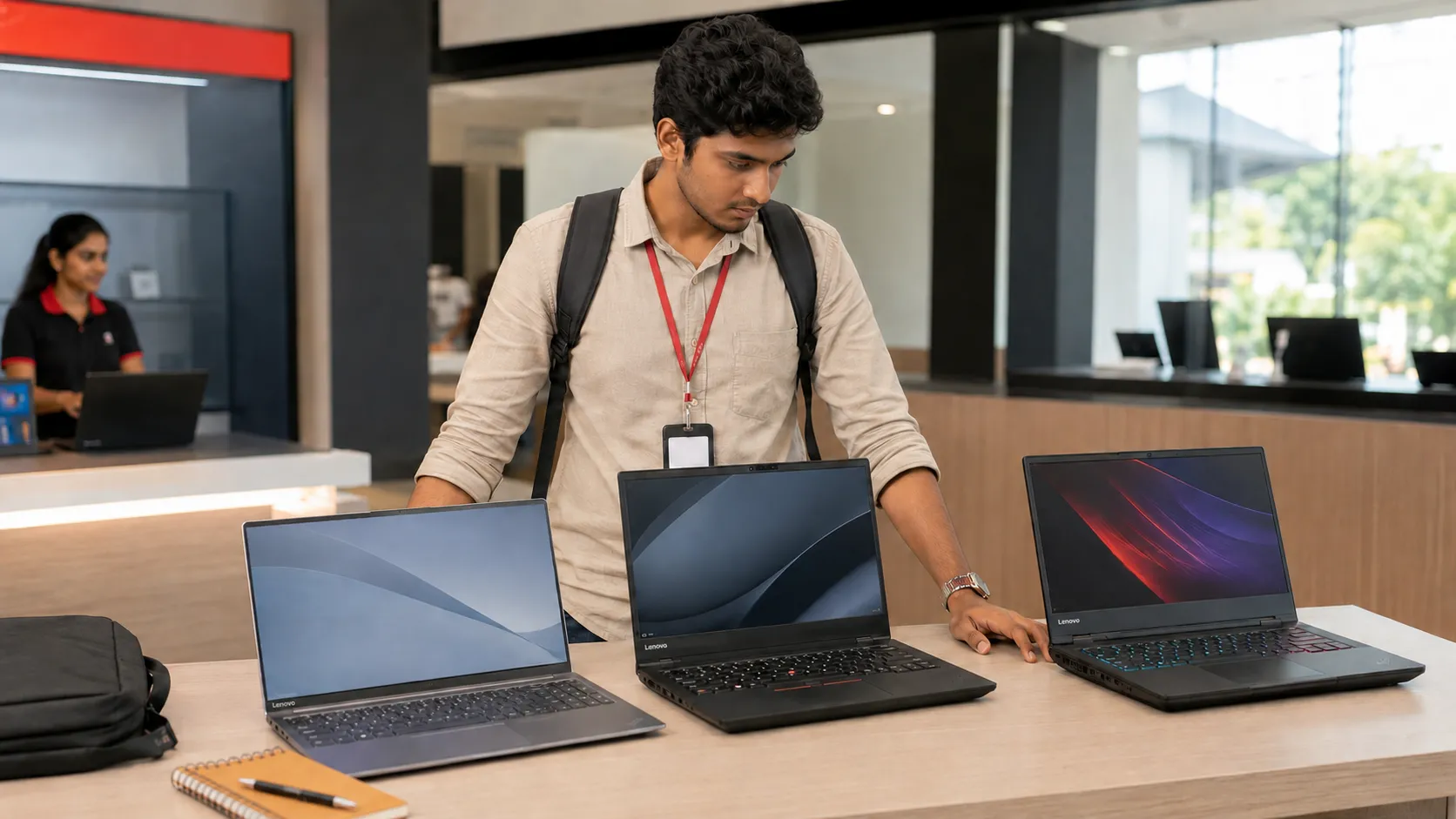
The 10-Minute In-Store Build Quality Check (Step by Step)
You don’t need tools. You don’t need permission.
You just need confidence.
1. One-Hand Lid Open Test
Open the laptop using one finger from the center.
Good: Lid opens smoothly, base stays flat
Bad: Base lifts or lid sticks
Weak hinges fail this test.
2. Lid Twist Test (Gentle)
Close the lid. Hold opposite corners lightly and twist.
Good: Solid, no creaking
Bad: Twists easily, makes noise
This shows frame rigidity.
3. Keyboard Flex Test
Press lightly around the keyboard center and palm rest.
Good: Firm, minimal movement
Bad: Sinks or creaks
If it flexes in the shop, it will flex more in Colombo heat.

4. Trackpad Stability Test
Tap all corners of the trackpad.
Good: Even clicks, no rattle
Bad: Loose or uneven
Humidity worsens loose trackpads over time.
5. Port Wiggle Test
Insert a USB or charger and gently wiggle.
Good: Snug fit
Bad: Movement or looseness
Loose ports fail early in Sri Lanka.
6. Bottom Panel Creak Test
Lift the laptop slightly from one corner.
Good: Feels solid
Bad: Loud creaks or bending
Creaking panels let dust and moisture in.
7. Fan Noise at Idle
If powered on, listen closely.
Good: Quiet or barely audible
Bad: Loud fan at idle
This means poor cooling design.
8. Screen Bezel Pressure Test
Press lightly on the screen bezel, not the panel.
Good: No distortion
Bad: Ripples appear
Thin panels suffer more during travel.
9. Visual Inspection
Look closely for:
Uneven gaps near hinges
Scratches near ports
Misaligned screws
These suggest handling damage or tampering.
10. Serial Number Check
Match serial numbers on:
Box
Laptop body
BIOS (if allowed)
Mismatch is a major red flag.
How to Detect Refurbished or Tampered Units
This is where many Sri Lankan buyers get trapped.
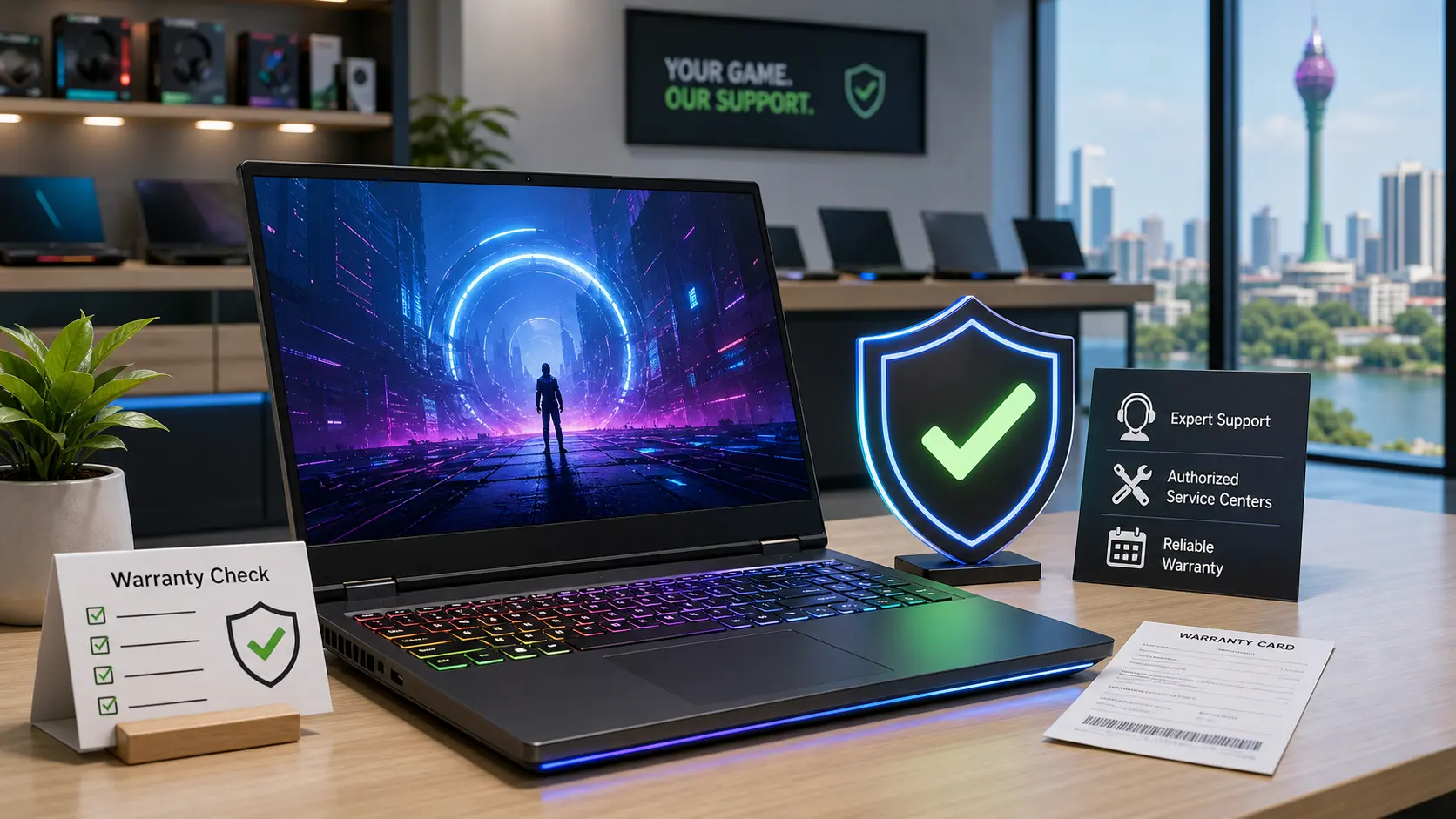
Step 1: Warranty Verification
Before paying, check the serial number on the brand’s official site.
If warranty:
Is expired
Shows another country
Doesn’t match seller claims
walk away. “Shop warranty” is not the same as official warranty.
Step 2: Battery Cycle Check (Windows)
Run this command: powercfg /batteryreport
Open the report.
New laptop: Very low cycle count
Used/refurb: High cycle count
Battery wear shows real usage.
Step 3: SSD Health Check
Use a free tool like CrystalDiskInfo.
Check:
Power-on hours
Health percentage
A “brand new” laptop should not show heavy SSD usage.
Step 4: BIOS Manufacturing Date
Enter BIOS and check the manufacturing date.
Old dates often mean:
Older stock
Refurbished units
Models pushed as “latest”
Sri Lanka Warning Z one: What to Watch Out For
These problems are common locally.
Grey Imports
Grey imports often:
Lack official warranty
Have swapped parts
Get no agent support
They look cheap now but cost more later.
“Shop Warranty Only”
This usually means:
Limited coverage
No brand support
Hard claims during power-related damage
Always insist on serial-verified official warranty.
Rushed Inspections
If a seller refuses checks or rushes you, that’s your signal. A genuine seller allows inspection.
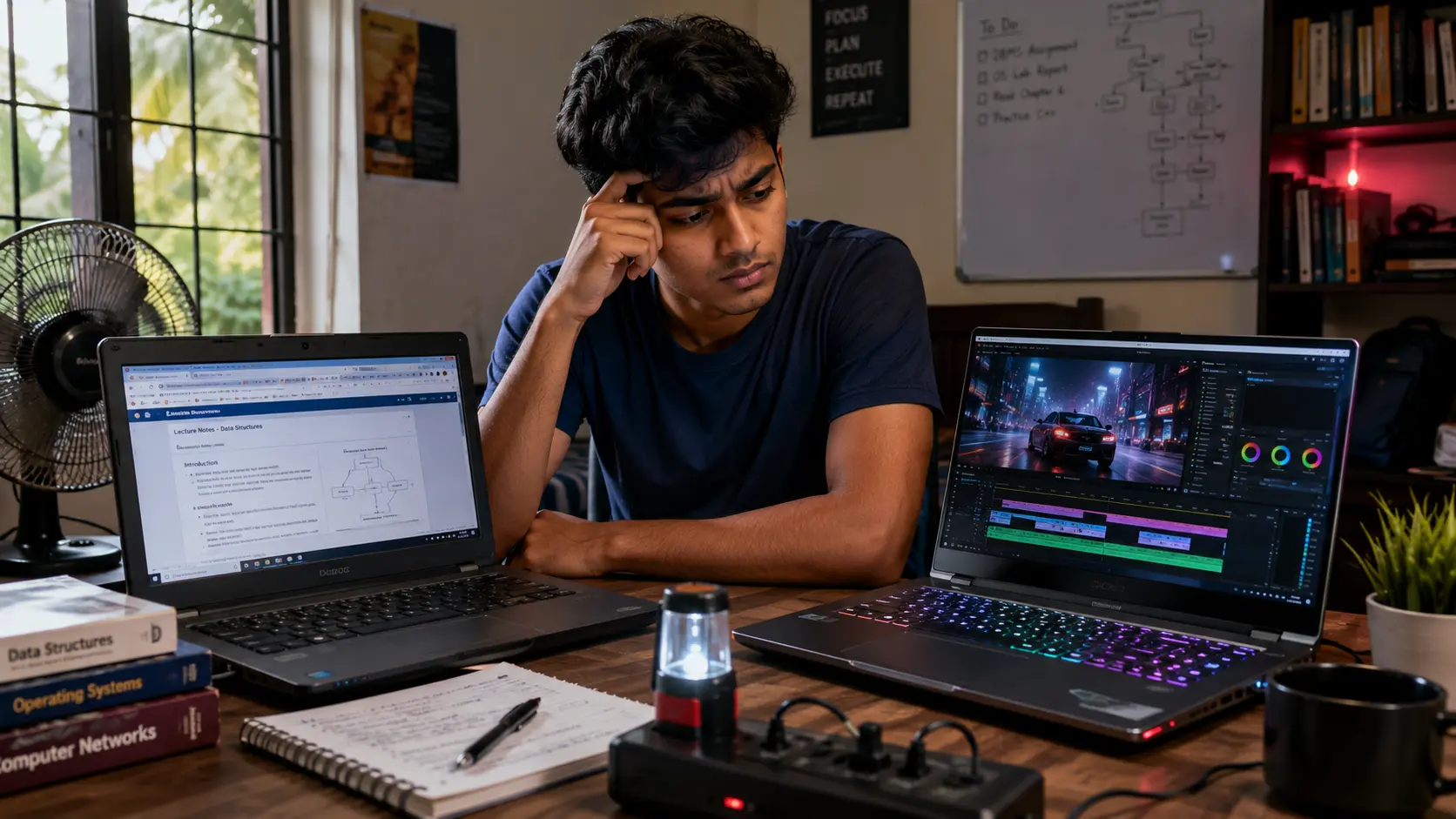
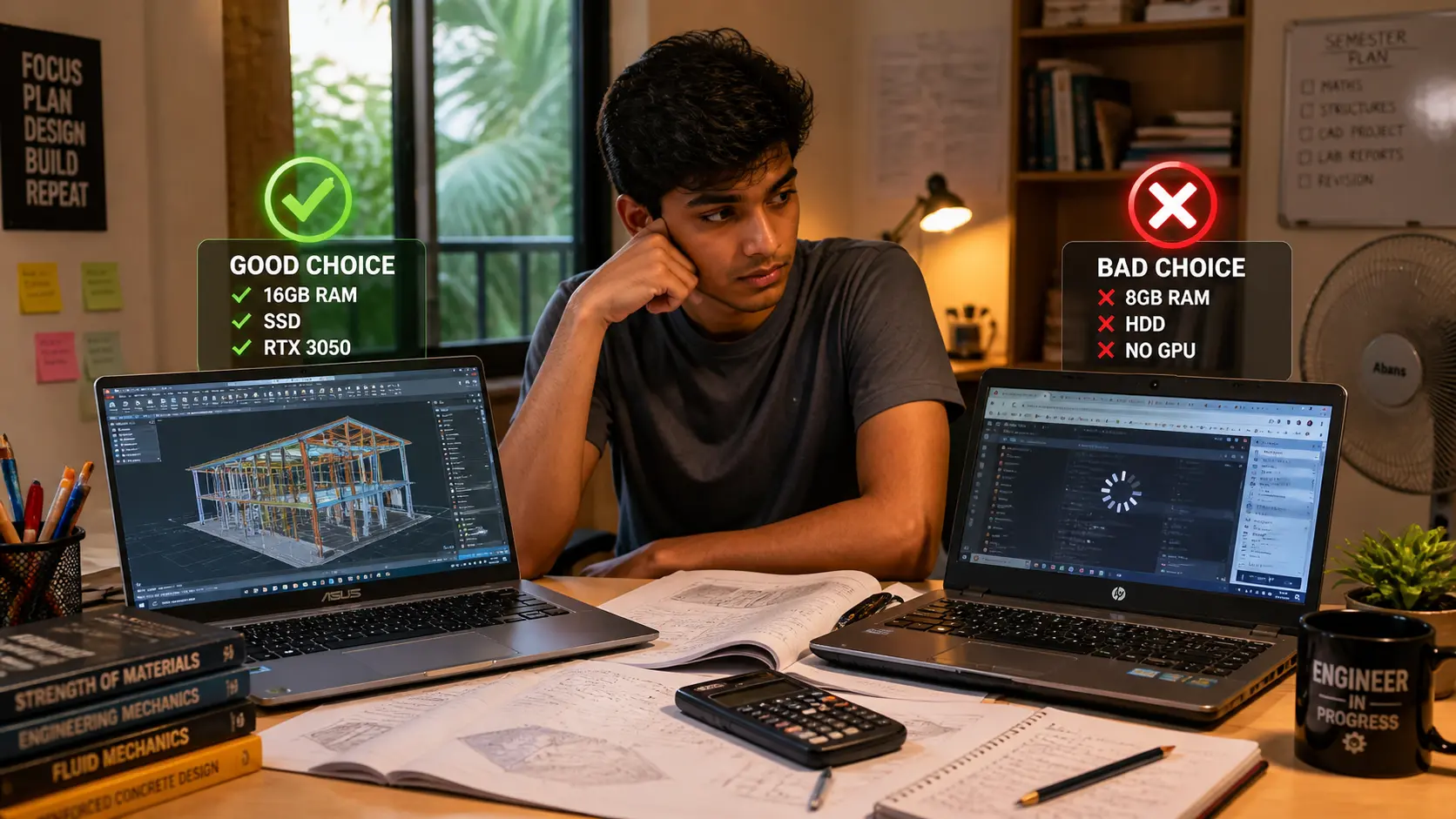
If You’re a Student in Sri Lanka
You don’t need the strongest laptop. You need a durable one.
Focus on:
Strong hinges
Good keyboard
Upgradeable RAM
Reliable cooling
Avoid ultra-thin, flashy models with weak frames. Your laptop travels with you. Build quality matters more than looks.
Avoid These Common Sri Lankan Buying Mistakes
Buying cheap “i7” laptops under Rs. 200,000 without checking generation
Trusting shop warranty over official warranty
Skipping battery and SSD checks
Ignoring hinge quality
Choosing looks over durability
Buying without an invoice showing serial numbers
Copy-Paste Check-Before-You-Buy Checklist
Use this in the shop.
Before Paying
Hinges feel firm and smooth
Keyboard and palm rest don’t flex
Ports feel tight
No creaks from base
Fan quiet at idle
Serial numbers match
Official warranty verified
After Unboxing
Battery cycle count low
SSD health clean
BIOS date reasonable
Packaging intact
If any check fails, stop.
Final Thoughts
In Sri Lanka, build quality is not a luxury. It’s protection against heat, humidity, travel, and repair costs. A solid laptop lasts years. A weak one becomes a headache within months.
Before you decide, compare durability and pricing using our Laptop Prices in Sri Lanka guide on SellX.lk. It helps you balance price, warranty, and long-term value clearly.
If you buy slow and smart, you save money.
FAQs
❓ FAQ 1: Is plastic build always bad for laptops in Sri Lanka?
No. Plastic laptops are not automatically bad. The problem is thin, flexible plastic. In Sri Lanka’s heat and humidity, weak plastic flexes more over time and stresses hinges and screens. A solid plastic chassis with minimal flex can still last well if the hinges and cooling are good.
❓ FAQ 2: Can I trust a laptop with only a “shop warranty” in Sri Lanka?
You should be very careful. A shop warranty is not the same as an official brand warranty. Many grey import laptops are sold this way, and claims become difficult when issues appear after power cuts or heat-related damage. Always verify the laptop’s serial number on the brand’s official website before paying.
❓ FAQ 3: How long should a well-built laptop last in Sri Lanka?
A well-built laptop should last at least 4–6 years with normal use. Strong hinges, proper cooling, and upgradeable parts matter more than brand names. Poorly built laptops often show problems within the first year, especially in Sri Lanka’s climate and travel conditions.
Related Posts