 Laptops
  Gaming Laptops
  Desktop
  Laptop & Desktop Accessories
  Workstation & Gaming
  Used PC, Laptop & Accessories
  CCTV & Accessories
  Printers / Scanners / POS and Accessories
  Mobile Phones / Tablets and Accessories
  Softwares
  Home & Kitchen Appliances
  Gift Voucher
  Smart Devices & Gadgets
  Office & Meeting Solutions
  Networking & Power Devices
  Graphic Tablets & Drawing Displays
  Monitors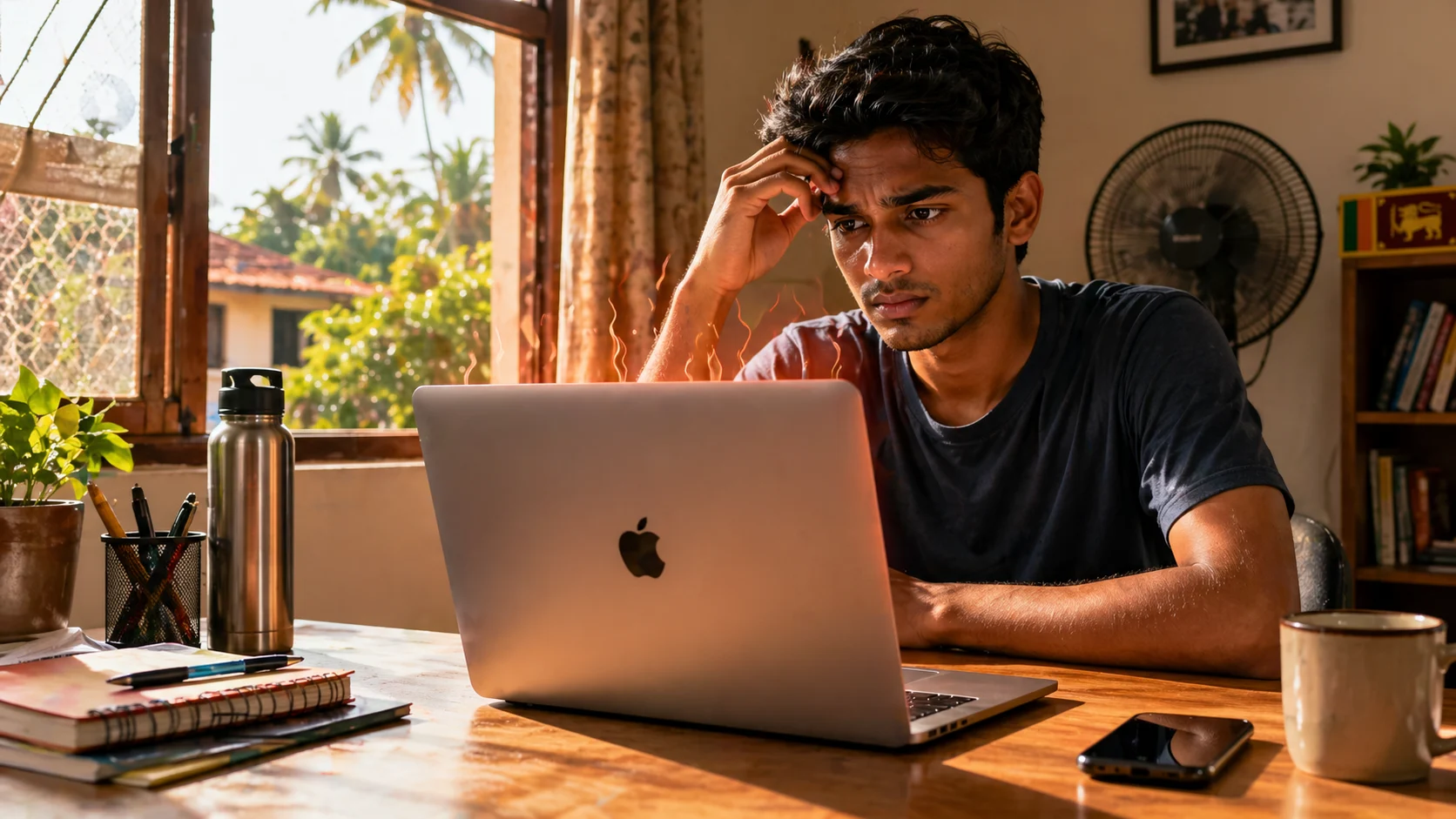
MacBook Overheating in Sri Lanka Weather: Real Problem or Myth?
Buying a MacBook in Sri Lanka comes with one big fear.
Will it overheat in our heat and humidity?
You’re not wrong to worry. With hot afternoons, power cuts, and limited air conditioning, laptops here face tougher conditions than in most countries. But the truth is more nuanced than what you see in forums or YouTube comments.
Let’s break it down properly so you can make the right decision before spending your money.
Fast Facts
- MacBooks do not overheat just because they are used in Sri Lanka’s weather.
- Newer Apple Silicon models like M1, M2, and M3 handle heat better than older Intel MacBooks.
- Heat problems usually happen when heavy work, charging, poor airflow, and hot rooms combine.
- Sri Lankan buyers should avoid old Intel MacBooks unless battery health, warranty, and cooling condition are checked.
Myth vs Reality
Most people think a MacBook “overheats” because it feels hot. That’s not accurate.
MacBooks use an aluminum body. Heat spreads to the surface quickly, so you feel warmth faster than on plastic laptops. This actually helps cooling. It’s not a flaw.
Real overheating is different.
That’s when your laptop slows down heavily, lags during simple tasks, or shuts down.
Local truth
In Sri Lanka, heat doesn’t break MacBooks.
Bad usage and wrong buying decisions do.
How MacBook Cooling Actually Works
MacBooks are designed to protect themselves before damage happens. When temperature rises, the system doesn’t fail suddenly. It adjusts.
First, it reduces performance. This is called thermal throttling. Then, if needed, fans increase speed on models that have them. Shutdown happens only in extreme cases.
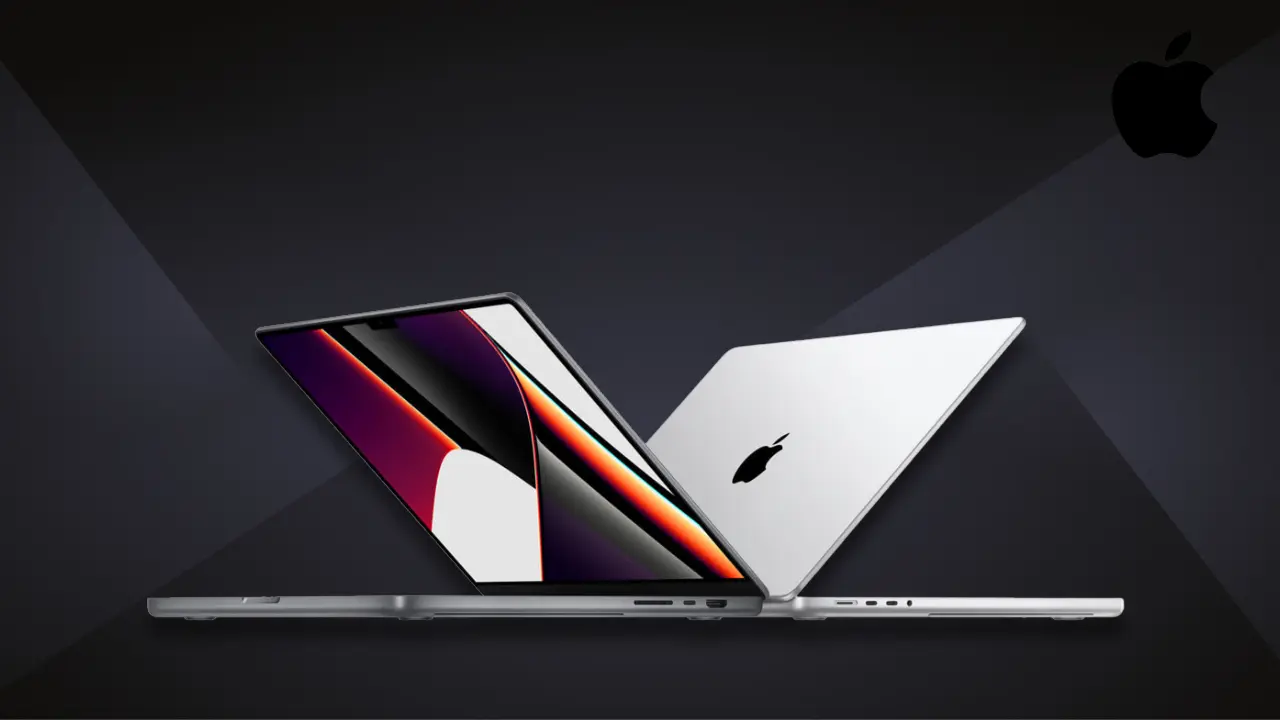
The key difference is between the MacBook Air and the MacBook Pro.
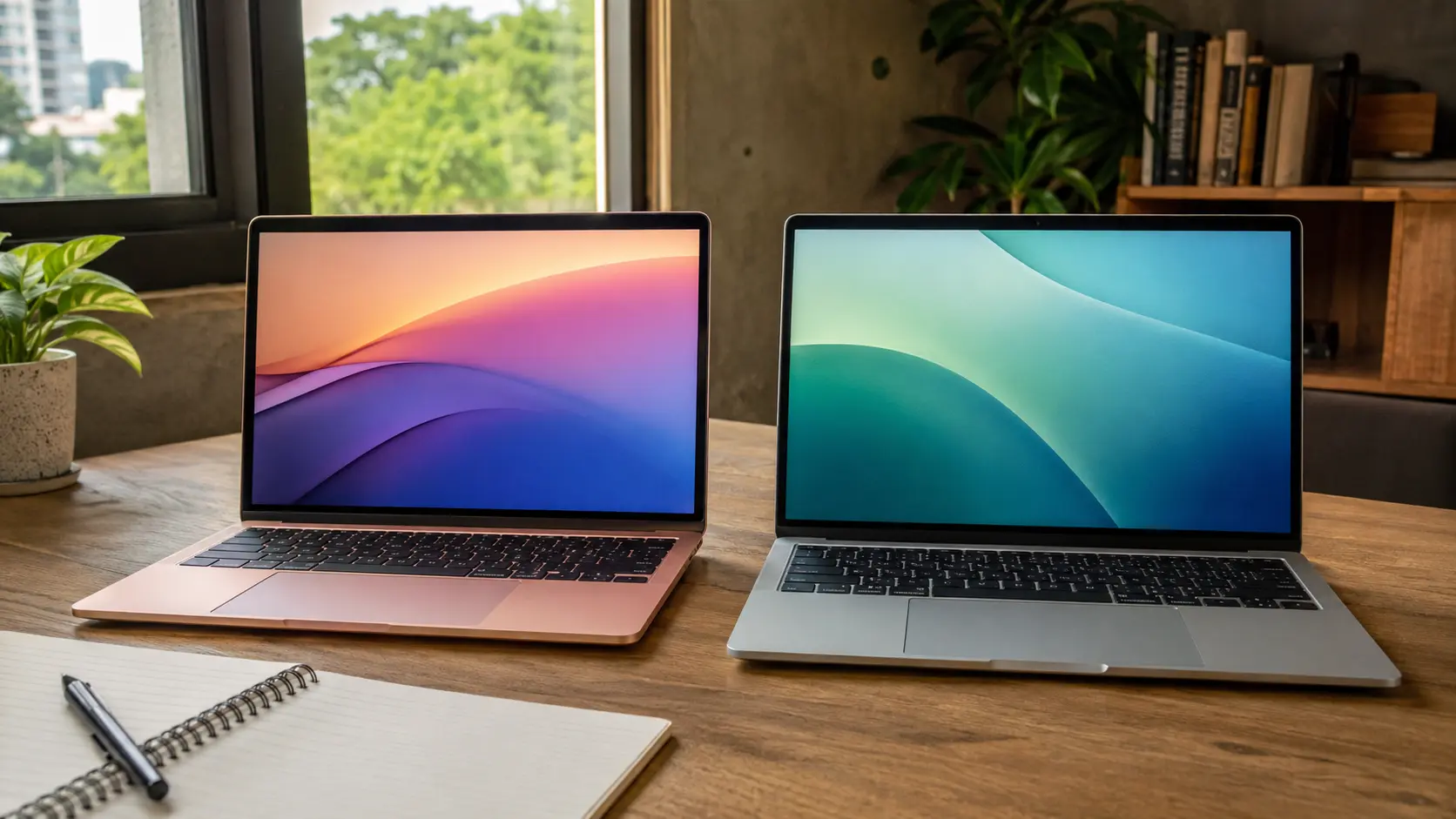
The MacBook Air has no fan. It stays silent, which is great for students and office users. But during heavy tasks like video editing, it cannot actively push heat out. So it slows down to stay safe.
The MacBook Pro includes fans. It can handle long heavy workloads better because it actively removes heat.

What this means for you
If your work is light, you won’t notice any issue.
If your work is heavy and long, cooling design matters.
What Sri Lanka Weather Really Does
Sri Lanka’s weather does not directly damage a MacBook. But it changes how efficiently it can cool itself.
Laptops release heat into the surrounding air. When the air is already hot, heat escapes more slowly.
Imagine using your laptop in a room at 24°C with AC. It runs comfortably. Now imagine the same laptop in a closed room at 31°C in the afternoon. The heat has nowhere to go quickly.
That’s when you start noticing performance drops.
Humidity also plays a role over time. Dust and moisture can reduce cooling efficiency if the device is not maintained properly.
Local truth
In Sri Lanka, your environment affects your laptop almost as much as the laptop itself.
Real User Experiences
When you look at real-world usage, the pattern is clear.
Most Sri Lankan users with newer MacBooks report that:
The laptop feels warm
Performance is stable for normal work
No serious overheating happens
The complaints mostly come from older Intel-based MacBooks. Those models run hotter and rely more on fans.
Apple Silicon models like M1, M2, and M3 are far more efficient. They generate less heat and manage power better, which makes them more suitable for tropical climates.
Verified Sri Lankan experience
Many users say an M1 MacBook Air works smoothly for daily tasks even without air conditioning.
When Overheating Actually Happens
This is where the real problem begins.
Overheating is rarely caused by weather alone. It happens when multiple factors combine.
A common scenario in Sri Lanka looks like this:
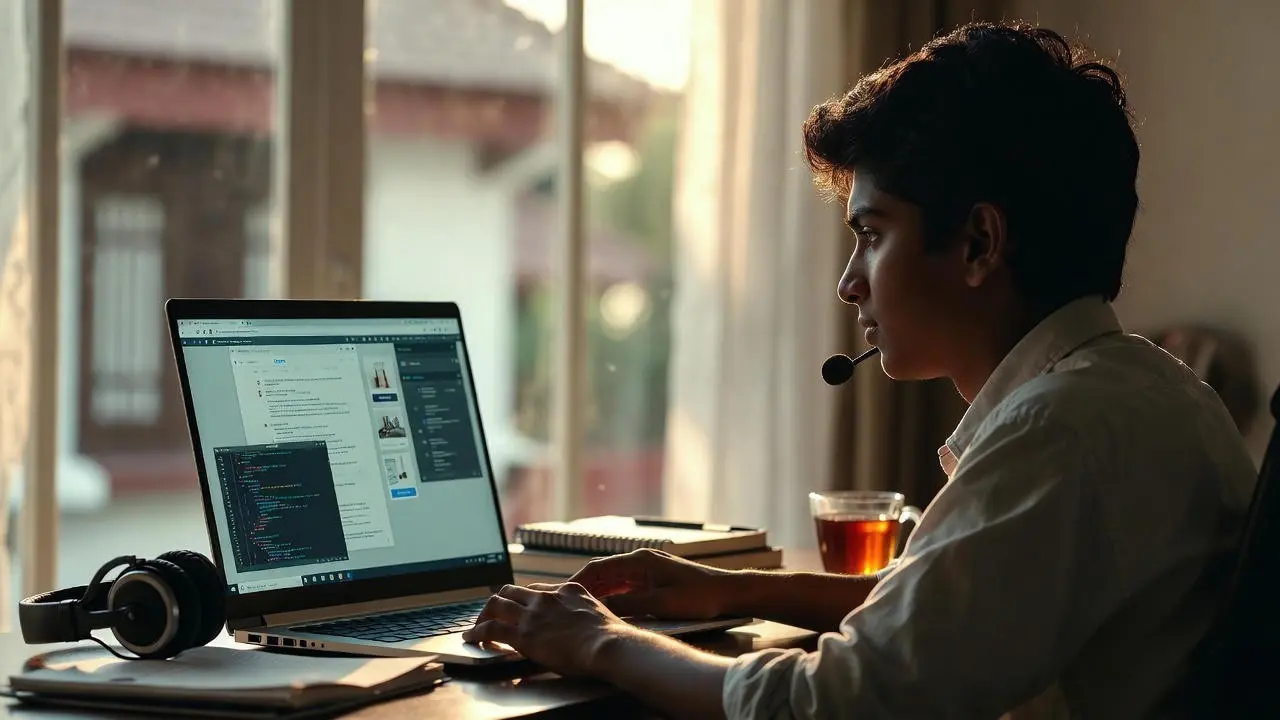
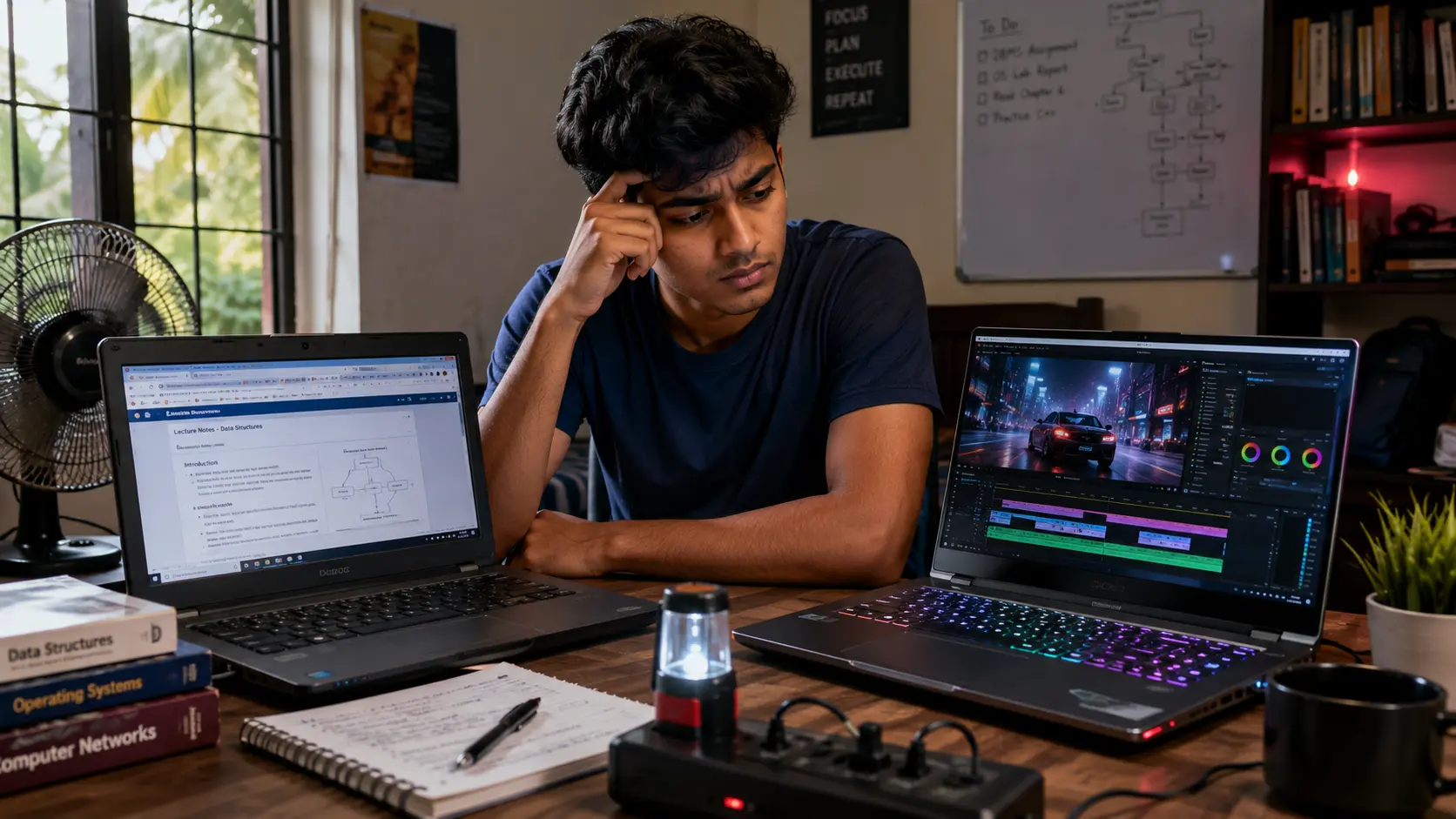
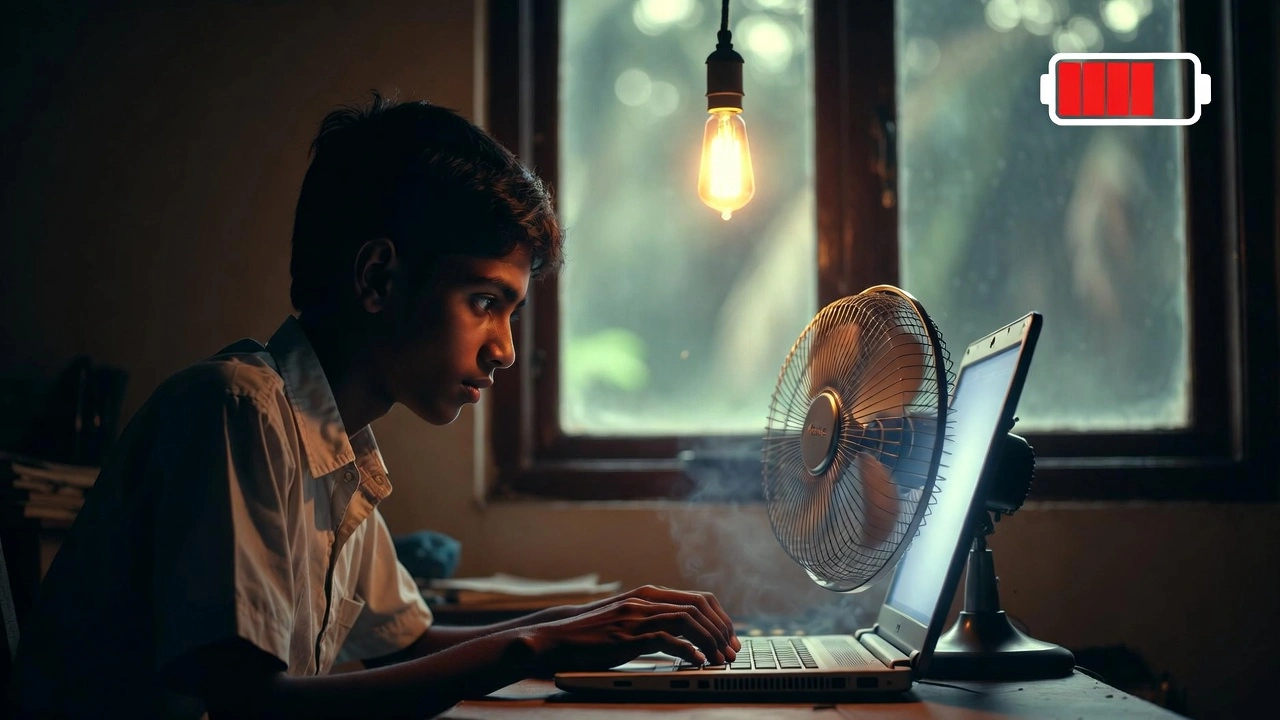
You’re working in a non-AC room during the afternoon. The temperature is around 30°C. You’re charging your laptop while running multiple Chrome tabs, maybe editing a video or attending Zoom meetings. The laptop is placed on a soft surface like a bed.
In this situation, heat builds up quickly. Not because the MacBook is weak, but because the conditions are stacked against it.
Another common issue is buying older Intel MacBooks or poorly refurbished units. These often come with worn-out cooling systems, degraded thermal paste, or dust buildup.
That’s when users start saying, “MacBooks overheat in Sri Lanka.”

Practical Advice for Sri Lankan Buyers
Choosing the right MacBook matters more than worrying about the weather.
If you are a student, office worker, or someone who mainly uses a browser, documents, and Zoom, a MacBook Air with M1 or newer is more than enough. It will run cool and stable for your needs.
But if you are planning to do video editing, software development, 3D work, or long heavy workloads, a MacBook Pro is the safer choice. It handles heat better under pressure.
Avoid older Intel MacBooks even if they look cheaper. They are not built for efficiency like newer models, and they struggle more in Sri Lankan conditions.
How you use the laptop also matters.
If you use it on a flat surface, allow proper airflow, and avoid heavy workloads while charging, you will rarely face overheating issues. But if you block airflow or push the system constantly in a hot room, you will feel the difference.
Local truth
In Sri Lanka, a well-used MacBook performs better than a poorly used high-end one.
If You’re a Student
You don’t need to overthink this.
If your work includes assignments, browsing, presentations, and online classes, a MacBook Air is perfectly fine. You won’t face overheating issues in normal use.
But if your course involves software like AutoCAD, video editing, or development tools, consider stepping up to a MacBook Pro. It gives you better long-term stability.
Avoid These Common Mistakes
Most overheating complaints come from avoidable mistakes.
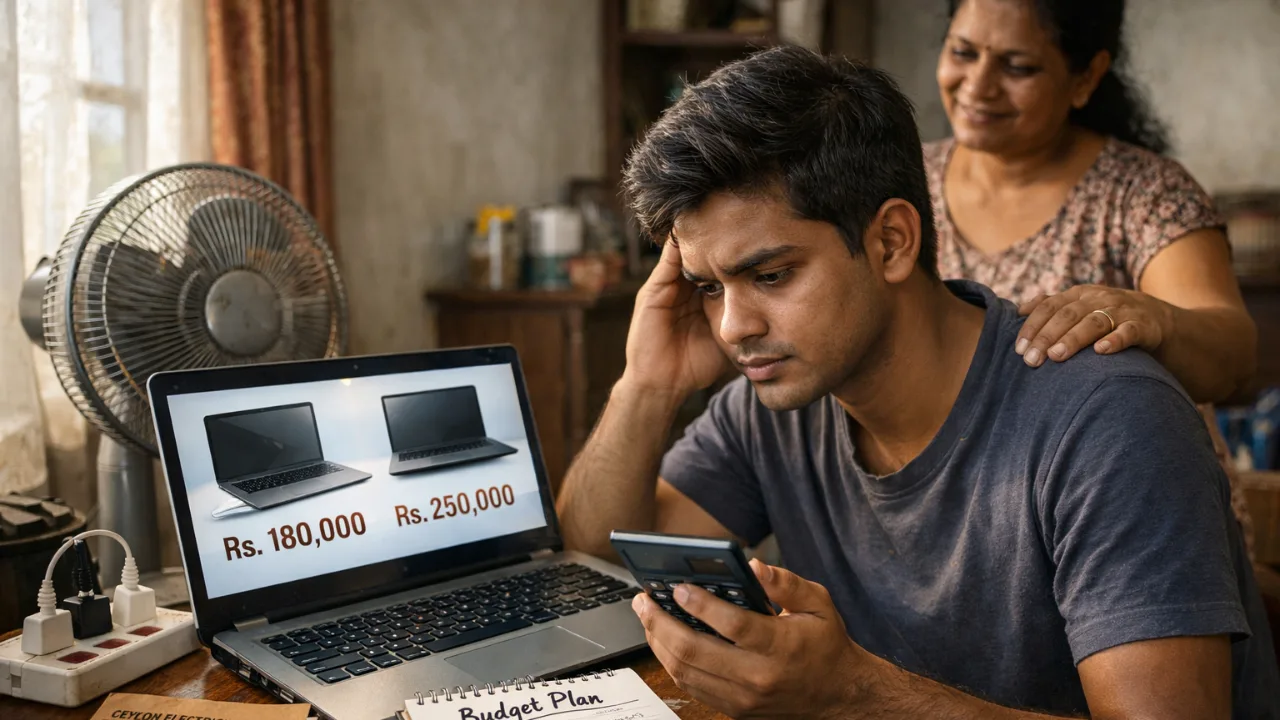
Buying based only on price is one of them. Many people choose older models to save money, but end up with poor performance and more heat.
Another mistake is ignoring where and how you use the laptop. A powerful device will still struggle if airflow is blocked.
And finally, trusting random sellers without checking whether the device is refurbished or genuine can lead to hidden issues.
Check Before You Buy
Before you buy a MacBook in Sri Lanka, take a moment to verify a few things.
Make sure the device uses Apple Silicon (M1 or newer). Check if it comes with a proper warranty. Confirm whether it is brand new or refurbished. Look at the seller’s reputation. And most importantly, make sure the price matches current Sri Lankan market conditions.
These steps protect you more than worrying about overheating.
Final Verdict
So, is MacBook overheating in Sri Lanka real or just a myth? It’s a partial truth. For normal users, it’s mostly a myth.
For heavy users in hot environments, it can become noticeable.
For buyers choosing old Intel models or poorly maintained units, it becomes a real problem.
MacBooks are safe to use in Sri Lanka. But your usage habits, environment, and buying choice matter far more than the weather itself.
If you’re comparing options, always check the latest Laptop Prices in Sri Lanka before making your final decision.
Frequently Asked Questions
Can Sri Lanka’s humidity damage a MacBook over time?
Humidity alone will not usually damage a MacBook if you use and store it properly. The bigger risk is long-term moisture, dust, and poor airflow. Keep the laptop in a dry place, avoid using it near open windows during rain, and clean dust buildup regularly.
Should Sri Lankan students buy a MacBook Air or MacBook Pro?
Most Sri Lankan students can safely choose a MacBook Air with M1 or newer for assignments, browsing, online classes, and office work. A MacBook Pro is better if your course needs video editing, coding, design software, or long heavy workloads.
How can I check if a used MacBook has overheating issues before buying?
Run a few normal tasks before paying. Open several browser tabs, play a video, check battery health, listen for unusual fan noise, and feel whether the heat becomes extreme during simple work. If it gets very hot or slows down quickly, avoid it.
Related Posts