 Laptops
  Gaming Laptops
  Desktop
  Laptop & Desktop Accessories
  Workstation & Gaming
  Used PC, Laptop & Accessories
  CCTV & Accessories
  Printers / Scanners / POS and Accessories
  Mobile Phones / Tablets and Accessories
  Softwares
  Home & Kitchen Appliances
  Gift Voucher
  Smart Devices & Gadgets
  Office & Meeting Solutions
  Networking & Power Devices
  Graphic Tablets & Drawing Displays
  Monitors
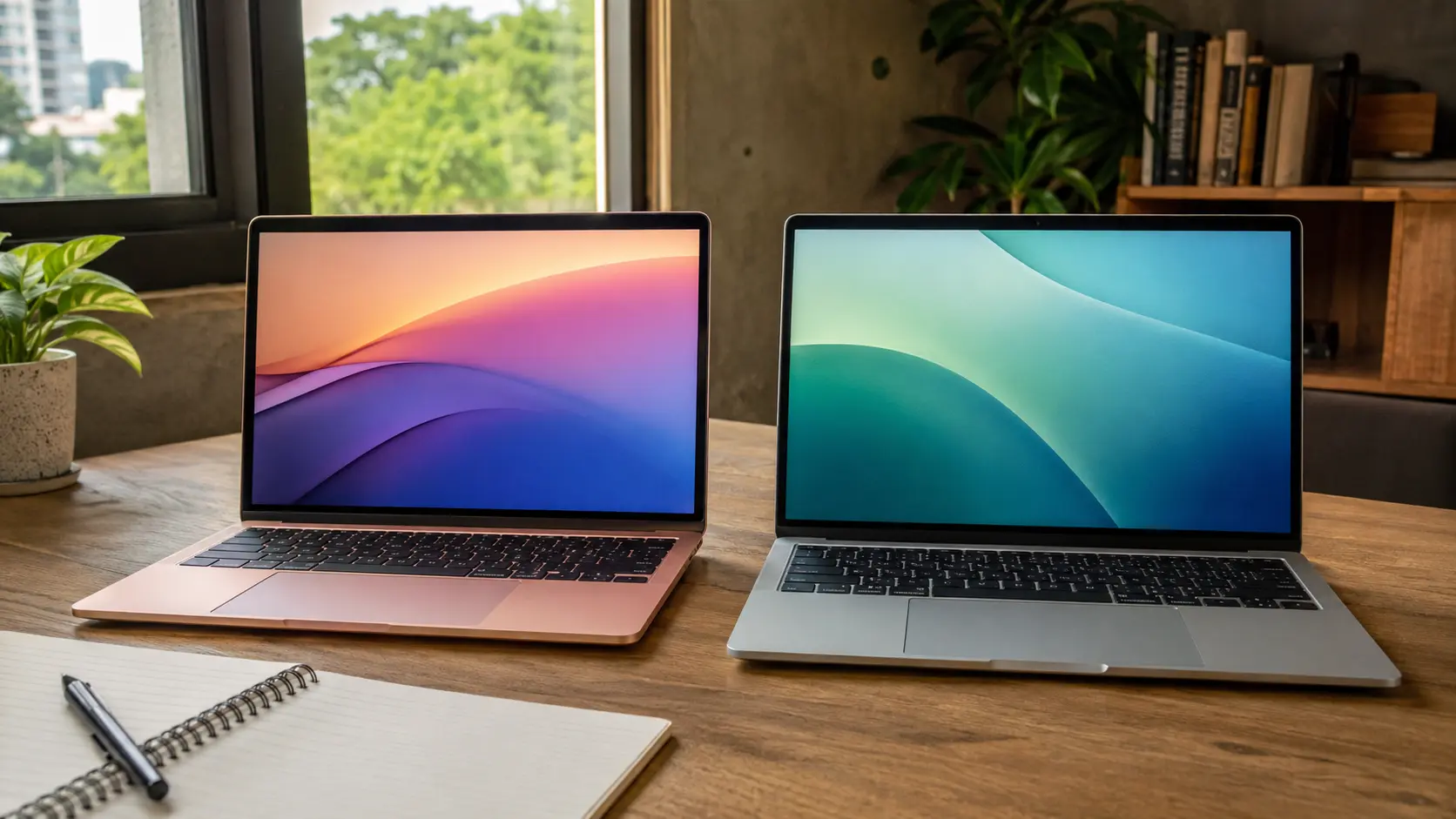
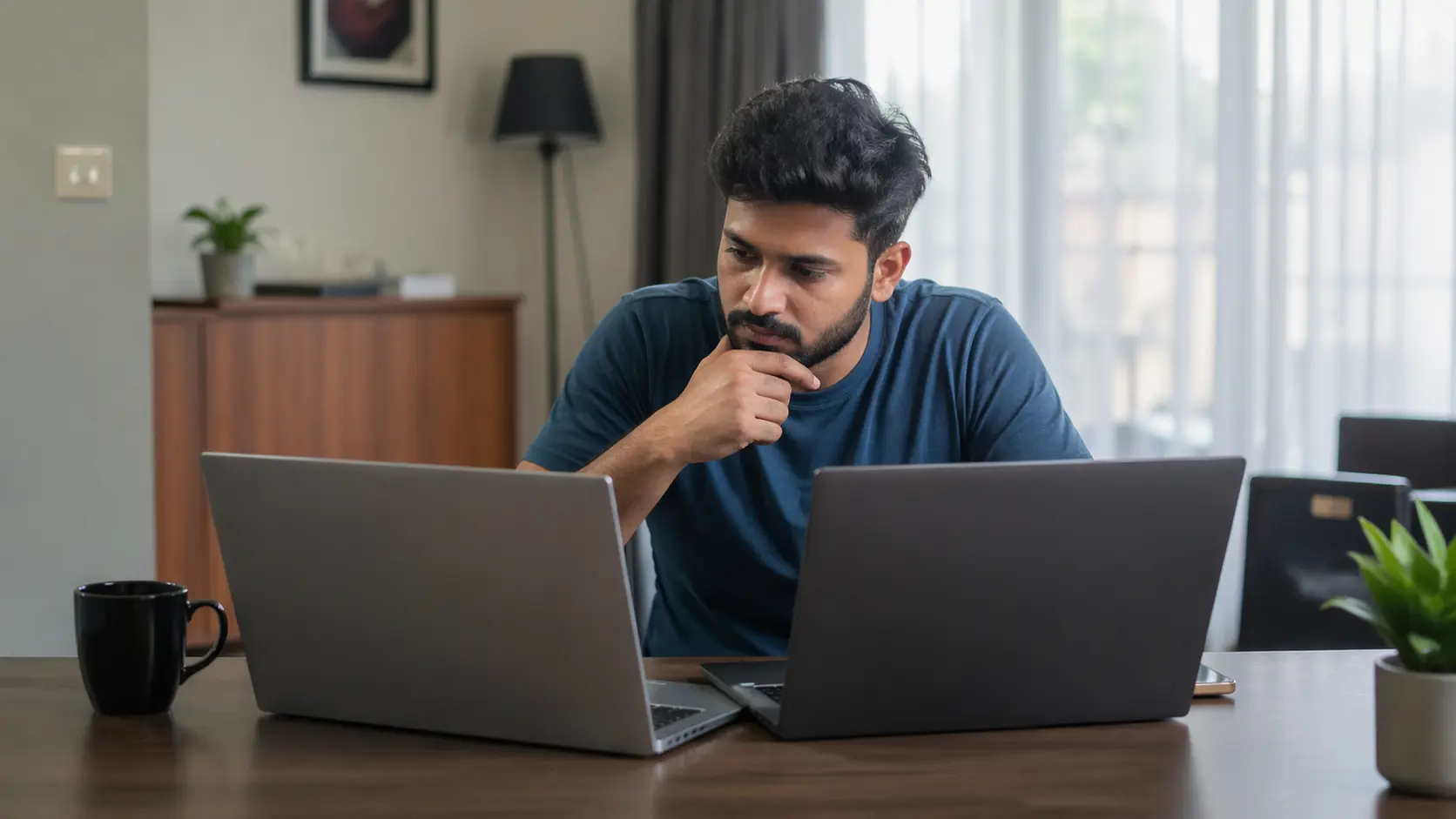
Should You Buy a 14-Inch or 15.6-Inch Laptop? Honest Comparison for Sri Lankan Students
Choosing the right laptop size is a bigger decision than most Sri Lankan students expect. The screen size affects your backpack weight, your battery life during power cuts, and even how many windows you can open while studying. Many students later regret their choice because they didn’t consider how a laptop actually fits into daily life here. This guide keeps things simple, local, and honest so you can decide with confidence.
Portability: What It Actually Feels Like in Sri Lanka
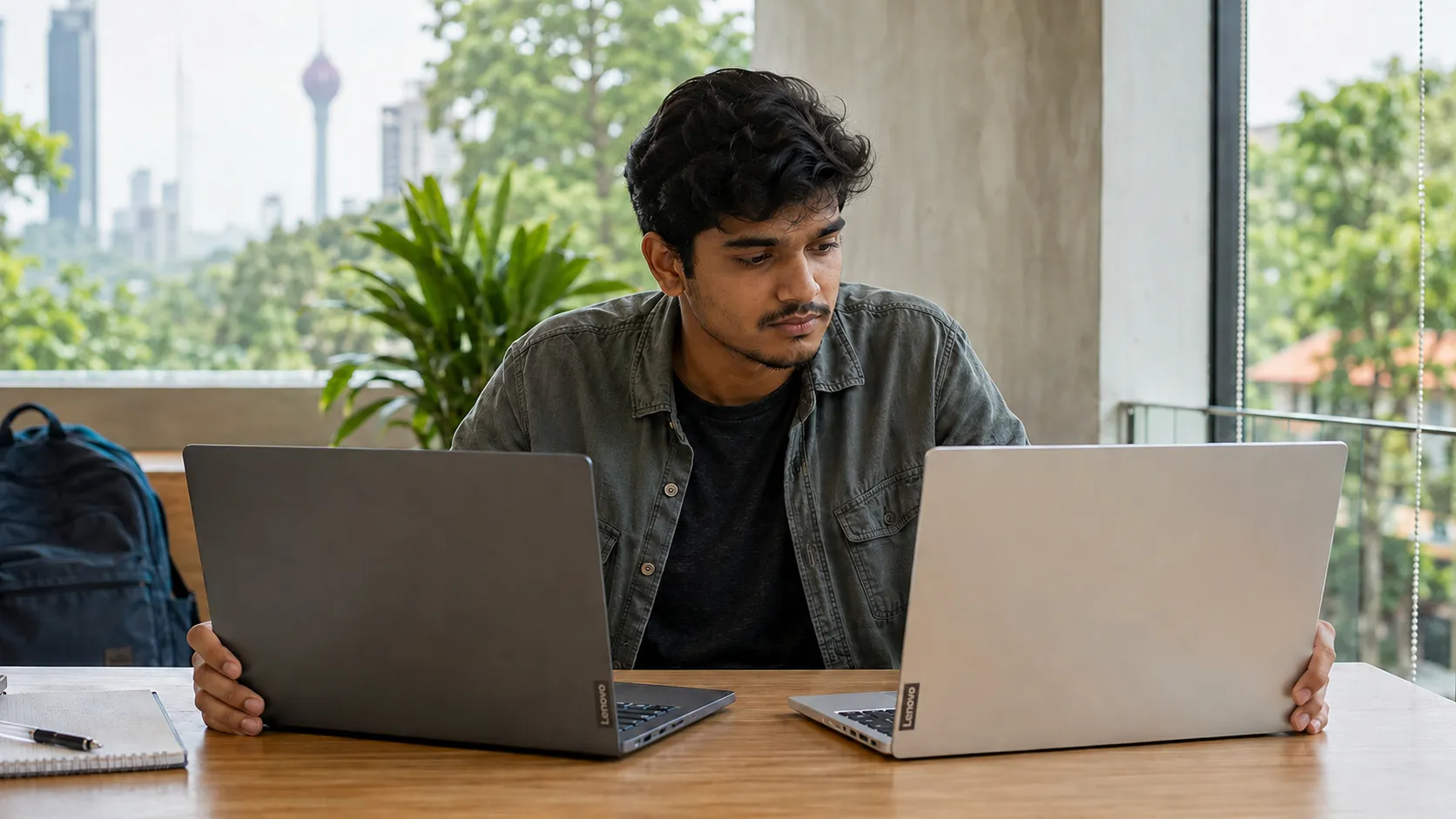
If you travel to campus by bus, train, or tuk, portability becomes the most important factor. A typical 14-inch laptop weighs around 1.2–1.5kg, which feels light in a backpack. It fits easily into most school bags and doesn’t cause shoulder pain during long commutes.
A 15.6-inch laptop usually weighs 1.8–2.2kg, and you feel that difference quickly. Students often say these laptops feel “too bulky” when walking across large campuses or standing in crowded buses. The bigger body also takes up more desk space in libraries and exam halls.
Local Truth: “In Sri Lanka, if you travel daily, you will feel the extra weight of a 15.6-inch laptop within the first week.”
Verdict: Choose 14-inch if you move around often. Choose 15.6-inch if you study mostly at home or hostel.
Screen Space and Study Comfort: Does Bigger Really Help?
This is where 15.6-inch laptops shine.
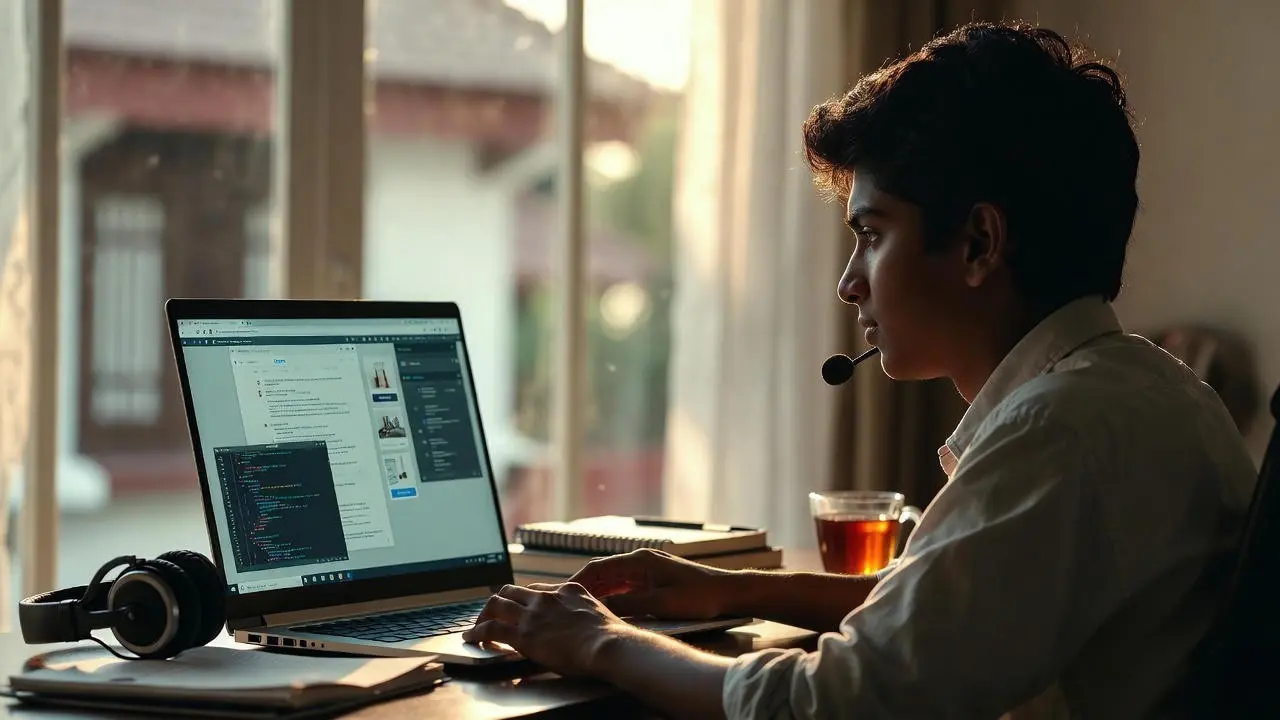
For IT, engineering, and programming students, the extra space makes it easier to keep multiple windows open like an IDE, terminal, and documentation without constant zooming.
For design and media students, a larger display helps with Photoshop, Illustrator, and video editing. It reduces eye strain and gives more room to work.
For management, business, arts, and general studies, both sizes work, but 15.6-inch offers easier multitasking. Word documents, PDFs, and research tabs all feel more comfortable on a bigger screen.
Here is a useful guide on screen space and study comfort that explains the impact of display size.
Local Truth: “Many cheaper 15.6-inch laptops sold in Sri Lanka still use basic display panels, so always check screen quality.”
Verdict: Choose 15.6-inch if your work needs screen space. Choose 14-inch if your tasks are lighter.
Battery Life and Power Cuts: The Hidden Difference
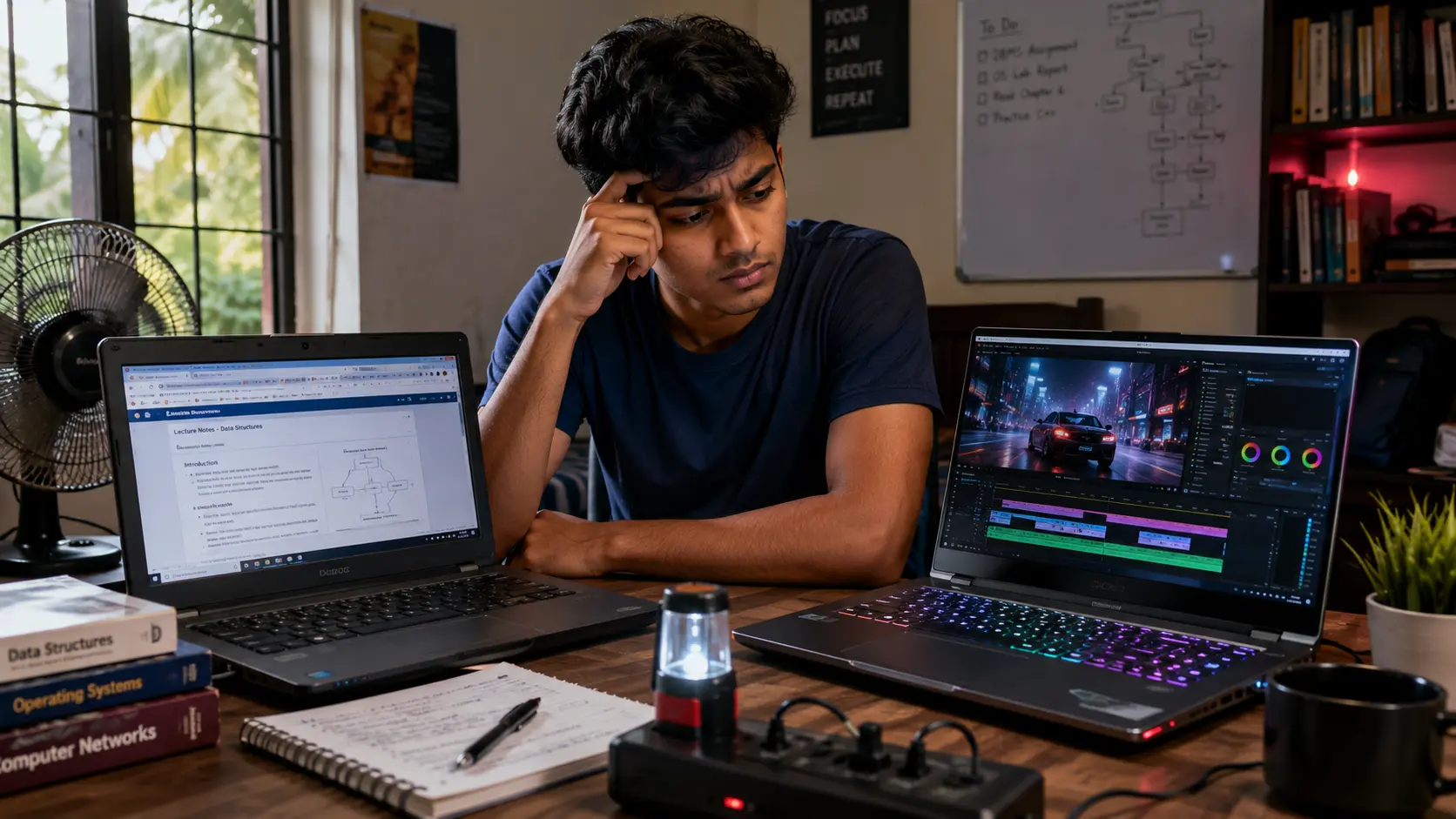
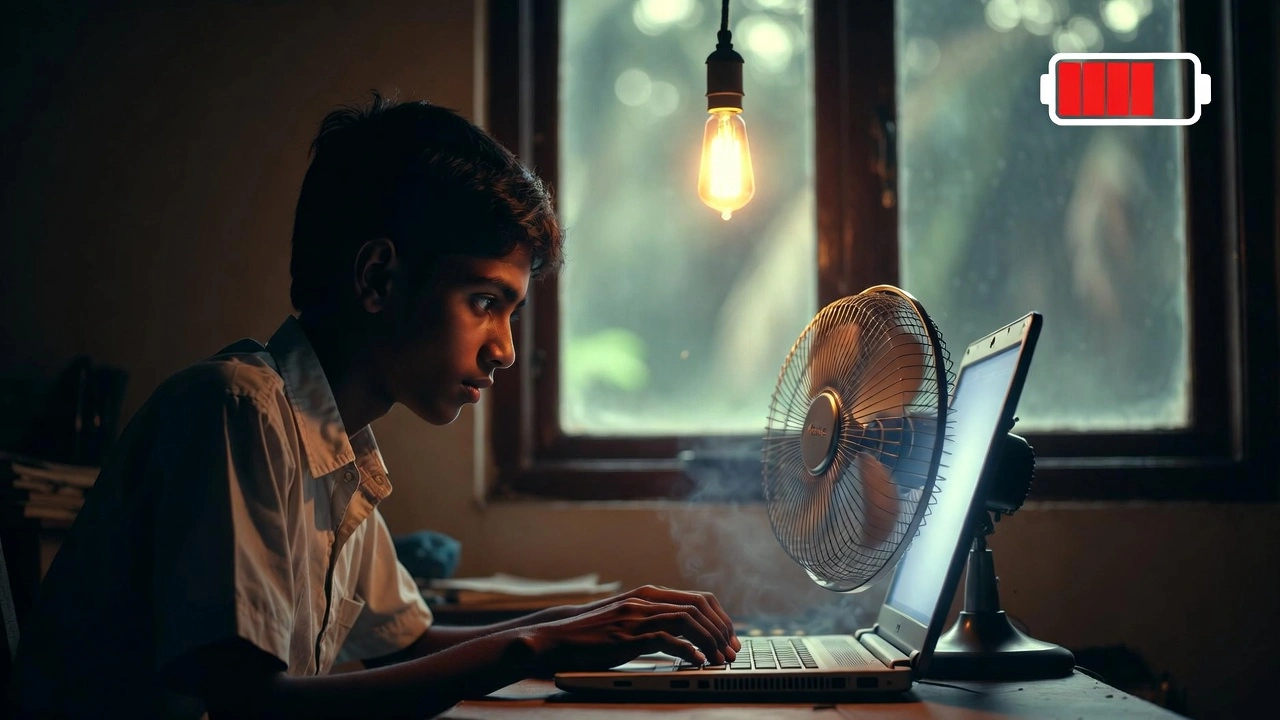
Battery life is crucial in Sri Lanka because plug points are limited in lecture halls and power cuts still happen.
Most 14-inch laptops offer 8–10 hours on a full charge.
Most 15.6-inch laptops offer 6–8 hours.
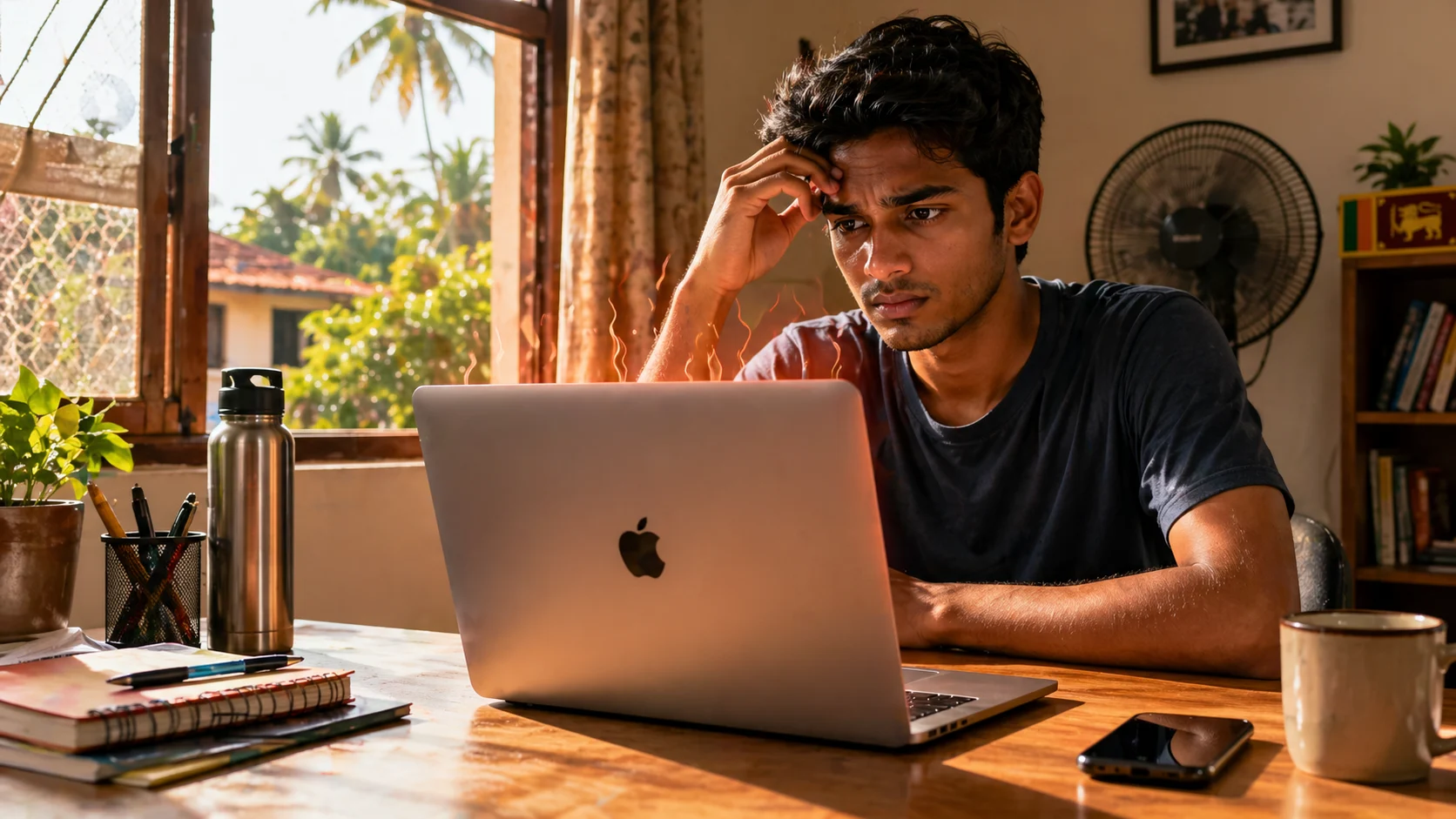
Smaller screens use less power, and 14-inch laptops tend to run cooler, which helps batteries last longer in our heat and humidity.
Sri Lankan climate accelerates battery wear by 10–20 percent. Since 14-inch laptops are usually more efficient, they deliver more usable time during long study sessions or power outages.
A helpful external explanation shows why smaller screens use less power and how size affects battery demand.
You can also learn more about expected endurance in guides like Dell’s breakdown of battery life and power cuts.
Local Truth: “You cannot always find a plug point in Sri Lankan lecture halls, so battery life matters more than you think.”
Verdict: Choose 14-inch if you rely on long battery life.
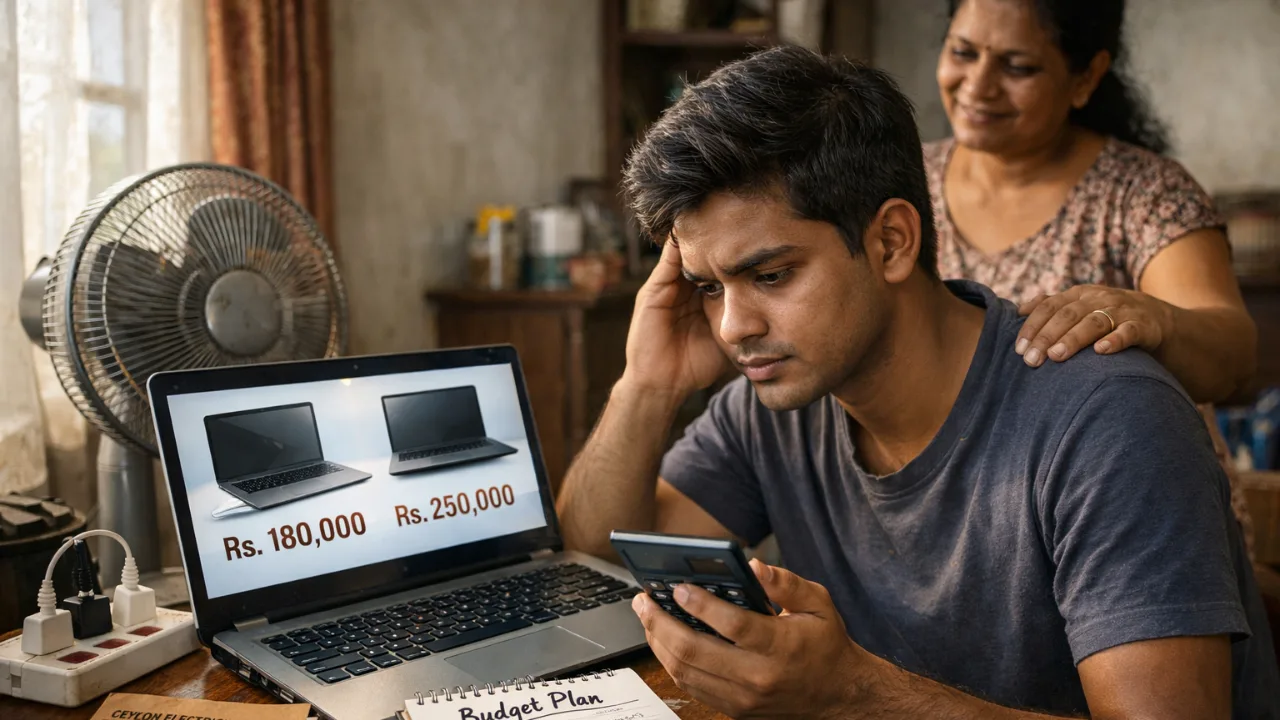
Prices in Sri Lanka: Is One Size More Expensive?
Many students assume bigger laptops cost more. In Sri Lanka, that’s not always true.
14-inch laptop pricing (2026 averages)
Range: LKR 150,000–250,000
Examples:
Acer Aspire 5 (i5): ~168,000
Dell Inspiron (i5): ~174,000
15.6-inch laptop pricing
Range: LKR 137,000–300,000
Examples:
HP 15 (i3): ~137,900
Lenovo IdeaPad (Ryzen 5): ~195,000
Since 15.6-inch models are more common, they sometimes cost 5–10 percent less for the same specs.
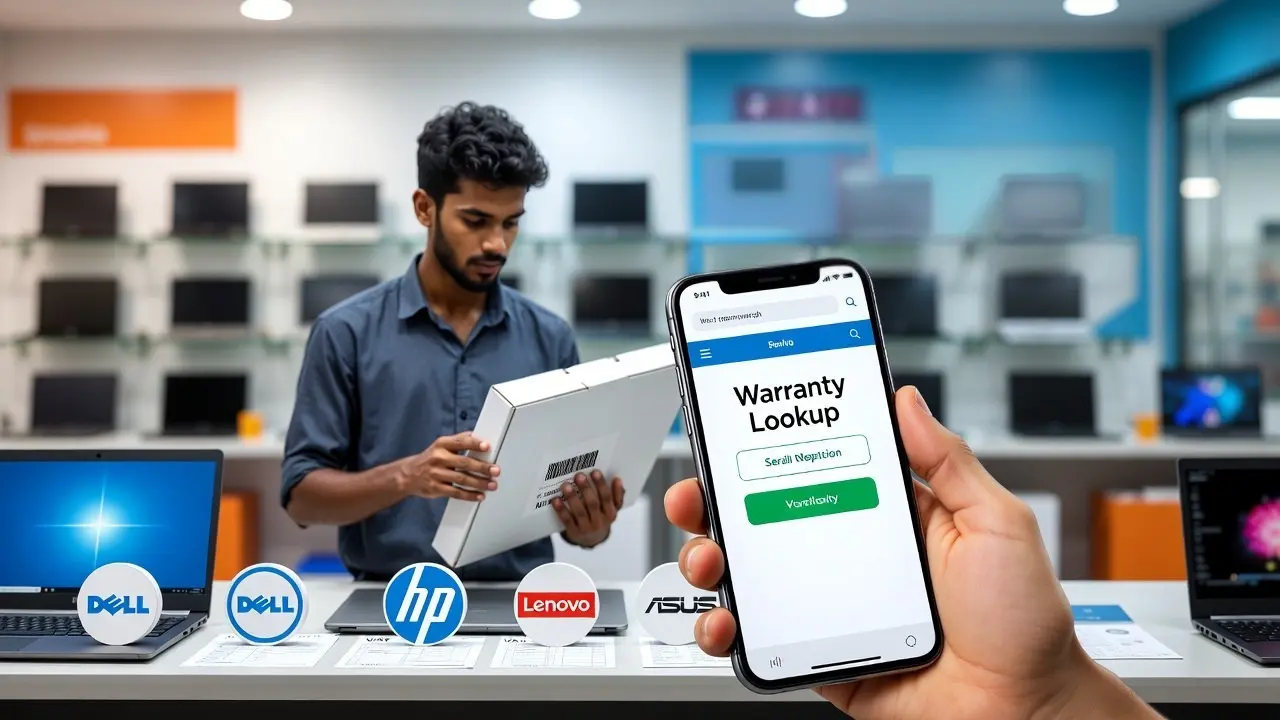
Warning: Grey-market sellers often push cheap 15.6-inch laptops with fake SSDs. Always check authenticity and warranty.
Verdict: Choose 14-inch if you want portability but expect to pay slightly more. Choose 15.6-inch if your budget is tight and you want more options.
Common Mistakes Sri Lankan Students Should Avoid
Many Sri Lankan students regret their laptop size choice because they only look at the screen or the model name, not how it fits real daily use. These mistakes often lead to battery issues, poor portability, overheating, or wasted money on repairs. Here are the most common traps to avoid.
Buying a 15.6-inch laptop thinking “bigger must be better”
Buying a 14-inch laptop without checking screen quality
Ignoring weight when commuting daily
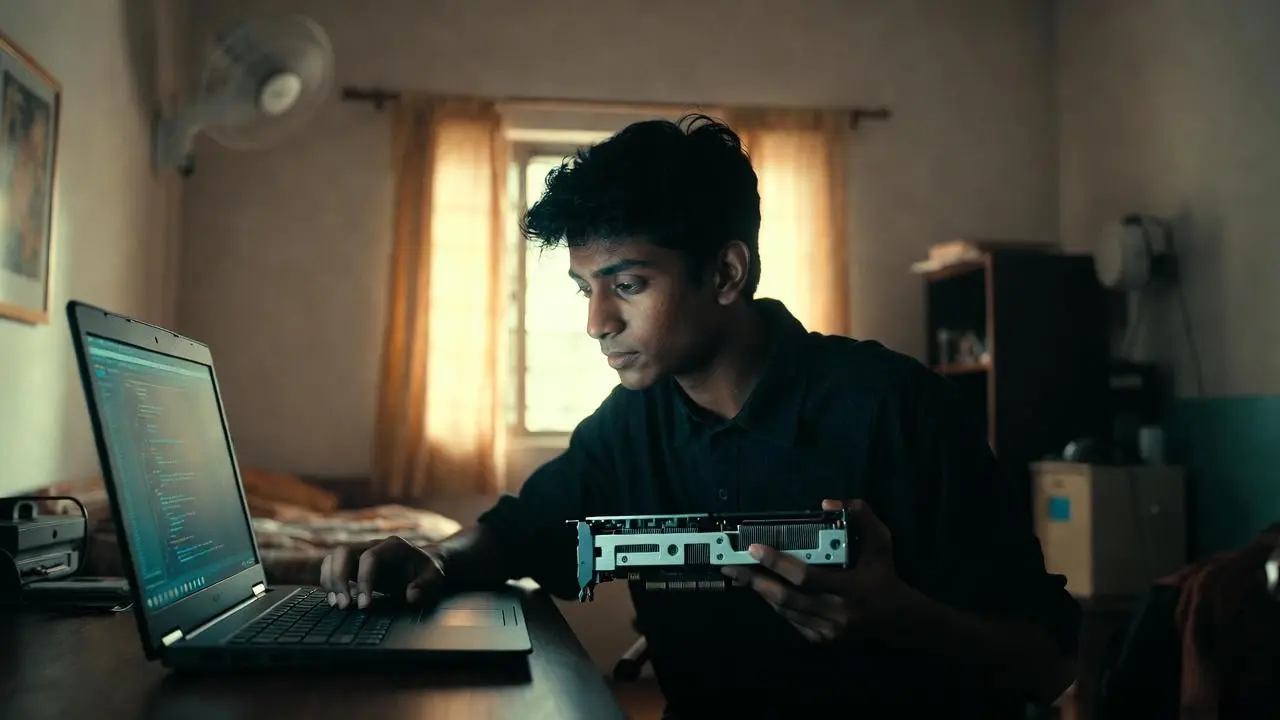
Choosing 8GB RAM that cannot be upgraded
Falling for grey-market “i7” laptops with fake parts
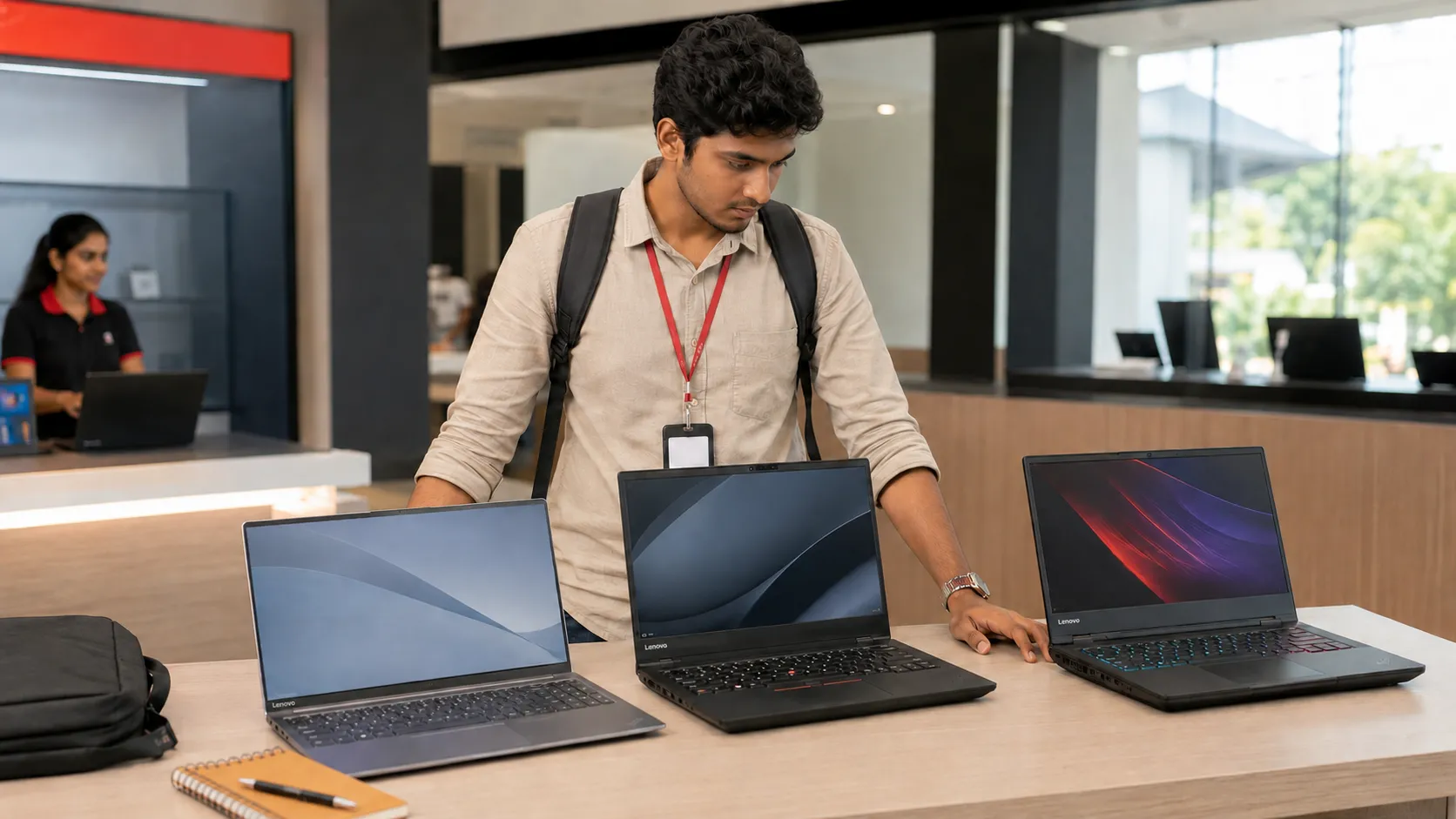
Forgetting to test keyboard comfort in-store
Ignoring battery capacity during power-cut seasons
Local Warning: A 15.6-inch screen costs more to replace in Sri Lanka often LKR 20,000–30,000, compared to 14-inch screens at LKR 15,000–25,000.
Final Decision Guide: Which One Should YOU Choose?
Choosing between 14-inch and 15.6-inch becomes easier when you match the size to your lifestyle, study needs, and daily travel. This section gives you a simple, Sri Lanka-specific breakdown so you can pick the size that fits your routine, your workload, and your long-term comfort without guessing.
If you want more background, you can also explore independent comparisons that explain how people choose 14-inch or 15.6-inch based on similar factors.
Choose a 14-inch laptop if:
You travel daily by bus or train
You want better battery life
You prefer lightweight models under 1.5kg
You mostly use Word, Excel, PDFs, and Zoom
You want something easier to carry in Sri Lankan heat
Choose a 15.6-inch laptop if:
You study IT, engineering, design, or media
You use Photoshop, IDEs, coding tools, or VMs
You work with multiple windows open
You study mostly from home or hostel
You want a bigger keyboard and numpad
Local Truth: Most Sri Lankan students do well with 14-inch for portability and battery life. Students who need screen space or run heavier workloads will prefer 15.6-inch.
Sri Lankan Student Checklist Before You Buy

Before buying a laptop in Sri Lanka, it’s important to check a few practical details that most students overlook. These quick checks save you from common problems like weak batteries, poor warranties, slow performance, or fake components. Use this checklist to make sure your laptop is ready for real student life here.
Weight under 1.5kg for daily travel?
Full HD display with good brightness?
RAM upgradeable to 16GB?
SSD genuine and verified in-store?
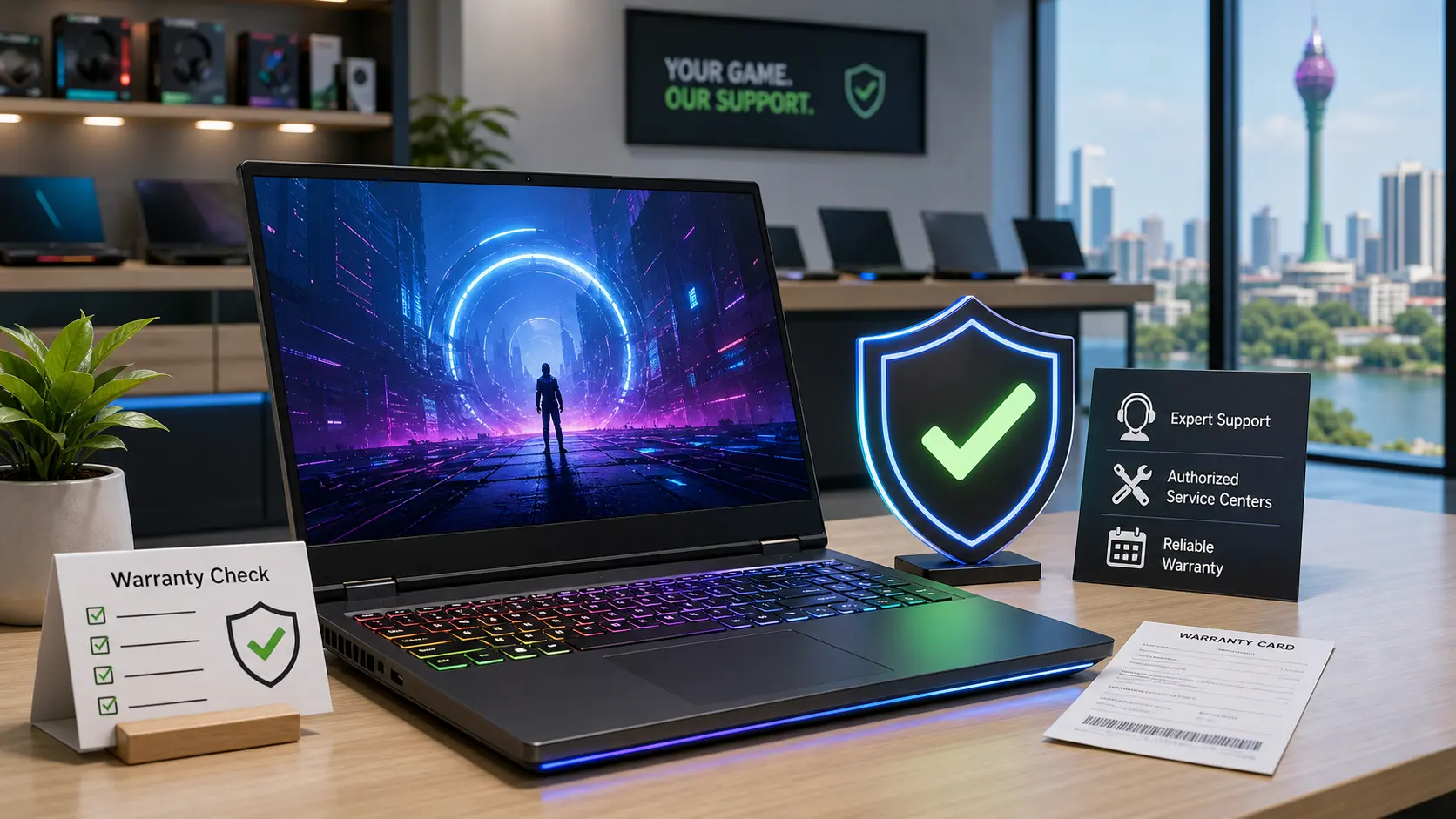
Official warranty from Abans, Singer, or authorized partners?
Battery life above 8 hours?
Good cooling vents on both sides?
For updated models and prices, check the latest Laptop Prices in Sri Lanka page on SellX.lk.
Here are 3 Google EEAT and AEO-friendly FAQs that add new, practical value beyond what the main article already covers.
They are written in simple SellX.lk tone, directly answer the query, and match Sri Lankan buyer intent.
FAQs
1. Is a 14-inch laptop powerful enough for university work in Sri Lanka?
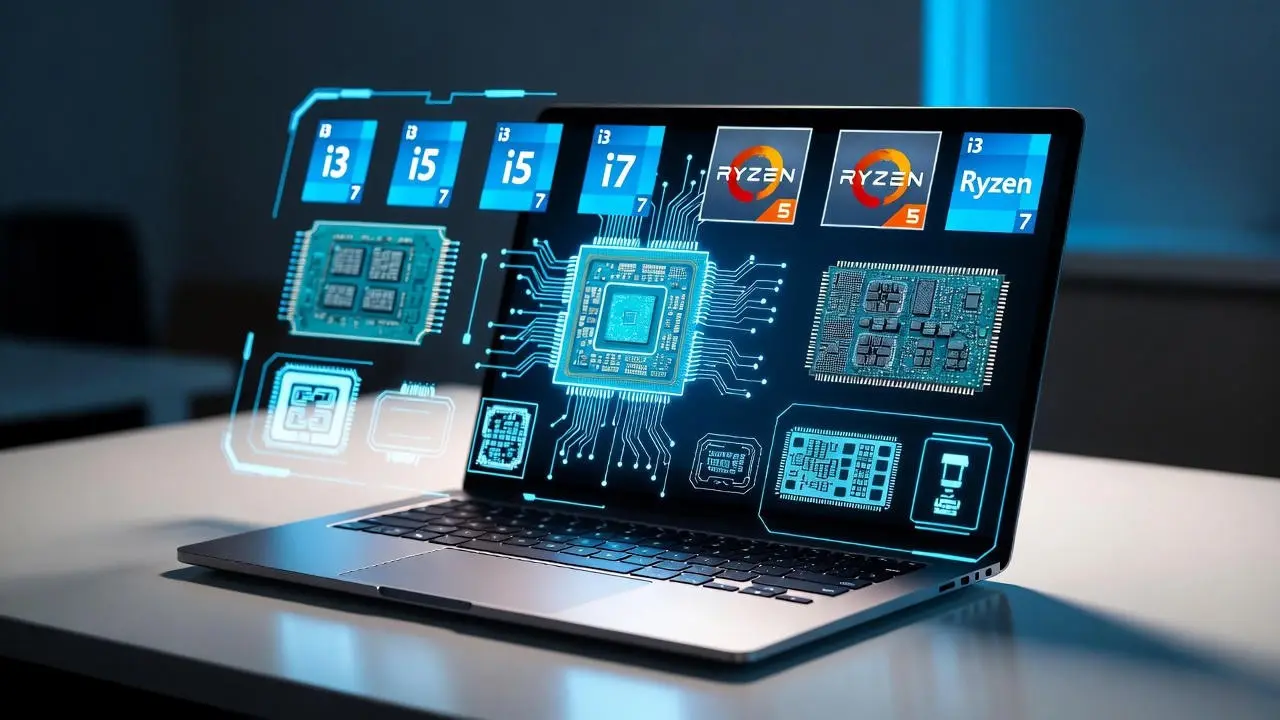
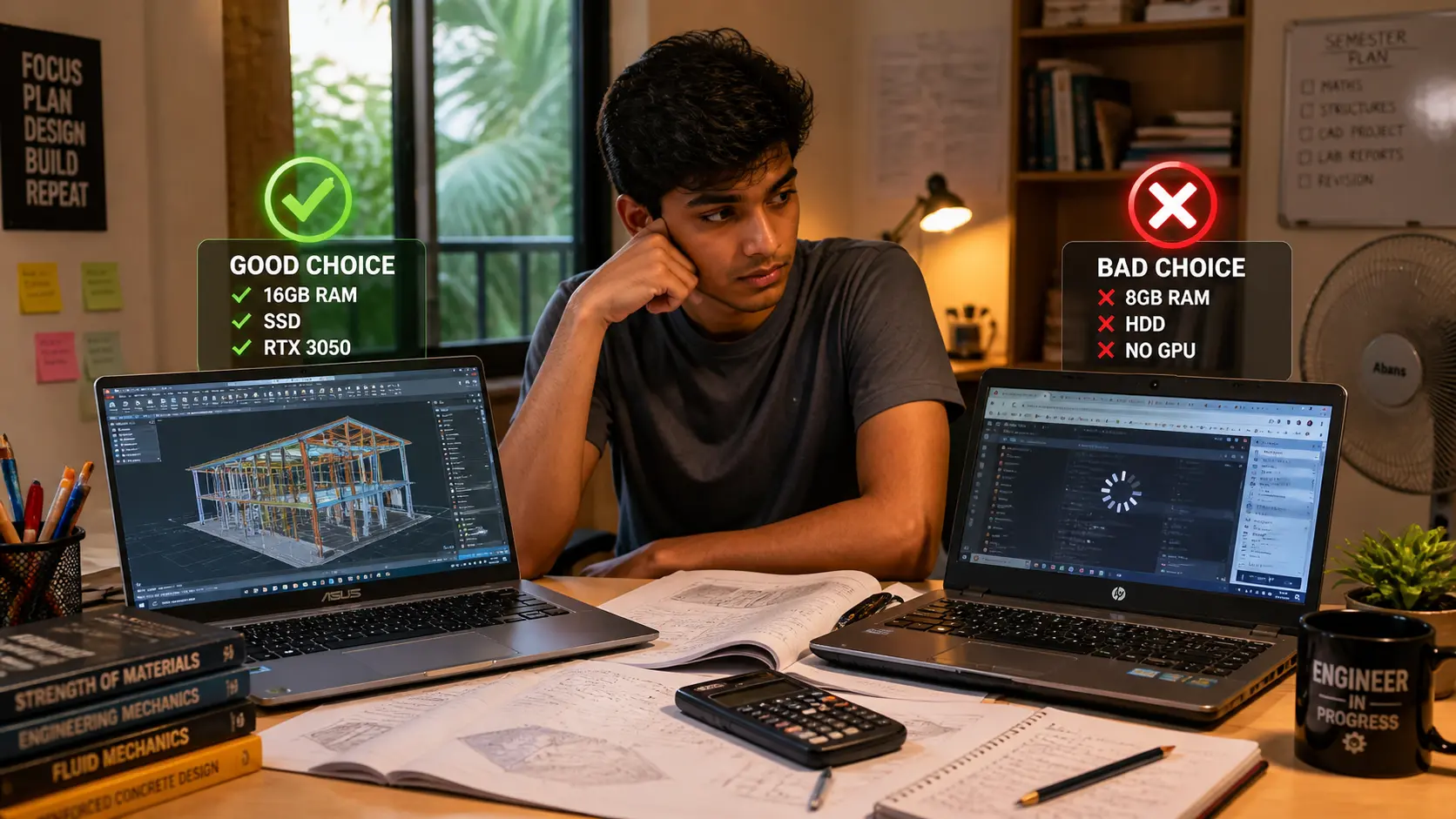
Yes. A 14-inch laptop is powerful enough for most Sri Lankan students as long as it has the right specs. What matters is the processor and RAM, not the screen size. For IT or engineering students, choose at least an Intel i5 or Ryzen 5 with 16GB RAM. Arts, business, and management students can manage with 8GB RAM, but upgrading later is better. If your laptop allows RAM and SSD upgrades, a 14-inch model can perform just as well as a 15.6-inch.
2. Will a 15.6-inch laptop overheat more in Sri Lanka’s climate?
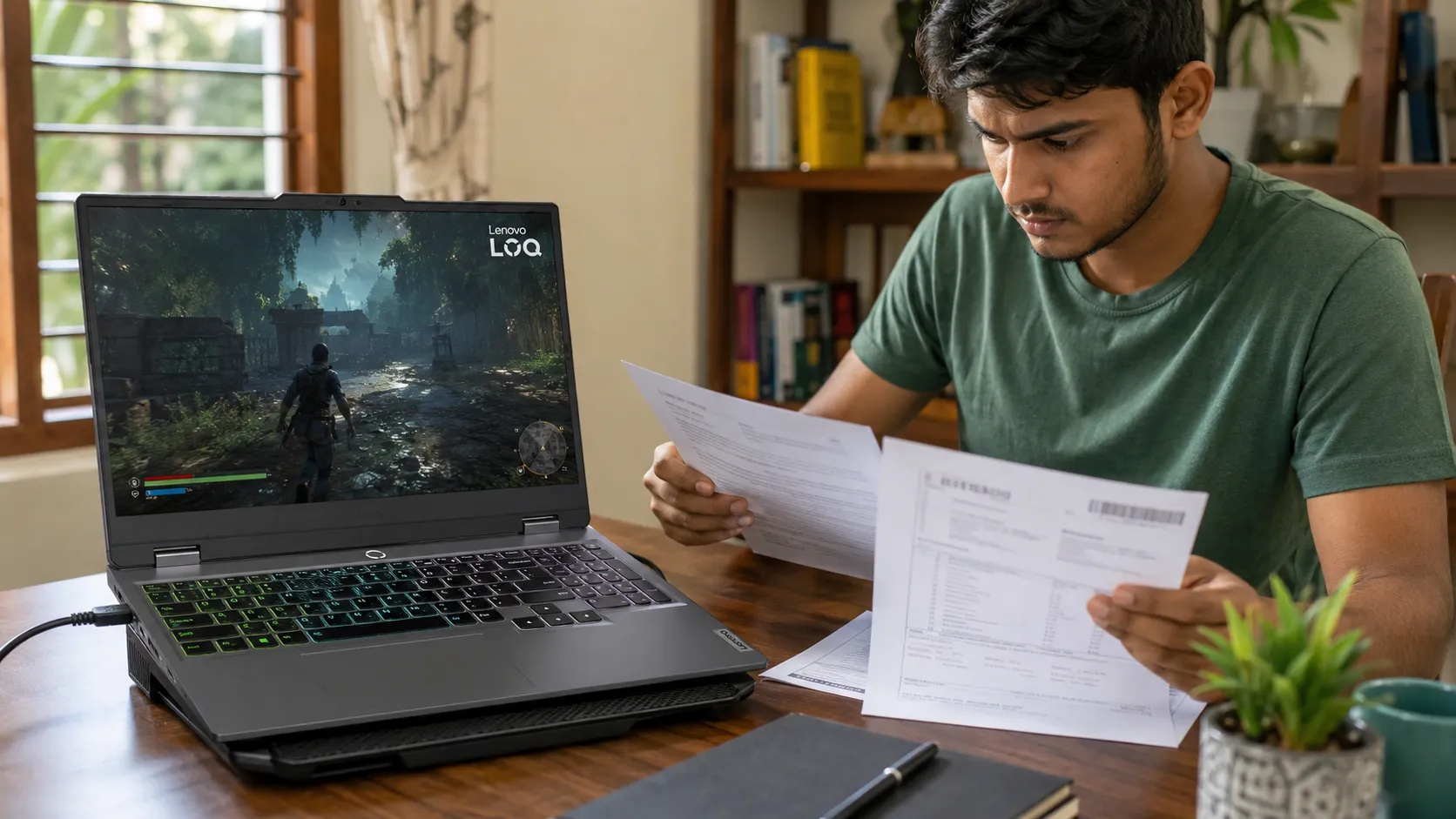
A 15.6-inch laptop usually has better airflow because the chassis is larger, but overheating can still happen with budget models that use weak cooling systems. Sri Lanka’s heat and humidity make cooling very important. Models with H-series processors or gaming GPUs run hotter. Before buying, check if the laptop has dual cooling vents and avoid extremely thin 15.6-inch laptops in the low-budget range. Using a cooling pad helps during hot months.
3. Should Sri Lankan students buy a second monitor instead of choosing a 15.6-inch laptop?
Yes, if you study mostly from home or hostel, a second monitor is a smart upgrade. A 14-inch laptop plus a 22-inch external monitor gives a better study setup than a 15.6-inch alone. This helps with coding, research, diagrams, and long reading sessions. External monitors in Sri Lanka start around LKR 22,000 to 35,000, and you can unplug them when commuting. This is one of the most cost-effective ways to boost productivity without carrying extra weight.
Related Posts