 Laptops
  Gaming Laptops
  Desktop
  Laptop & Desktop Accessories
  Workstation & Gaming
  Used PC, Laptop & Accessories
  CCTV & Accessories
  Printers / Scanners / POS and Accessories
  Mobile Phones / Tablets and Accessories
  Softwares
  Home & Kitchen Appliances
  Gift Voucher
  Smart Devices & Gadgets
  Office & Meeting Solutions
  Networking & Power Devices
  Graphic Tablets & Drawing Displays
  Monitors
Best Laptop for Engineering Students in Sri Lanka Under 300K: What To Buy And What To Avoid
Buying a laptop for engineering in Sri Lanka is stressful. Prices change fast. Shops push confusing specs. And one wrong choice can slow you down for years.
This guide keeps it simple. You’ll learn what actually matters, what to avoid, and what you can safely buy under LKR 300,000.
Why Most Engineering Students Choose The Wrong Laptop
Most students don’t fail because they chose a bad brand. They struggle because they picked the wrong specs for their actual work. In Sri Lanka, it’s easy to get pushed into outdated or overpriced laptops. That’s why understanding what really matters is more important than just picking a popular model.
Most students focus on the wrong things. They chase i7 or brand names instead of real performance.
In Sri Lanka, shops sometimes sell older CPUs as new models. Some laptops also come with 8GB RAM, which feels fine at first but slows down fast.
Local Truth: Many students regret buying 8GB RAM within the first semester.
You don’t need the most expensive laptop. You need the right specs for your work.
What Engineering Students Actually Need (Not What Shops Tell You)
Shops often recommend laptops based on what they want to sell, not what you need. Engineering students have very different workloads depending on their field. If you don’t match your laptop to your actual use, you’ll either overspend or end up with a slow system within months.

Your laptop depends on your field. Not all engineering students need the same power.
Civil and Mechanical students use AutoCAD and SolidWorks
Electrical students use MATLAB and simulations
Software students focus on coding and multitasking
Let’s simplify specs.
CPU means how fast your laptop runs
RAM means how many apps you can run at once
GPU is needed for 3D and CAD work
According to official SOLIDWORKS system requirements, 16GB RAM is the minimum for smooth performance. Also, AutoCAD system requirements show that higher RAM and strong CPUs improve performaSystem Requirements | SOLIDWORKSnce.
Clear answer: Yes, 8GB is enough for basic use. No, it is not enough for engineering work long term.
You should aim for 16GB RAM, SSD storage, and a modern i5 or Ryzen 5 processor.
Before buying, check if RAM can be upgraded. This saves money later.
Best Laptop Specs Under LKR 300K (Simple Buying Guide)
Specs look confusing at first. CPU names, RAM numbers, and GPU models can overwhelm you. But once you understand what each part does, choosing a laptop becomes much easier.
Here’s what you should look for.
CPU: Intel i5 or Ryzen 5 or better
RAM: 16GB or upgradeable
Storage: 512GB SSD minimum
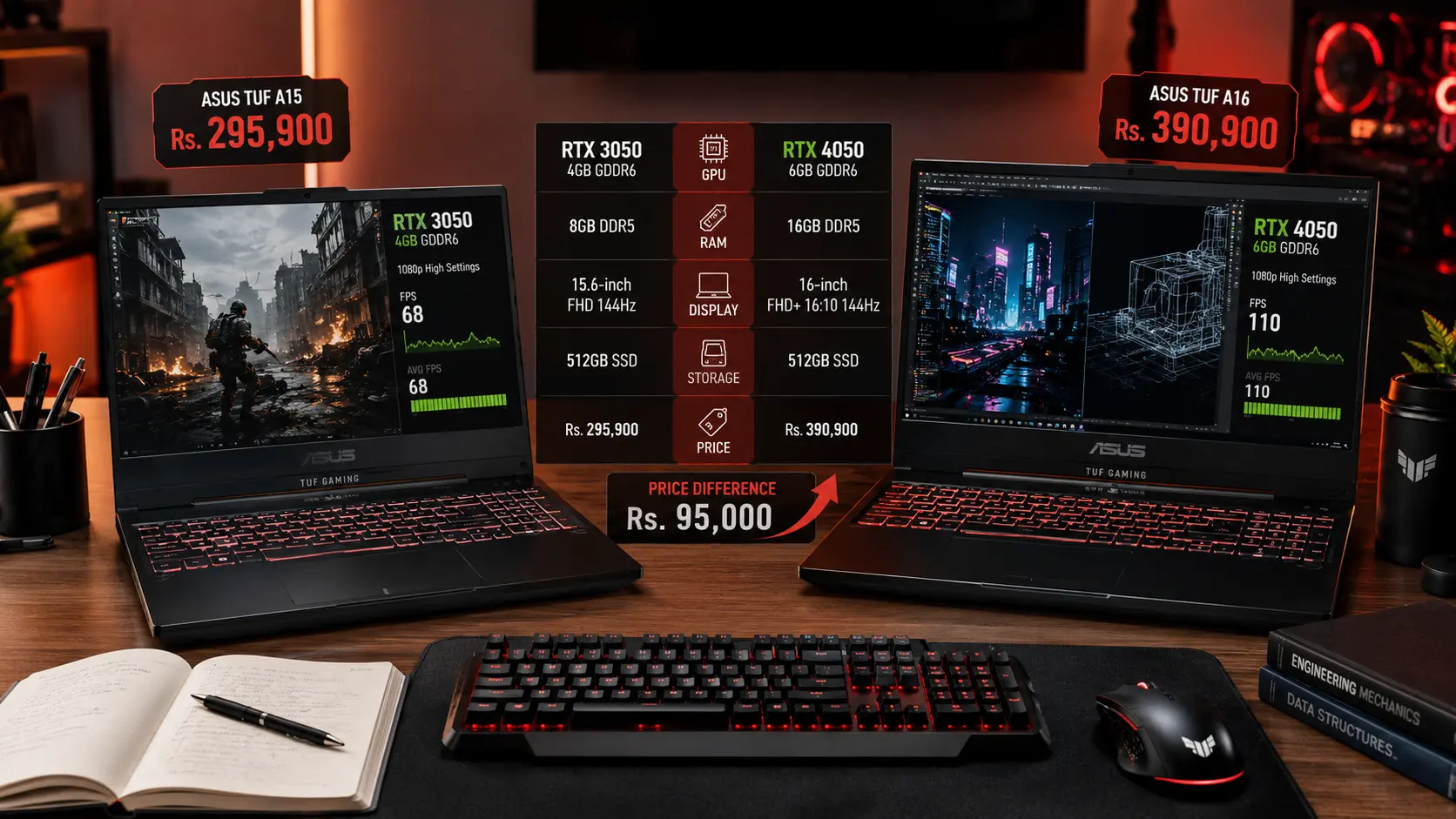
GPU: RTX 3050 for CAD work
According to recommended specs for engineering laptops, 16GB RAM is ideal for multitasking.
If you are doing heavy 3D work, GPU matters more. If you are coding, RAM matters more.
If You’re A Student
Civil and Mechanical students should get a GPU
Software students should focus on RAM and CPU
Local Truth: Most budget laptops in Sri Lanka do not have strong cooling.
Always choose a laptop that allows upgrades.
Best Laptop Types You Should Actually Buy
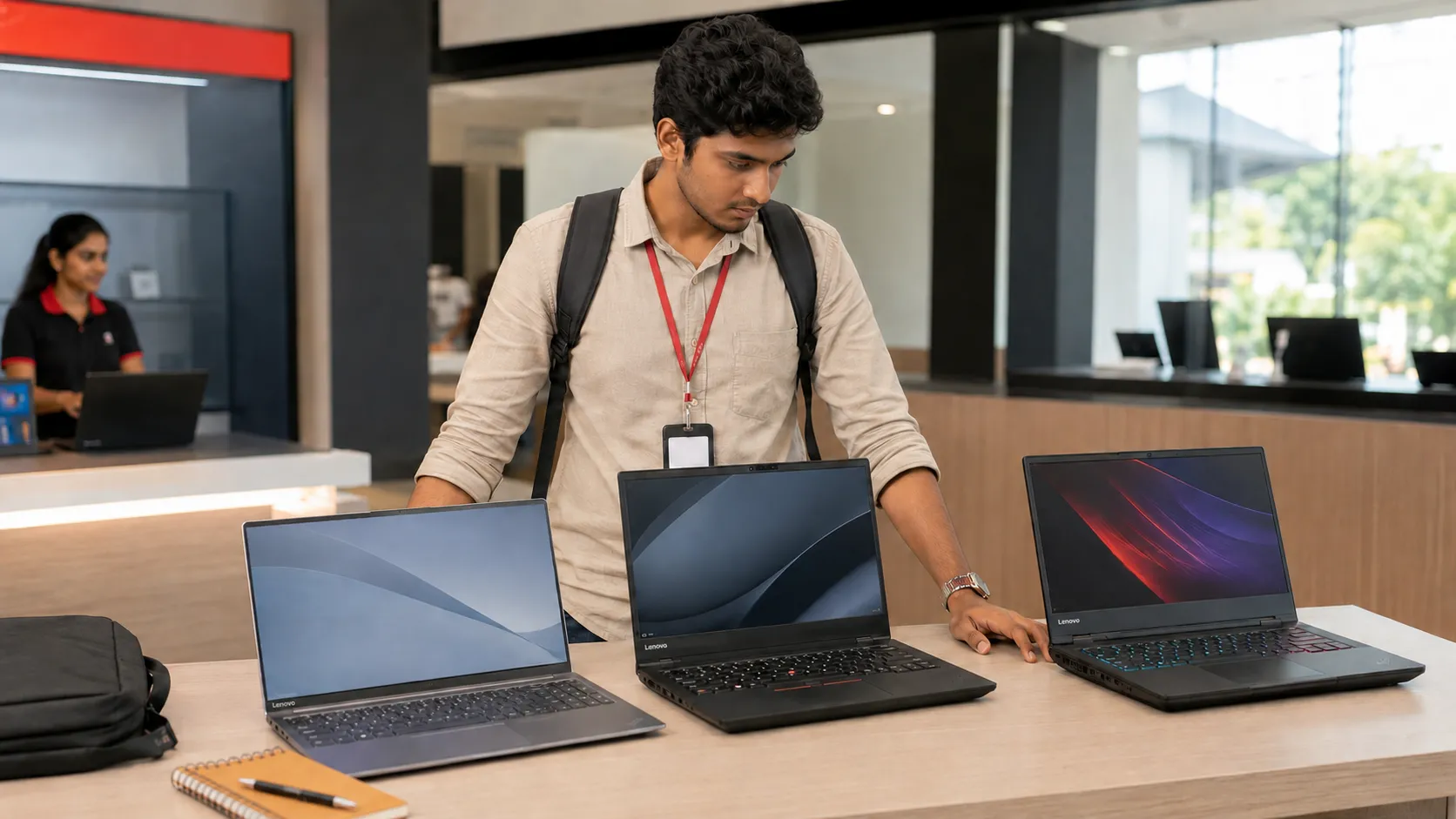
Not all laptops are built the same. Some are made for office work, while others handle heavy engineering tasks. Instead of focusing only on brands, it’s better to understand which type suits your workload.
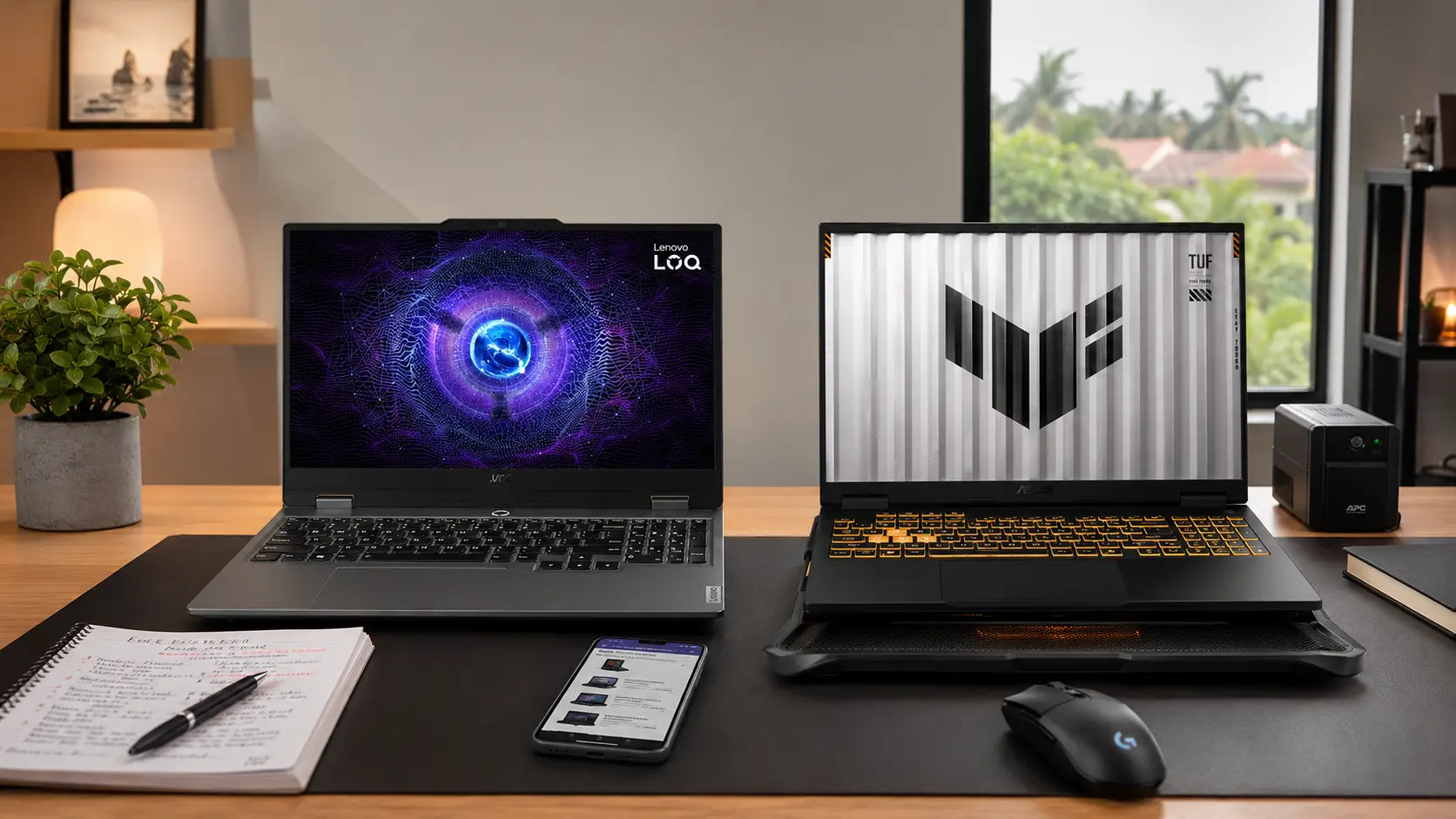
Gaming Laptops
These give the best performance for engineering students.
Victus Gaming 15 RTX3050 16GB — Rs. 269,900
Victus Gaming 15 RTX4050 16GB — Rs. 298,900
MSI Cyborg 15 RTX3050 16GB — Rs. 295,900
ASUS TUF Gaming A15 RTX3050 — Rs. 295,900
These laptops handle CAD and 3D work much better.
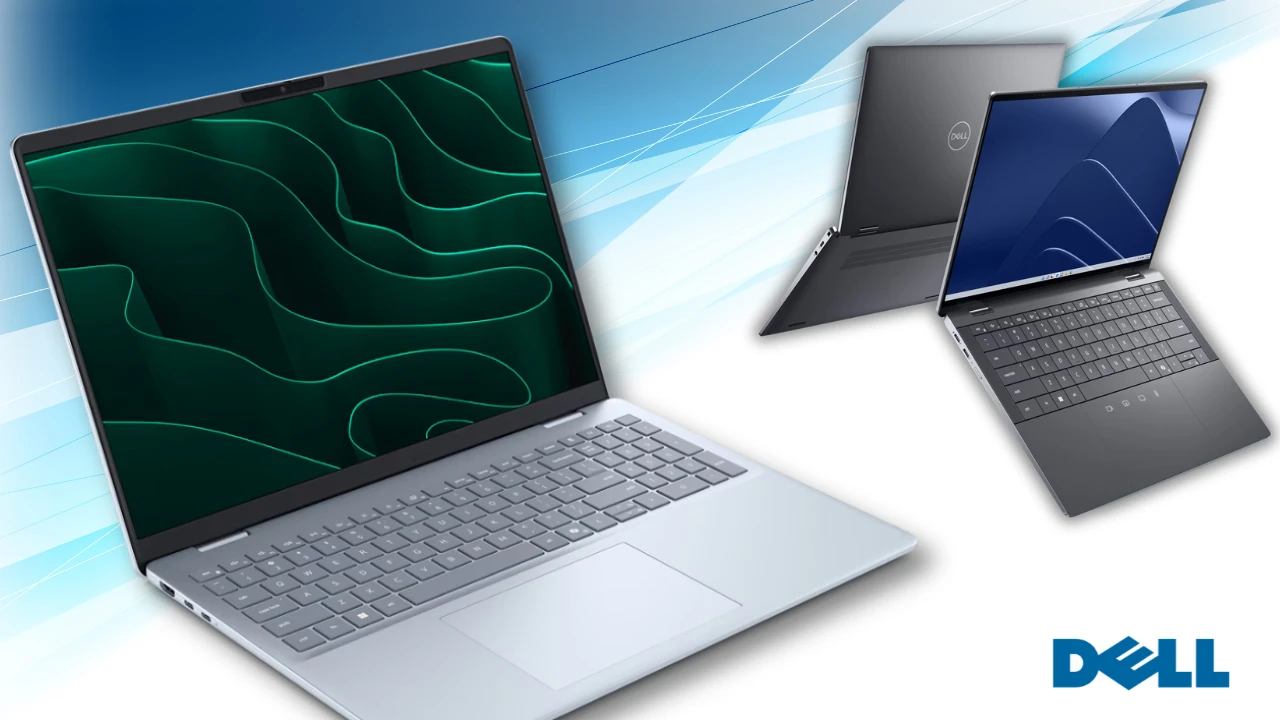
Performance Office Laptops
MSI Modern 15 i5 16GB — Rs. 248,500
ASUS Vivobook 16 i5 16GB — Rs. 234,900
Lenovo IdeaPad Slim 3 i7 16GB — Rs. 288,900
HONOR MagicBook X16 i5 16GB — Rs. 218,900
These are better for coding and general work.
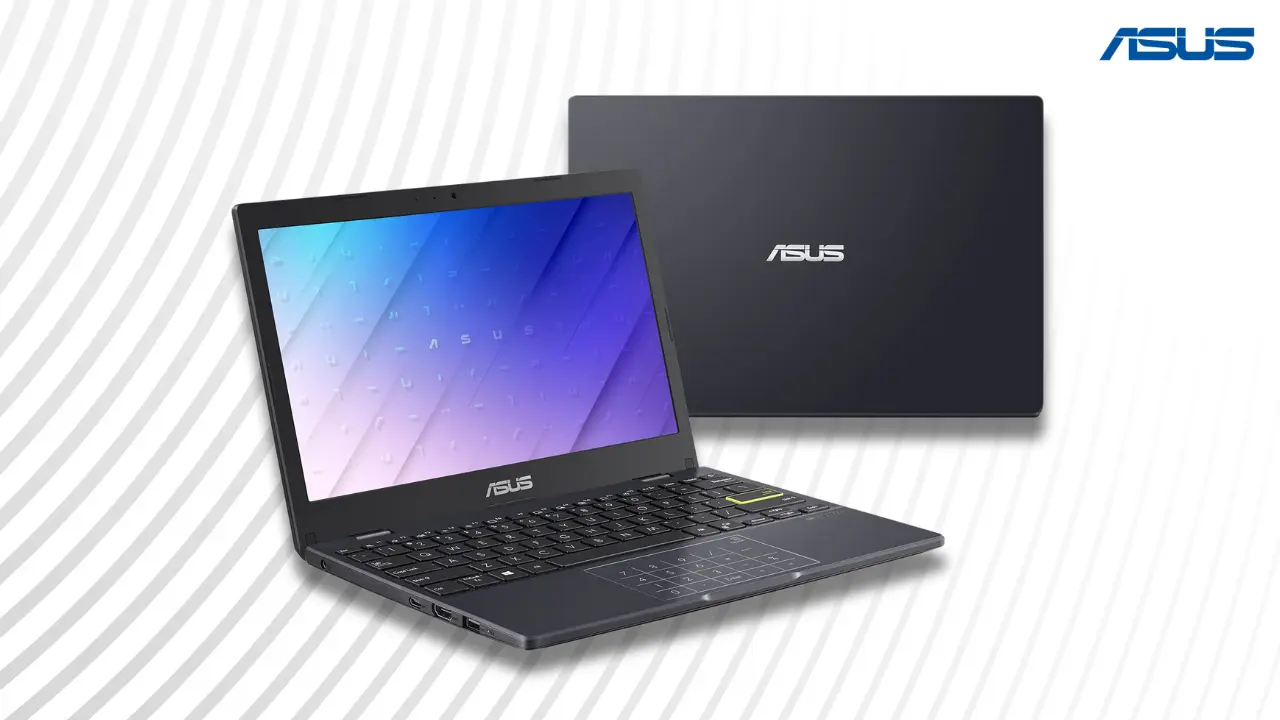
Budget Options
ASUS Vivobook 15 12GB — Rs. 215,900
Lenovo IdeaPad Slim 3 Ryzen 5 16GB — Rs. 205,900
These work only if specs are enough.
Local Truth: Thin laptops often struggle with heat. If unsure, choose a gaming laptop.
Also read: Best laptops under 200K in Sri Lanka
What To Avoid Costly Mistakes Sri Lankan Students Make
Many students realize their mistake only after using the laptop for a few months. Avoiding these mistakes can save money and stress.
Buying 8GB RAM laptops without upgrade options
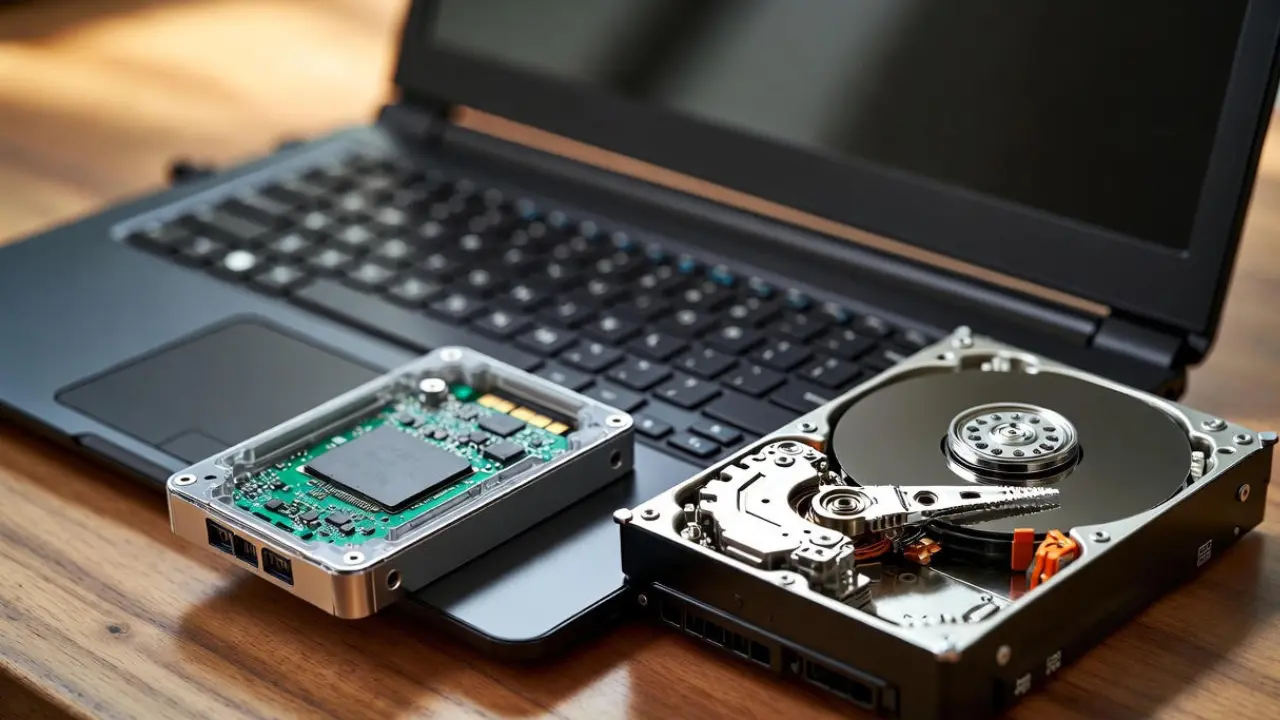
Buying HDD laptops
Paying more for i7 but ignoring RAM
Ignoring GPU for CAD work
Choosing based on brand only
Warning:
Fake or slow SSDs exist
Refurbished laptops may be sold as new
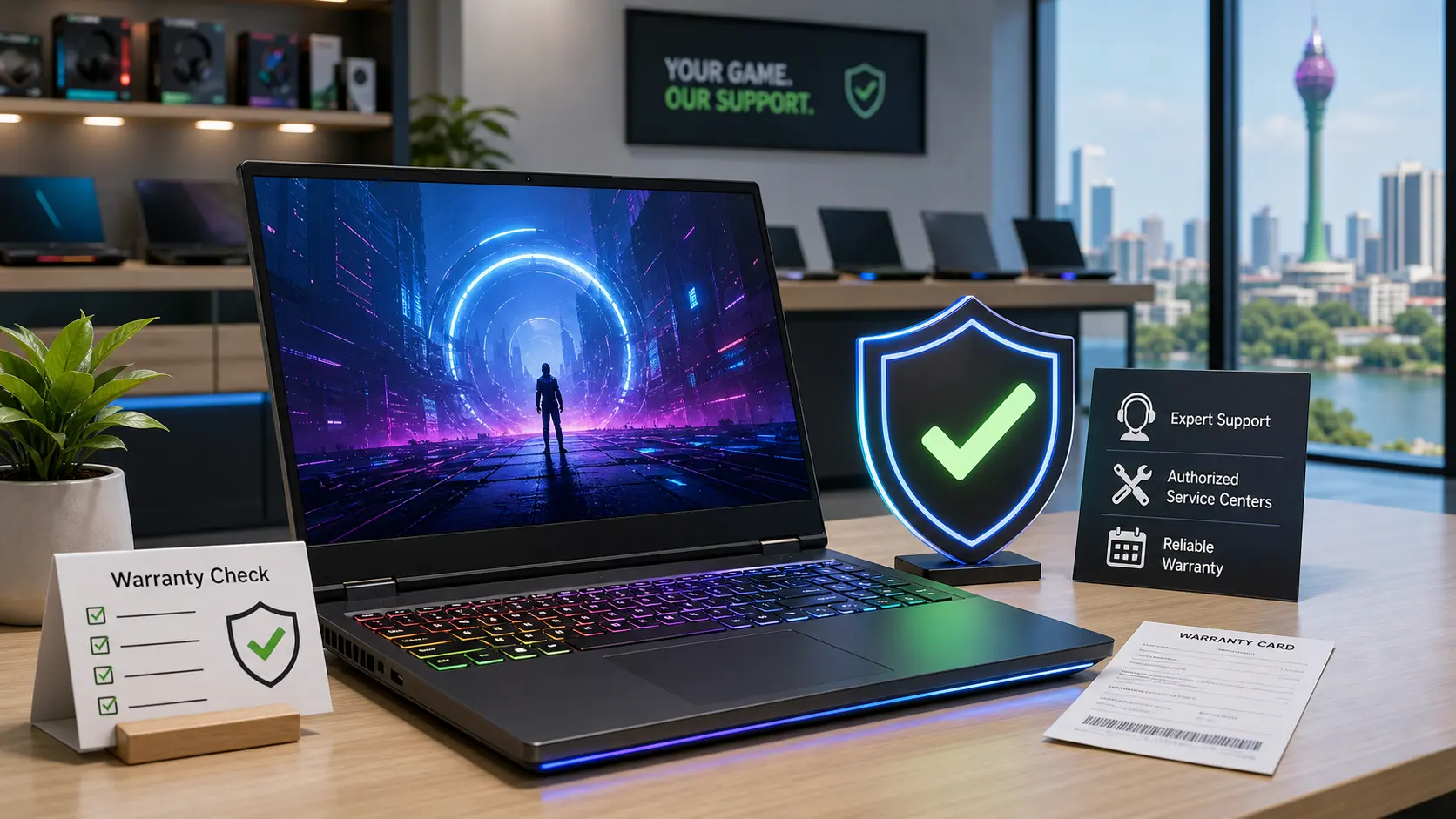
Some shops only give shop warranty
According to best laptops for CAD work, higher RAM and GPU improve performance in complex tasks.
Always verify before buying.

Check Before You Buy Sri Lanka Checklist
Before spending your money, double check everything. Small details matter more in Sri Lanka due to market conditions.
Check if RAM is 16GB or upgradeable
Confirm SSD is NVMe
Verify warranty
Check heating performance
Compare prices across stores
According to engineering laptop requirements, students benefit from higher RAM and SSD storage.
Always ask if the laptop is brand new and sealed.
What You Should Actually Buy
Let’s make it simple.
Best overall: RTX 3050 laptop with 16GB RAM
Best for coding: i5 or i7 with 16GB RAM
Best budget: Ryzen 5 or i5 with 16GB RAM
You don’t need the most expensive laptop. You need the right one.
Final Advice
In Sri Lanka, every rupee matters. Spend wisely.
Choose enough RAM
Match specs to your workload
Buy from trusted sellers
Before buying, always check the latest Laptop Prices in Sri Lanka to avoid overpaying.
If you follow this guide, you will choose a laptop that lasts through your entire engineering degree.
No. A gaming laptop is better if you use AutoCAD, SolidWorks, 3D modelling, or rendering tools. But if you mainly do coding, reports, MATLAB basics, and online lectures, a lighter laptop with 16GB RAM and a good i5 or Ryzen 5 processor can be enough. Buy for your course, not for the gaming label. Yes, official warranty is safer, especially for laptops used daily for heavy work. Engineering software can heat the laptop more than normal office use. If a motherboard, screen, keyboard, or battery fails, shop warranty may not give the same support. Always check the serial number and warranty terms before paying. Yes, 512GB SSD is enough to start, but 1TB is better if your course uses large CAD files, simulation files, or many design projects. If your budget is tight, buy a 512GB SSD laptop with an extra storage slot. That lets you upgrade later without replacing the whole laptop.FAQs About Buying Engineering Laptops In Sri Lanka
Is A Gaming Laptop Always Better For Engineering Students?
Should Engineering Students In Sri Lanka Buy A Laptop With Official Warranty?
Is 512GB SSD Enough For An Engineering Student?
Related Posts