 Laptops
  Gaming Laptops
  Desktop
  Laptop & Desktop Accessories
  Workstation & Gaming
  Used PC, Laptop & Accessories
  CCTV & Accessories
  Printers / Scanners / POS and Accessories
  Mobile Phones / Tablets and Accessories
  Softwares
  Home & Kitchen Appliances
  Gift Voucher
  Smart Devices & Gadgets
  Office & Meeting Solutions
  Networking & Power Devices
  Graphic Tablets & Drawing Displays
  Monitors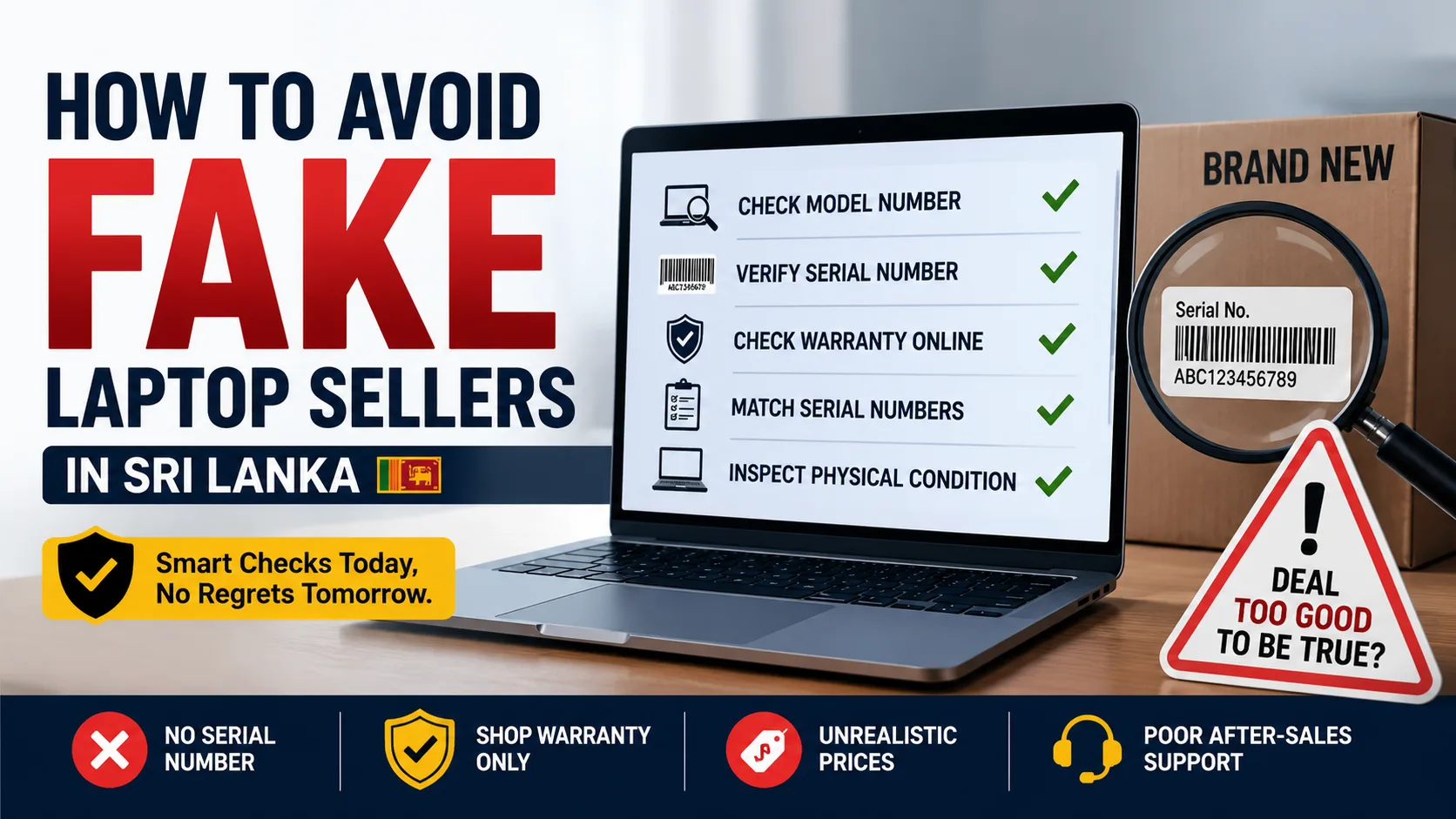
How To Avoid Fake Laptop Sellers In Sri Lanka
Buying a laptop in Sri Lanka can be stressful. Prices change frequently, specifications can be confusing, and not every seller is as trustworthy as they appear.
Most buyers worry about choosing the wrong laptop. In reality, many people lose money because they buy from the wrong seller.
A laptop may look brand new on the outside, but it could be a refurbished unit, an open-box device, or a grey import with limited warranty support. The good news is that you do not need to be a technology expert to avoid these problems. A few simple checks can help you buy with confidence.
Why Fake Laptop Sellers Are A Real Risk In Sri Lanka
Laptop demand has increased significantly in Sri Lanka. Students need devices for university work, professionals work remotely, and gamers continue to invest in more powerful machines.
Unfortunately, dishonest sellers know this.
Many buyers focus mainly on price and assume all laptops with the same model name are identical. That is not always true. Two laptops may look exactly the same online while offering completely different warranty coverage, support options, and product histories.
The rise of social media marketplaces and online classifieds has made it easier for unknown sellers to reach buyers. While many are genuine businesses, some operate without proper after-sales support or transparent warranty policies.
Local truth: In Sri Lanka, the cheapest laptop is not always the best value. The real cost often appears later when repairs or warranty claims become necessary.
The Most Common Laptop Scams To Watch For
One of the most common problems is refurbished laptops being sold as brand-new units. A seller may clean and repackage a used laptop, making it look new. The buyer only discovers the truth when the warranty status shows that the device was activated months earlier.
Another common issue involves shop warranties being presented as manufacturer warranties. A seller may advertise a two-year warranty, but the coverage is provided only by the shop. If the business closes or refuses repairs, the buyer has limited options.
Some sellers also advertise older processors without clearly mentioning the generation. For example, a laptop with an older Core i7 processor may be priced similarly to a much newer model simply because buyers focus on the "Core i7" branding.
Grey imports create another area of confusion. These laptops are often genuine products, but they may have been imported outside the official distribution network. As a result, local warranty support can be limited or unavailable.
There are also cases where laptops are advertised with upgraded RAM or SSD storage, but buyers are never told which components were installed. Cheap or used upgrades can affect performance and reliability.
Avoid these mistakes. Do not trust screenshots alone, do not ignore serial numbers, and never buy a laptop simply because it is significantly cheaper than every other seller.
How To Check If A Laptop Is Genuine Before Paying

The safest approach is to verify everything before handing over your money.
Start by asking for the exact model number. Generic descriptions such as "Core i7 Laptop" or "Gaming Laptop" do not provide enough information.
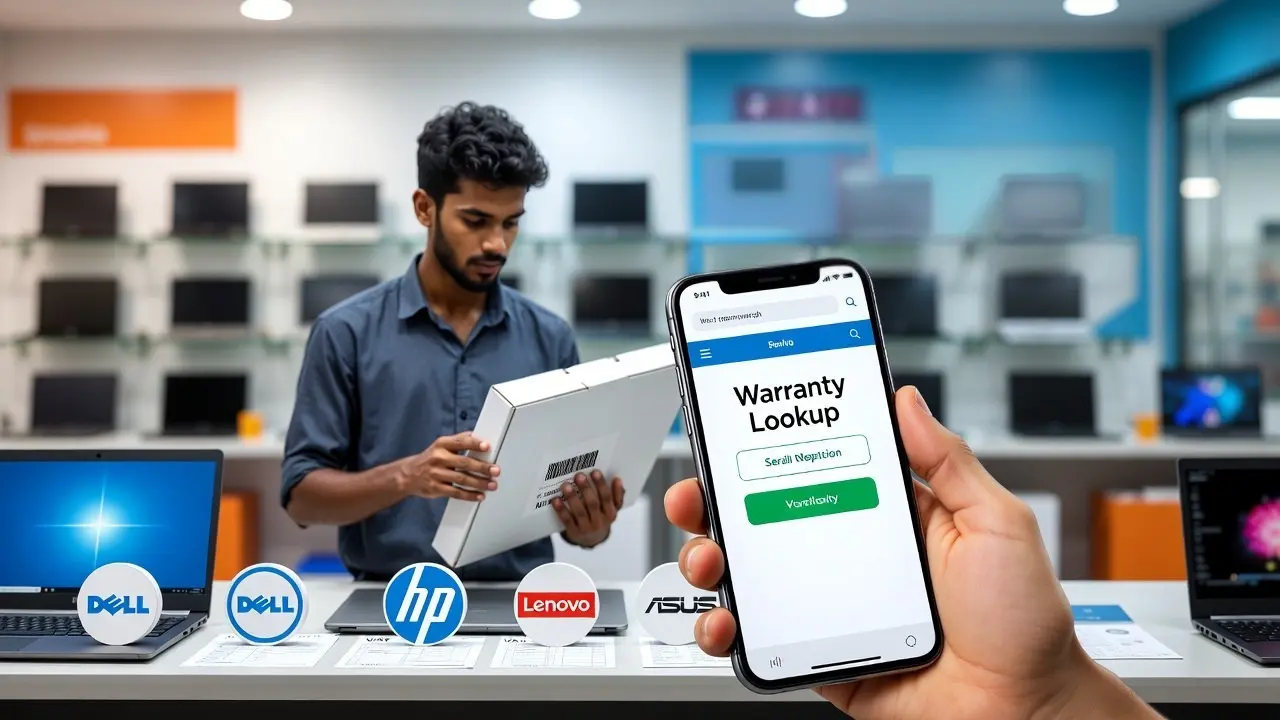
Next, request the serial number. Every major laptop manufacturer provides online tools that allow buyers to check warranty status and product information.
Use the serial number to verify the laptop through the manufacturer's official support website. This can help reveal whether the warranty has already started or if the device belongs to a different region.
When inspecting the laptop, check that the serial number matches across the box, the laptop body, the BIOS, and the invoice. Any mismatch should raise immediate concern.
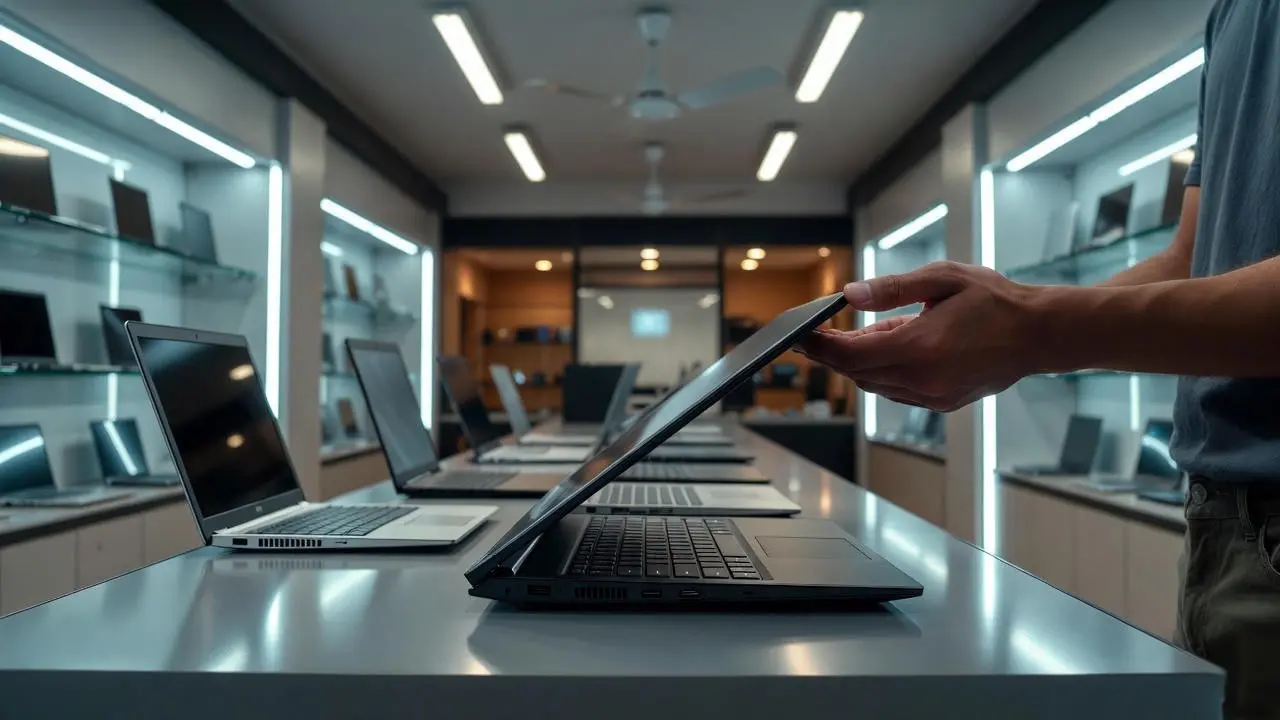
If you are considering an open-box or display unit, inspect the physical condition carefully. Look for signs of wear, excessive battery usage, scratches, or replaced parts.
If you're a student, spend five extra minutes verifying these details. It can save you from years of frustration later.
Brand Warranty Vs Shop Warranty: What Buyers Must Know
Many Sri Lankan buyers assume all warranties provide the same protection. They do not.
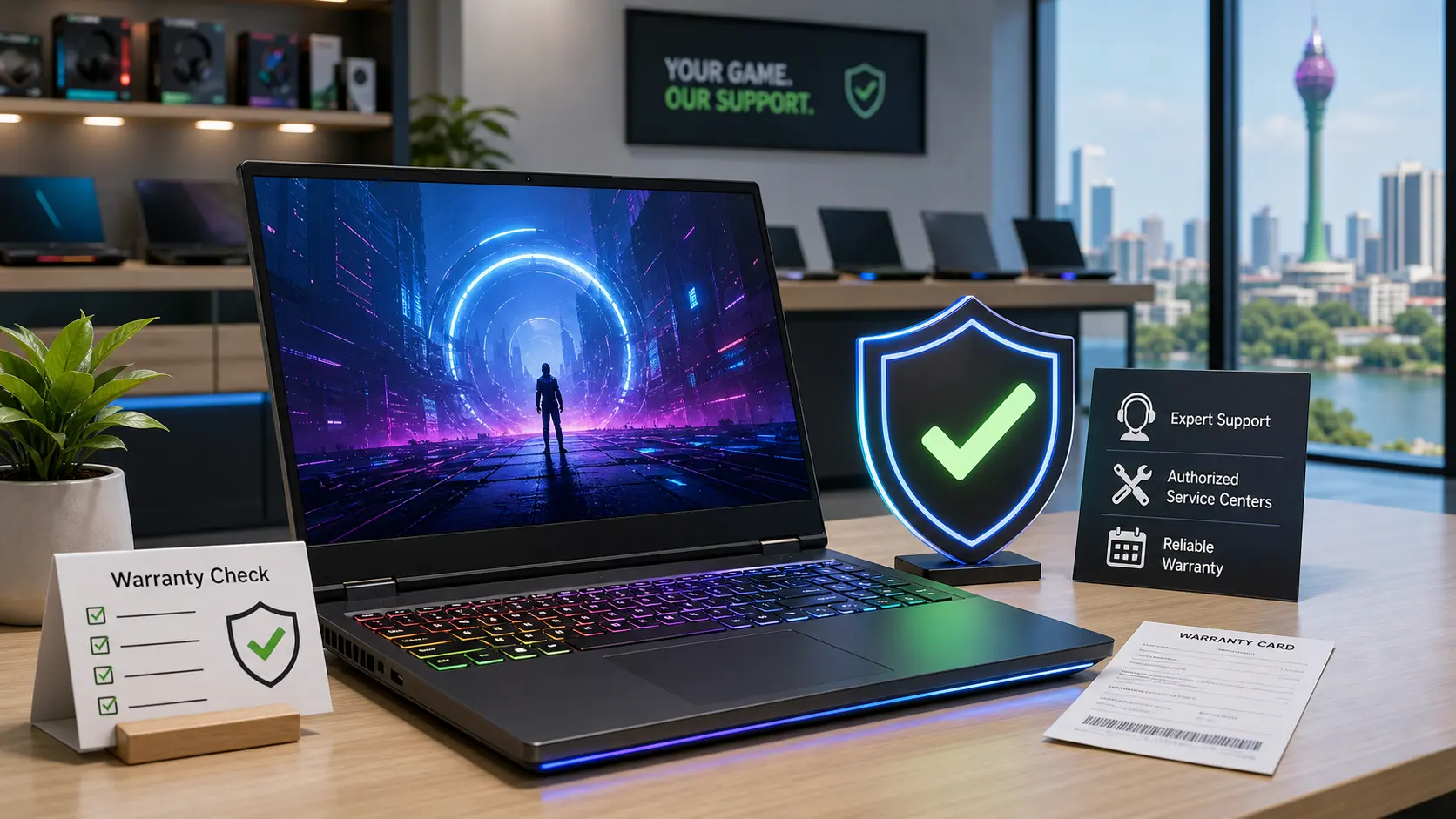
A manufacturer warranty is usually supported through an authorized service network. This often means easier access to genuine replacement parts, trained technicians, and recognized repair procedures.
A shop warranty depends entirely on the seller. Some stores provide excellent support, while others may delay repairs or refuse certain claims.
This does not mean every shop warranty is bad. It simply means you need to understand who will actually repair the laptop if something goes wrong.
Local truth: A two-year shop warranty is not automatically better than a one-year manufacturer warranty.
Before buying, ask where repairs are performed, how long repairs usually take, and who supplies replacement parts.
Why Some Laptop Prices Look Too Good To Be True

Many buyers compare prices online and immediately choose the lowest option.
Sometimes that works. Sometimes it becomes an expensive mistake.
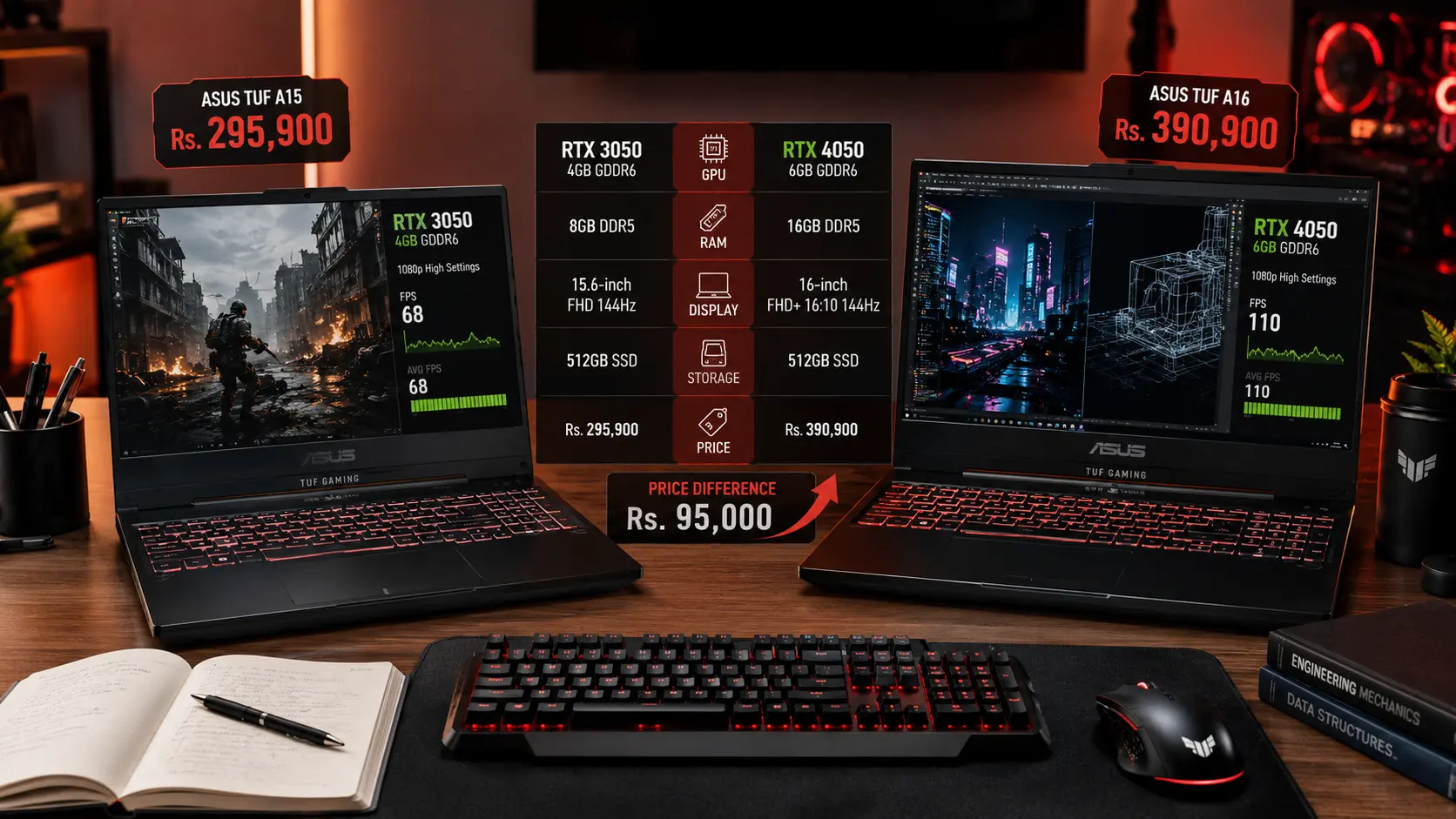
A significantly cheaper laptop may be a grey import, older stock, an open-box unit, or a product with limited warranty support. It may also come from a seller that does not provide reliable after-sales service.
Sri Lankan laptop prices are affected by exchange rate movements, import costs, taxes, shipping expenses, and warranty support structures. Legitimate sellers often carry additional costs that help protect buyers after the sale.
This is why two stores can offer the same model at different prices.
A lower price does not automatically mean a scam. However, if a deal looks dramatically cheaper than every major retailer, ask why.
A trustworthy seller should be able to explain the difference clearly.
What To Do If You Think You Were Scammed
If you suspect a problem, act quickly.
Keep your invoice, payment receipt, serial number records, warranty information, and screenshots of the original listing. Save any conversations with the seller as well.
Contact the seller immediately and explain the issue. If the problem involves warranty coverage, verify the status directly with the manufacturer.
If you believe the laptop was misrepresented or sold with false claims, keep all supporting documents and explore available consumer protection channels.
The longer you wait, the harder it becomes to prove what happened.
Final Check-Before-Buy Checklist
Before purchasing any laptop in Sri Lanka, make sure you verify the exact model number, check the serial number, confirm warranty status on the manufacturer's website, and ensure that all serial numbers match across the laptop, box, and invoice.
Take time to understand who provides the warranty, where repairs are handled, and why the price differs from other sellers.
Most laptop scams succeed because buyers rush the process.
You do not need advanced technical knowledge to avoid fake laptop sellers. A little research, a few verification steps, and healthy skepticism can help you avoid costly mistakes and buy with confidence.
Before making your final decision, compare multiple options and check the latest updates in our Laptop Prices in Sri Lanka guide to understand current market pricing and warranty trends.
Related Posts