 Laptops
  Gaming Laptops
  Desktop
  Laptop & Desktop Accessories
  Workstation & Gaming
  Used PC, Laptop & Accessories
  CCTV & Accessories
  Printers / Scanners / POS and Accessories
  Mobile Phones / Tablets and Accessories
  Softwares
  Home & Kitchen Appliances
  Gift Voucher
  Smart Devices & Gadgets
  Office & Meeting Solutions
  Networking & Power Devices
  Graphic Tablets & Drawing Displays
  Monitors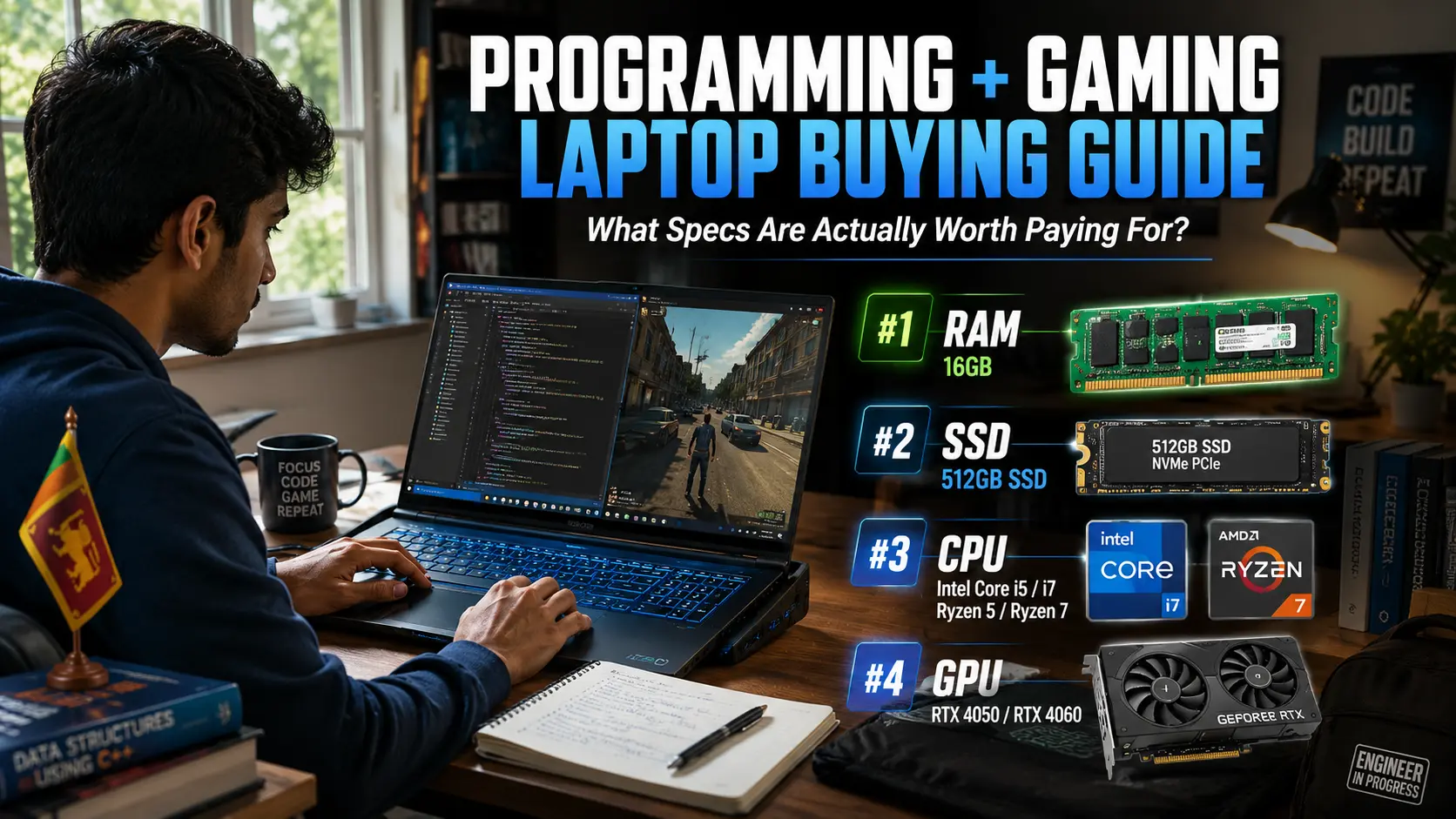
Programming + Gaming Laptop Buying Guide Sri Lanka: What Specs Are Actually Worth Paying For?
Buying a laptop for both programming and gaming sounds simple until you start looking at specifications.
One seller tells you to buy an RTX gaming laptop. Another says you need an Intel Core i7. Then you find a cheaper model with similar specifications and wonder if you're about to make a mistake.
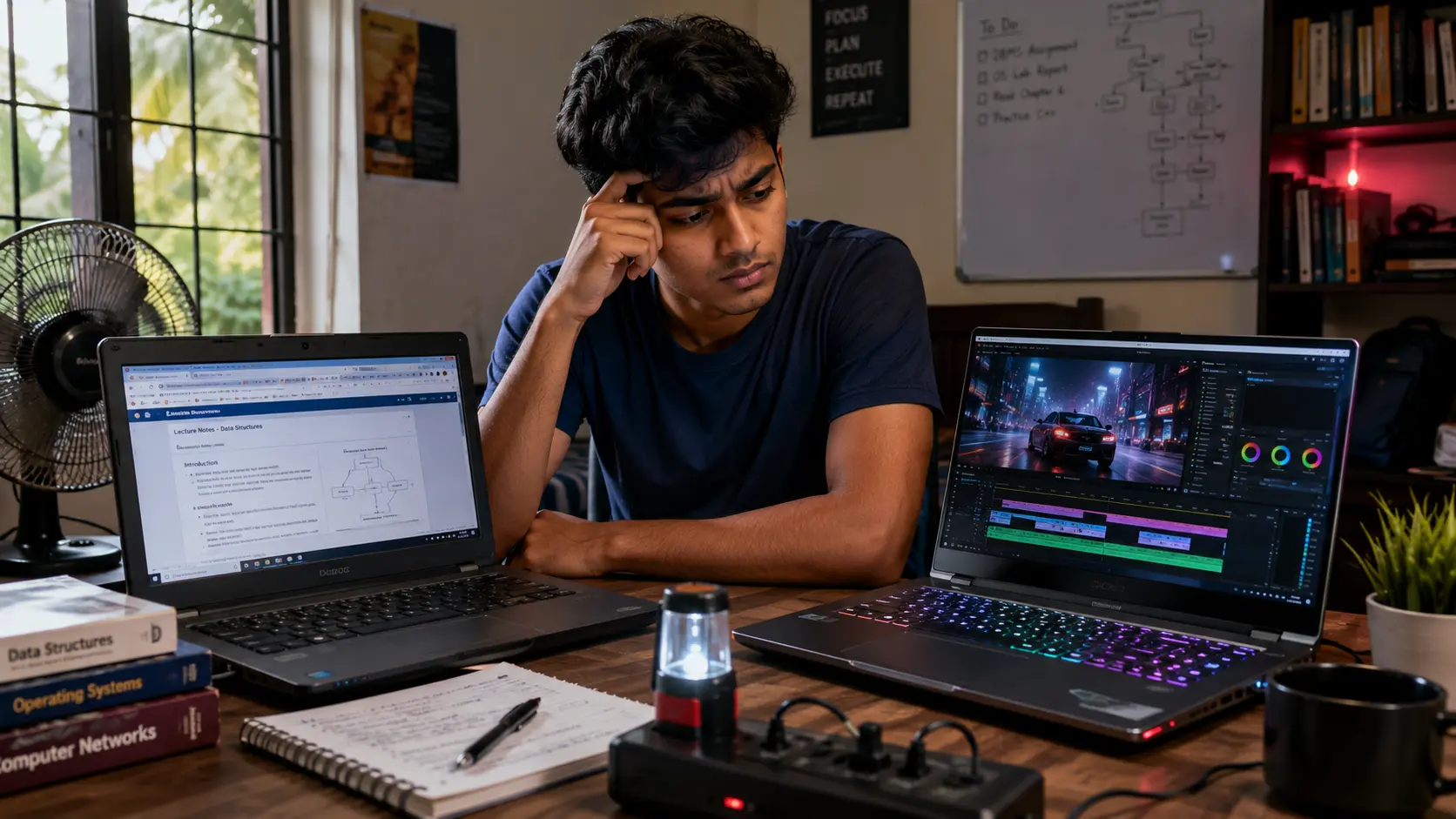
Many Sri Lankan students face the same problem. They need one laptop that can handle coding assignments during the day and gaming at night. The good news is that you do not need the most expensive laptop in the shop.
The trick is knowing which specifications deserve your money and which ones are mostly marketing.
Why Most Sri Lankan Buyers Focus On The Wrong Specification
Walk into almost any laptop store and the first thing you will hear is the graphics card.
RTX 4050. RTX 4060. RTX 5060. While the GPU matters for gaming, it is often not the most important part of a programming laptop.
Think about what happens during a normal day. You might have Visual Studio Code open, a web browser with ten tabs, a Docker container running, Spotify playing in the background, and a university assignment waiting to be finished.
None of those tasks depend heavily on the graphics card. They depend on RAM, storage speed, and processor performance.
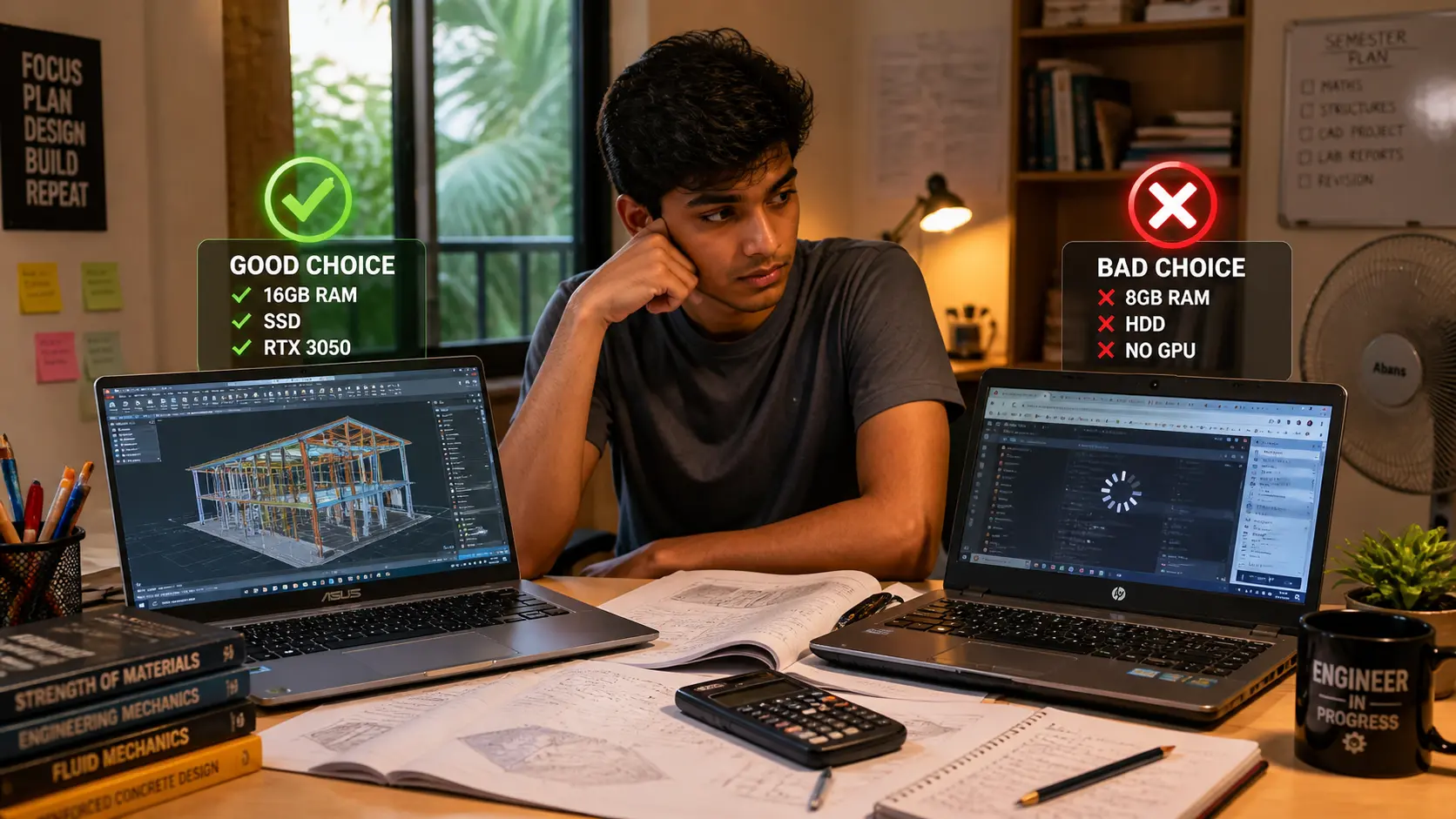
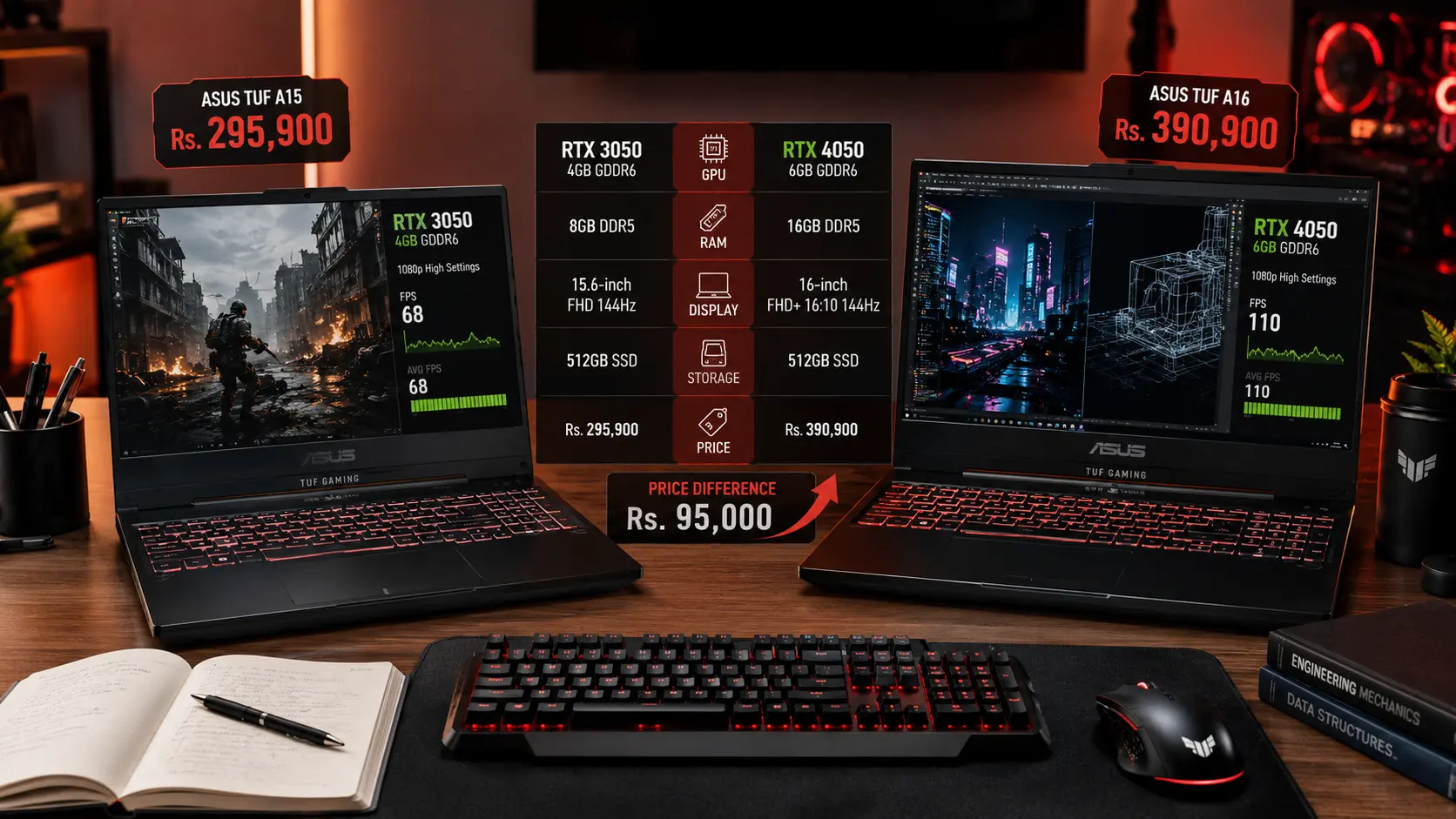
Local Truth: A laptop with 16GB RAM and an RTX 3050 often feels faster for coding than a laptop with only 8GB RAM and a more powerful RTX 4050.
Before looking at graphics cards, focus on the parts that affect your daily work.
The Three Specifications That Deserve Your Money First
If your budget is limited, spend your money in this order: RAM, SSD, processor, then GPU. RAM is the biggest priority.
A few years ago, 8GB RAM was acceptable. In 2026, it feels restrictive for programming and multitasking.
Android Studio, Docker, virtual machines, and modern browsers consume memory quickly. Many students discover this only after buying their laptop.
For most buyers, 16GB RAM should be the starting point. Storage is equally important.
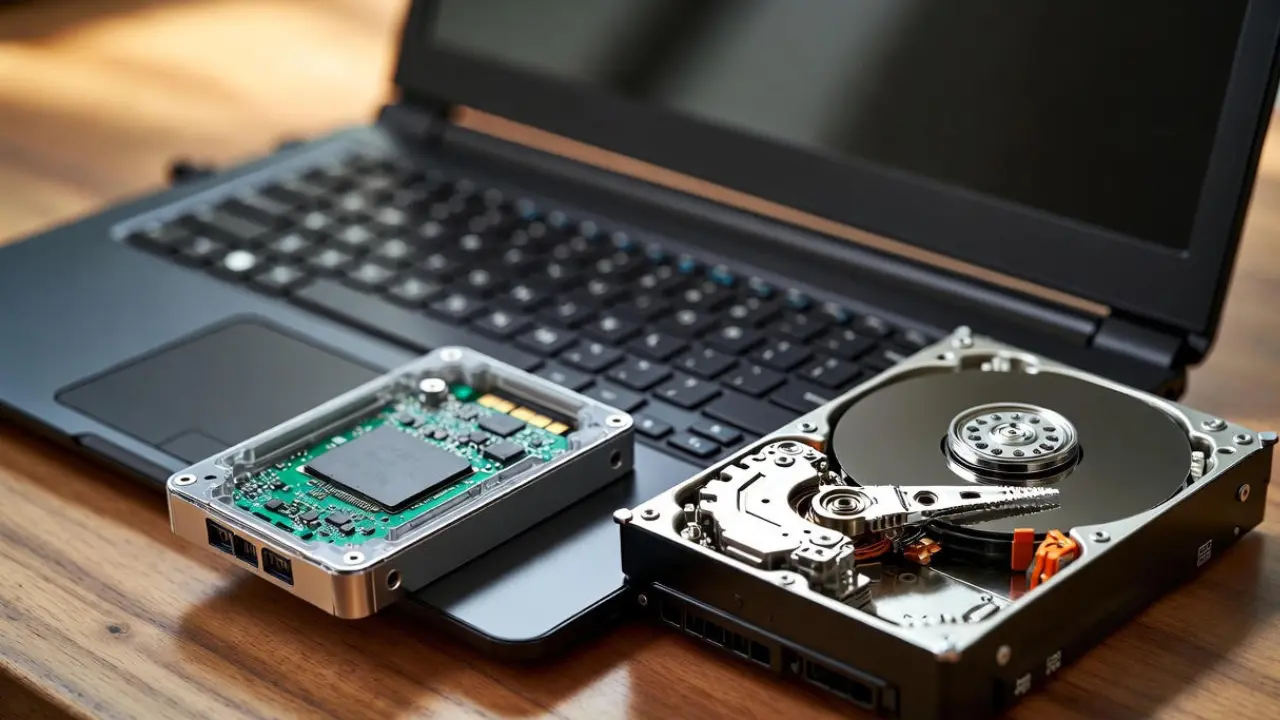
A 512GB SSD gives you enough room for programming tools, university projects, games, and personal files. If your budget allows, 1TB is even better.
The processor comes next.
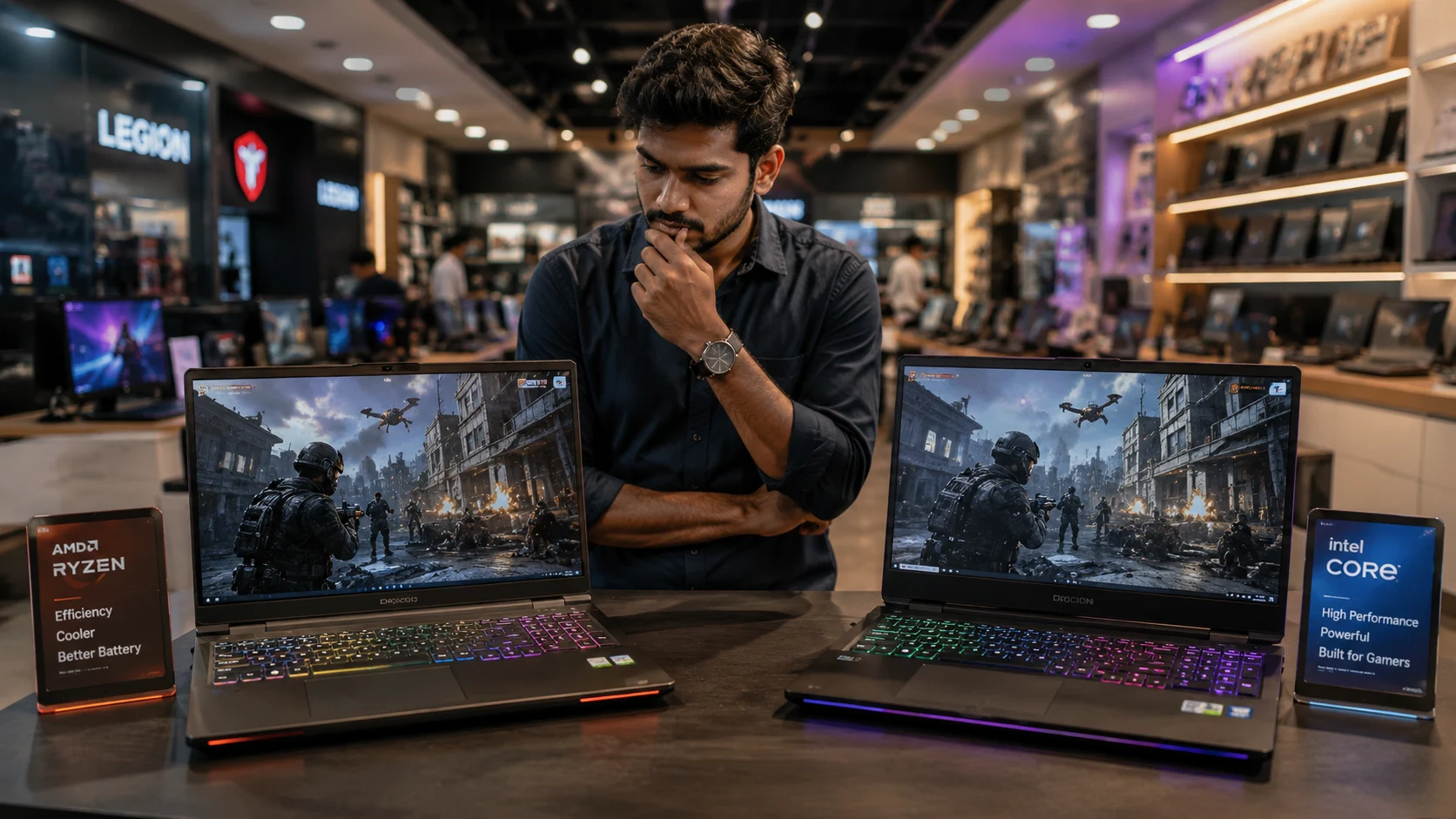
Look for recent Intel Core i5, Core i7, Ryzen 5, or Ryzen 7 processors. Pay attention to the generation, not just the name. A modern Core i5 can easily outperform an older Core i7.
If you're a student, always check whether the RAM can be upgraded later. Spending a little more today can save you thousands of rupees in future upgrades.

How Much GPU Do You Really Need?
This is where most buyers overspend. If you mainly play Valorant, Counter-Strike 2, Dota 2, EA FC, or Fortnite, you do not need the most expensive graphics card available.
An RTX 4050 is already capable of excellent 1080p gaming while handling programming work comfortably.
An RTX 4060 offers better long-term value and extra performance for demanding games such as Cyberpunk 2077, Black Myth: Wukong, and future titles.
The mistake many buyers make is choosing a stronger GPU while sacrificing RAM. A laptop with an RTX 4060 and only 8GB RAM is not balanced. You will eventually spend more money upgrading the memory.
Local Truth: Most university students will notice the benefit of 16GB RAM every day. They may only notice the difference between an RTX 4050 and RTX 4060 during gaming.
The Hidden Costs Nobody Talks About
The laptop price tag is only part of the story. Sri Lanka's climate creates challenges that many online reviews never mention.
High temperatures, humidity, and dust can affect cooling performance. A laptop that runs cool in an air-conditioned review studio may behave differently in a boarding room or hostel.
Battery life is another concern. Gaming laptops deliver excellent performance, but many struggle to last a full day away from a charger. This becomes important during lectures, group projects, and power cuts.
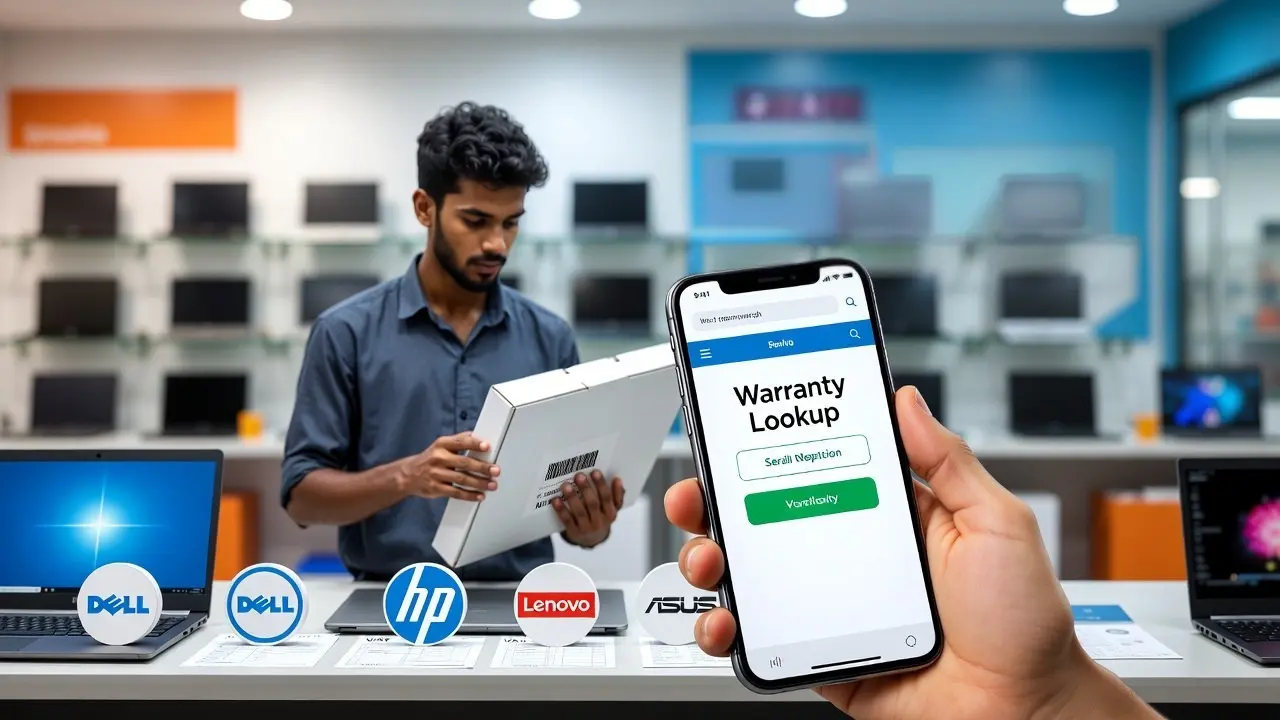
Warranty quality also matters. Some laptops include distributor-backed warranties, while others rely on seller warranties. Understanding the difference can save you major repair costs later.
Local Truth: The cheapest gaming laptop is not always the cheapest laptop to own for three or four years.
What Should You Buy Based On Your Budget?
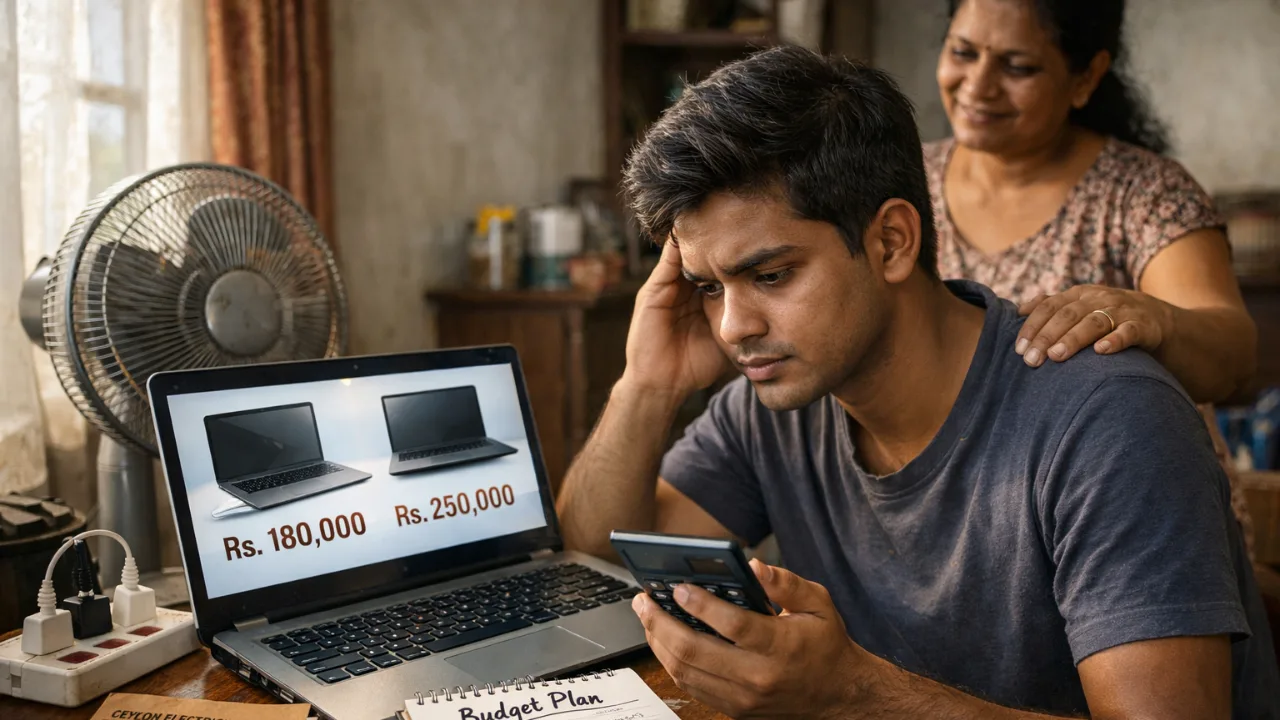
If your budget is between Rs. 200,000 and Rs. 250,000, focus on getting a modern processor, 16GB RAM, and an SSD. You may need to accept a lower-end GPU.
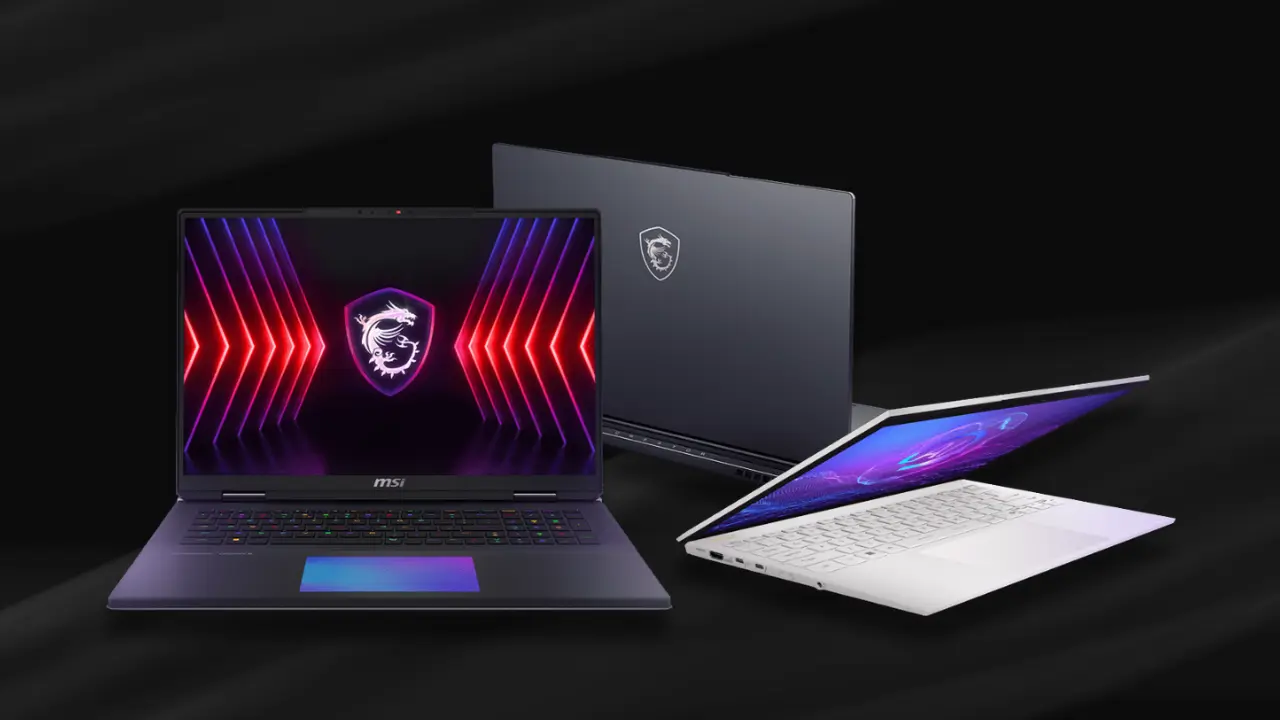
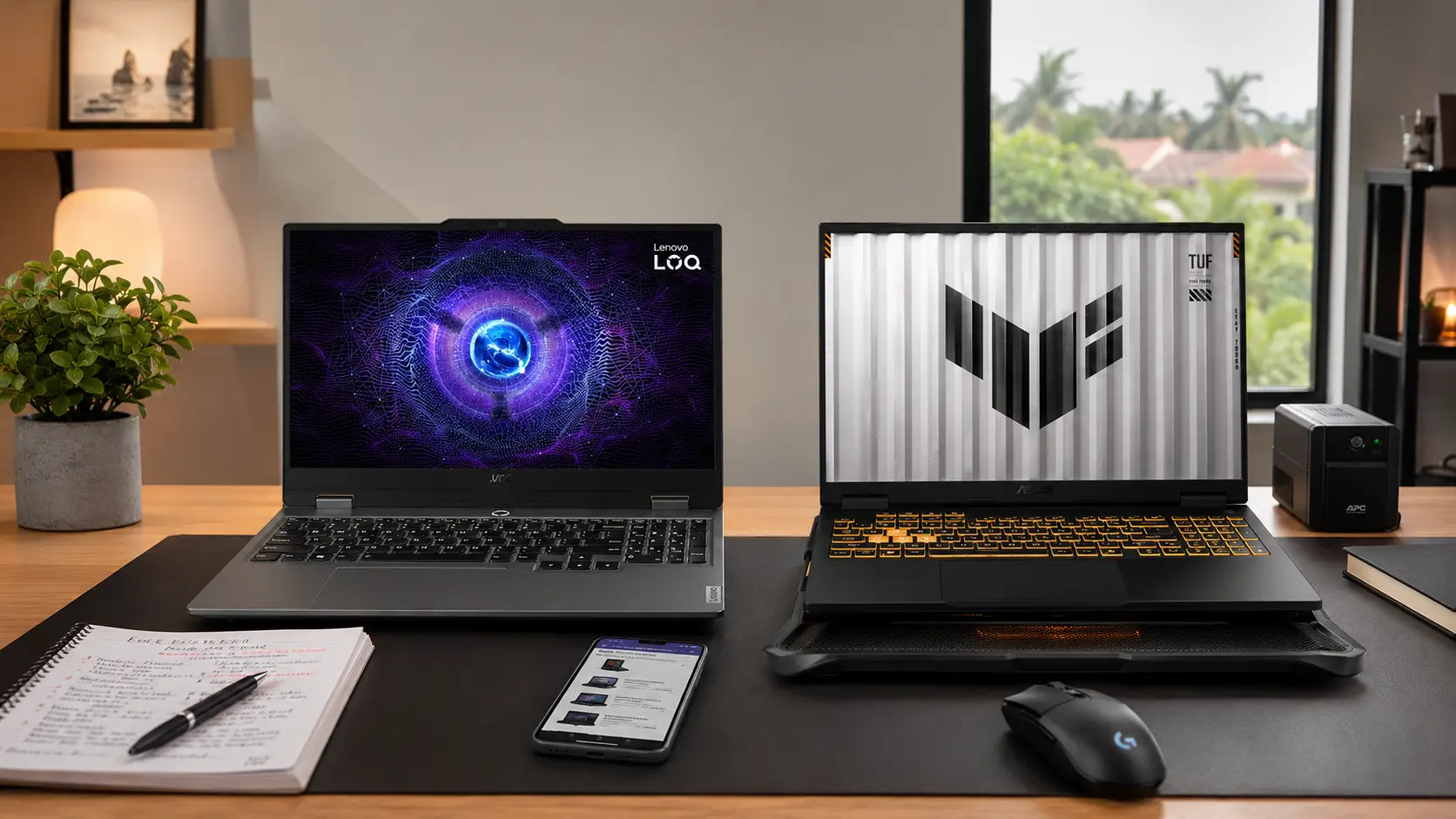
Between Rs. 250,000 and Rs. 350,000 is where most buyers find the best balance. This range often includes laptops with Ryzen 7 or Core i7 processors, 16GB RAM, and RTX 4050 graphics.
Above Rs. 350,000, you start entering premium territory. RTX 4060 models become more common, along with better cooling systems, stronger build quality, and larger batteries.
For most software engineering, IT, and computer science students, the middle category offers the best value.
Build A Balanced Laptop, Not A Marketing Laptop
The best programming and gaming laptop is not the one with the biggest RTX sticker.
It is the one that stays fast when you are coding, multitasking, attending online classes, and gaming after work.
Start with 16GB RAM. Choose a fast SSD. Pick a modern Intel Core or Ryzen processor. Then select the best GPU your budget allows.
That approach will give you a laptop that feels good on day one and still performs well several years later.
Before making a final decision, compare current models and pricing through our Laptop Prices in Sri Lanka guide to see which options offer the best value for your budget.

Related Posts