 Laptops
  Gaming Laptops
  Desktop
  Laptop & Desktop Accessories
  Workstation & Gaming
  Used PC, Laptop & Accessories
  CCTV & Accessories
  Printers / Scanners / POS and Accessories
  Mobile Phones / Tablets and Accessories
  Softwares
  Home & Kitchen Appliances
  Gift Voucher
  Smart Devices & Gadgets
  Office & Meeting Solutions
  Networking & Power Devices
  Graphic Tablets & Drawing Displays
  Monitors
Lenovo IdeaPad Slim 3 vs Slim 5: Which Should You Buy in Sri Lanka?
The Lenovo IdeaPad Slim 3 is the better-value choice for most Sri Lankan students and office workers. The Slim 5 is worth paying more for when you need a better screen, stronger body and easier upgrades.
However, the series name alone does not tell you whether a laptop is good. Sri Lankan shops sell several Slim 3 and Slim 5 generations with different processors, displays, batteries and warranties.
A well-configured Slim 3 can be better than a basic or older Slim 5. You must compare the exact model code before deciding.
Slim 3 and Slim 5 Names Do Not Tell the Whole Story
Common Slim 3 models in Sri Lanka include the 15IRH8, 15IRH10 and 15ARP10. Slim 5 models include the 16IMH9, 14IMH10 and newer 14AKP10.
These codes matter because two laptops with the same series name can be very different. One Slim 5 may have a colourful OLED display, while another may have a basic IPS screen.
The generation number can also confuse buyers. For example, the Slim 3 15IRH10 is a newer chassis, but it may still use an Intel Core i5-13420H from the 13th generation.
Do not assume a “Gen 10” laptop has Intel’s latest processor. Also, do not pay more simply because one laptop says Core i7, Core Ultra or Ryzen AI.
Local truth: In Sri Lanka, shops often sell older and newer Lenovo stock side by side.
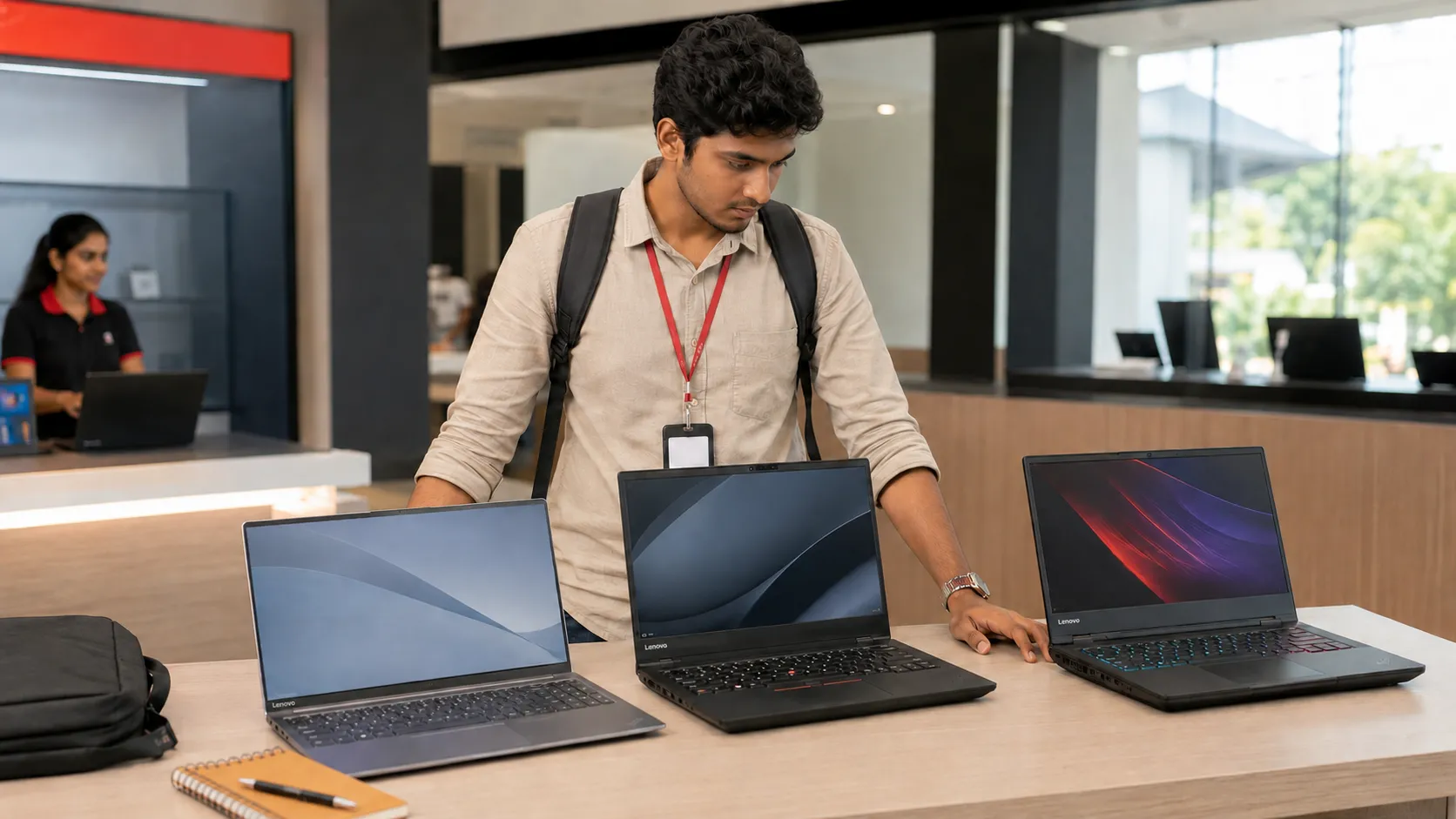
Before buying, ask for the full model code beginning with numbers such as 83K1. Check that code through Lenovo’s official PSREF specification database.
Sri Lankan Prices and Specifications Compared
During 2026, Slim 3 prices generally ranged from around Rs. 155,000 to Rs. 295,000. Slim 5 models commonly appeared between Rs. 284,000 and Rs. 340,000 or more.
Prices change depending on stock, the USD/LKR rate, Windows licence and warranty. Cash prices may also be lower than card or instalment prices.
You may find a Slim 3 i5 with 16GB RAM for around Rs. 210,000 to Rs. 260,000. That is strong value for university, office work and coding.
You can also compare current models through SellX.lk’s Laptop Prices in Sri Lanka page. Do this before trusting a discount shown by one shop.
What Do You Get by Paying More for the Slim 5?
Build quality is one noticeable difference. Many Slim 3 versions use plastic, although some have an aluminium top cover.
Checked Slim 5 models use more aluminium and feel firmer when carried. A 14-inch Slim 5 may weigh around 1.4 kg, while a 15-inch Slim 3 starts around 1.6 kg.
That difference matters if you travel to university by bus or train every day. The smaller Slim 5 is also easier to use in lecture halls.
The screen can be an even bigger upgrade. A typical Slim 3 has a 300-nit IPS display with 45% NTSC colour coverage. This is fine for assignments, coding, Excel and YouTube. However, colours may look dull, and the screen is not ideal for professional design work.
Some Slim 5 models offer a 400-nit OLED screen with 100% DCI-P3 colour coverage. This produces richer colours, deeper blacks and better contrast.
Warning: Not every Slim 5 has OLED or accurate colours. Ask for the brightness and colour coverage before paying more.
OLED screens also have a glossy surface. Reflections may become distracting near windows, and bright pages can use more battery.
Performance, Graphics and Future Upgrades
The Core i5-13420H inside many Slim 3 models is already fast enough for most buyers. It can comfortably handle Word, Excel, Zoom, Chrome, programming and light Photoshop work.
An i7 Slim 3 gives you more processor power. However, it may still have the same basic display, Intel UHD graphics and plastic body.
For many buyers, a Slim 5 with a better screen and stronger integrated graphics is a more balanced purchase than an expensive i7 Slim 3.
Selected Slim 5 models use Intel Arc or newer Radeon graphics. These are better for light video editing, Photoshop acceleration and casual games.
Neither laptop is designed for heavy gaming. They are also poor choices for Lumion, advanced 3D AutoCAD or serious video production without dedicated graphics.
RAM is another important difference. Many Slim 3 models have some memory permanently attached to the motherboard and one upgrade slot.
Newer Slim 5 models such as the 14AKP10 may have two replaceable RAM modules. This makes future upgrades easier.
If you’re a student: Choose at least 16GB RAM for coding, Photoshop or IT studies. An 8GB model may feel slow once you open several browser tabs and applications.

Which Model Is Better for Your Needs?
Choose the IdeaPad Slim 3 if you need a laptop for:
School or university assignments
Office applications and online meetings
Business, accounting or management studies
Coding and general IT work
Browsing, streaming and everyday use
Look for 16GB RAM, a recent Core i5 or Ryzen 5 processor and a WUXGA IPS screen.
Choose the IdeaPad Slim 5 if you need:
A lighter laptop for daily travel
Better colours for Photoshop or design
Stronger integrated graphics
A more solid aluminium body
Better RAM and SSD upgrade options
A laptop you plan to keep for four or five years
For 2D AutoCAD, either model can work with a strong processor and 16GB RAM. For demanding 3D work, choose a laptop with dedicated NVIDIA graphics instead.
Several buyers have reported hinge problems across older IdeaPad generations. This does not prove every new Slim 3 or Slim 5 will fail, but careful handling matters.
Open the screen from the centre instead of one corner. Also confirm whether the warranty covers hinge or casing damage.

Final Verdict and Check-Before-Buying List
The Slim 3 is the smarter choice when a 16GB model costs around Rs. 210,000 to Rs. 250,000. It provides enough performance for most students and office users.
Consider the Slim 5 when the price difference is below about Rs. 50,000 to Rs. 70,000. The extra cost should give you a better display, metal body, stronger graphics or easier upgrades.
Avoid paying more only for an i7 or “AI laptop” label. Those names will not improve a poor display or weak warranty.
Before paying, check:
The complete Lenovo model code
Processor name and generation
At least 16GB RAM
Whether the RAM is upgradeable
IPS or OLED display
Screen brightness and colour coverage
Battery capacity
Windows or FreeDOS
Official or seller warranty
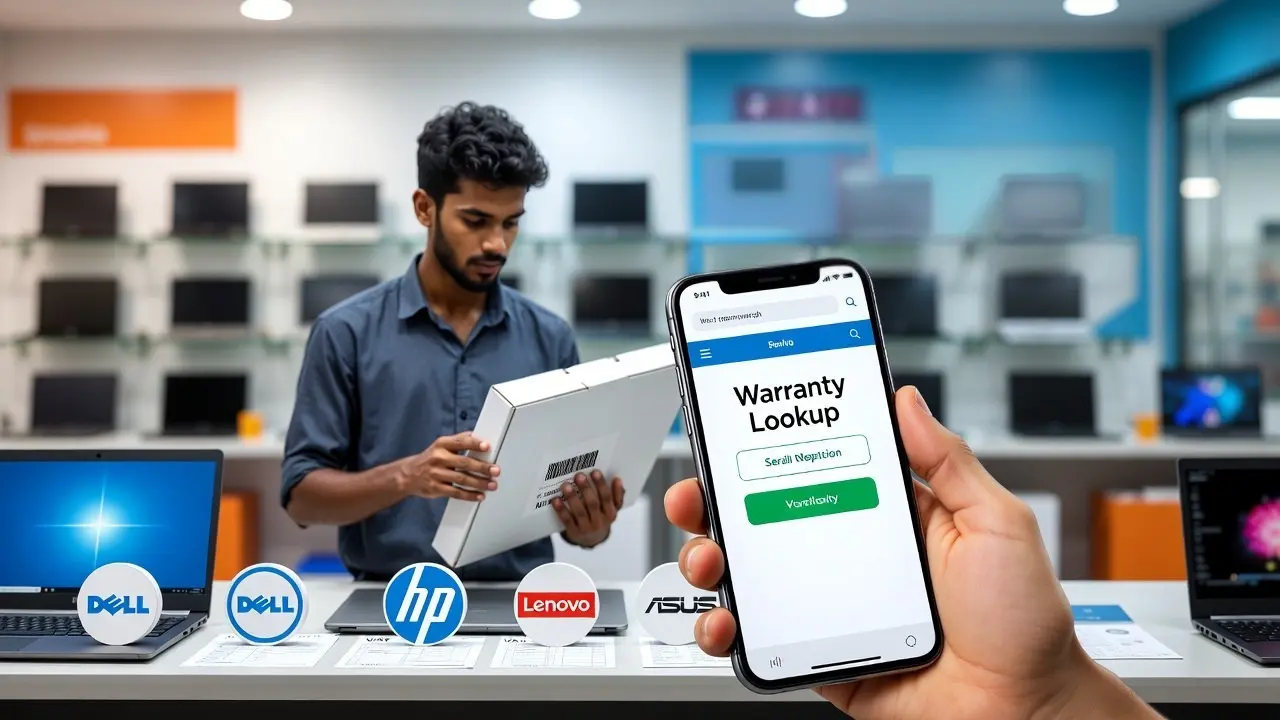
Serial number and manufacturing date
Grey-imported laptops may be cheaper, but warranty claims can become difficult. A seller warranty means the shop, not Lenovo’s local partner, may be responsible for repairs.
The Slim 5 is not automatically the better laptop. It is worth the extra money only when the exact model provides improvements you will use.
Related Posts