 Laptops
  Gaming Laptops
  Desktop
  Laptop & Desktop Accessories
  Workstation & Gaming
  Used PC, Laptop & Accessories
  CCTV & Accessories
  Printers / Scanners / POS and Accessories
  Mobile Phones / Tablets and Accessories
  Softwares
  Home & Kitchen Appliances
  Gift Voucher
  Smart Devices & Gadgets
  Office & Meeting Solutions
  Networking & Power Devices
  Graphic Tablets & Drawing Displays
  Monitors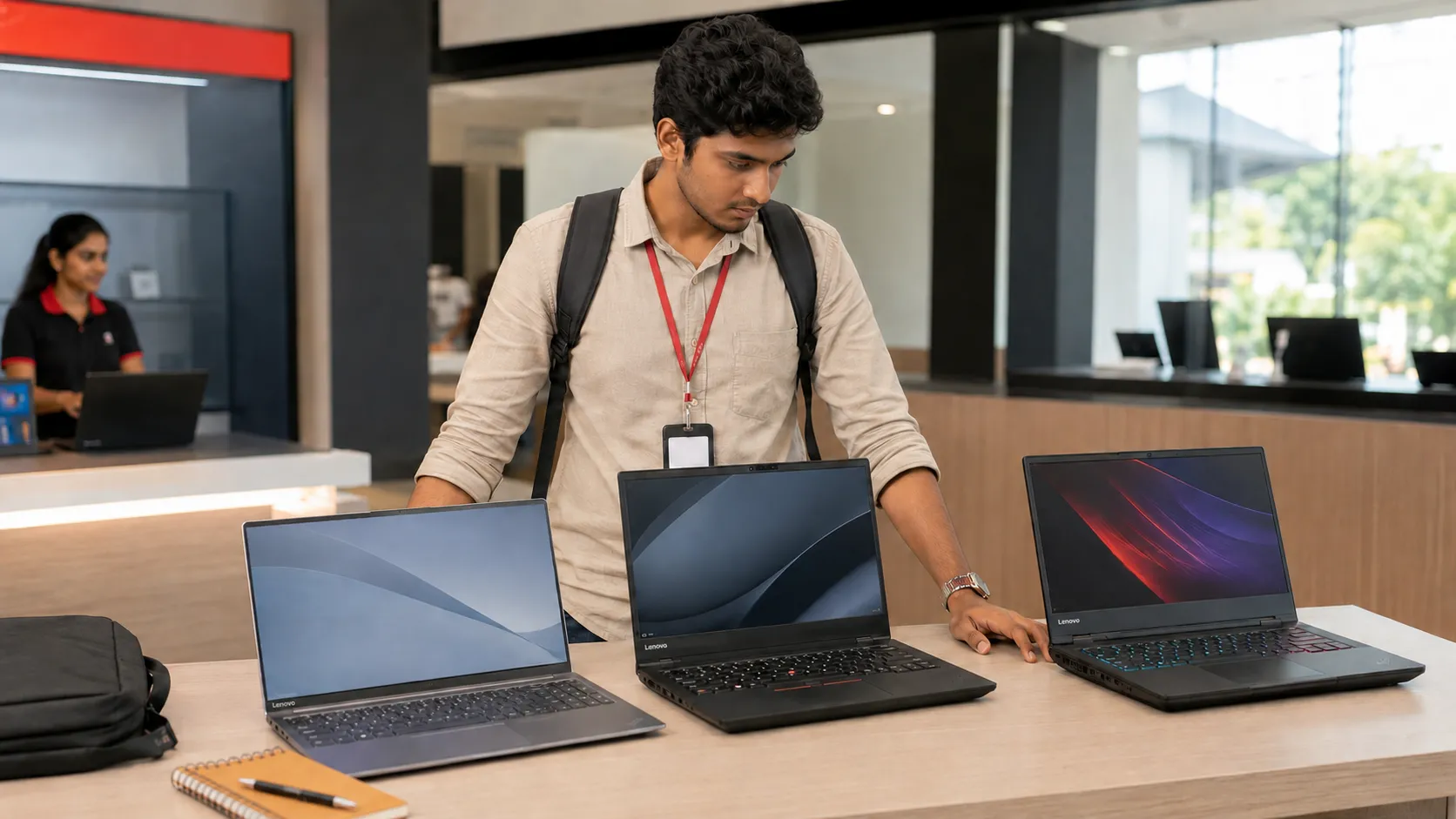
Which Lenovo Laptop Is Best for Students in Sri Lanka?
The Lenovo IdeaPad Slim 3 15IRH10 is the best choice for most Sri Lankan students. It has enough power for assignments, programming, online classes and everyday university work without the weight of a gaming laptop.
However, it is not the right choice for everyone. A business student does not need the same laptop as an architecture student. Spending more on a Core i7 also does not guarantee that demanding software will run well.
The best decision depends on your course, travel needs and budget. Current SellX.lk Lenovo prices range from Rs. 279,900 to nearly Rs. 700,000.
Lenovo IdeaPad Slim 3 Is Best for Most Students

The Lenovo IdeaPad Slim 3 15IRH10 costs Rs. 298,900. It comes with an Intel Core i7-13620H processor, 16GB DDR5 RAM, a 512GB SSD and a 15.3-inch WUXGA IPS display.
This combination suits business, management, IT and general university degrees. It can handle Office, Zoom, Chrome, programming and light Photoshop work.
The 16GB RAM is important. An 8GB laptop may handle basic assignments today, but it can slow down when you open many browser tabs, Teams and other applications together.
The Slim 3 does not have a dedicated graphics card. Its Core i7 processor cannot turn it into a gaming or 3D workstation. It is not the right option for serious Revit, Lumion, Blender or 3D AutoCAD work.
Local truth: A powerful processor cannot replace a dedicated graphics card.
V15 or ThinkPad: Which Is Better for Study?
The Lenovo V15 G5 IRL is the lowest-priced Lenovo in the current SellX.lk range at Rs. 279,900. It is a practical option for accounting, presentations, online classes and general office work.
The V15 gives you the essentials, but its body and display are more basic. Choose it when your workload is simple and saving Rs. 19,000 matters more than getting the stronger Slim 3 processor.
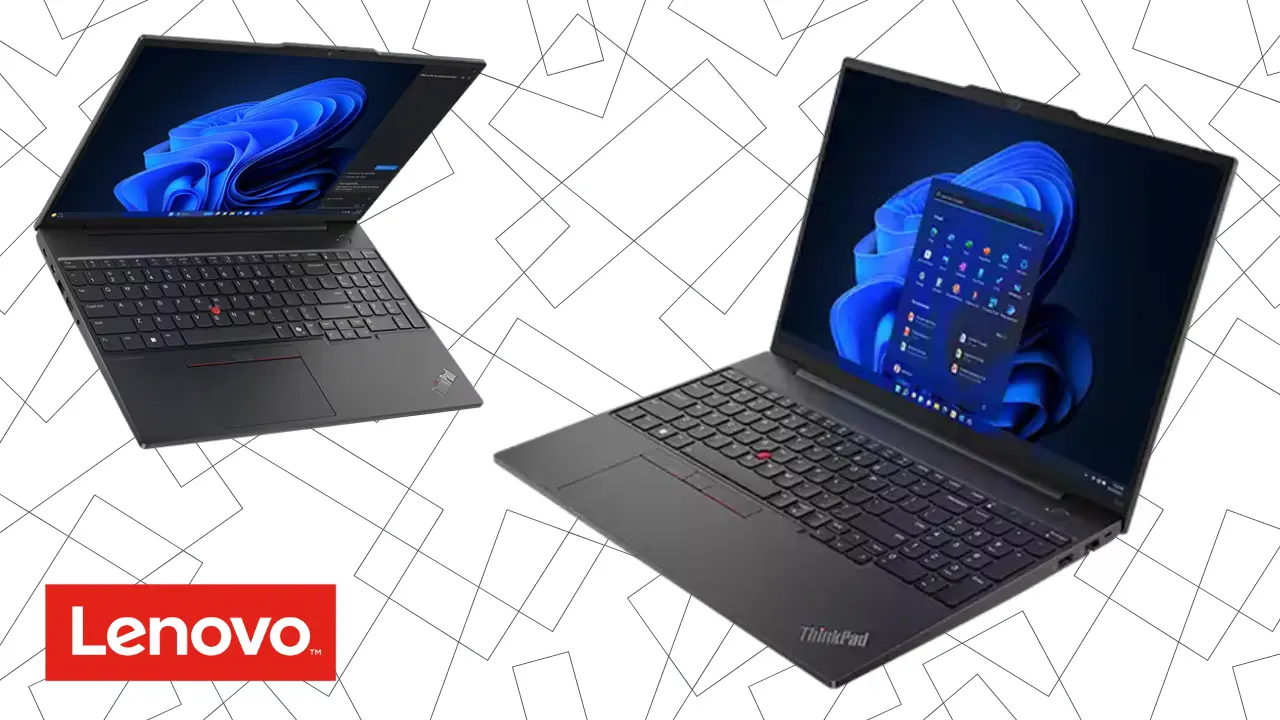
The ThinkPad E16 Gen 3 costs Rs. 449,900. Its keyboard, business-focused body, ports and upgrade options suit heavy typing, coding and long-term use.
However, most students do not need to spend this much. The ThinkPad makes sense if you want one laptop for university and your first years of work, or if durability and repairability matter more than price.
Check the latest laptop prices in Sri Lanka. Prices can change when the rupee moves or new stock arrives.
Match the Lenovo Laptop to Your Course
Do not choose a laptop only because a friend bought the same model. Start with the software used in your course.
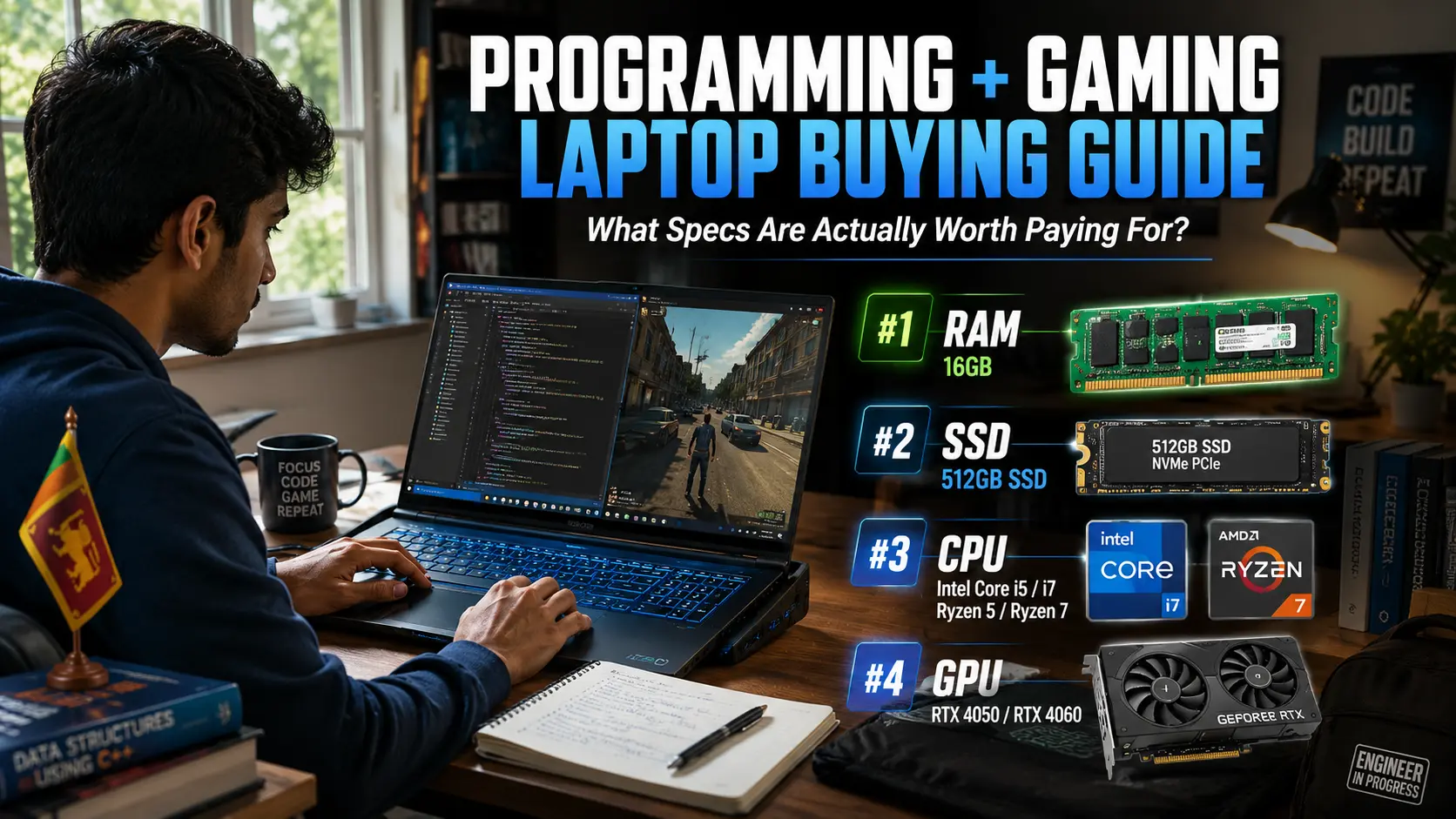
If you are an IT student, 16GB RAM and a 512GB SSD should be your practical starting point. You normally do not need an RTX graphics card for coding. Students using several virtual machines may benefit from 32GB RAM later.
AutoCAD 2D can run on modern integrated graphics. Revit, SolidWorks, 3D AutoCAD and rendering are different. Autodesk recommends more graphics memory for demanding 3D work, so these students should choose a dedicated GPU.
If you’re a student: Ask your department or senior students which software you will use during the full degree. Do this before paying for the laptop.
Which Lenovo LOQ Is Best for Engineering and Gaming?
SellX.lk currently has several Lenovo LOQ options. The RTX 3050 models start at Rs. 323,900, while RTX 4050 configurations range from Rs. 365,700 to Rs. 388,900.
The LOQ 15ARP10E RTX 3050 costs Rs. 349,400. It handles entry-level CAD and casual gaming. The Rs. 388,900 RTX 4050 model is better for Revit, Blender, editing and modern games.
For a student who genuinely needs graphics power, the AMD-based LOQ 15ARP10E RTX 4050 is the most balanced Lenovo choice. It has a Ryzen 7 7735HS processor, 16GB RAM and dedicated 6GB graphics.
The Intel-based LOQ Essential 15IAX9 RTX 4050 costs Rs. 365,700. Owners have reported motherboard failures on some Intel HX-based LOQ generations. Not every laptop is affected, but an authorised warranty is essential.
A LOQ is also heavy. You must carry the laptop and a large charger. Battery life will be shorter, and the fans can become loud during demanding work. This matters if you travel by bus or train every day.
Do Students Need an IdeaPad Pro, Legion or Yoga?
The IdeaPad Pro 5 16AHP9 costs Rs. 435,000. Its Ryzen 7 processor, 16GB RAM, 1TB SSD and RTX 3050 make it useful for design, video editing and light 3D work.
Legion 5 models cost Rs. 554,900 to Rs. 634,900, while the Legion Pro 5 costs Rs. 698,900. They suit advanced rendering and serious gaming, not normal assignments.
The Yoga Book 9 also costs Rs. 689,900. Its dual-screen design is interesting, but an average student will receive better value from a conventional laptop. Do not pay for a second screen unless it solves a real study need.
Warning: Buying the most expensive laptop does not make it the best student laptop. Every extra rupee should solve a real workload problem.
Check These Details Before Buying Your Lenovo

Ask for the complete Lenovo product code before paying. Check it through the official Lenovo PSREF database because two laptops with the same series name can have different screens, RAM limits and batteries.
Confirm whether the RAM is replaceable and whether there is a second SSD slot. Check the screen type, brightness and colour coverage. Design students should avoid 45% NTSC displays.
Grey imports can look cheaper, but some include only a seller warranty. Ask who will repair the laptop, where parts come from and how long the comprehensive warranty lasts. Enter the serial number in Lenovo’s official warranty lookup and get the warranty terms in writing.
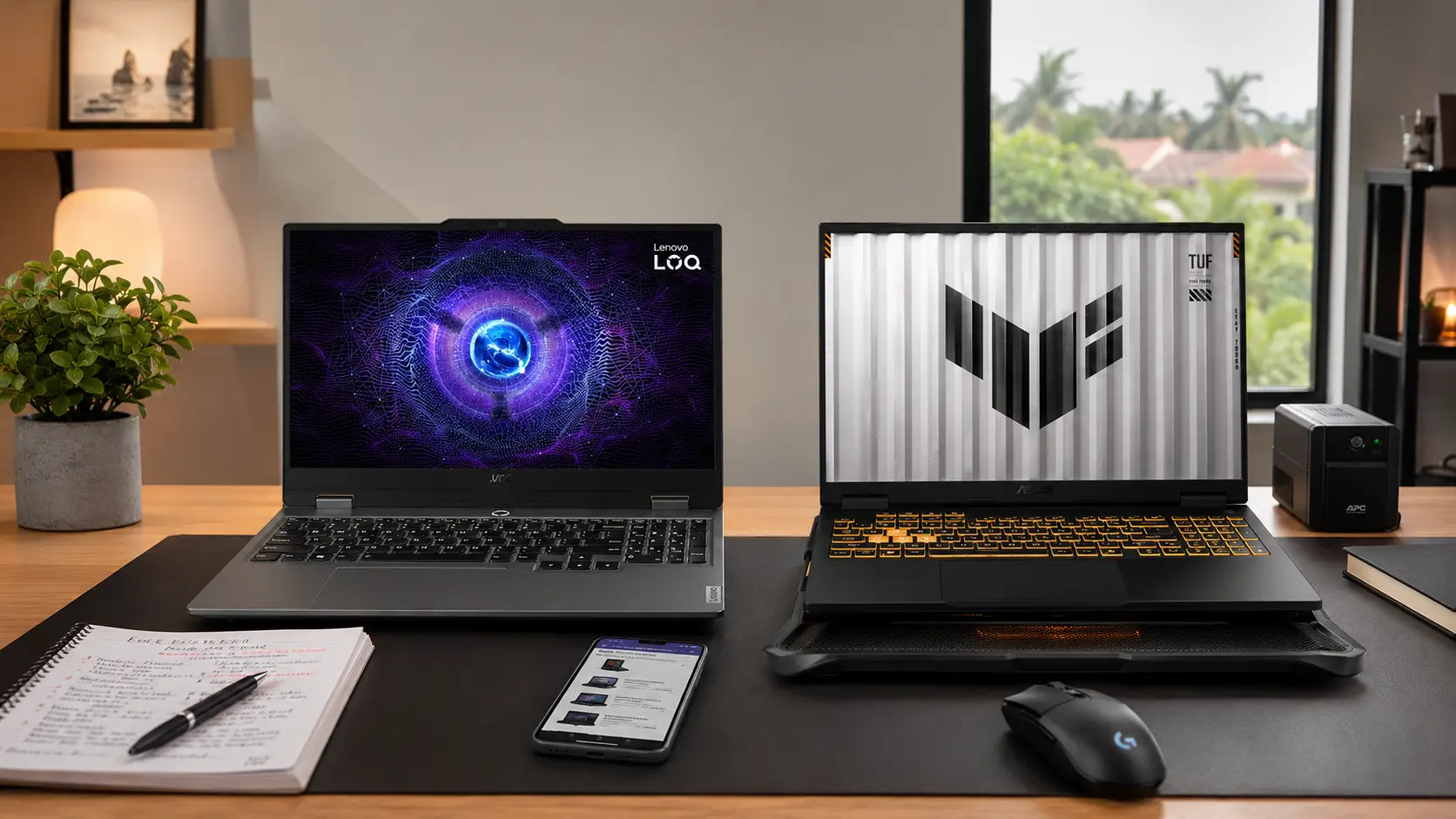
For most students, choose the IdeaPad Slim 3 15IRH10. Choose the V15 for basic work on the lowest available budget. Pick the ThinkPad E16 for stronger long-term durability. If your course genuinely needs 3D graphics, choose the LOQ 15ARP10E RTX 4050 instead.
Related Posts